
User onboarding teardowns
We sign up for real products with an AI agent and record every onboarding screen up to the moment the product pays off: what each screen asks, why it works and what gets in the way. Each one is dated, because onboarding changes.
 18 screens · recorded 5 Nov 2026Airtable onboardingAirtable takes a new user from the homepage to a working base with no verification step: an email, a name and a password, then three typed answers to its AI assistant, Omni.
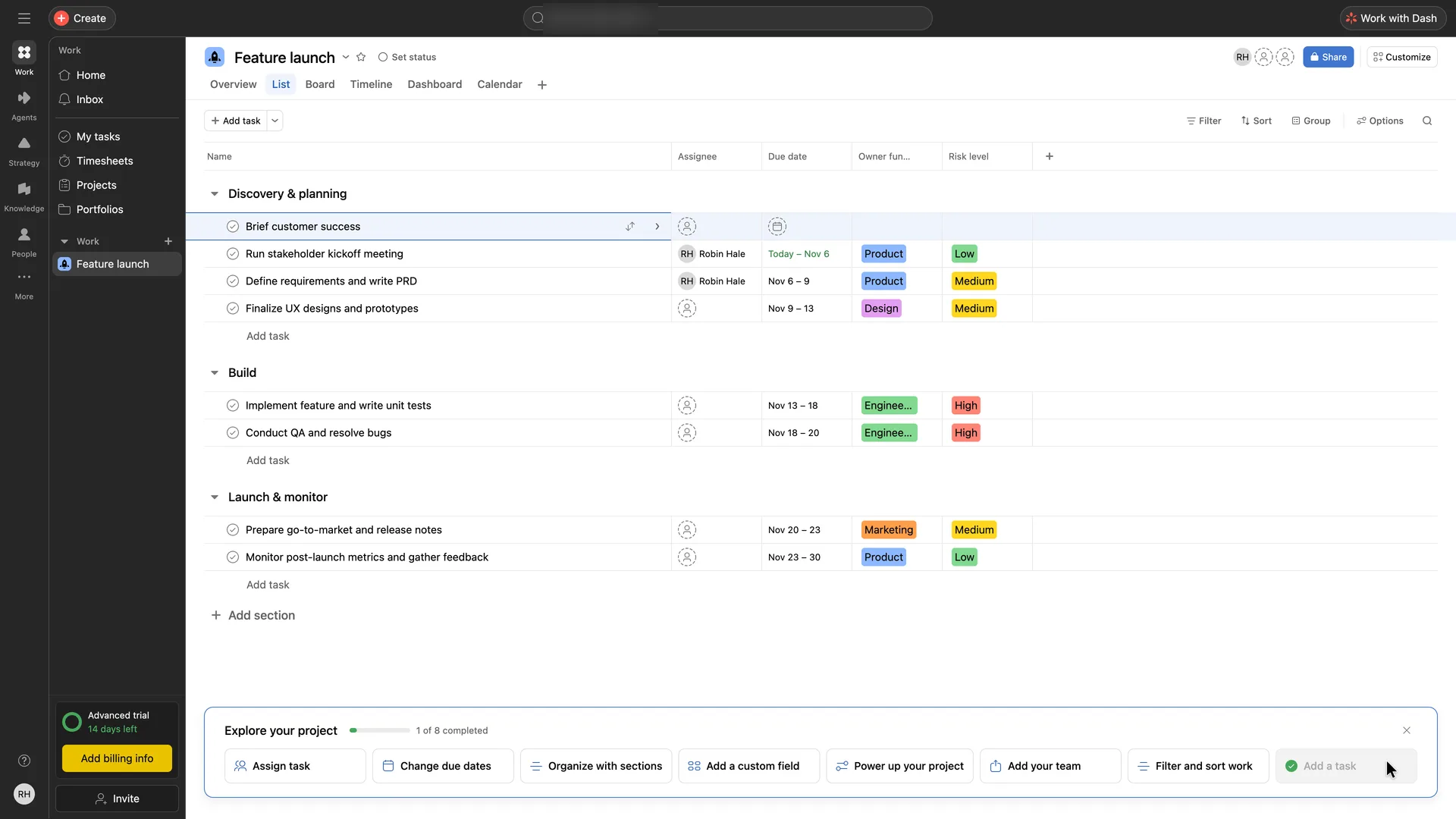 12 screens · recorded 5 Nov 2026Asana onboardingAsana asks for an email and a six-digit code from the inbox, then runs a five-step setup with a progress bar: name and password, job title, industry, a first project and an invite.
 17 screens · recorded 5 Nov 2026ClickUp onboardingClickUp asks for an email in a modal, then a full form with separate boxes for the terms and for marketing email, then a four-digit code.
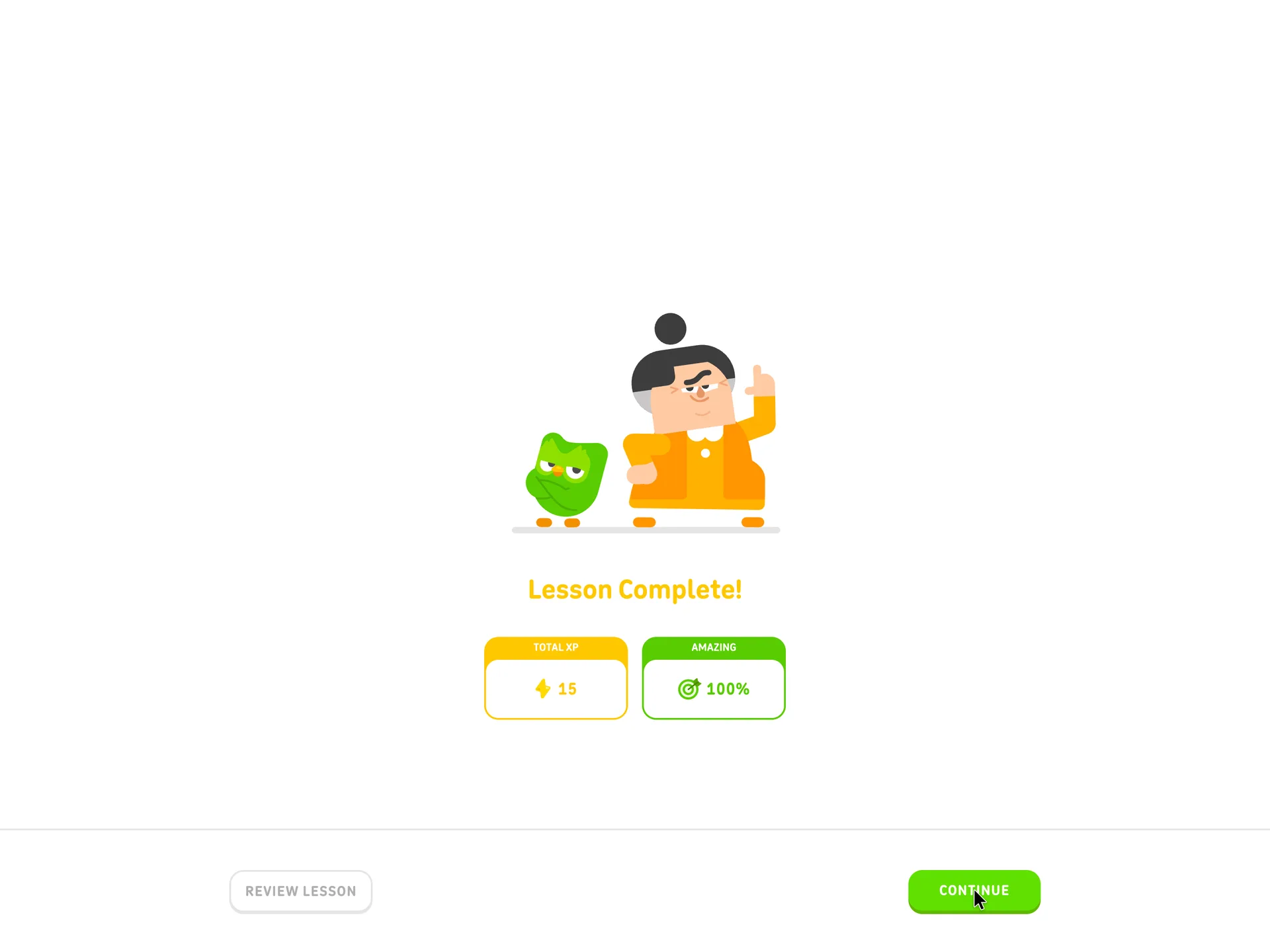 18 screens · recorded 5 Nov 2026Duolingo onboardingDuolingo lets a new learner finish a whole lesson before it asks for anything personal.
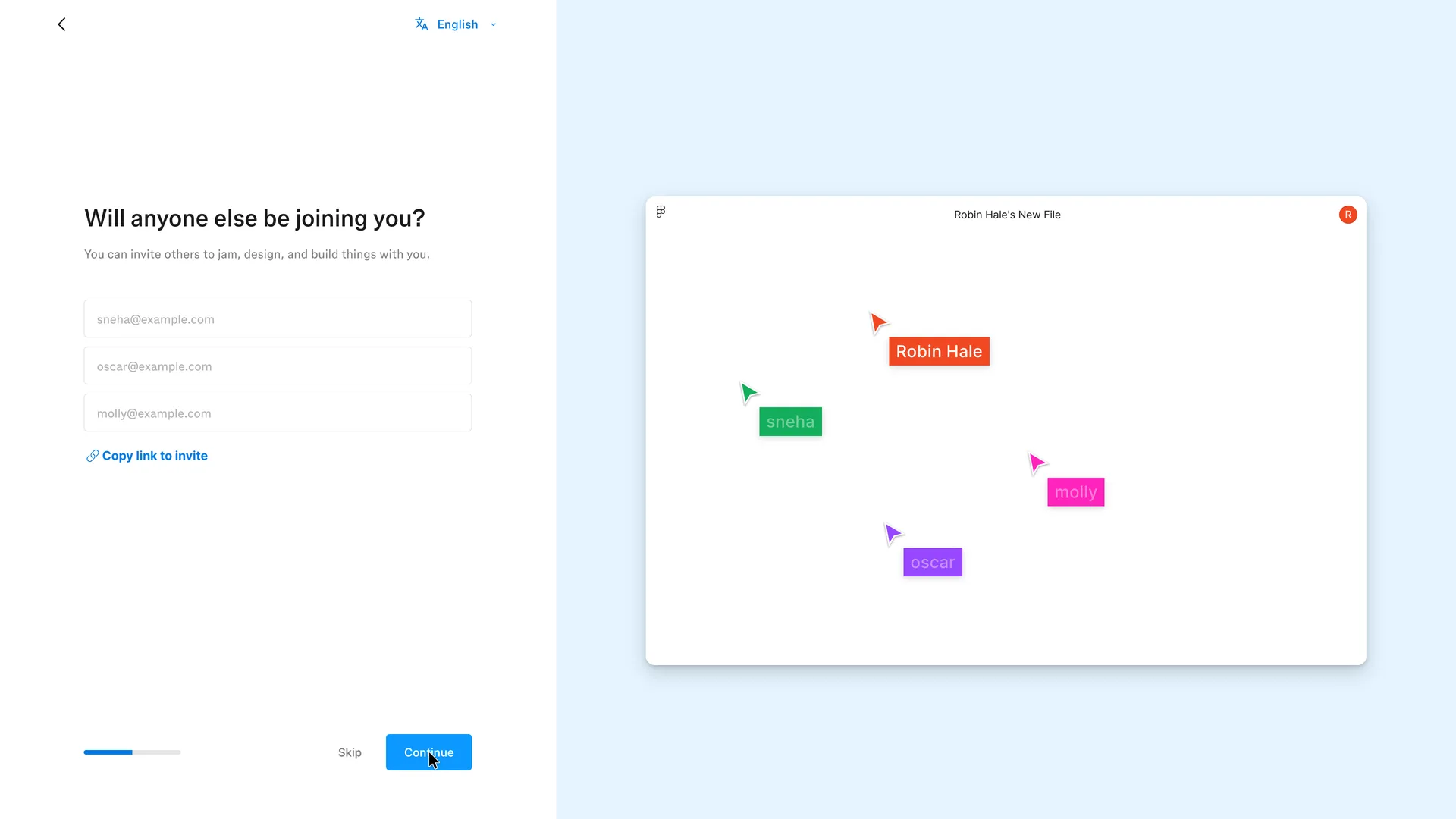 15 screens · recorded 5 Nov 2026Figma onboardingFigma signs a new user up in a modal over its homepage, then asks for a three-round puzzle and an emailed link before anything else.
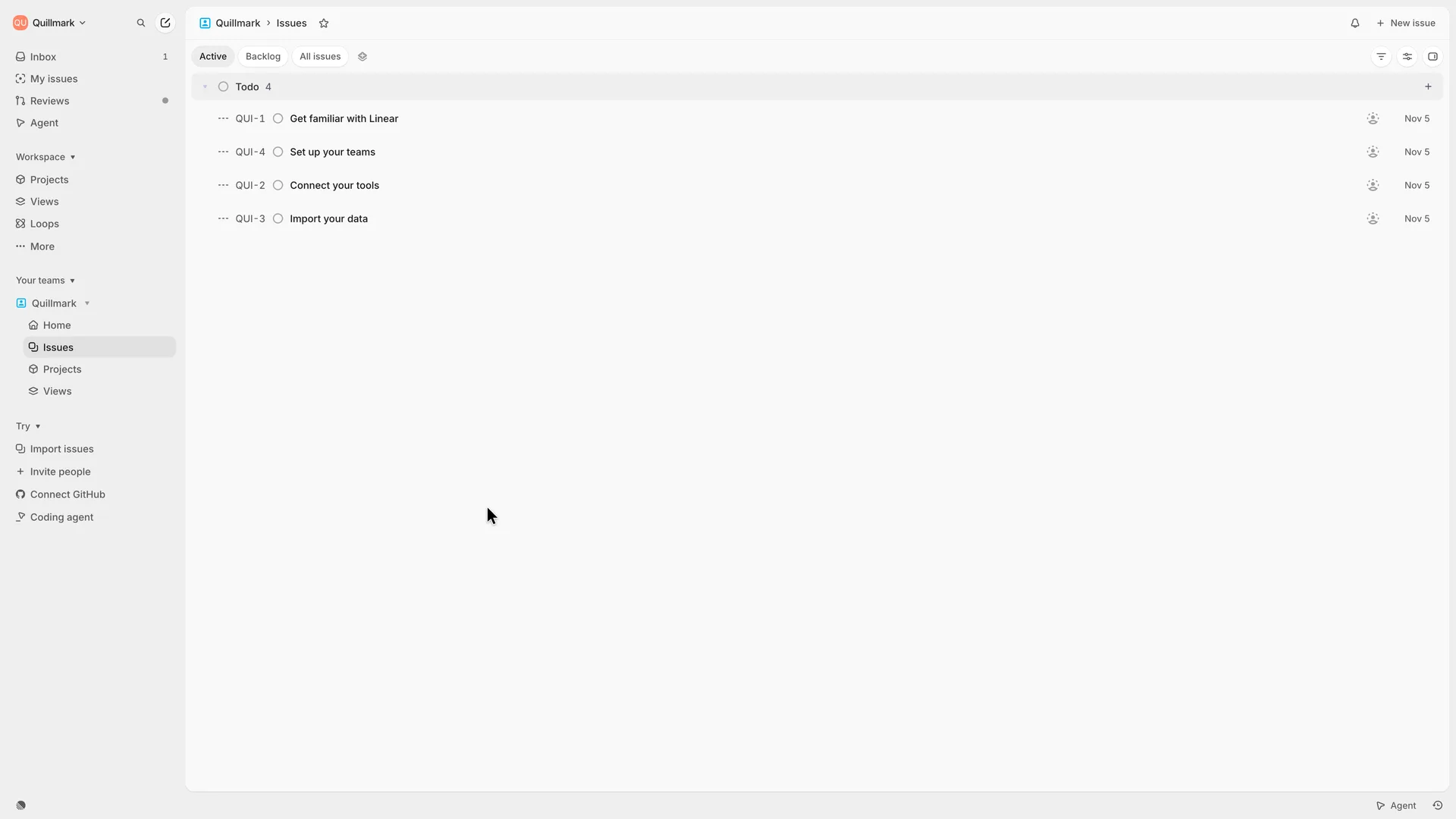 15 screens · recorded 5 Nov 2026Linear onboardingLinear signs a new user in with an emailed code instead of a password, then asks for three things on one form: a workspace name, a URL that fills itself and a data region preset, most likely from where the visitor connects.
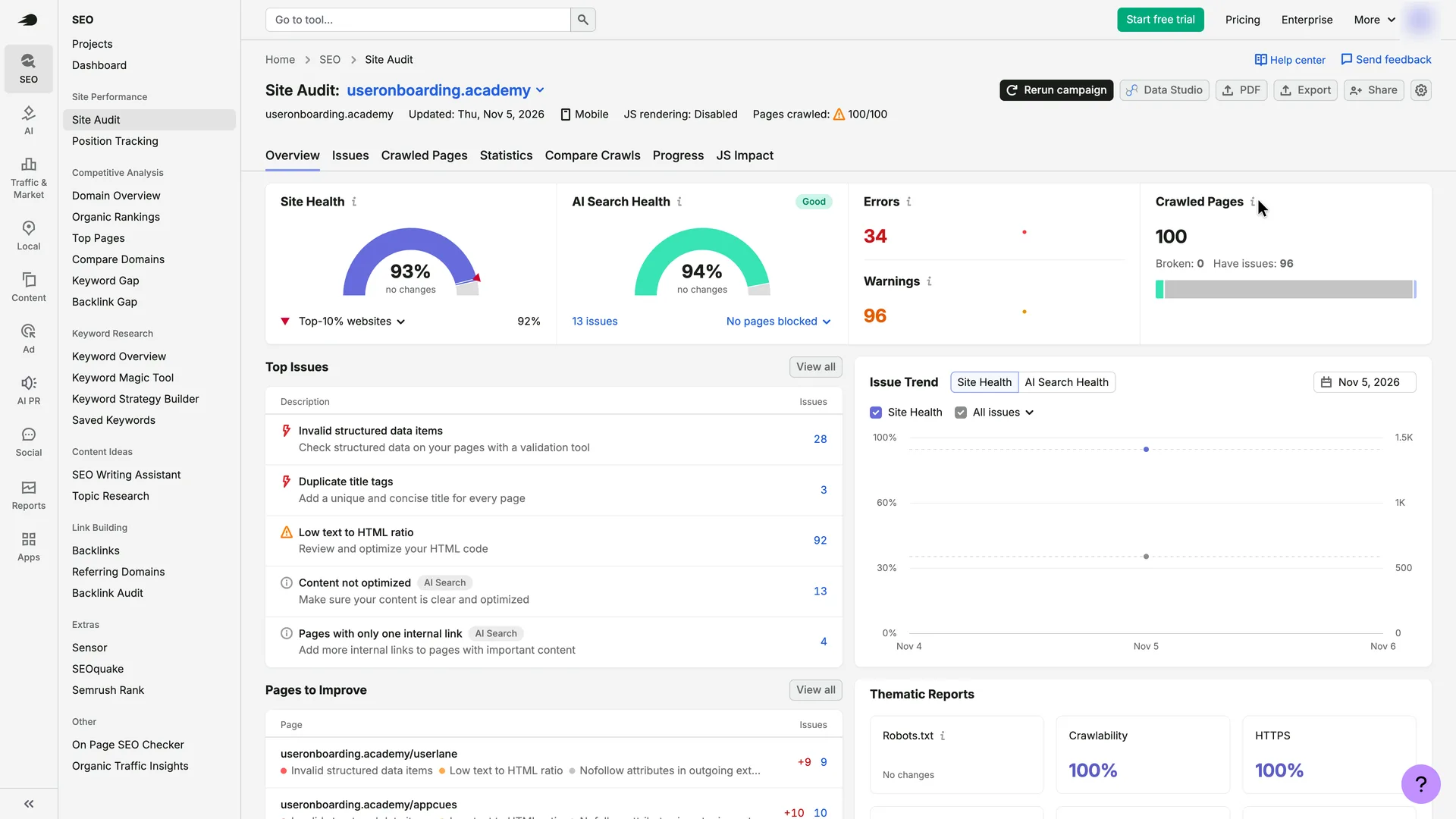 11 screens · recorded 5 Nov 2026Semrush onboardingSemrush takes a new user from an email form to a finished site audit in 11 screens, and the free plan is always one click away: no card is asked for.
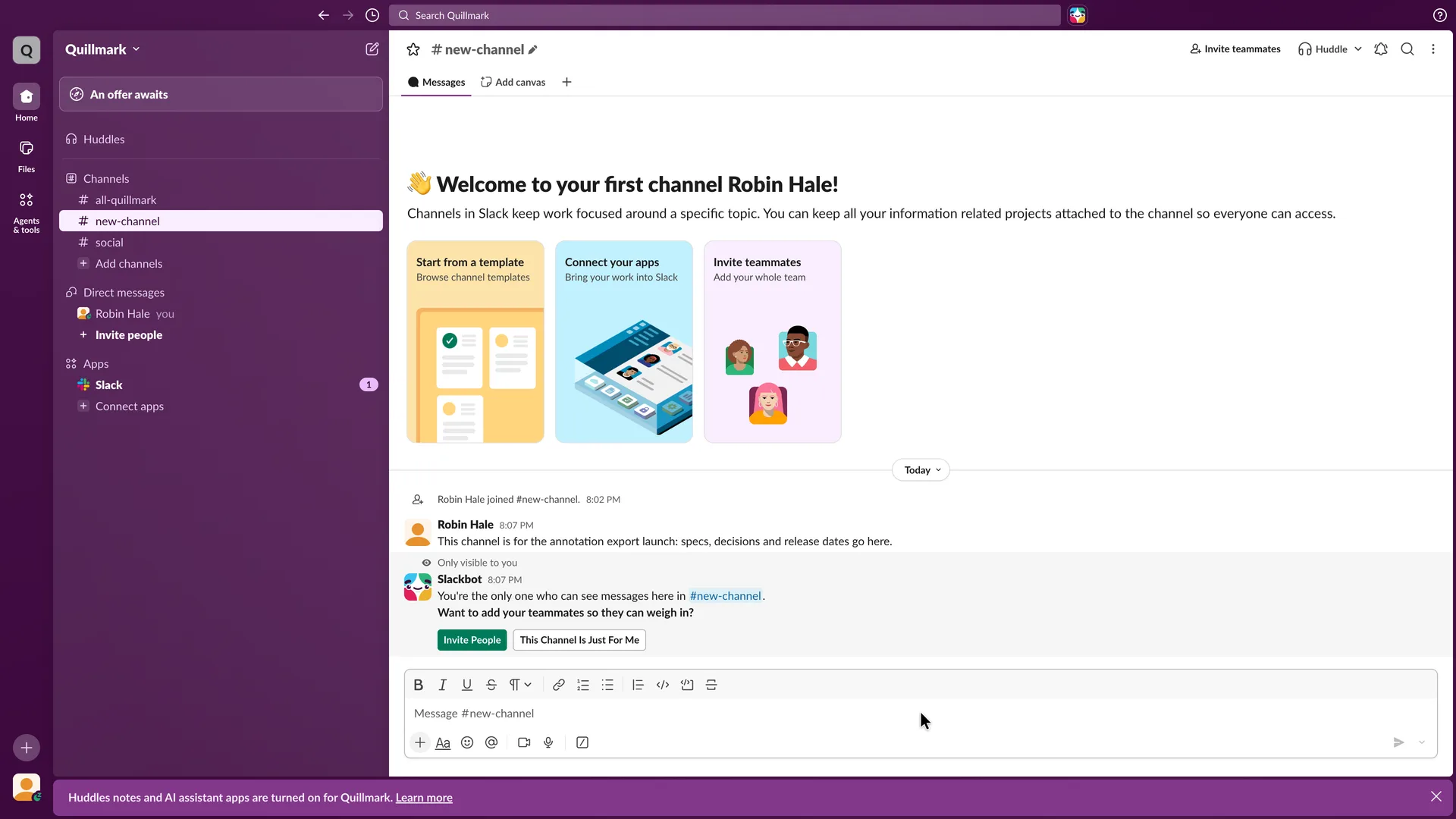 14 screens · recorded 5 Nov 2026Slack onboardingSlack asks for one email address and a six-character code, then shows its terms in a dialog with a Create Workspace button.
 16 screens · recorded 5 Nov 2026Zapier onboardingZapier asks for a name, an email and a password, opens the app without an email code and asks three one-tap questions: role, company size and the apps you use.
 15 screens · recorded 4 Nov 2026monday.com onboardingmonday.com takes an email, then a name, password and account name on one form, and after one question opens a new workspace.
 14 screens · recorded 3 Nov 2026Notion onboardingNotion takes a new user from a one-field signup to a working doc without ever asking for a password.
The agent drives the browser; a person accepts each product’s terms and handles any verification. Every account is made for the recording, under a fictional persona, and no real data goes in. For single screens from many more products, see the onboarding examples.
