
Independent. No onboarding vendor owns this site or pays to be on it.

Prices checked 19 Oct – 3 Nov 20266,688 G2 reviews readHow we review →

UserOnboarding Academy

Alternatives guide · 8 tools compared

UserGuiding alternatives: 8 tools worth a look

UserGuiding does a lot well: reviewers rate it 4.7 out of 5, praise its ease of use above all, and it prints its prices. Reasons to look elsewhere include its missing features, its styling limits, friction in its builder, or guides inside native mobile apps, which its FAQ says it doesn't support. Here are eight alternatives, each for a different need, with the facts read from their own pages.

By Yağmur Çiftçi · Published 4 Nov 2026 · How we chose

UserOnboarding Academy isn't owned by UserGuiding or any tool on this list. No vendor reviewed this page before publication.

Start with what needs to change

Three picks for three different needs

  1. Product FruitsBest fora lower printed price, with custom CSS on every planStarter is $149 / mo billed monthly, or $111 / mo billed annually, for up to 1,500 MAUs, where UserGuiding's Starter is $349 / mo billed monthly, or $249 / mo billed yearly, for up to 2,000; and custom CSS comes with every plan rather than from Growth.$149 / mo · Free plan: Not listed
  2. UserflowBest forunlimited experiences and seatsEvery plan has unlimited experiences and team members, where UserGuiding's Starter allows 15 guides, 1 checklist, 1 survey and 3 seats, and Essentials prints its price for both billing periods: $300 / mo billed monthly, $240 / mo billed annually, for 1,000 MAUs.$300 / mo · Free plan: Not listed
  3. PendoBest fora free plan and guides inside native mobile appsIts mobile page lists SDKs for native iOS and Android, React Native and Flutter, where UserGuiding's FAQ says native mobile apps aren't supported, and Pendo Free covers analytics and in-app guides for up to 500 MAUs.Custom quote · Free plan: Pendo Free, up to 500 MAUs

Stay with UserGuiding if your product is a web app and you want published prices, with a knowledge base and product-updates feed in the same tool as your tours. Check UserGuiding's plans →

UserGuiding and its alternatives, price by price

Prices as each vendor shows them, checked 19 Oct 2026–3 Nov 2026. Each tool prices in its own unit, so entry prices buy different amounts. The rows follow the list’s order: the picks, then A–Z.

ToolEntry priceFree planBilled byG2Consider it for
UserGuidingThe tool you’re replacing$249 / moStarter, monthly equivalent, billed yearly (or $349 / mo billed monthly) · Up to 2,000 MAUsChecked 19 Oct 2026 on userguiding.com (opens in a new tab)Not listedMonthly active users (MAUs) 4.7 (782)782 reviews readWeb apps that want published prices
Product FruitsOn the shortlist$149 / moStarter, billed monthly (or $111 / mo billed yearly) · Up to 1,500 MAUsChecked 22 Oct 2026 on productfruits.com (opens in a new tab)Not listedMonthly active users (MAUs) 4.6 (259)259 reviews readLower printed prices; custom CSS on every plan
UserflowOn the shortlist$300 / moEssentials, billed monthly (or $240 / mo billed yearly) · 1,000 MAUsChecked 19 Oct 2026 on userflow.com (opens in a new tab)Not listedMonthly active users (MAUs) 4.8 (125)125 reviews readUnlimited content and seats
PendoOn the shortlistCustom quoteQuote based on MAUs and plan features · Free plan available (Pendo Free, up to 500 MAUs)Checked 19 Oct 2026 on pendo.io (opens in a new tab)Pendo Free, up to 500 MAUsMonthly active users (MAUs) plus the functionality in the plan 4.4 (1,827)1,791 reviews readFree up to 500 MAUs; web and mobile
Appcues$3,600 / yearSpark, billed yearly · Up to 1,000 MAUs · Teams of 25 or fewer · + $250 one-time implementation feeChecked 19 Oct 2026 on appcues.com (opens in a new tab)Not listedMonthly active users (MAUs), number of installations and published experiences 4.6 (362)362 reviews readIn-app, email and push in one tool
Chameleon$279Startup, billing period not stated · 2,000 MTUsChecked 19 Oct 2026 on chameleon.io (opens in a new tab)Not listedMonthly tracked users (MTUs) 4.4 (364)364 reviews readDesign control and experiments
Intercom$29 / moEssential, billed monthly (or $19 / mo billed yearly) · Per Full seat, at least 1 · + Proactive Support Plus add-on for product tours: $99 / mo, 500 messages included · + Fin AI Agent from $0.99 per outcomeChecked 3 Nov 2026 on intercom.com (opens in a new tab)Not listedFull seats per month, plus usage: Fin AI Agent outcomes and messaging channels (email campaigns, SMS, WhatsApp, phone) 4.5 (3,952)425 reviews readTeams on Intercom for support
StonlyCustom quoteQuote based on guide views and team members · Free plan available (Basic: 400 guide views/mo, 5 guides)Checked 19 Oct 2026 on stonly.com (opens in a new tab)Basic: 400 guide views/mo, 5 guidesNot listed; plans are sized by monthly guide views and team members 4.8 (132)132 reviews readSupport-led help guides
Userpilot$299 / moStarter, billing period not stated · Up to 2,000 MAUs and 3 seatsChecked 19 Oct 2026 on userpilot.com (opens in a new tab)Not listedMonthly active users (MAUs) 4.6 (1,023)1,022 reviews readOnboarding plus product analytics

UserGuiding, Appcues, Userpilot, Userflow, Product Fruits and Pendo count monthly active users and Chameleon monthly tracked users, but their entry plans cover different amounts (1,000 at Appcues' Spark and Userflow, 1,500 at Product Fruits, 2,000 at UserGuiding, Userpilot and Chameleon), and Appcues also counts installations and published experiences. Intercom charges per Full seat, with tours in a $99-a-month add-on that includes 500 messages, and Stonly sizes its unpriced plans by guide views and team members, so price those two at your own seats, messages or views.

Why people look for UserGuiding alternatives

Across all 782 UserGuiding reviews on G2, missing features are the most-named complaint (182), ahead of styling limits (99), friction in the builder or Chrome extension (95) and the learning curve (78). Price comes up less often (57), and 162 reviews name no dislike. The pricing page draws lines of its own: Starter caps active content at 15 guides, 10 hotspots, 1 checklist and 1 survey; A/B testing, localization and custom CSS start on Growth ($499 / mo billed yearly); and the FAQ says native mobile apps aren't supported.

4.7

782 reviews on G2 · read 3 Nov 2026

Reviewers most often praise ease of use (456 of the 782 reviews read), the range of in-app content such as tours, tooltips, checklists and announcements (310), the support team (298), quick install and setup (238) and building flows without developers (184). The most common criticisms are missing features (182), styling limits (99), friction in the builder and Chrome extension (95) and the learning curve (78), while 162 reviews name no dislike.

G2’s star split

  • 5 stars643 reviews
  • 4 stars128 reviews
  • 3 stars9 reviews
  • 2 stars1 reviews
  • 1 stars1 reviews

G2 counts a 4.5 with the 5-star reviews.

Where the reviews we read came from

  • Invited by UserGuiding 375
  • Organic 325
  • Invited by G2 for UserGuiding 53
  • G2 charity campaign 18
  • Invited by G2 11
  • Incentivized 457

Praised for

  • Easy to use456/782 reviews
  • Flow types: tours, tooltips, checklists, modals310/782 reviews
  • Customer support and success team298/782 reviews
  • Quick install and setup238/782 reviews
  • Builds flows without developers184/782 reviews

Criticised for

  • Missing features182/782 reviews
  • Styling limits99/782 reviews
  • Builder or browser-extension friction95/782 reviews
  • Learning curve, hard-to-find settings78/782 reviews
  • Reporting and analytics depth68/782 reviews

162 of 782 name no dislike at all.

All 782 reviews on G2, each read and tagged by an AI model against a fixed list of themes. Written 2019–2026; 68 in the year before 3 Nov 2026.

In reviewers’ words

The 8 alternatives in detail

The three picks come first, then the other 5 A–Z by name. A position is not a score.

Product Fruits

Best for a lower printed price, with custom CSS on every plan · On the shortlist

Entry price
$149 / moStarter, billed monthly (or $111 / mo billed yearly) · Up to 1,500 MAUs
Free plan
Not listed
Billed by
Monthly active users (MAUs)

Product Fruits builds tours, hints, checklists, branching flows, banners, a newsfeed and a knowledge base for web apps, and every plan includes Elvin, an AI assistant that answers users from your docs and drafts tours for your team. Starter is $149 / mo billed monthly, or $111 / mo billed annually, for up to 1,500 MAUs, and Starter, Pro and Business print their prices up to 20,000 MAUs. Reviewers praise its ease of use (166 of all 259 reviews on G2) and its support team (144).
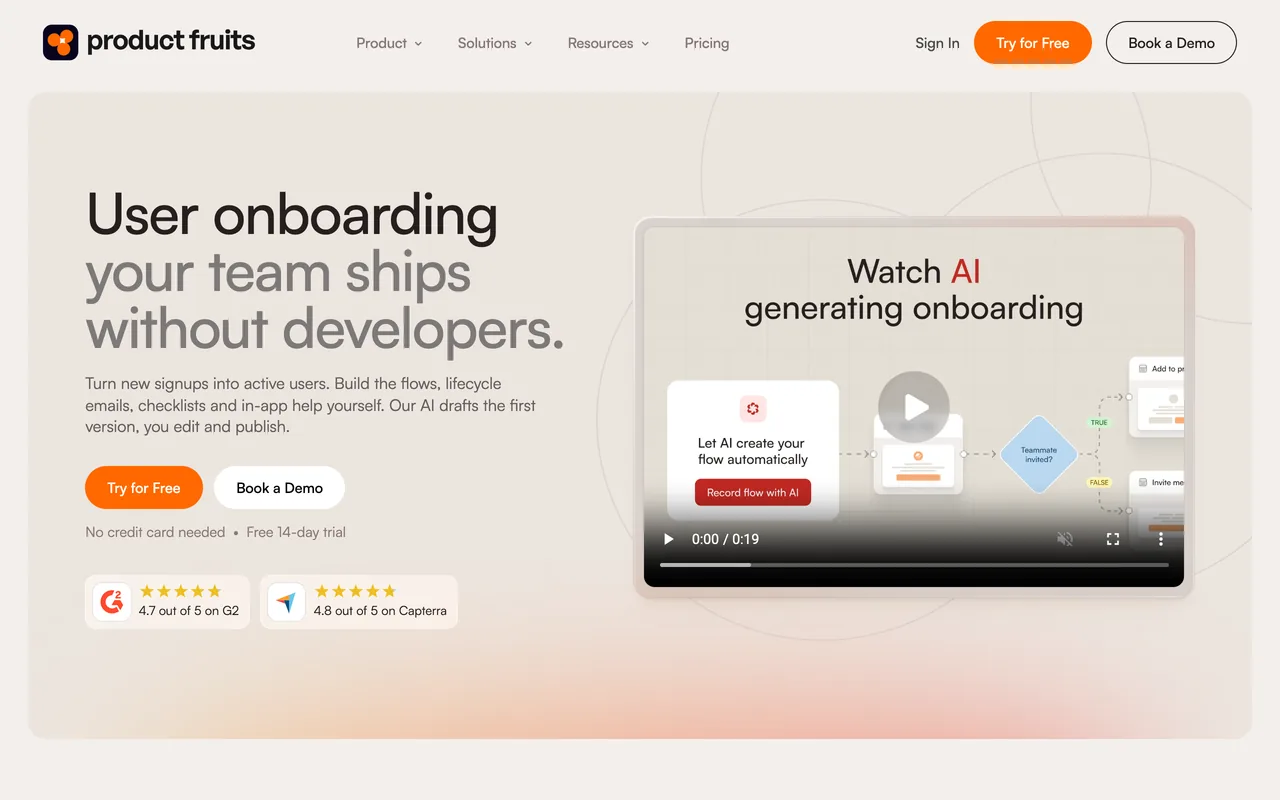
Product Fruits' homepage, October 2026
productfruits.com, October 2026
Why pick Product Fruits over UserGuiding
  • Lower printed prices at both billing periods: Starter is $149 / mo billed monthly, or $111 / mo billed annually, for 1,500 MAUs, and $199 or $149 for 3,000; UserGuiding's Starter is $349 / mo billed monthly, or $249 / mo billed yearly, for up to 2,000
  • Custom CSS on every plan, and 5 languages with automatic translation on Pro ($249 / mo, or $187 billed annually, at 1,500 MAUs); UserGuiding starts both on Growth ($499 / mo billed yearly)
  • Over the MAU quota, flows keep working and nothing is charged automatically; UserGuiding stops showing guides until the quota is raised
  • Its pricing FAQ says native iOS apps are supported (Android isn't mentioned), where UserGuiding's FAQ says native mobile apps aren't
  • Its support team is praised in 144 of the 259 reviews we read, against 298 of UserGuiding's 782
Features to evaluate
Keep in mind
  • Starter has linear flows only and caps content at 15 tours, 50 hints and 2 checklists, with 1 language, 3 seats and 5 segments; surveys and NPS start on Pro, where UserGuiding has them on Starter
  • No partial refunds, per its FAQ, where UserGuiding offers a 30-day money-back guarantee
  • A/B tests run through an external testing tool, and the pages we read list no session replay; UserGuiding has both on Growth
  • The learning curve (59 of the 259 reviews we read), missing features (55) and styling limits (54) are the most-named complaints; UserGuiding's reviewers name styling limits in 99 of 782
What its G2 reviewers say

Praised for

  • Easy to use166/259 reviews
  • Customer support and success team144/259 reviews
  • Flow types: tours, tooltips, checklists, modals115/259 reviews

Criticised for

  • Learning curve, hard-to-find settings59/259 reviews
  • Missing features55/259 reviews
  • Styling limits54/259 reviews

All 259 reviews on G2, each read and tagged by an AI model against a fixed list of themes. Written 2023–2026.

Our Product Fruits review · Pricing read on productfruits.com checked 22 Oct 2026 · Features read 3 Nov 2026 · G2 reviews read 3 Nov 2026
Userflow

Best for unlimited experiences and seats · On the shortlist

Entry price
$300 / moEssentials, billed monthly (or $240 / mo billed yearly) · 1,000 MAUs
Free plan
Not listed
Billed by
Monthly active users (MAUs)

Userflow's Essentials plan is $300 / mo for 1,000 MAUs, or $240 / mo billed yearly, with unlimited experiences and unlimited team members. Reviewers praise its ease of use more than anything else (99 of the 125 reviews on G2).

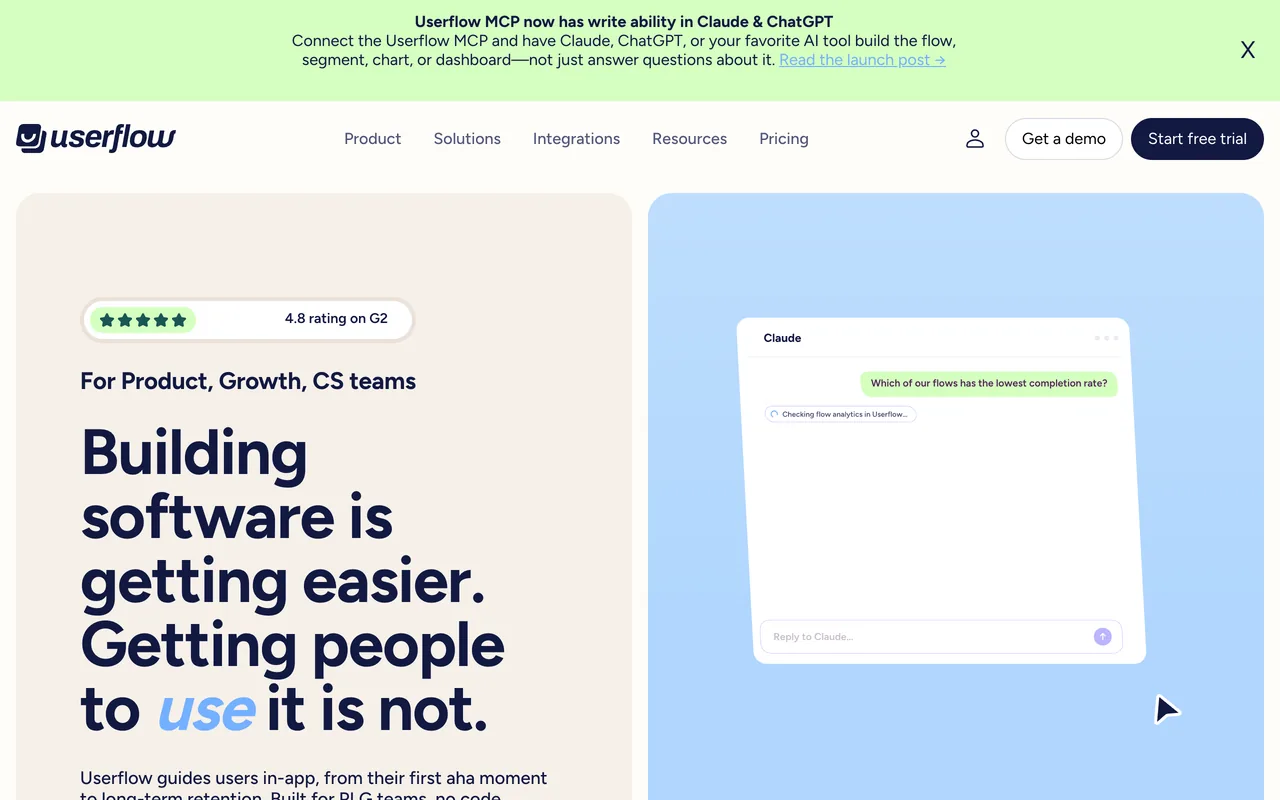
Userflow's homepage, October 2026
userflow.com, October 2026
Why pick Userflow over UserGuiding
  • Unlimited flows, checklists and surveys on every plan, where UserGuiding's Starter allows 15 guides, 1 checklist and 1 survey
  • Unlimited team members on every plan
  • Up to 1,000 MAUs, Essentials costs less than UserGuiding's Starter: $300 / mo against $349 / mo, both billed monthly
  • An in-app AI agent that answers users' questions and launches flows (Studio)
Keep in mind
  • The price covers 1,000 MAUs, against 2,000 on UserGuiding's Starter; more are sold in blocks of 1,000 from $40 / mo
  • Custom CSS and the HubSpot and Salesforce integrations need Studio ($500 / mo); Essentials keeps 6 months of analytics history
  • Its help center says native iOS and Android apps aren't supported, and its pages list no refund terms
  • Missing features (28 of 125) and price (16) are the most-named complaints
What its G2 reviewers say

Praised for

  • Easy to use99/125 reviews
  • Customer support and success team52/125 reviews
  • Builds flows without developers31/125 reviews

Criticised for

  • Missing features28/125 reviews
  • Price and plan structure16/125 reviews
  • Reporting and analytics depth15/125 reviews

All 125 reviews on G2, each read and tagged by an AI model against a fixed list of themes. Written 2020–2026.

Userflow vs UserGuiding, compared in full · Our Userflow review · Pricing read on userflow.com checked 19 Oct 2026 · Features read 3 Nov 2026 · G2 reviews read 3 Nov 2026
Pendo

Best for a free plan and guides inside native mobile apps · On the shortlist

Entry price
Custom quoteQuote based on MAUs and plan features · Free plan available (Pendo Free, up to 500 MAUs)
Free plan
Pendo Free, up to 500 MAUs
Billed by
Monthly active users (MAUs) plus the functionality in the plan

Pendo is a product-analytics platform with in-app guides built in, for web and mobile apps. Analytics is the theme its reviewers praise most by a wide margin (1,393 of 1,791 reviews read), and Pendo Free covers up to 500 MAUs.

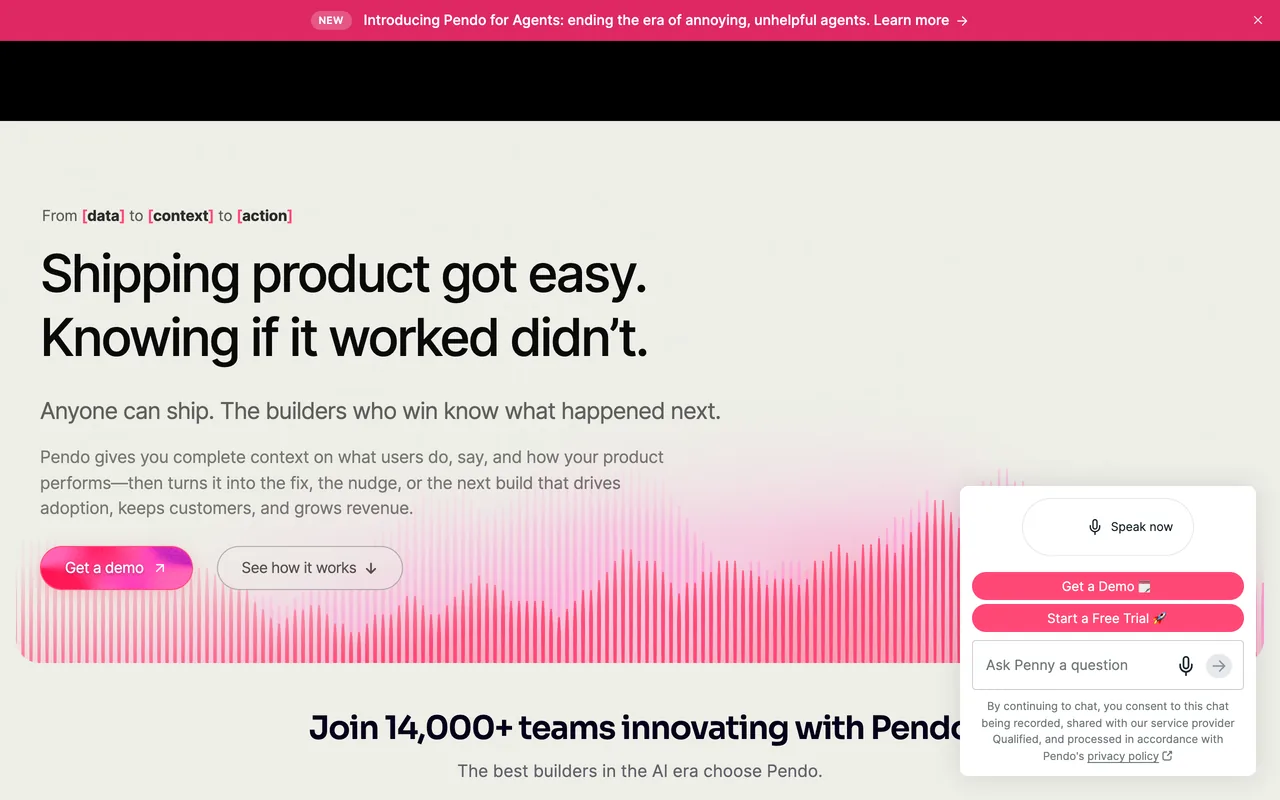
Pendo's homepage, October 2026
pendo.io, October 2026
Why pick Pendo over UserGuiding
  • A free plan: analytics, in-app guides and Pendo-branded NPS and roadmaps for up to 500 MAUs; UserGuiding's pricing page shows a trial and no free plan among its plan cards
  • SDKs for native iOS and Android, React Native and Flutter, where UserGuiding's FAQ says native mobile apps aren't supported
  • On paid plans, going over the MAU limit doesn't interrupt service; UserGuiding stops showing guides
Features to evaluate
Keep in mind
  • Paid plans are priced on request
  • NPS, PMF and CSAT surveys are an add-on on Base and Core, and its onboarding checklist is a module inside the Resource Center
  • On Free, going over 500 MAUs stops new guides, NPS surveys and segments until you upgrade
  • Reporting depth (446 of 1,791), the learning curve (428) and missing features (362) are the most-named complaints, and builder and tagging friction comes up in 306
What its G2 reviewers say

Praised for

  • Analytics and product insights1,393/1,791 reviews
  • Flow types: tours, tooltips, checklists, modals862/1,791 reviews
  • Easy to use720/1,791 reviews

Criticised for

  • Reporting and analytics depth446/1,791 reviews
  • Learning curve, hard-to-find settings428/1,791 reviews
  • Missing features362/1,791 reviews

1,791 of the 1,827 reviews on G2, every one its filters let us reach, each read and tagged by an AI model against a fixed list of themes. Written 2016–2026.

Pendo vs UserGuiding, compared in full · Our Pendo review · Pricing read on pendo.io checked 19 Oct 2026 · Features read 3 Nov 2026 · G2 reviews read 3 Nov 2026
Appcues

Best for email and push alongside in-app guides, with every feature on every plan

Entry price
$3,600 / yearSpark, billed yearly · Up to 1,000 MAUs · Teams of 25 or fewer · + $250 one-time implementation fee
Free plan
Not listed
Billed by
Monthly active users (MAUs), number of installations and published experiences

Appcues covers the same in-app ground as UserGuiding (flows, tooltips, checklists, resource menus, banners and NPS surveys) and sends email and push from the same platform. Its pricing page says every plan includes every experience type, feature and integration; the one printed price is Spark, $3,600 / year for up to 1,000 MAUs and teams of 25 or fewer.

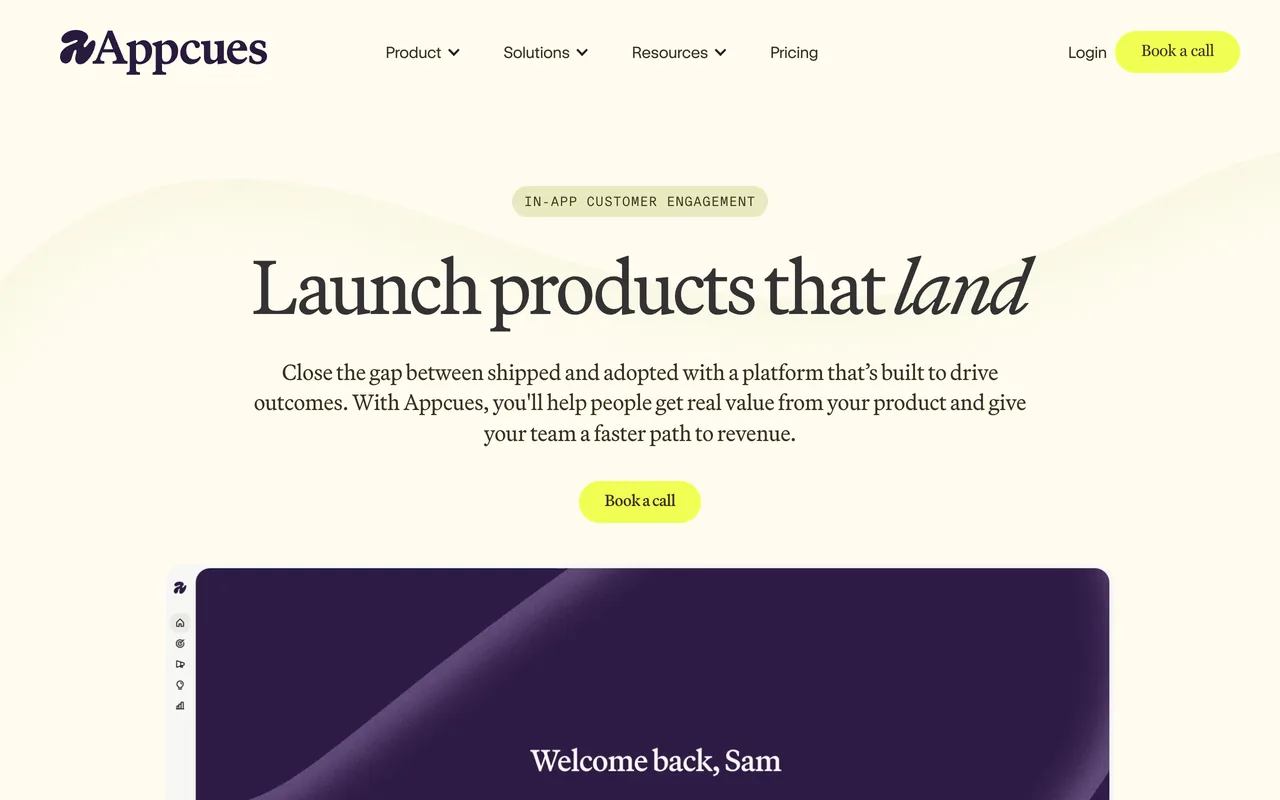
Appcues' homepage, October 2026
appcues.com, October 2026
Why pick Appcues over UserGuiding
  • Email and push notifications from the same tool as your in-app flows, which UserGuiding's pricing page doesn't list
  • Native iOS and Android, React Native, Flutter and Ionic apps on every plan, where UserGuiding's FAQ says native mobile apps aren't supported
  • Every feature on every plan, where UserGuiding unlocks A/B testing, localization and custom CSS on Growth
  • Over plan limits, experiences keep running and Appcues raises an upgrade at the next billing cycle; UserGuiding stops showing guides
Keep in mind
  • Only Spark prints a price, and it adds a $250 one-time implementation fee; Start, Grow and Enterprise are quoted on a call
  • The free trial starts with a sales call, and the pages we read list no refund policy
  • Missing features are its most-named complaint too (102 of 362 reviews read), ahead of the learning curve (63)
What its G2 reviewers say

Praised for

  • Easy to use231/362 reviews
  • Builds flows without developers104/362 reviews
  • Customer support and success team103/362 reviews

Criticised for

  • Missing features102/362 reviews
  • Learning curve, hard-to-find settings63/362 reviews
  • Reporting and analytics depth55/362 reviews

All 362 reviews on G2, each read and tagged by an AI model against a fixed list of themes. Written 2016–2026.

Appcues vs UserGuiding, compared in full · Our Appcues review · Pricing read on appcues.com checked 19 Oct 2026 · Features read 3 Nov 2026 · G2 reviews read 3 Nov 2026
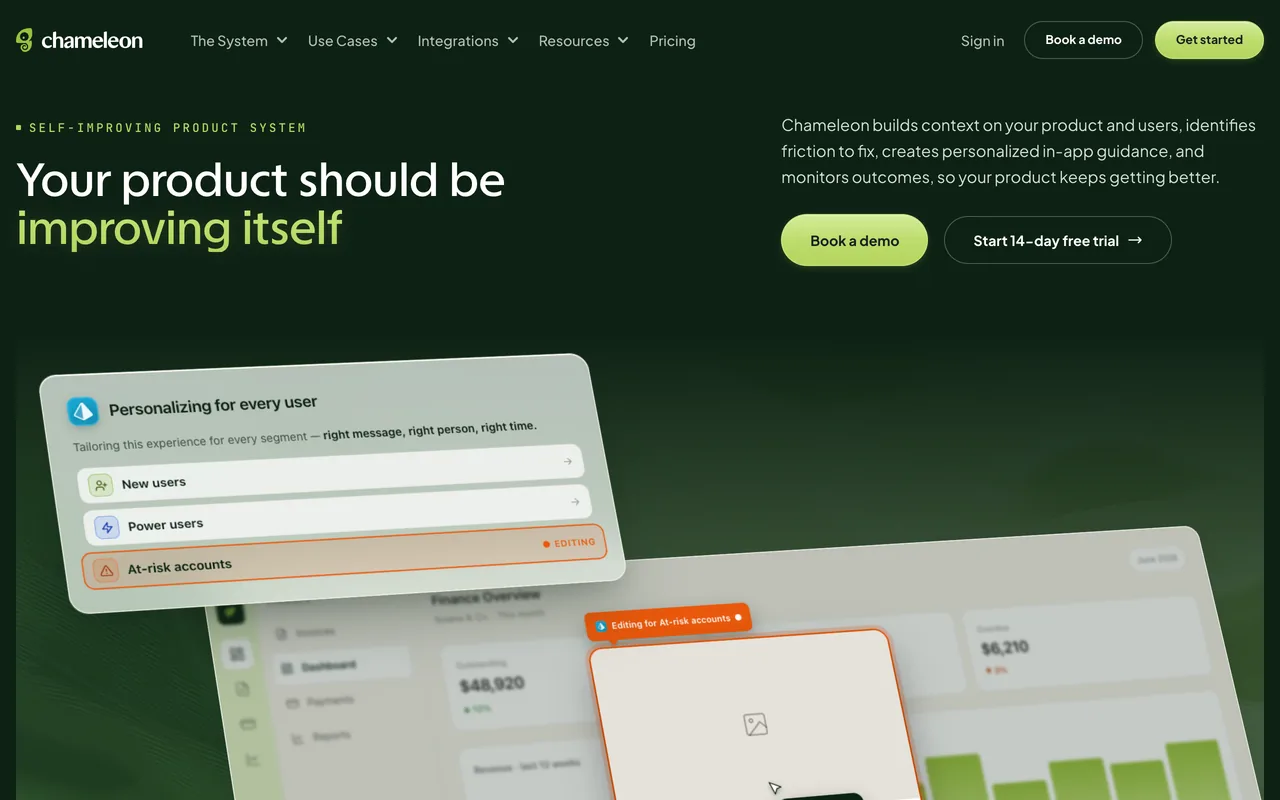
Chameleon

Best for styling control and A/B tests on a self-serve plan

Entry price
$279Startup, billing period not stated · 2,000 MTUs
Free plan
Not listed
Billed by
Monthly tracked users (MTUs)

Chameleon builds tours, tooltips, modals, checklists and microsurveys with themes and custom CSS. Its Pro plan, from $750 / mo billed monthly by card, adds A/B testing and goals and localization into 5 languages. Reviewers praise styling and customization in 77 of the 364 reviews we read.

Chameleon's homepage, October 2026
chameleon.io, October 2026
Why pick Chameleon over UserGuiding
  • Styling is a praise theme (77 of 364 reviews read), where styling limits are UserGuiding's second most-named complaint (99 of 782)
  • Pro is self-serve and billed monthly, with a free trial; UserGuiding's Growth ($699 / mo billed monthly) has a 'Book a Demo' button instead
  • A 14-day trial with Enterprise-level access and no card
Keep in mind
  • A/B testing costs more to reach: Pro is from $750 / mo, against $499 / mo billed yearly for UserGuiding's Growth
  • Startup's card prints no billing period and allows 10 live experiences, and the pages we read don't mention a knowledge base
  • The learning curve (81 of 364), missing features (72) and builder friction (70) are the most-named complaints, and styling limits still come up in 37
  • Its help center says native iOS and Android apps aren't supported
What its G2 reviewers say

Praised for

  • Easy to use216/364 reviews
  • Flow types: tours, tooltips, checklists, modals152/364 reviews
  • Customer support and success team132/364 reviews

Criticised for

  • Learning curve, hard-to-find settings81/364 reviews
  • Missing features72/364 reviews
  • Builder or browser-extension friction70/364 reviews

All 364 reviews on G2, each read and tagged by an AI model against a fixed list of themes. Written 2016–2026.

Chameleon vs UserGuiding, compared in full · Our Chameleon review · Pricing read on chameleon.io checked 19 Oct 2026 · Features read 3 Nov 2026 · G2 reviews read 3 Nov 2026
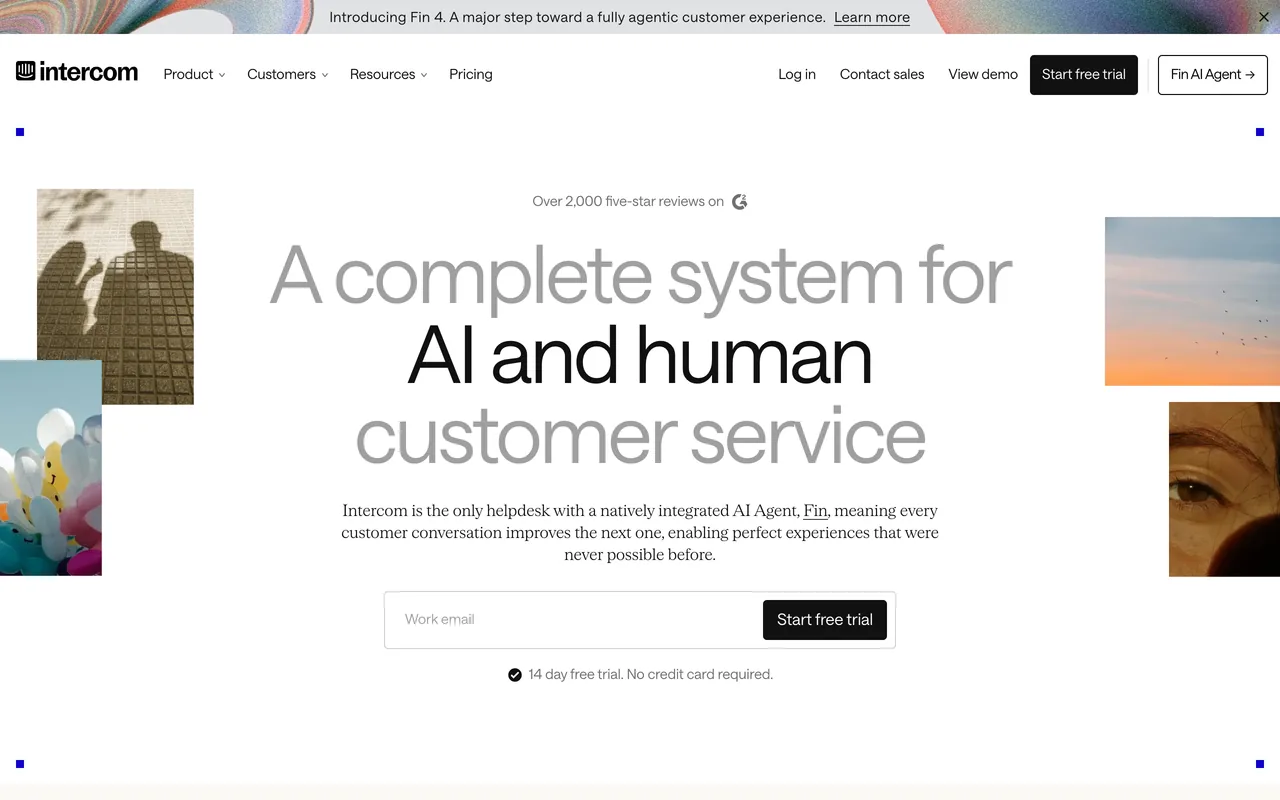
Intercom

Best for teams that already run support in Intercom

Entry price
$29 / moEssential, billed monthly (or $19 / mo billed yearly) · Per Full seat, at least 1 · + Proactive Support Plus add-on for product tours: $99 / mo, 500 messages included · + Fin AI Agent from $0.99 per outcome
Free plan
Not listed
Billed by
Full seats per month, plus usage: Fin AI Agent outcomes and messaging channels (email campaigns, SMS, WhatsApp, phone)

Intercom is a customer-service platform (a shared inbox, help center and its Fin AI agent) that also sends product tours, checklists and surveys. Tooltips and banners come with every plan; tours, checklists and surveys need the Proactive Support Plus add-on, $99 / mo including 500 messages, on top of per-seat plans.

Intercom's homepage, October 2026
intercom.com, October 2026
Why pick Intercom over UserGuiding
  • Product tours share the same customer data, help-center content and reporting as the inbox and Fin, according to its Outbound page
  • Series sequences product tours, in-app messages, email and push in one campaign (Proactive Support Plus), where UserGuiding's pricing page lists no email or push
  • Tooltips and banners on every plan, along with live chat and in-app chats, per its help center
  • A 14-day trial without a card that includes every add-on
Features to evaluate
Keep in mind
  • Tours, checklists and surveys need the Proactive Support Plus add-on ($99 / mo for 500 messages, extra messages charged per unit) on top of at least one paid Full seat
  • Essential's seat price, $29 / mo billed monthly, is a new-customer price, struck through from $39 on the pricing page
  • Its Product Tours FAQ says tours don't work on mobile web or in mobile apps
  • G2 lists Intercom as Fin, so its rating covers the whole suite; of the 425 reviews there that mention its tours, onboarding, checklists, banners, tooltips or outbound messages, most written from 2020 to 2022, missing features (152) and price and plan structure (119) are the most-named complaints
What its G2 reviewers say

Praised for

  • Flow types: tours, tooltips, checklists, modals310/425 reviews
  • Easy to use198/425 reviews
  • Results: activation, adoption, fewer tickets110/425 reviews

Criticised for

  • Missing features152/425 reviews
  • Price and plan structure119/425 reviews
  • Learning curve, hard-to-find settings66/425 reviews

We read 3,906 of the 3,952 reviews on G2; the 425 that mention product tours, onboarding, checklists, banners, tooltips or outbound messages were each tagged by an AI model against a fixed list of themes. Written 2015–2026. G2 now lists Intercom as Fin, its AI agent, so the rating and review count cover the whole suite (support inbox, help desk and Fin included), not only product tours.

Intercom vs UserGuiding, compared in full · Our Intercom review · Pricing read on intercom.com checked 3 Nov 2026 · Features read 3 Nov 2026 · G2 reviews read 3 Nov 2026
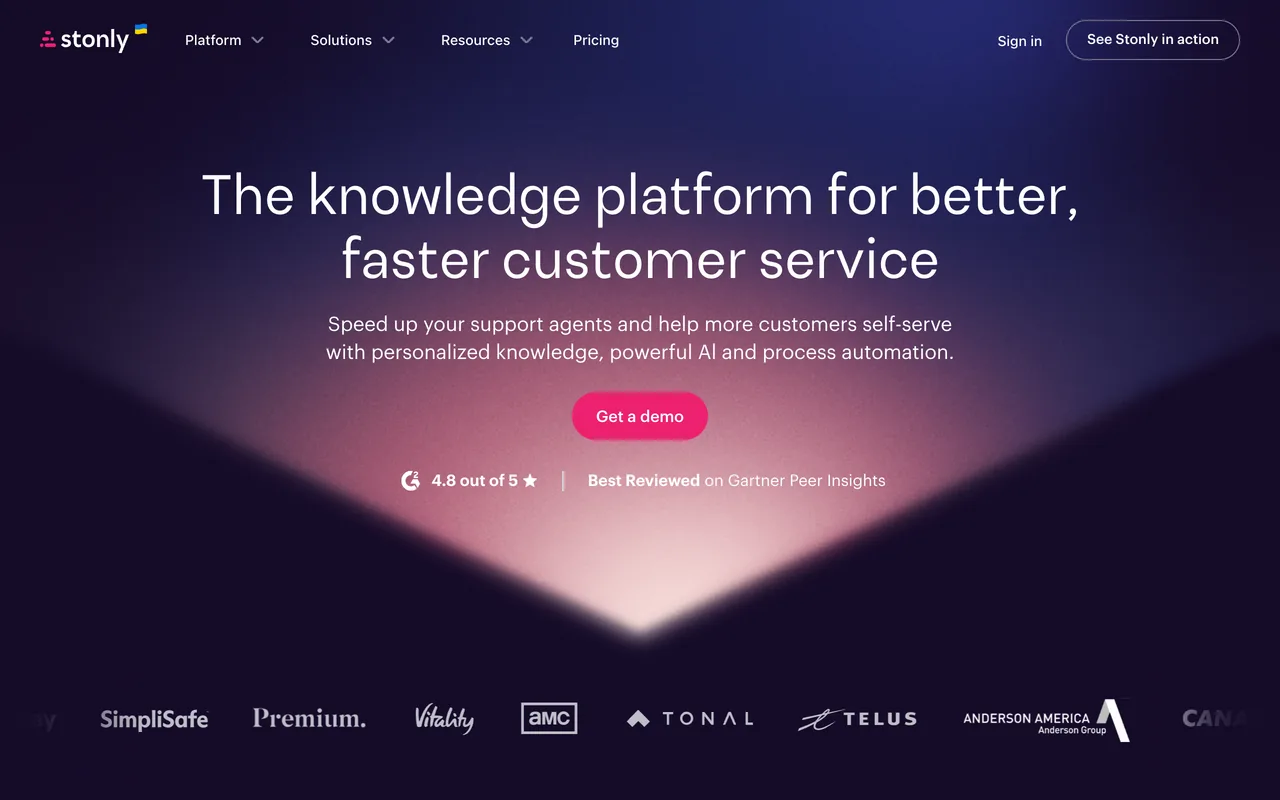
Stonly

Best for support teams that want branching help guides and a knowledge base

Entry price
Custom quoteQuote based on guide views and team members · Free plan available (Basic: 400 guide views/mo, 5 guides)
Free plan
Basic: 400 guide views/mo, 5 guides
Billed by
Not listed; plans are sized by monthly guide views and team members

Stonly is a knowledge platform for customer service: interactive step-by-step guides with branching paths, a knowledge base and AI answers, which can also run as guides and tours in web apps. Its knowledge base and in-app help are the theme reviewers praise most (96 of the 132 reviews on G2).

Stonly's homepage, October 2026
stonly.com, October 2026
Why pick Stonly over UserGuiding
  • Its knowledge base and in-app help are its most-praised theme (96 of 132 reviews), against 105 of 782 for UserGuiding
  • A Basic plan at no charge after the 14-day trial: 400 guide views a month and 5 published guides
  • Guides in multiple languages on Small Business, where UserGuiding's localization starts on Growth
  • Praised for internal use by support agents and staff, as well as for customers (32 of 132 reviews)
Features to evaluate
Keep in mind
  • No prices on its pricing page, where UserGuiding prints Starter and Growth
  • Surveys, SSO and the Salesforce, Zendesk, Freshdesk and Front integrations are Enterprise only
  • Missing features are the most-named complaint (45 of 132), and its G2 reviews end in December 2024: G2 lists none newer
What its G2 reviewers say

Praised for

  • Resource center and in-app help96/132 reviews
  • Easy to use92/132 reviews
  • Customer support and success team46/132 reviews

Criticised for

  • Missing features45/132 reviews
  • Learning curve, hard-to-find settings22/132 reviews
  • Styling limits16/132 reviews

All 132 reviews on G2, each read and tagged by an AI model against a fixed list of themes. Written 2021–2024.

Stonly vs UserGuiding, compared in full · Our Stonly review · Pricing read on stonly.com checked 19 Oct 2026 · Features read 3 Nov 2026 · G2 reviews read 3 Nov 2026

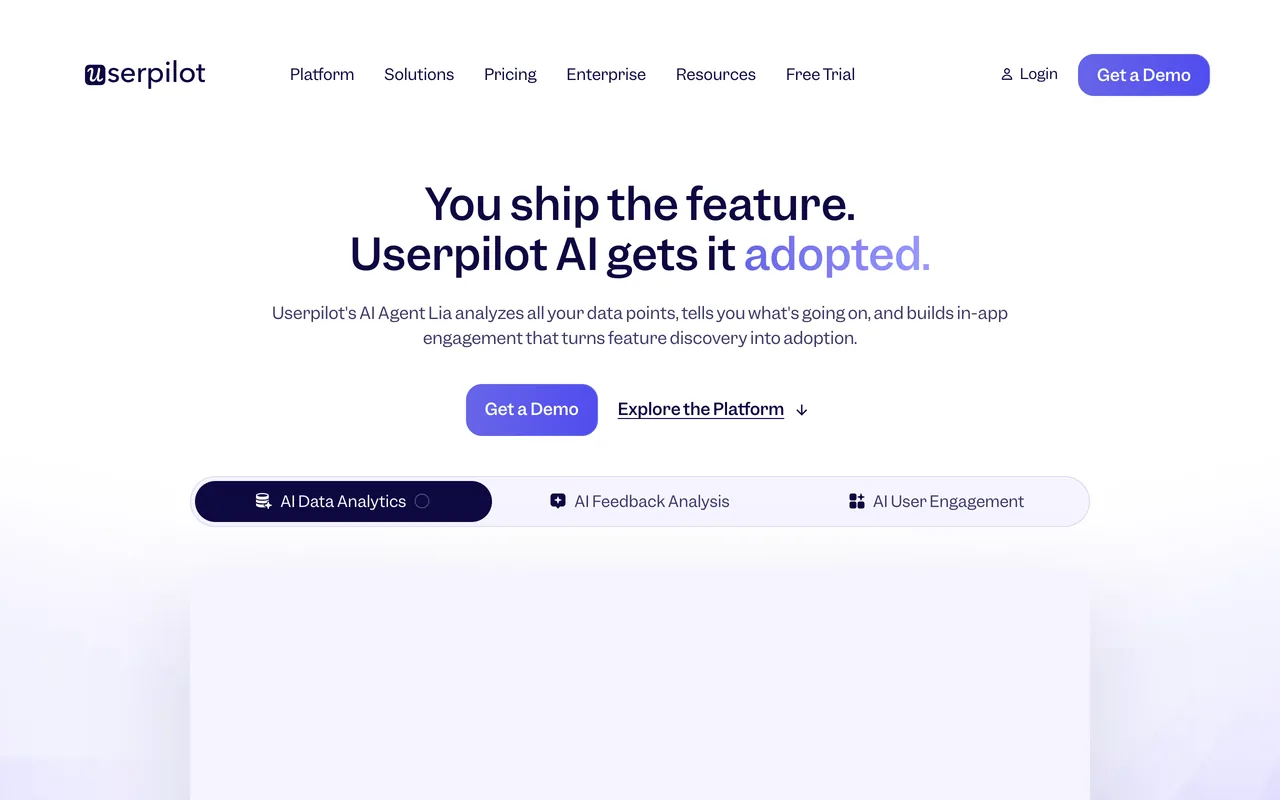
Userpilot

Best for product analytics and session replay next to your onboarding

Entry price
$299 / moStarter, billing period not stated · Up to 2,000 MAUs and 3 seats
Free plan
Not listed
Billed by
Monthly active users (MAUs)

Userpilot pairs in-app flows with product analytics, which 419 of the 1,022 reviews we read praise. Starter is $299 / mo for up to 2,000 MAUs; Growth, from $849 / mo, adds funnels, retention, event autocapture and session replay.

Userpilot's homepage, October 2026
userpilot.com, October 2026
Why pick Userpilot over UserGuiding
  • Analytics is praised in 419 of the 1,022 reviews we read, against 100 of 782 for UserGuiding
  • Growth bundles event autocapture, 100k emails a month and 5k session replays a month
  • Native iOS and Android support on Enterprise, or as an add-on on Growth
  • SOC 2 Type 2, HIPAA and GDPR compliance listed on every plan, where UserGuiding lists SOC 2 and HIPAA on Enterprise
Features to evaluate
Keep in mind
  • Starter allows 3 seats and 10 segments; the resource center and advanced surveys start on Growth, where UserGuiding has a resource center on Starter
  • Starter's printed $299 / mo sits between UserGuiding's $249 billed yearly and $349 billed monthly, and the page doesn't say how it's billed
  • The learning curve is the most-named complaint (270 of 1,022 reviews read)
What its G2 reviewers say

Praised for

  • Easy to use590/1,022 reviews
  • Customer support and success team437/1,022 reviews
  • Flow types: tours, tooltips, checklists, modals431/1,022 reviews

Criticised for

  • Learning curve, hard-to-find settings270/1,022 reviews
  • Missing features204/1,022 reviews
  • Reporting and analytics depth185/1,022 reviews

1,022 of the 1,023 reviews on G2, every one its filters let us reach, each read and tagged by an AI model against a fixed list of themes. Written 2018–2026.

Userpilot vs UserGuiding, compared in full · Our Userpilot review · Pricing read on userpilot.com checked 19 Oct 2026 · Features read 3 Nov 2026 · G2 reviews read 3 Nov 2026

Before you switch from UserGuiding

UserGuiding's knowledge base and product-updates pages come with its tours, so decide where those articles will live: of the tools here, Product Fruits and Stonly list a knowledge base and Intercom a help center, while the others list an in-app resource center but no knowledge base. Starter billed yearly is $2,988 a year, so check your renewal date; the pricing page also offers a 30-day money-back guarantee.

  1. Save what you haveExport or screenshot every live flow, checklist and survey with its targeting rules, and note the events and integrations each one depends on.
  2. Rebuild one real flowRecreate your most-used flow in the new tool with the same steps and audience, then check it on the browsers, screen sizes and languages your users have.
  3. Follow the dataCheck that users are identified the same way, that the events your flows fire still arrive, and that your activation reports read the new tool's data.
  4. Price it, then switchGet a quote for your real MAUs or seats, renewal included. Turn the old flow off only once the new one has passed, then cancel the old plan.

Also considered

  • iorad: A tutorial builder rather than an in-product onboarding tool: its FAQ describes its tutorials as standalone, and in-app live guidance is listed only on Enterprise, marked beta.
  • WalkMe, Whatfix, Userlane and Apty: Digital adoption platforms aimed largely at the business software a company's staff use, and none prints a price. This list is for onboarding inside your own web app.
  • Nickelled: Its site now redirects to Omniplex Learning, and no page we read describes the product.

How we chose

How the list is ordered. The three picks come first, each for a different need; the other 5 follow A–Z by name. A position is not a score, and no tool paid to be listed or placed.

A tool is listed only once we've read its own pricing page and its G2 reviews. Prices, plans, trials and limits come from each vendor's pages, read through a US browser session on the dates shown with each entry; when a page prints no price, the entry says so. G2 lists Intercom as Fin, its AI agent, so Intercom's G2 rating and count cover the whole suite, and its themes come only from the 425 reviews that mention product tours, onboarding, checklists, banners, tooltips or outbound messages.

For reviews, an AI model read every G2 review of each tool, as far as G2's filters reach (for Pendo, 1,791 of the 1,827 it lists; for Userpilot, 1,022 of 1,023), and tagged each one against the same themes for every tool (for Intercom, only those that mention its tours and in-app messages). G2's overall rating and count sit beside our counts; we don't publish review scores of our own.

All 782 reviews on G2, each read and tagged by an AI model against a fixed list of themes.

FAQ

What is the best alternative to UserGuiding?

It depends on why you're leaving. For lower printed prices and custom CSS on every plan, Product Fruits; for email and push alongside in-app guides, Appcues; for analytics, Userpilot or Pendo; for unlimited experiences and seats, Userflow; for styling control and A/B tests on a self-serve plan, Chameleon; for a free plan or native mobile apps, Pendo; for support-led help guides, Stonly. If you already run Intercom, its own guides are worth a look.

Is there a cheaper alternative to UserGuiding?

UserGuiding's Starter is $249 / mo billed yearly, or $349 billed monthly, for up to 2,000 MAUs. Product Fruits' Starter is $149 / mo billed monthly, or $111 / mo billed annually, for up to 1,500 MAUs; Userflow's Essentials is $300 / mo for 1,000 MAUs (or $240 / mo billed yearly), Chameleon's Startup $279 for 2,000 MTUs with no billing period printed, and Userpilot's Starter $299 / mo for up to 2,000 MAUs. Pendo Free costs nothing up to 500 MAUs. Each counts users its own way, so the prices buy different amounts.

Which UserGuiding alternative has a free plan?

Of the tools here, Pendo and Stonly. Pendo Free covers up to 500 MAUs with analytics, in-app guides and Pendo-branded NPS and roadmaps; an account that doesn't upgrade after Stonly's 14-day trial drops to Basic at no charge (400 guide views a month, 5 published guides, 1 team member). Most of the others list free trials instead.

Which alternatives work in native mobile apps?

UserGuiding's FAQ says it doesn't support native mobile apps. Appcues lists native iOS and Android, React Native, Flutter and Ionic apps on every plan; Pendo lists SDKs for native iOS and Android, React Native, Flutter and more; Userpilot lists native iOS and Android on Enterprise, or as an add-on on Growth; and Product Fruits' pricing FAQ says native iOS apps are supported, without mentioning Android. Userflow's and Chameleon's help centers say native iOS and Android apps aren't supported, and Intercom's Product Tours FAQ says its tours don't work in mobile apps.

Which alternative gives more control over styling?

Chameleon is the one its reviewers praise for it: styling and customization come up in 77 of the 364 reviews we read, though styling limits still come up in 37. Themes and custom CSS start on its Pro plan, from $750 / mo. Product Fruits lists custom CSS on every plan, though styling limits come up in 54 of its 259 reviews; Userflow has custom CSS on Studio ($500 / mo); UserGuiding's own starts on Growth.

Which tool has the best analytics?

Among the reviews we read, Pendo's analytics draw the most praise (1,393 of 1,791), followed by Userpilot (419 of 1,022). UserGuiding's analytics are praised in 100 of the 782 reviews we read and criticised in 68.

What happens when I go over my MAU limit?

On UserGuiding, your guides stop showing until you raise the quota or your MAU count falls back. Appcues keeps experiences running and raises an upgrade at the next billing cycle, Product Fruits keeps flows running and charges nothing automatically, and Pendo's paid plans keep running while a rep gets in touch. Userflow sells extra MAUs in blocks of 1,000; Userpilot's pricing page doesn't say.

How did you pick these tools?

Each had to have a pricing page we could read and G2 reviews we could read and tag against the same themes as every other tool (for Intercom, the reviews that mention its tours and in-app messages). The method section above explains how the reviews were read.

More comparisons