
Independent. No onboarding vendor owns this site or pays to be on it.

Prices checked 19 Oct – 3 Nov 20266,688 G2 reviews readHow we review →

UserOnboarding Academy

Alternatives guide · 5 tools compared

iorad alternatives: 5 tools worth a look

iorad records the steps you click through in a browser or desktop app and turns them into interactive tutorials, priced per creator with unlimited learners and a free plan for public tutorials. Reviewers rate it 4.7 out of 5 and praise its ease of use above all. Reasons to look elsewhere include its missing features, friction capturing and editing tutorials, or guidance that runs inside the software itself, which iorad lists only on its Enterprise plan, in beta. Here are five alternatives, each for a different need, with the facts read from their own pages.

By Yağmur Çiftçi · Published 4 Nov 2026 · How we chose

UserOnboarding Academy isn't owned by iorad or any tool on this list. No vendor reviewed this page before publication.

Start with what needs to change

Three picks for three different needs

  1. StonlyBest forsupport teams that want branching help guides and a knowledge baseLike iorad, it builds step-by-step guides for help content, but its guides can branch so each reader follows their own path, and its knowledge base and in-app help are praised in 96 of the 132 reviews we read, against 17 of iorad's 52.Custom quote · Free plan: Basic: 400 guide views/mo, 5 guides
  2. UserflowBest formany authors building in-app flows, with unlimited seatsEvery plan has unlimited team members, where iorad charges per creator, and Essentials prints its price ($300 / mo for 1,000 MAUs) with a 14-day trial that needs no card.$300 / mo · Free plan: Not listed
  3. WhatfixBest forguidance that runs inside web, desktop and mobile apps, for employees or customersIts guidance runs inside web, desktop and mobile apps, where iorad's one in-app form, Live Mode, is an Enterprise beta, and Mirror, sold separately, turns application screens into interactive replicas for practice.Custom quote · Free plan: Not listed

Stay with iorad if you want to turn click-throughs of web or desktop software into standalone tutorials, priced per creator with unlimited learners, and to start on a free plan for public tutorials. Check iorad's plans →

iorad and its alternatives, price by price

Prices as each vendor shows them, checked 19 Oct 2026. Each tool prices in its own unit, so entry prices buy different amounts. The rows follow the list’s order: the picks, then A–Z.

ToolEntry priceFree planBilled byG2Consider it for
ioradThe tool you’re replacing$200 / moIndividual, billing period not stated · 1 creator, unlimited learners · Free plan available (Unlimited public tutorials)Checked 19 Oct 2026 on iorad.com (opens in a new tab)Unlimited public tutorialsTutorial creators (seats); unlimited learners, with no per-learner fees 4.7 (52)52 reviews readTraining tutorials; free for public ones
StonlyOn the shortlistCustom quoteQuote based on guide views and team members · Free plan available (Basic: 400 guide views/mo, 5 guides)Checked 19 Oct 2026 on stonly.com (opens in a new tab)Basic: 400 guide views/mo, 5 guidesNot listed; plans are sized by monthly guide views and team members 4.8 (132)132 reviews readSupport-led help guides
UserflowOn the shortlist$300 / moEssentials, billed monthly (or $240 / mo billed yearly) · 1,000 MAUsChecked 19 Oct 2026 on userflow.com (opens in a new tab)Not listedMonthly active users (MAUs) 4.8 (125)125 reviews readUnlimited seats and experiences
WhatfixOn the shortlistCustom quoteQuote based on products and plans (a flat fee each) plus user licencesChecked 19 Oct 2026 on whatfix.com (opens in a new tab)Not listedFlat fee per product and plan, plus user licenses (employee-facing apps: users with access; customer-facing apps: MAUs) 4.6 (563)563 reviews readIn-app guidance, web to desktop
UserGuiding$249 / moStarter, monthly equivalent, billed yearly (or $349 / mo billed monthly) · Up to 2,000 MAUsChecked 19 Oct 2026 on userguiding.com (opens in a new tab)Not listedMonthly active users (MAUs) 4.7 (782)782 reviews readIn-app onboarding, printed prices
WalkMeCustom quoteQuote; pricing basis not statedChecked 19 Oct 2026 on walkme.com (opens in a new tab)Not listedNot listed 4.5 (583)583 reviews readCompany-wide adoption at scale

iorad charges per tutorial creator with unlimited learners, so its price follows the number of authors. UserGuiding and Userflow count monthly active users (up to 2,000 and 1,000 on their entry plans), Stonly guide views and team members, Whatfix adds user licences to a flat fee per product, and WalkMe names no unit, so price each on both numbers: the people who'll build content and the people who'll see it.

Why people look for iorad alternatives

Missing features are the most-named complaint, in 16 of the 52 iorad reviews we read on G2 (all that it lists), ahead of friction capturing and editing tutorials (13), the learning curve (7), bugs (7) and price (7). 40 of the 52 date from 2026, and 26 of them are seller-invited reviews posted on May 6 and 7, 2026. iorad prints its prices: a free plan for public tutorials, and business plans from $200 / mo for one creator. Its pricing FAQ describes its tutorials as standalone rather than overlays inside the software; in-app Live Guidance (Live Mode) is listed only on Enterprise and marked beta.

4.7

52 reviews on G2 · read 3 Nov 2026

Of 52 reviews, 46 praise iorad's ease of use, 17 its use for help-center and knowledge-base content, 16 its use for training employees on internal software, and 16 its quick setup. The most common criticisms are missing features (16 of 52 reviews), friction capturing and editing tutorials (13), then a learning curve with hard-to-find settings (7), bugs (7) and pricing (7), while 6 name no dislike.

G2’s star split

  • 5 stars47 reviews
  • 4 stars5 reviews
  • 3 stars0 reviews
  • 2 stars0 reviews
  • 1 stars0 reviews

G2 counts a 4.5 with the 5-star reviews.

Where the reviews we read came from

  • Invited by iorad 38
  • Invited by G2 12
  • Organic 2
  • Incentivized 13

Praised for

  • Easy to use46/52 reviews
  • Resource center and in-app help17/52 reviews
  • Employee and internal-software adoption16/52 reviews
  • Quick install and setup16/52 reviews
  • Flow types: tours, tooltips, checklists, modals13/52 reviews

Criticised for

  • Missing features16/52 reviews
  • Builder or browser-extension friction13/52 reviews
  • Learning curve, hard-to-find settings7/52 reviews
  • Bugs and glitches7/52 reviews
  • Price and plan structure7/52 reviews

6 of 52 name no dislike at all.

All 52 reviews on G2, each read and tagged by an AI model against a fixed list of themes. Written 2019–2026; 40 in the year before 3 Nov 2026.

In reviewers’ words

The 5 alternatives in detail

The three picks come first, then the other 2 A–Z by name. A position is not a score.

Stonly

Best for support teams that want branching help guides and a knowledge base · On the shortlist

Entry price
Custom quoteQuote based on guide views and team members · Free plan available (Basic: 400 guide views/mo, 5 guides)
Free plan
Basic: 400 guide views/mo, 5 guides
Billed by
Not listed; plans are sized by monthly guide views and team members

Stonly is a knowledge platform for customer service: interactive step-by-step guides with branching paths, a knowledge base and AI answers for customers and support agents, which can also run as guides and tours in web apps. After a 14-day trial, an account that doesn't upgrade drops to a Basic plan at no charge. Its knowledge base and in-app help are the theme reviewers praise most (96 of the 132 reviews we read).
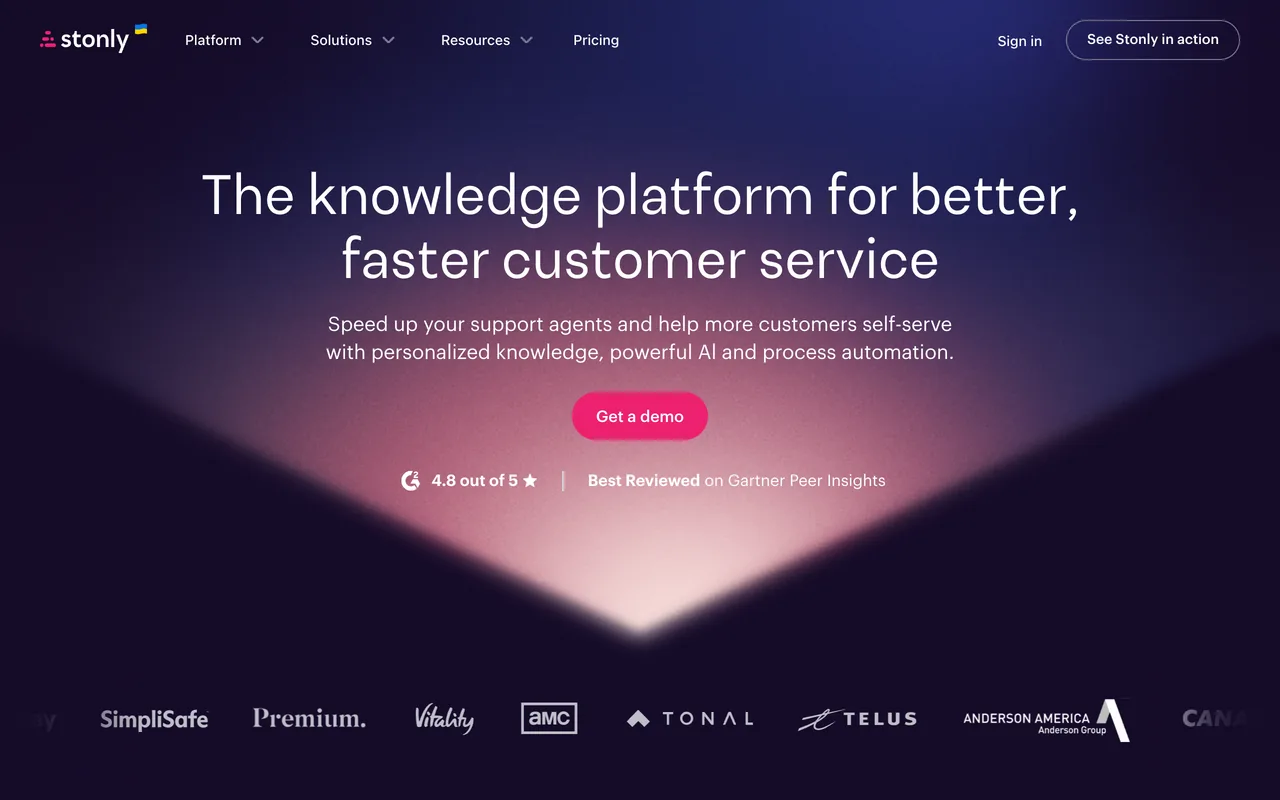
Stonly's homepage, October 2026
stonly.com, October 2026
Why pick Stonly over iorad
  • Its knowledge base and in-app help are praised in 96 of the 132 reviews we read, against 17 of iorad's 52
  • Guides that offer choices, so each reader follows their own path, which the iorad pages we read don't mention
  • Guides and tours that run in web apps on Small Business, where iorad lists in-app Live Mode only on Enterprise, in beta
  • A 14-day trial of Small Business; iorad's pricing page lists no trial
Features to evaluate
Keep in mind
  • No prices on its pricing page, where iorad prints every plan but Enterprise
  • Its free Basic plan allows 400 guide views a month and 5 published guides, where iorad Free has unlimited public tutorials and learners
  • Surveys, SSO and the Salesforce, Zendesk, Freshdesk and Front integrations are Enterprise only
  • Missing features are its most-named complaint (45 of 132), and its G2 reviews end in December 2024, with none newer on G2
What its G2 reviewers say

Praised for

  • Resource center and in-app help96/132 reviews
  • Easy to use92/132 reviews
  • Customer support and success team46/132 reviews

Criticised for

  • Missing features45/132 reviews
  • Learning curve, hard-to-find settings22/132 reviews
  • Styling limits16/132 reviews

All 132 reviews on G2, each read and tagged by an AI model against a fixed list of themes. Written 2021–2024.

Our Stonly review · Pricing read on stonly.com checked 19 Oct 2026 · Features read 3 Nov 2026 · G2 reviews read 3 Nov 2026
Userflow

Best for many authors building in-app flows, with unlimited seats · On the shortlist

Entry price
$300 / moEssentials, billed monthly (or $240 / mo billed yearly) · 1,000 MAUs
Free plan
Not listed
Billed by
Monthly active users (MAUs)

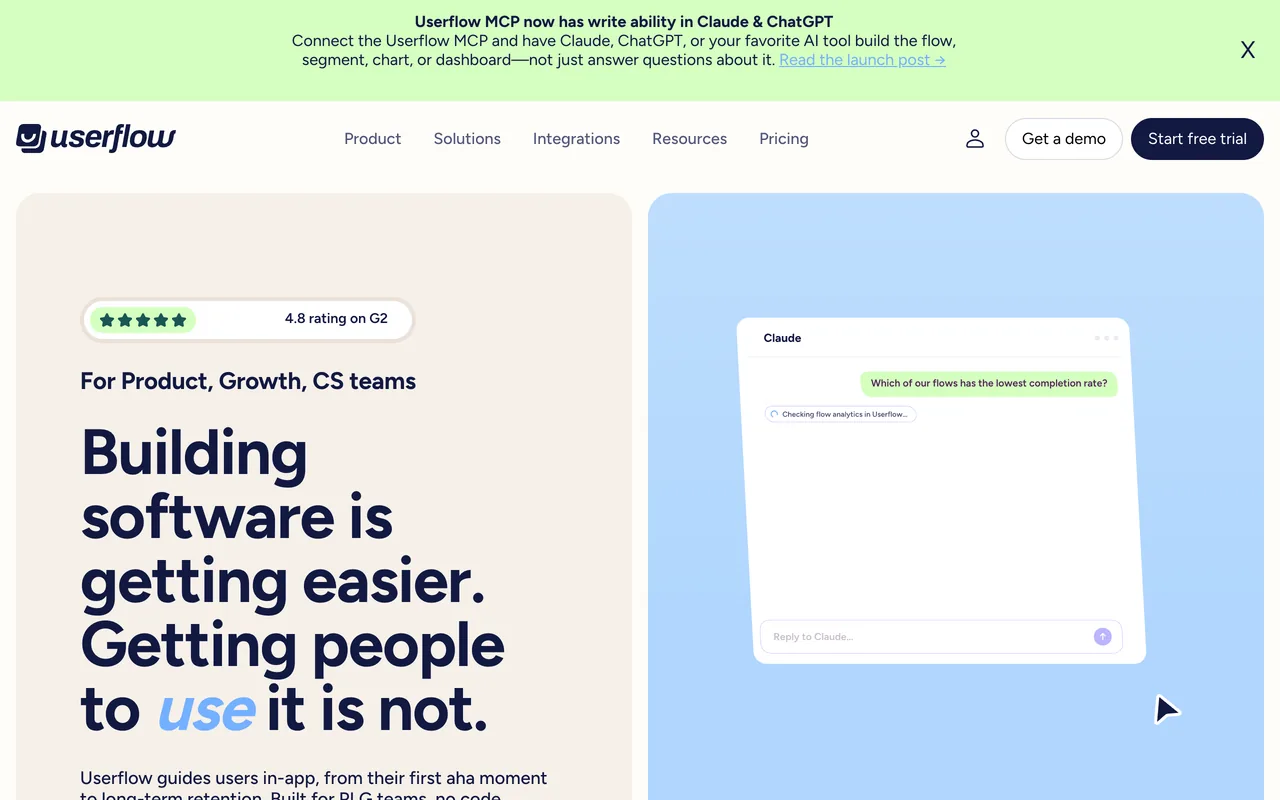
Userflow builds flows, tours, checklists, tooltips, surveys and a resource center inside your own web app. Essentials is $300 / mo for 1,000 MAUs, or $240 / mo billed yearly, with unlimited experiences and unlimited team members. Reviewers praise its ease of use more than anything else (99 of the 125 reviews on G2).

Userflow's homepage, October 2026
userflow.com, October 2026
Why pick Userflow over iorad
  • Unlimited team members on every plan, where iorad prices per creator (Team is $500 a month with one seat included, plus $50 a month per extra seat)
  • Experiences run inside your product, with AI to build and target them; iorad lists in-app Live Mode only on Enterprise, in beta
  • A 14-day trial without a card; iorad's pricing page lists no trial
  • Support is praised in 52 of the 125 reviews we read, against 7 of iorad's 52
Keep in mind
  • No free plan, and it's priced by MAUs from 1,000, where iorad has unlimited learners; more are sold in blocks of 1,000 from $40 / mo
  • Its help center says native iOS and Android apps aren't supported (mobile web apps are), and the pages we read don't mention desktop apps, which iorad captures
  • Custom CSS and the HubSpot and Salesforce integrations need Studio ($500 / mo); Essentials keeps 6 months of analytics history
  • Missing features (28 of 125) and price (16) are the most-named complaints
What its G2 reviewers say

Praised for

  • Easy to use99/125 reviews
  • Customer support and success team52/125 reviews
  • Builds flows without developers31/125 reviews

Criticised for

  • Missing features28/125 reviews
  • Price and plan structure16/125 reviews
  • Reporting and analytics depth15/125 reviews

All 125 reviews on G2, each read and tagged by an AI model against a fixed list of themes. Written 2020–2026.

Our Userflow review · Pricing read on userflow.com checked 19 Oct 2026 · Features read 3 Nov 2026 · G2 reviews read 3 Nov 2026
Whatfix

Best for guidance that runs inside web, desktop and mobile apps, for employees or customers · On the shortlist

Entry price
Custom quoteQuote based on products and plans (a flat fee each) plus user licences
Free plan
Not listed
Billed by
Flat fee per product and plan, plus user licenses (employee-facing apps: users with access; customer-facing apps: MAUs)

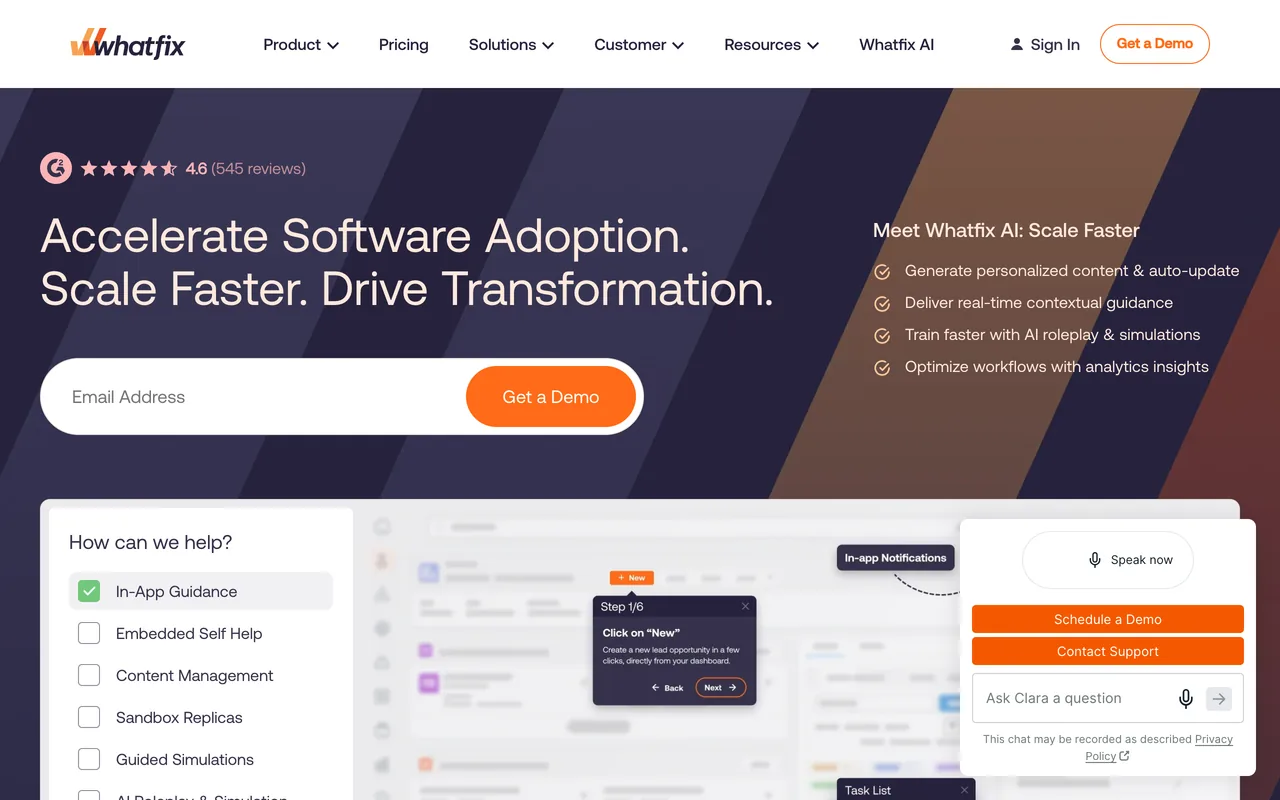
Whatfix overlays flows, smart tips, beacons, pop-ups and task lists on web, desktop and mobile apps, for employees or customers, with cloud or self-hosted deployment. A separate product, Mirror, captures application screens into interactive replicas for practice. Whatfix prints no prices; its FAQ says each plan is a flat fee plus user licences. Its support team is the theme reviewers praise most (331 of the 563 reviews we read).

Whatfix's homepage, October 2026
whatfix.com, October 2026
Why pick Whatfix over iorad
  • In-app guidance is the core product, with plans for web and desktop apps, mobile apps, and Windows and Mac; iorad lists in-app Live Mode only on Enterprise, in beta
  • Mirror, sold separately, captures application screens as you navigate into interactive replicas, with voice and chat roleplay
  • Auto Testing checks that flows still work after an application's interface changes (web apps, on Premium; Standard shows a dash)
  • Support is praised in 331 of the 563 reviews we read, against 7 of iorad's 52
Features to evaluate
Keep in mind
  • No printed prices or free plan; a figure comes after a demo, and the free trial is on request
  • Licences count every user with access to an employee app, or each MAU of a customer app, where iorad charges per creator with unlimited learners
  • The learning curve (98 of 563) is its joint most-named complaint, with missing features, against 7 of iorad's 52
  • Standard is limited to 2 integrations and manual translation
What its G2 reviewers say

Praised for

  • Customer support and success team331/563 reviews
  • Easy to use237/563 reviews
  • Flow types: tours, tooltips, checklists, modals179/563 reviews

Criticised for

  • Missing features98/563 reviews
  • Learning curve, hard-to-find settings98/563 reviews
  • Builder or browser-extension friction67/563 reviews

All 563 reviews on G2, each read and tagged by an AI model against a fixed list of themes. Written 2015–2026.

Our Whatfix review · Pricing read on whatfix.com checked 19 Oct 2026 · Features read 3 Nov 2026 · G2 reviews read 3 Nov 2026

UserGuiding

Best for tours, checklists and a knowledge base inside your own web app, at a printed price

Entry price
$249 / moStarter, monthly equivalent, billed yearly (or $349 / mo billed monthly) · Up to 2,000 MAUs
Free plan
Not listed
Billed by
Monthly active users (MAUs)

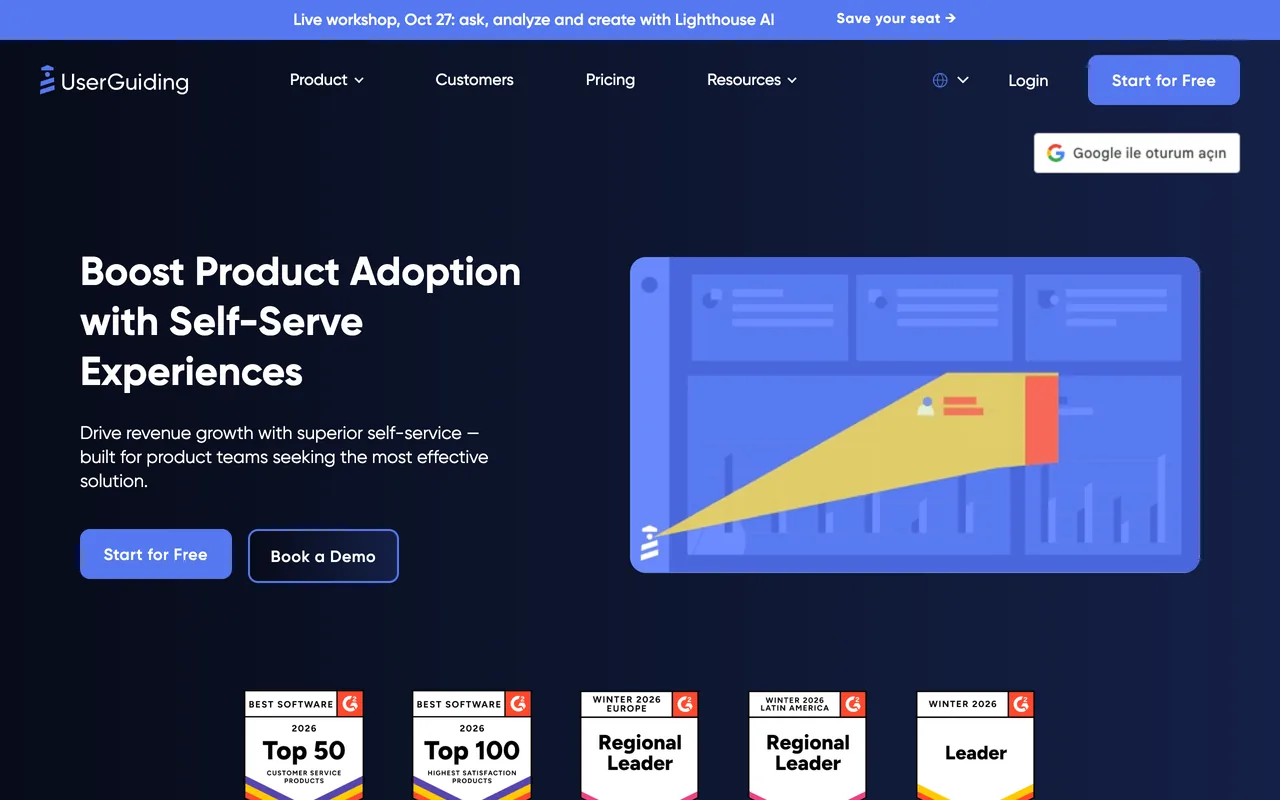
UserGuiding builds product tours, hotspots, checklists and surveys that run inside your own web app, plus a knowledge base and a product-updates feed. It prices by monthly active users: Starter is $249 / mo billed yearly for up to 2,000 MAUs. Reviewers praise its ease of use most (456 of the 782 reviews we read).

UserGuiding's homepage, October 2026
userguiding.com, October 2026
Why pick UserGuiding over iorad
  • Guides run inside your web app while users work, where iorad's FAQ calls its tutorials standalone
  • Tours, hotspots, checklists, surveys and NPS on Starter; flow types are praised in 310 of the 782 reviews we read, against 13 of iorad's 52
  • A knowledge base and product-updates feed in the same tool
  • A 14-day trial without a card; iorad's pricing page lists no trial
Keep in mind
  • No free plan, where iorad has one, and Starter is $349 / mo billed monthly or $2,988 a year billed yearly, against $200 / mo for iorad's Individual
  • Priced by MAUs, where iorad has unlimited learners, and Starter caps active content at 15 guides, 10 hotspots, 1 checklist and 1 survey
  • Its FAQ says native mobile apps aren't supported, and the pages we read don't mention desktop apps, which iorad captures
  • Missing features (182 of 782) and styling limits (99) are the most-named complaints
What its G2 reviewers say

Praised for

  • Easy to use456/782 reviews
  • Flow types: tours, tooltips, checklists, modals310/782 reviews
  • Customer support and success team298/782 reviews

Criticised for

  • Missing features182/782 reviews
  • Styling limits99/782 reviews
  • Builder or browser-extension friction95/782 reviews

All 782 reviews on G2, each read and tagged by an AI model against a fixed list of themes. Written 2019–2026.

UserGuiding vs iorad, compared in full · Our UserGuiding review · Pricing read on userguiding.com checked 19 Oct 2026 · Features read 3 Nov 2026 · G2 reviews read 3 Nov 2026

WalkMe

Best for company-wide adoption across many apps, with workflow automation and app-usage discovery

Entry price
Custom quoteQuote; pricing basis not stated
Free plan
Not listed
Billed by
Not listed

WalkMe adds walkthroughs, tooltips, automations and analytics on top of web, desktop and mobile software, in one version for employees and one for customers. The employee version adds Discovery of company-wide web-app usage, workflow automation and WalkMe for SAP GUI. It prints no prices. Reviewers praise its ease of use most (252 of the 583 reviews we read).

WalkMe's homepage, October 2026
walkme.com, October 2026
Why pick WalkMe over iorad
  • Guidance that runs inside the software, including SAP GUI and your own native and hybrid iOS and Android apps through a Mobile Native SDK
  • Workflow automation, and Discovery of web-app usage across the company down to the user, in the employee version
  • Flow types are praised in 228 of the 583 reviews we read and support in 217, against 13 and 7 of iorad's 52
Keep in mind
  • No prices, tiers, billing unit or trial on its pricing page, where iorad prints every plan but Enterprise and has a free plan
  • The learning curve is its most-named complaint (152 of 583), and 39 reviews say flows break when the underlying app changes
  • Behavioral segments are capped at 10 per system, with up to 50,000 users each
What its G2 reviewers say

Praised for

  • Easy to use252/583 reviews
  • Flow types: tours, tooltips, checklists, modals228/583 reviews
  • Customer support and success team217/583 reviews

Criticised for

  • Learning curve, hard-to-find settings152/583 reviews
  • Missing features97/583 reviews
  • Builder or browser-extension friction87/583 reviews

All 583 reviews on G2, each read and tagged by an AI model against a fixed list of themes. Written 2012–2026.

Our WalkMe review · Pricing read on walkme.com checked 19 Oct 2026 · Features read 3 Nov 2026 · G2 reviews read 3 Nov 2026

Before you switch from iorad

iorad's tutorials are standalone, so moving to a tool that guides people inside the software means rebuilding them as guidance on the live screen. Export the ones you'll keep first (video, Word, Google Docs or Slides from Team; HTML or SCORM packages on Enterprise) and list where each is embedded, such as your help center or LMS; a card subscription can be cancelled at any time and drops to Free, which keeps published tutorials live.

  1. Save what you haveExport or screenshot every live flow, checklist and survey with its targeting rules, and note the events and integrations each one depends on.
  2. Rebuild one real flowRecreate your most-used flow in the new tool with the same steps and audience, then check it on the browsers, screen sizes and languages your users have.
  3. Follow the dataCheck that users are identified the same way, that the events your flows fire still arrive, and that your activation reports read the new tool's data.
  4. Price it, then switchGet a quote for your real MAUs or seats, renewal included. Turn the old flow off only once the new one has passed, then cancel the old plan.

Also considered

  • Apty and Userlane: Digital adoption platforms for staff working in browser-based business software, sold by quote with no trial listed. Whatfix and WalkMe cover in-app guidance for staff on this list, desktop apps included.
  • Pendo, Userpilot, Appcues and Chameleon: Onboarding and product-analytics tools for your own software product rather than tutorial builders; UserGuiding and Userflow cover that need on this list.
  • Intercom: Its product tours, checklists and surveys sit in an add-on to a customer-service platform rather than a tutorial builder, and G2 now lists Intercom as Fin, its AI agent, so its G2 rating and review count cover the whole suite rather than the tours.
  • Nickelled: Its site now redirects to Omniplex Learning, a learning and development company, and no page we read describes the product.

How we chose

How the list is ordered. The three picks come first, each for a different need; the other 2 follow A–Z by name. A position is not a score, and no tool paid to be listed or placed.

A tool is listed only once we've read its own pricing page and its G2 reviews. Prices, plans, trials and limits come from each vendor's pages, read through a US browser session on the dates shown with each entry; when a page prints no price, the entry says so.

For reviews, an AI model read every G2 review of each tool and tagged each one against the same fixed list of themes for every tool. G2's overall rating and count sit beside our counts; we don't publish review scores of our own.

All 52 reviews on G2, each read and tagged by an AI model against a fixed list of themes.

FAQ

What is the best alternative to iorad?

It depends on why you're leaving. For branching help guides and a knowledge base, Stonly; for tours and checklists inside your own web app at a printed price, UserGuiding; for many authors with unlimited seats, Userflow; for guidance inside web, desktop and mobile apps, Whatfix; for company-wide adoption with workflow automation, WalkMe.

Is there a cheaper alternative to iorad?

iorad's Free plan costs nothing, and Individual is $200 / mo for one creator. Of the alternatives, Stonly's Basic plan costs nothing after its 14-day trial (Basic: 400 guide views/mo, 5 guides). Userflow's Essentials is $300 / mo for 1,000 MAUs (or $240 / mo billed yearly), and UserGuiding's Starter $249 / mo billed yearly for up to 2,000 MAUs. The rest are quoted. iorad counts creators while the others count users or guide views, so the prices buy different amounts.

Does any iorad alternative charge per creator with unlimited learners?

None of the tools here says it prices the way iorad does, per tutorial creator with unlimited learners on every plan. UserGuiding and Userflow charge by monthly active users, with unlimited team members on Userflow; Whatfix charges a flat fee plus user licences; and Stonly sizes its plans by guide views and team members. WalkMe's pricing page names no billing unit.

Which iorad alternative has a free plan or a free trial?

Stonly is the only one with a free plan: Basic, which an account drops to after its 14-day trial (400 guide views a month, 5 published guides). UserGuiding and Userflow offer 14-day trials without a card; Whatfix's FAQ mentions a free trial, but its link opens a demo request. WalkMe's pricing page lists no trial. iorad itself lists no trial, but its Free plan has no time limit.

Which alternatives guide users inside the software instead of in a separate tutorial?

All of them, in different places. UserGuiding and Userflow add tours and checklists to your own web app; Whatfix and WalkMe overlay guidance on the business software staff use, desktop apps included; and Stonly runs guides and tours in web apps as well as help centers. iorad's own in-app Live Mode is listed only on Enterprise and marked beta.

Which alternatives work in desktop apps?

iorad captures desktop programs into tutorials through its Mac and Windows apps. For guidance inside desktop software, Whatfix covers desktop apps, including Citrix and Azure Virtual Desktop, and sells a separate plan for Windows and Mac; and WalkMe supports SAP GUI for Windows. The UserGuiding, Userflow and Stonly pages we read don't mention desktop apps.

Which tool is best for a help center or knowledge base?

Stonly is built for it: its knowledge base and in-app help are praised in 96 of the 132 reviews we read, against 17 of iorad's 52. UserGuiding includes a knowledge base on Starter. iorad itself integrates with Zendesk, Freshdesk, ServiceNow and Confluence.

How did you pick these tools?

Each had to have a pricing page we could read and G2 reviews that an AI model could read and tag against the same fixed list of themes as every other tool. The method section above explains how the reviews were read.

More comparisons