
Independent. No onboarding vendor owns this site or pays to be on it.

Prices checked 19 Oct – 3 Nov 20266,688 G2 reviews readHow we review →

UserOnboarding Academy

Alternatives guide · 6 tools compared

Userlane alternatives: 6 tools worth a look

Userlane guides staff through browser-based business software such as an ERP, CRM or EHR, and prices per application with unlimited users or by consumption. Reviewers rate it 4.7 out of 5 on G2 and praise its support team most, but its G2 reviews end in December 2023, and G2 has none newer. Reasons to look elsewhere include missing features such as branching guides, friction in its editor, guidance in desktop or native mobile apps, which the pages we read don't mention, and the lack of a price or trial to see without a sales call. Here are six alternatives, each for a different need, with the facts read from their own pages.

By Yağmur Çiftçi · Published 4 Nov 2026 · How we chose

UserOnboarding Academy isn't owned by Userlane or any tool on this list. No vendor reviewed this page before publication.

Start with what needs to change

Three picks for three different needs

  1. WhatfixBest fora trial on request, and plans for desktop and mobile apps as well as the browserIts plans cover web and desktop apps, with separate plans for mobile apps and for Windows and Mac, where the Userlane pages we read describe browser-based apps only, and its support team is praised in 331 of the 563 reviews we read.Custom quote · Free plan: Not listed
  2. AptyBest forSalesforce, Workday or ServiceNow rollouts, with every feature in one quoteLike Userlane, it guides staff through enterprise applications and checks field entries as they're made, but it has no feature tiers: every core feature is in every deployment, where Userlane keeps cross-application insights for Department and License optimization for Organization.Custom quote · Free plan: Not listed
  3. StonlyBest forsupport teams that want branching guides and a knowledge baseIts guides branch so each person follows the path that fits them, which 4 of Userlane's reviewers ask for, and it gives a 14-day trial, then a Basic plan at no charge, where Userlane lists neither.Custom quote · Free plan: Basic: 400 guide views/mo, 5 guides

Stay with Userlane if you're rolling out browser-based software such as an ERP, CRM or EHR to your staff, one application at a time, and want a fixed annual fee per application with unlimited users, with data validation and usage analytics in every track. Check Userlane's plans →

Userlane and its alternatives, price by price

Prices as each vendor shows them, checked 19 Oct 2026. Each tool prices in its own unit, so entry prices buy different amounts. The rows follow the list’s order: the picks, then A–Z.

ToolEntry priceFree planBilled byG2Consider it for
UserlaneThe tool you’re replacingCustom quoteQuote based on applications (a fixed yearly fee each) or users plus interactionsChecked 19 Oct 2026 on userlane.com (opens in a new tab)Not listedPer application (fixed annual fee, unlimited users) or consumption-based (per-user base fee plus per-interaction charges) 4.7 (81)81 reviews readStaff apps in the browser, priced per app
WhatfixOn the shortlistCustom quoteQuote based on products and plans (a flat fee each) plus user licencesChecked 19 Oct 2026 on whatfix.com (opens in a new tab)Not listedFlat fee per product and plan, plus user licenses (employee-facing apps: users with access; customer-facing apps: MAUs) 4.6 (563)563 reviews readWeb, desktop and mobile; trial on request
AptyOn the shortlistCustom quoteQuote based on the scope of each deploymentChecked 19 Oct 2026 on apty.ai (opens in a new tab)Not listedScope of the deployment: users, applications, implementation, integration, deployment and compliance needs (not solely per user) 4.7 (147)147 reviews readEvery feature in one quote
StonlyOn the shortlistCustom quoteQuote based on guide views and team members · Free plan available (Basic: 400 guide views/mo, 5 guides)Checked 19 Oct 2026 on stonly.com (opens in a new tab)Basic: 400 guide views/mo, 5 guidesNot listed; plans are sized by monthly guide views and team members 4.8 (132)132 reviews readSupport guides and a knowledge base
iorad$200 / moIndividual, billing period not stated · 1 creator, unlimited learners · Free plan available (Unlimited public tutorials)Checked 19 Oct 2026 on iorad.com (opens in a new tab)Unlimited public tutorialsTutorial creators (seats); unlimited learners, with no per-learner fees 4.7 (52)52 reviews readTraining tutorials at printed prices
PendoCustom quoteQuote based on MAUs and plan features · Free plan available (Pendo Free, up to 500 MAUs)Checked 19 Oct 2026 on pendo.io (opens in a new tab)Pendo Free, up to 500 MAUsMonthly active users (MAUs) plus the functionality in the plan 4.4 (1,827)1,791 reviews readCustomer-facing products; free up to 500 MAUs
WalkMeCustom quoteQuote; pricing basis not statedChecked 19 Oct 2026 on walkme.com (opens in a new tab)Not listedNot listed 4.5 (583)583 reviews readWeb, SAP GUI and native mobile apps

Userlane charges a fixed yearly fee per application with unlimited users, or by consumption; Whatfix adds user licences to a flat fee per product, Apty quotes on users as well as applications, Pendo counts monthly active users, Stonly guide views and team members, and iorad tutorial creators, while WalkMe names no unit. Ask each for a quote on the same applications and number of staff, so the figures can be set side by side.

Why people look for Userlane alternatives

We read all 81 of Userlane's G2 reviews. Missing features are the most-named complaint, in 22 of the 81 reviews we read, among them branching guides (4), ahead of friction in the editor and element selection (16), the learning curve (12) and reporting depth (8); 7 say guides need upkeep when the application changes. The reviews are also old: they date from October 2017 to December 2023, 54 of them from 2022, and G2 has none newer, so none describes the product since. Price is criticised in only 2, but the pricing page prints no prices or currency: all three tracks are 'Get a Quote', and it lists no free plan or trial. And the pages we read describe browser-based apps only, reached through a browser extension or, for external apps and mobile web, a JavaScript snippet.

4.7

81 reviews on G2 · read 3 Nov 2026

Of 81 reviews, reviewers most often praise Userlane's support and customer success team (50), ease of use (47), its flow types such as guides and announcements (25), and results such as fewer support requests and less training (21). They most often criticise missing features such as branching guides (22), friction in the guide editor and element selection (16), and a learning curve that can call for coding knowledge (12), while 13 name no dislike.

G2’s star split

  • 5 stars67 reviews
  • 4 stars14 reviews
  • 3 stars0 reviews
  • 2 stars0 reviews
  • 1 stars0 reviews

G2 counts a 4.5 with the 5-star reviews.

Where the reviews we read came from

  • Organic 58
  • Invited by G2 for Userlane 21
  • Invited by Userlane 1
  • Invited by G2 1
  • Incentivized 12

Praised for

  • Customer support and success team50/81 reviews
  • Easy to use47/81 reviews
  • Flow types: tours, tooltips, checklists, modals25/81 reviews
  • Results: activation, adoption, fewer tickets21/81 reviews
  • Analytics and product insights17/81 reviews

Criticised for

  • Missing features22/81 reviews
  • Builder or browser-extension friction16/81 reviews
  • Learning curve, hard-to-find settings12/81 reviews
  • Reporting and analytics depth8/81 reviews
  • Flows break when the app's UI changes7/81 reviews

13 of 81 name no dislike at all.

All 81 reviews on G2, each read and tagged by an AI model against a fixed list of themes. Written 2017–2023; 0 in the year before 3 Nov 2026.

In reviewers’ words

The 6 alternatives in detail

The three picks come first, then the other 3 A–Z by name. A position is not a score.

Whatfix

Best for a trial on request, and plans for desktop and mobile apps as well as the browser · On the shortlist

Entry price
Custom quoteQuote based on products and plans (a flat fee each) plus user licences
Free plan
Not listed
Billed by
Flat fee per product and plan, plus user licenses (employee-facing apps: users with access; customer-facing apps: MAUs)

Whatfix guides employees or customers through web, desktop and mobile apps, with cloud or self-hosted deployment. It prints no prices, but its FAQ explains how they're built: a flat fee per product and plan, plus user licences. Support is the theme its reviewers praise most (331 of all 563 reviews on G2), and 206 of its 563 date from 2025 or 2026.
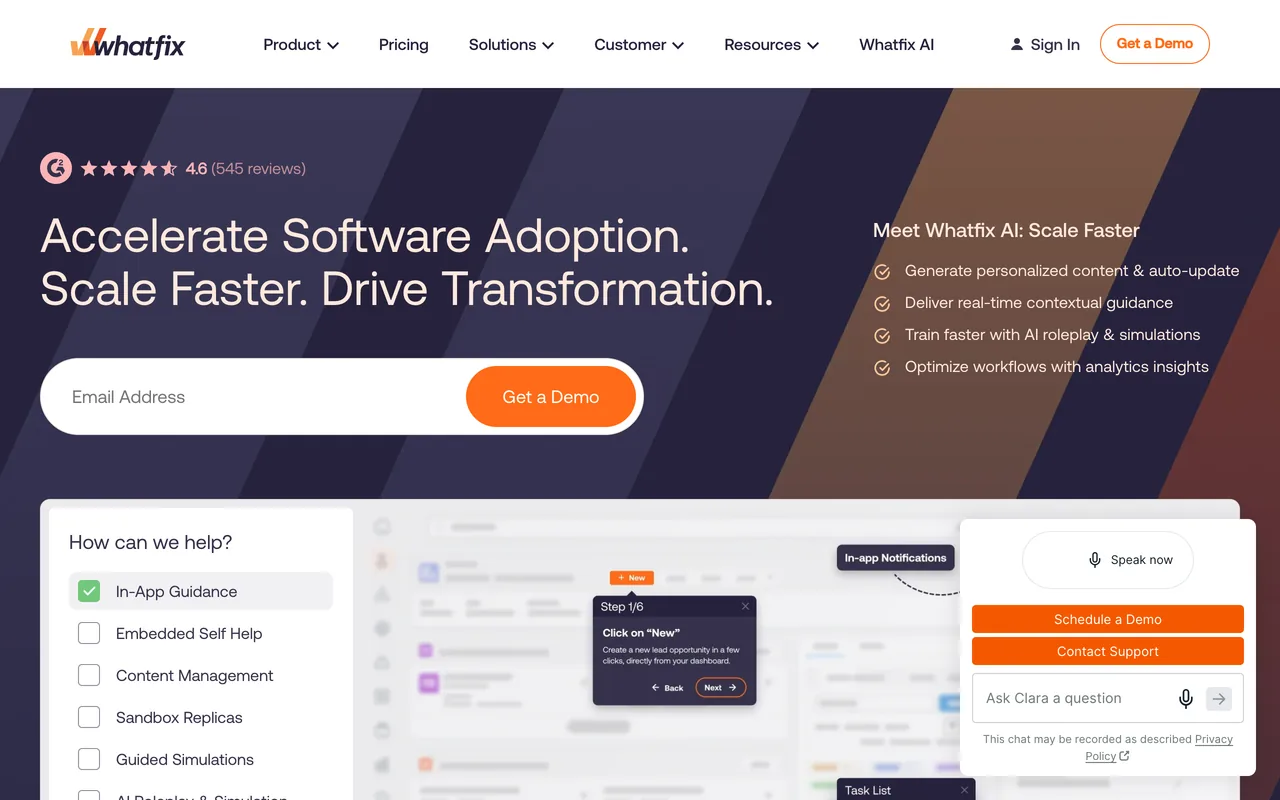
Whatfix's homepage, October 2026
whatfix.com, October 2026
Why pick Whatfix over Userlane
  • A free trial on request, of unstated length; Userlane's pricing page lists no trial
  • Plans for web and desktop apps (including Citrix and Azure Virtual Desktop), with separate plans for mobile apps and for Windows and Mac; the Userlane pages we read describe browser-based apps only
  • Recent reviews: 206 of its 563 G2 reviews date from 2025 or 2026, where Userlane's end in December 2023
  • Auto Testing, on Premium, checks that flows still work after an application's interface changes; 7 of Userlane's reviewers say guides need upkeep when the application changes
Features to evaluate
Keep in mind
  • No printed prices, and for employee-facing apps a user licence counts everyone with access, where Userlane's application-based model has unlimited users
  • Standard is limited to 2 integrations and manual translation; auto translation and custom surveys are on Premium
  • The learning curve (98 of 563) is the joint most-named complaint, with missing features, and builder or browser-extension friction comes up in 67
  • Plans list support 24 hours a day, Monday to Friday; 24/7 support is an add-on
What its G2 reviewers say

Praised for

  • Customer support and success team331/563 reviews
  • Easy to use237/563 reviews
  • Flow types: tours, tooltips, checklists, modals179/563 reviews

Criticised for

  • Missing features98/563 reviews
  • Learning curve, hard-to-find settings98/563 reviews
  • Builder or browser-extension friction67/563 reviews

All 563 reviews on G2, each read and tagged by an AI model against a fixed list of themes. Written 2015–2026.

Whatfix vs Userlane, compared in full · Our Whatfix review · Pricing read on whatfix.com checked 19 Oct 2026 · Features read 3 Nov 2026 · G2 reviews read 3 Nov 2026
Apty

Best for Salesforce, Workday or ServiceNow rollouts, with every feature in one quote · On the shortlist

Entry price
Custom quoteQuote based on the scope of each deployment
Free plan
Not listed
Billed by
Scope of the deployment: users, applications, implementation, integration, deployment and compliance needs (not solely per user)

Apty adds walkthroughs, tooltips, real-time field validations and process analytics to the enterprise applications employees use. It has no feature tiers: each deployment is quoted on its users, applications and implementation needs. Guiding employees through internal software (78 of all 147 reviews on G2) and named results (78) are its joint most-praised themes.

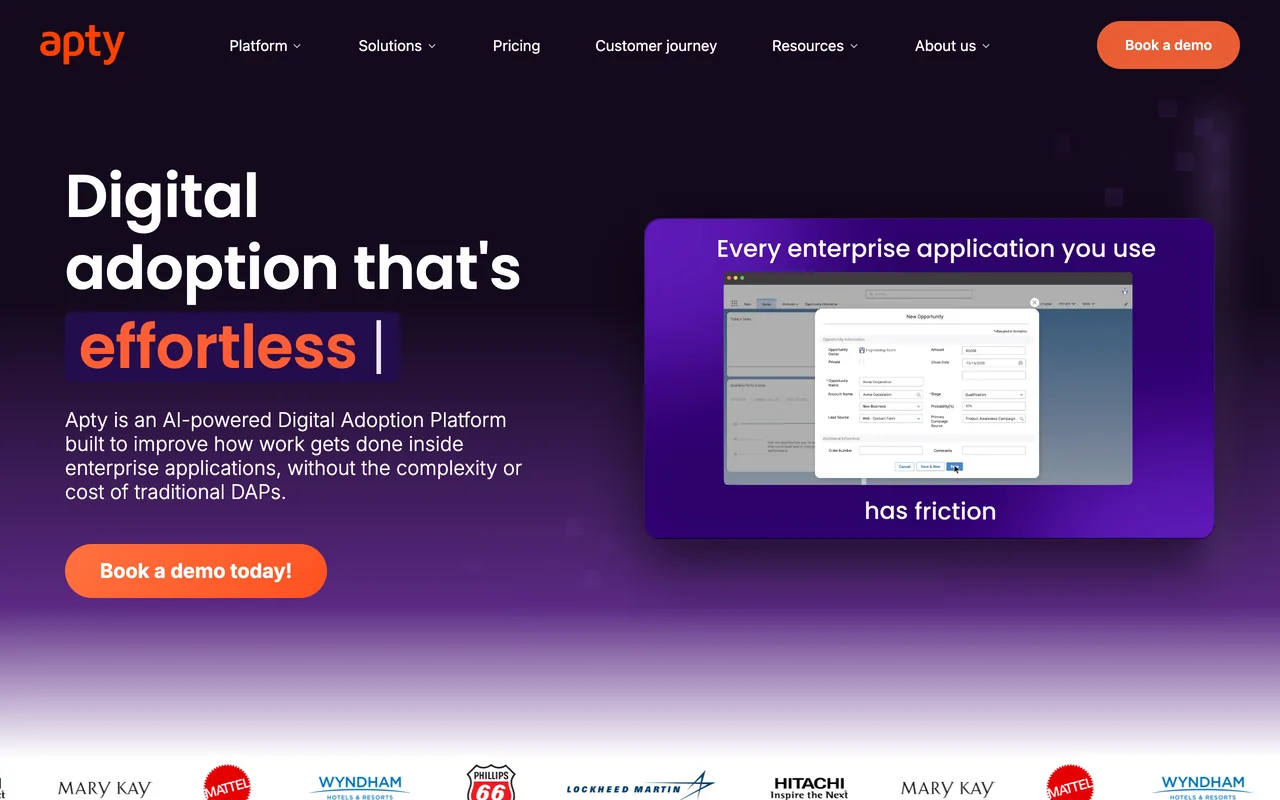
Apty's homepage, October 2026
apty.ai, October 2026
Why pick Apty over Userlane
  • No feature tiers: every core feature is in every deployment, where Userlane keeps advanced reporting and cross-application insights for Department and License optimization for Organization
  • Versioning and approval workflows, which the Userlane pages we read don't mention, and guidance in 30+ languages
  • Praised for guiding employees through internal software in 78 of its 147 reviews, against 11 of Userlane's 81
  • None of the 147 reviews we read criticises its price, and 11 praise its value
Features to evaluate
Keep in mind
  • No prices, tiers or trial on its pricing page, and the quote depends on users as well as applications, where Userlane's application-based model has unlimited users
  • The pages we read don't mention native mobile or desktop apps, and three reviews from 2020 and 2021 say it didn't work with desktop or thick-client applications
  • Its reviews are old too: 106 of the 147 date from 2019 to 2021, and only 13 from 2025 or later
  • Missing features are the most-named complaint (22 of 147), such as ready-made templates
What its G2 reviewers say

Praised for

  • Employee and internal-software adoption78/147 reviews
  • Results: activation, adoption, fewer tickets78/147 reviews
  • Flow types: tours, tooltips, checklists, modals69/147 reviews

Criticised for

  • Missing features22/147 reviews
  • Learning curve, hard-to-find settings20/147 reviews
  • Builder or browser-extension friction17/147 reviews

All 147 reviews on G2, each read and tagged by an AI model against a fixed list of themes. Written 2019–2026.

Our Apty review · Pricing read on apty.ai checked 19 Oct 2026 · Features read 3 Nov 2026 · G2 reviews read 3 Nov 2026
Stonly

Best for support teams that want branching guides and a knowledge base · On the shortlist

Entry price
Custom quoteQuote based on guide views and team members · Free plan available (Basic: 400 guide views/mo, 5 guides)
Free plan
Basic: 400 guide views/mo, 5 guides
Billed by
Not listed; plans are sized by monthly guide views and team members

Stonly is a knowledge platform for customer service: step-by-step guides with branching paths, a knowledge base and AI answers, for customers and support agents, which can also run as guides and tours in web apps. Its knowledge base and in-app help are the theme reviewers praise most (96 of the 132 reviews on G2).

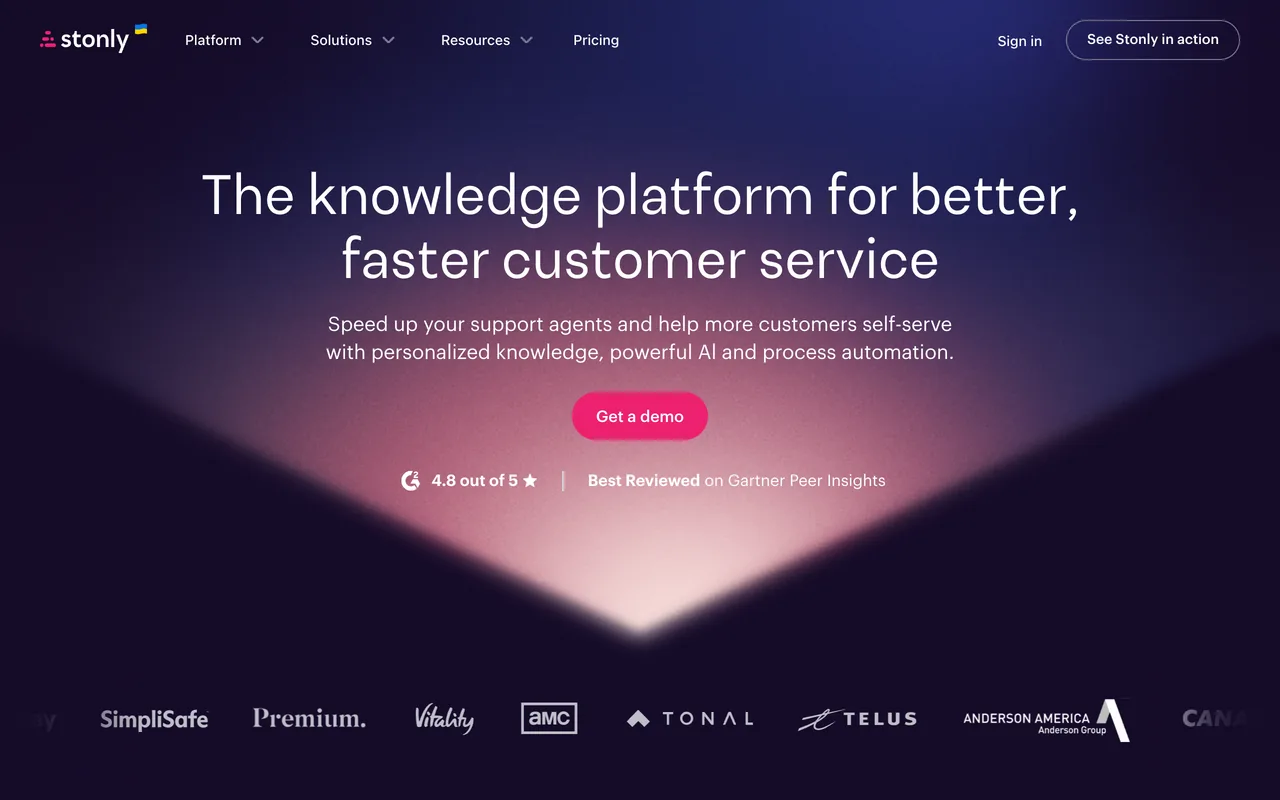
Stonly's homepage, October 2026
stonly.com, October 2026
Why pick Stonly over Userlane
  • Guides that offer choices, so each person follows the path that fits them; branching guides are among the missing features Userlane's reviewers name
  • A 14-day trial, then a Basic plan at no charge (400 guide views a month, 5 published guides); Userlane lists neither a trial nor a free plan
  • A knowledge base, with in-app help praised in 96 of its 132 reviews, against 7 of Userlane's 81
  • Agent guidance and decision trees inside Zendesk, Salesforce, Freshworks and ServiceNow, per its integrations page
Features to evaluate
Keep in mind
  • No prices on its pricing page; Small Business is for companies with under 100 employees and covers 4,000 guide views a month
  • Surveys, SSO and the Salesforce, Zendesk, Freshdesk and Front integrations are listed on Enterprise only
  • The pages we read don't mention data validation, and the analytics its pages describe cover its own guides, not how each application is used
  • Missing features are the most-named complaint (45 of 132), and its G2 reviews end in December 2024, with none newer on G2
What its G2 reviewers say

Praised for

  • Resource center and in-app help96/132 reviews
  • Easy to use92/132 reviews
  • Customer support and success team46/132 reviews

Criticised for

  • Missing features45/132 reviews
  • Learning curve, hard-to-find settings22/132 reviews
  • Styling limits16/132 reviews

All 132 reviews on G2, each read and tagged by an AI model against a fixed list of themes. Written 2021–2024.

Stonly vs Userlane, compared in full · Our Stonly review · Pricing read on stonly.com checked 19 Oct 2026 · Features read 3 Nov 2026 · G2 reviews read 3 Nov 2026
iorad

Best for training tutorials at a printed price, with a free plan

Entry price
$200 / moIndividual, billing period not stated · 1 creator, unlimited learners · Free plan available (Unlimited public tutorials)
Free plan
Unlimited public tutorials
Billed by
Tutorial creators (seats); unlimited learners, with no per-learner fees

iorad records the steps you click through in a browser or desktop app and turns them into interactive tutorials for training, onboarding and help content. It prices per tutorial creator, with unlimited learners on every plan: Free covers public tutorials, and Individual is $200 / mo for one creator.

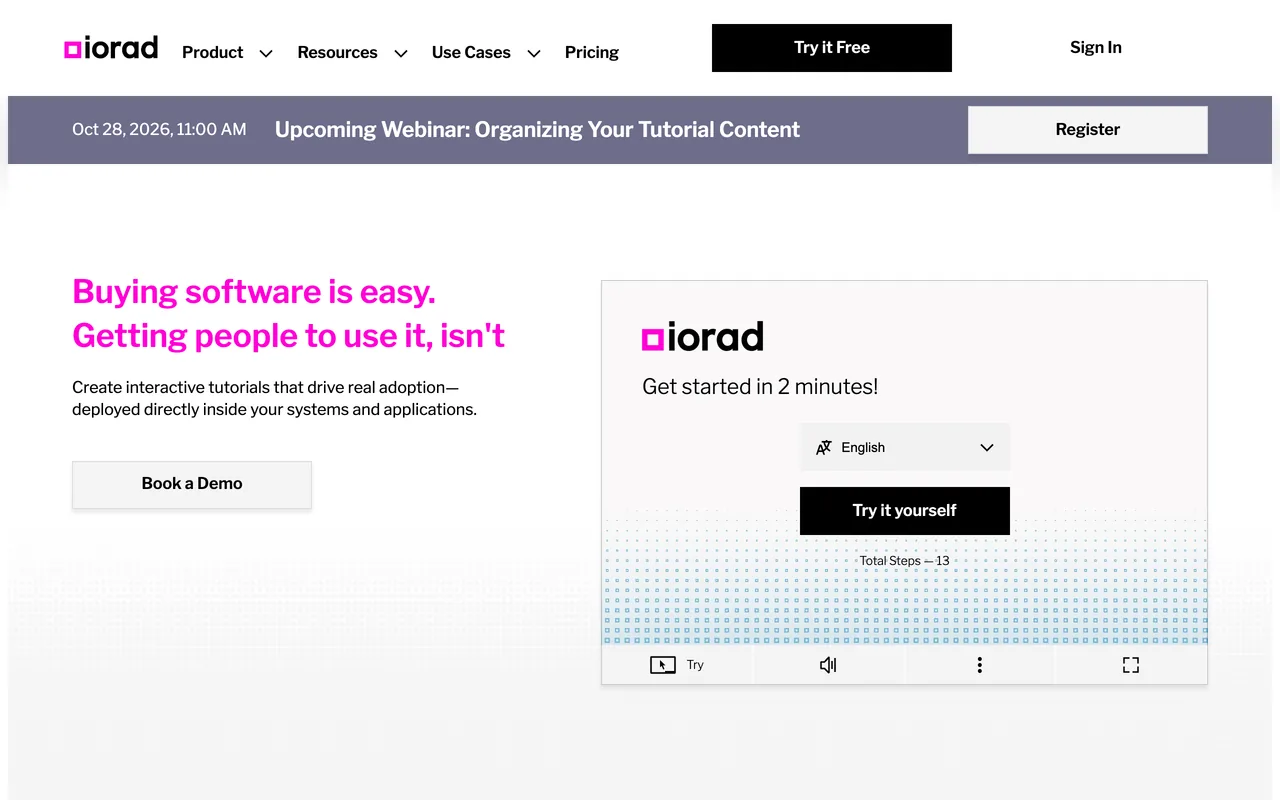
iorad's homepage, October 2026
iorad.com, October 2026
Why pick iorad over Userlane
  • Printed prices for every plan but Enterprise (Team is $500 a month with one seat included), and a free plan with no time limit; Userlane prints no prices
  • A full refund if you ask within 30 days of purchase; Userlane's pricing page lists no refund terms
  • Captures desktop programs through Mac and Windows apps, and exports tutorials to video, Word, Google Docs and Google Slides
  • Ease of use is praised in 46 of its 52 reviews, against 47 of Userlane's 81
Features to evaluate
Keep in mind
  • It builds standalone step-by-step tutorials rather than in-app overlays: its FAQ sets them apart from a digital adoption platform's, and its one in-app form, Live Mode, is on Enterprise only and marked beta
  • Free tutorials are public; private tutorials and data masking start on Individual
  • Missing features (16 of 52) and friction capturing and editing tutorials (13) are the most-named complaints
  • 40 of its 52 G2 reviews are from 2026, 26 of them seller-invited reviews posted on May 6 and 7
What its G2 reviewers say

Praised for

  • Easy to use46/52 reviews
  • Resource center and in-app help17/52 reviews
  • Employee and internal-software adoption16/52 reviews

Criticised for

  • Missing features16/52 reviews
  • Builder or browser-extension friction13/52 reviews
  • Learning curve, hard-to-find settings7/52 reviews

All 52 reviews on G2, each read and tagged by an AI model against a fixed list of themes. Written 2019–2026.

Our iorad review · Pricing read on iorad.com checked 19 Oct 2026 · Features read 3 Nov 2026 · G2 reviews read 3 Nov 2026

Pendo

Best for guiding customers in your own product as well as staff, with a free plan to start

Entry price
Custom quoteQuote based on MAUs and plan features · Free plan available (Pendo Free, up to 500 MAUs)
Free plan
Pendo Free, up to 500 MAUs
Billed by
Monthly active users (MAUs) plus the functionality in the plan

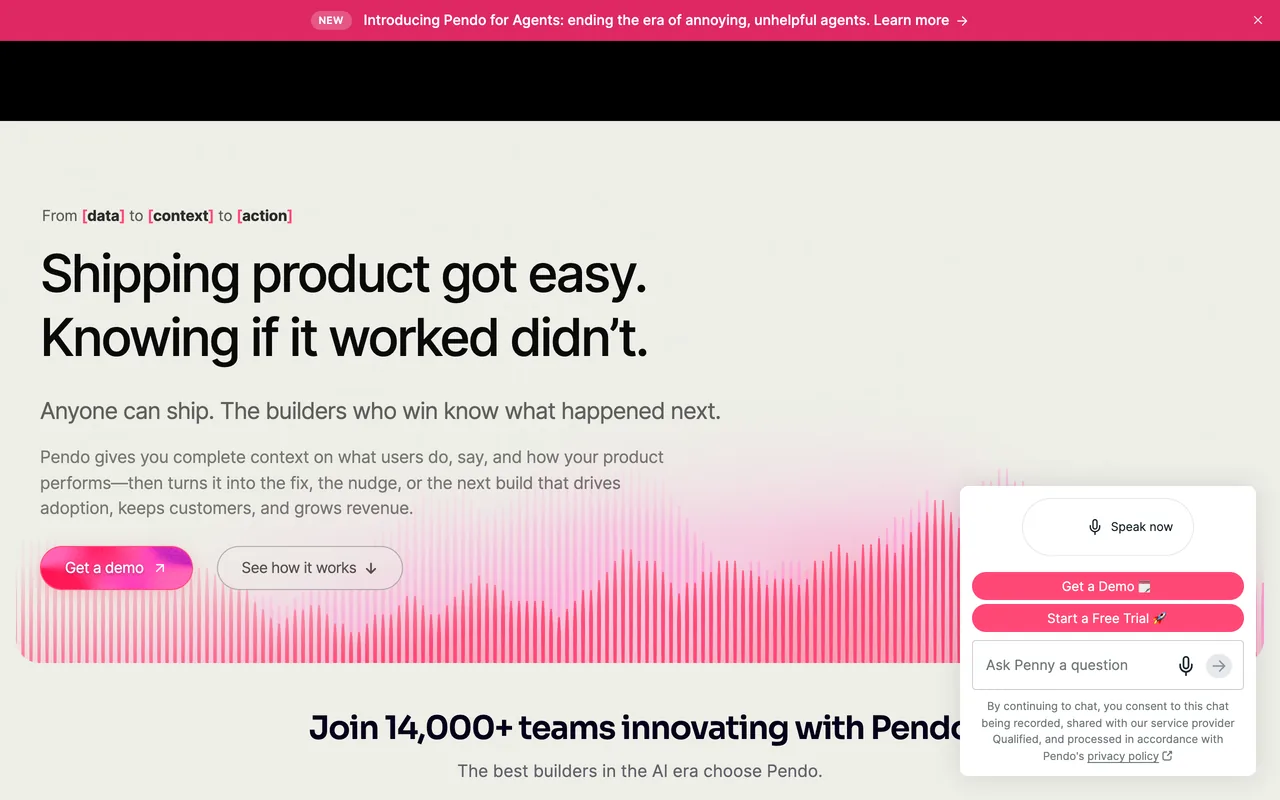
Pendo is a product-analytics platform with in-app guides for your own web and mobile apps, and its site has a Pendo for Employees section. Pendo Free covers up to 500 MAUs, paid plans are quoted on MAUs and functionality, and analytics is the theme its reviewers praise most (1,393 of the 1,791 reviews we read).

Pendo's homepage, October 2026
pendo.io, October 2026
Why pick Pendo over Userlane
  • A free plan (analytics, in-app guides and Pendo-branded NPS for up to 500 MAUs) and a 30-day trial of the full platform through sales; Userlane lists neither
  • SDKs for native iOS and Android, React Native and Flutter; the Userlane pages we read mention mobile web only
  • Guide branching with conditional logic, which 4 of Userlane's reviewers ask for
  • Analytics is praised in 1,393 of the 1,791 Pendo reviews we read, against 17 of Userlane's 81, and 315 of those 1,791 date from 2025 or 2026
Features to evaluate
Keep in mind
  • Built mainly for your own product: 17 of the 1,791 reviews we read praise it for employee use, against 11 of Userlane's 81
  • Priced by monthly active users plus functionality, where Userlane's application-based model has unlimited users
  • Paid plans are quoted; surveys, product discovery and journey orchestration are add-ons below Ultimate
  • Reporting depth (446 of 1,791) and the learning curve (428) are the most-named complaints, and guide-builder and tagging friction comes up in 306
What its G2 reviewers say

Praised for

  • Analytics and product insights1,393/1,791 reviews
  • Flow types: tours, tooltips, checklists, modals862/1,791 reviews
  • Easy to use720/1,791 reviews

Criticised for

  • Reporting and analytics depth446/1,791 reviews
  • Learning curve, hard-to-find settings428/1,791 reviews
  • Missing features362/1,791 reviews

1,791 of the 1,827 reviews on G2, every one its filters let us reach, each read and tagged by an AI model against a fixed list of themes. Written 2016–2026.

Pendo vs Userlane, compared in full · Our Pendo review · Pricing read on pendo.io checked 19 Oct 2026 · Features read 3 Nov 2026 · G2 reviews read 3 Nov 2026

WalkMe

Best for SAP GUI and your own native iOS and Android apps, alongside web apps

Entry price
Custom quoteQuote; pricing basis not stated
Free plan
Not listed
Billed by
Not listed

WalkMe is a digital adoption platform sold in two versions, for employees and for customers. The employee version adds SAP GUI support, workflow automation and company-wide discovery of web-app usage, and both versions list a Mobile Native SDK. 165 of the 583 reviews we read praise it for employee adoption, and 190 name a result such as faster onboarding or fewer tickets.

WalkMe's homepage, October 2026
walkme.com, October 2026
Why pick WalkMe over Userlane
  • SAP GUI for Windows (v7.70 and higher) and SAP Business Client in the employee version, and a Mobile Native SDK for native and hybrid iOS and Android apps; the Userlane pages we read describe browser-based apps only
  • Surveys with branching, sent in-app, by email or by anonymous link; Userlane's are standardised in-app surveys that feed its HEART score
  • G2 lists 583 reviews and we read all of them: 115 date from 2025 or 2026, where Userlane's end in December 2023
Features to evaluate
Keep in mind
  • No prices, tiers, billing unit or trial on its pricing page; Userlane's at least names its two pricing models
  • The learning curve is the most-named complaint (152 of 583), against 12 of Userlane's 81
  • Flows that break when the underlying app changes come up in 39 of the 583 reviews we read
  • Behavioral segments are capped at 10 per system, with up to 50,000 users each
What its G2 reviewers say

Praised for

  • Easy to use252/583 reviews
  • Flow types: tours, tooltips, checklists, modals228/583 reviews
  • Customer support and success team217/583 reviews

Criticised for

  • Learning curve, hard-to-find settings152/583 reviews
  • Missing features97/583 reviews
  • Builder or browser-extension friction87/583 reviews

All 583 reviews on G2, each read and tagged by an AI model against a fixed list of themes. Written 2012–2026.

WalkMe vs Userlane, compared in full · Our WalkMe review · Pricing read on walkme.com checked 19 Oct 2026 · Features read 3 Nov 2026 · G2 reviews read 3 Nov 2026

Before you switch from Userlane

Userlane's REST APIs export guide, announcement, tooltip and validator interactions, HEART and survey data and user profiles, so pull out the history you'll want as a baseline before the contract ends. If you rely on its Data Validation, note that Apty is the only tool here that lists field validation, so plan how those checks will be handled elsewhere.

  1. Save what you haveExport or screenshot every live flow, checklist and survey with its targeting rules, and note the events and integrations each one depends on.
  2. Rebuild one real flowRecreate your most-used flow in the new tool with the same steps and audience, then check it on the browsers, screen sizes and languages your users have.
  3. Follow the dataCheck that users are identified the same way, that the events your flows fire still arrive, and that your activation reports read the new tool's data.
  4. Price it, then switchGet a quote for your real MAUs or seats, renewal included. Turn the old flow off only once the new one has passed, then cancel the old plan.

Also considered

  • Userpilot, Appcues, Chameleon, UserGuiding and Userflow: Onboarding tools for the users of your own web product rather than for the business software your staff use: of the reviews we read, 6 of UserGuiding's 782 praise employee use, and fewer for each of the others. Pendo covers the customer-facing need on this list.
  • Intercom: Its product tours, checklists and surveys sit in an add-on to a customer-service platform, and G2 now lists Intercom as Fin, its AI agent, so its G2 rating and review count cover the whole suite rather than the tours.
  • Nickelled: Its site now redirects to Omniplex Learning, and no page we read describes the product.

How we chose

How the list is ordered. The three picks come first, each for a different need; the other 3 follow A–Z by name. A position is not a score, and no tool paid to be listed or placed.

A tool is listed only once we've read its own pricing page and its G2 reviews. Prices, plans, trials and limits come from each vendor's pages, read through a US browser session on the dates shown with each entry; when a page prints no price, the entry says so.

For reviews, an AI model read every G2 review of each tool, as far as G2's filters reach (for Pendo, 1,791 of the 1,827 it lists), and tagged each one against a fixed list of themes, the same for every tool. G2's overall rating and count sit beside our counts; we don't publish review scores of our own.

All 81 reviews on G2, each read and tagged by an AI model against a fixed list of themes.

FAQ

What is the best alternative to Userlane?

It depends on why you're leaving. For plans that reach desktop and mobile apps, Whatfix; for SAP GUI and your own native mobile apps, WalkMe; for every feature in one quote, Apty; for support teams' branching guides and knowledge base, Stonly; for guiding customers in your own product, Pendo; for training tutorials at a printed price, iorad.

Is there a cheaper alternative to Userlane?

Userlane prints no price, so there's no figure to compare against. Of the tools here, only iorad prints prices for its business plans: Individual is $200 / mo for one creator and Team $500 a month, both with unlimited learners, and its Free plan covers public tutorials. Pendo Free costs nothing for up to 500 MAUs, and Stonly moves an account that doesn't upgrade after its trial to a Basic plan at no charge. The rest are quoted, though Whatfix and Apty say on their pages what the quote is based on.

Which Userlane alternative has a free plan or a free trial?

Userlane's pricing page lists neither. Pendo Free covers up to 500 MAUs, and Pendo also offers a 30-day trial through sales; iorad Free has unlimited public tutorials and learners with no time limit; Stonly gives a 14-day trial, then a Basic plan at no charge. Whatfix's FAQ mentions a free trial, but its link opens a demo request. The WalkMe and Apty pricing pages list no trial.

Which alternatives work in desktop apps such as SAP GUI?

WalkMe's employee version supports SAP GUI for Windows (v7.70 and higher) and SAP Business Client. Whatfix covers desktop apps, including Citrix and Azure Virtual Desktop, on its web and desktop plans, and sells a separate plan for Windows and Mac. iorad captures desktop programs into tutorials through its Mac and Windows apps. The Userlane, Apty and Stonly pages we read don't mention desktop apps.

Which Userlane alternatives work in native mobile apps?

The Userlane pages we read cover mobile web through a JavaScript snippet, not native apps. WalkMe lists a Mobile Native SDK for native and hybrid iOS and Android apps, Pendo lists SDKs for native iOS and Android, React Native, Flutter and other frameworks, and Whatfix sells a separate plan for mobile apps. Stonly's pages say its guides and widget can appear in web or mobile apps, but not whether that includes native apps. The Apty pages we read don't mention native mobile apps.

Which alternatives have branching guides?

Branching guides are among the missing features Userlane's reviewers name (4 of 81). Stonly's guides offer choices so each person follows the path that fits them, and Pendo's guides page describes guide branching with conditional logic. Apty's features page says it adapts content with conditional logic based on user actions and system state. WalkMe lists branching for its surveys; the other pages we read don't mention it.

Which Userlane alternatives have more recent G2 reviews?

All 81 of Userlane's G2 reviews date from 2017 to December 2023, and G2 has none newer. We read every review of the others, as far as G2's filters reach: 315 of Pendo's 1,791, 206 of Whatfix's 563 and 115 of WalkMe's 583 date from 2025 or 2026, and 40 of iorad's 52 from 2026. Apty's run to March 2026, but only 13 of its 147 are from 2025 or later, and Stonly's end in December 2024.

How did you pick these tools?

Each had to have a pricing page we could read and G2 reviews we could read and tag against the same themes as every other tool. The method section above explains how the reviews were read.

More comparisons