
User Onboarding
Medium’s informative slideshow makes editing easier
Medium’s editor shows a slideshow of tips along the bottom of the screen when users start writing, each with a visual example.
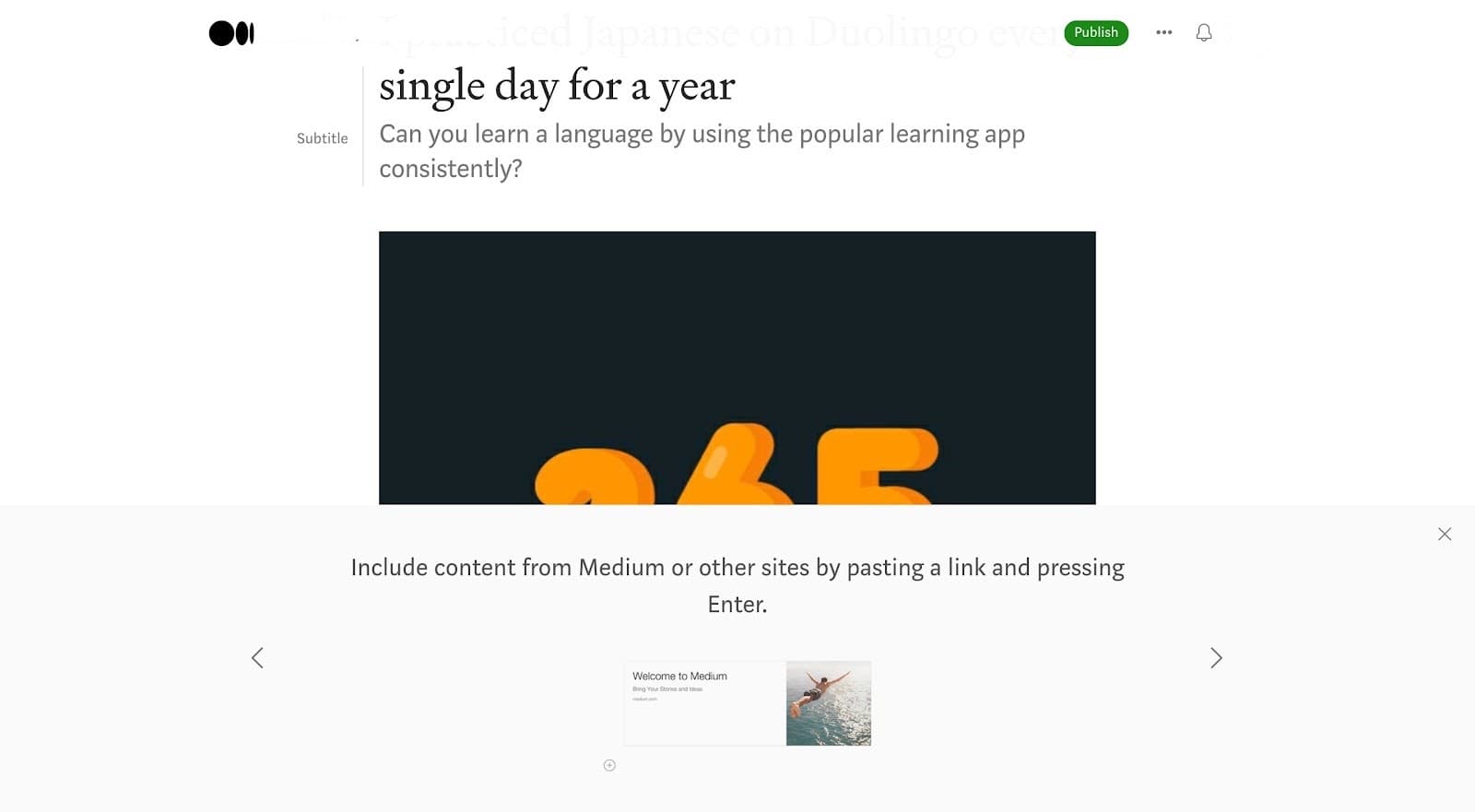
At the time of the screenshot, Medium helped writers learn its editor with an informative slideshow that appears along the bottom of the screen once they start writing. Each slide covers one shortcut or feature in a sentence, with a visual example. This one says "Include content from Medium or other sites by pasting a link and pressing Enter." above a sample "Welcome to Medium" link card. Arrows move between slides and a close button sits in the corner. The panel shares the editor’s pale background, with no highlight or overlay.
Why it works
- Subtle but effective: the panel looks like part of the page, with no dimmed background, yet it’s large and stays in view, so writers can refer to it while they work instead of dismissing it.
- Visual support: the example under each tip (here, a pasted link turning into a card) makes the shortcut easier to remember.
- To the point: rather than tooltips popping up around the editor one at a time, all the tips live in one place that users browse at their own pace.
More on this pattern: in-app onboarding and onboarding UI.


