User onboarding
Apple Family Sharing’s full-screen modal is thoughtfully designed
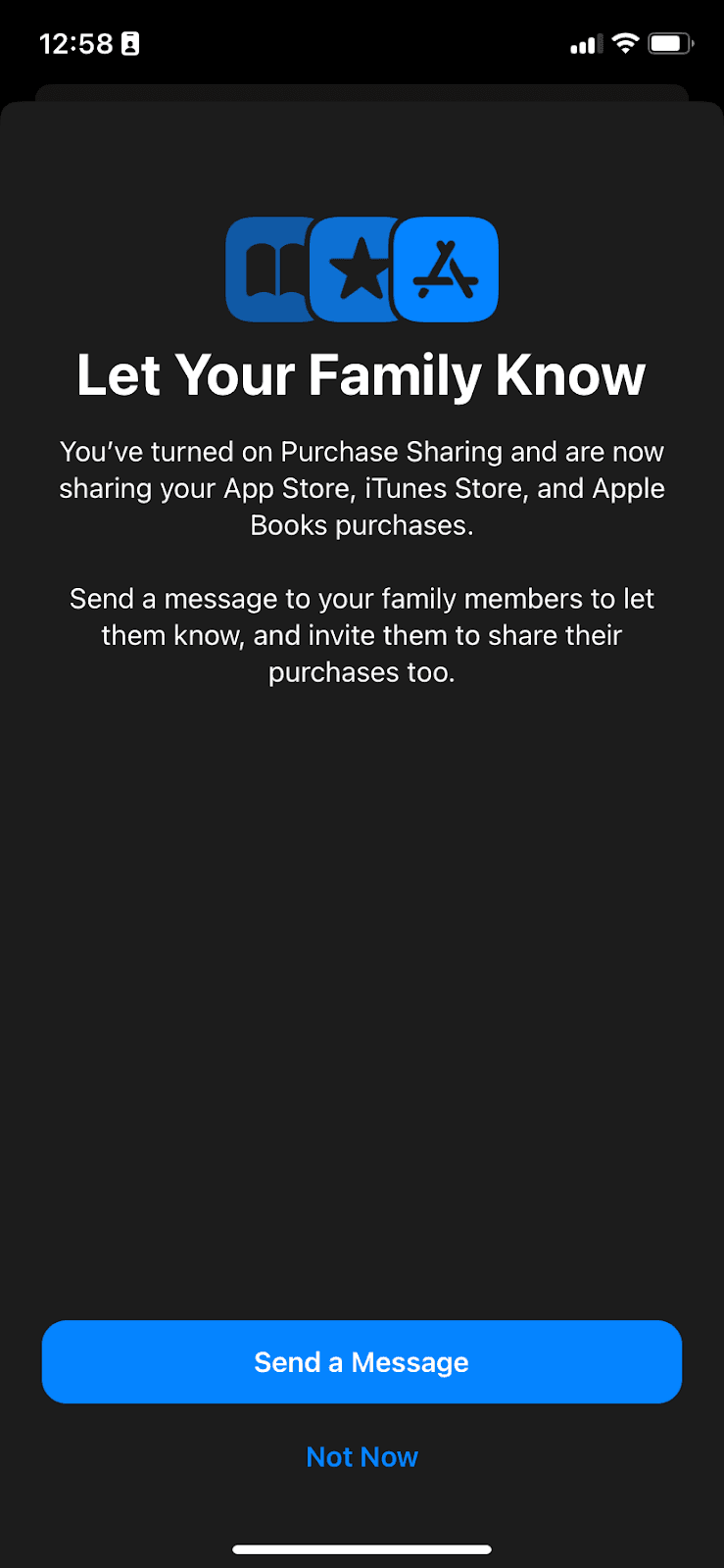
Apple Family Sharing explains Purchase Sharing in a full-screen modal, then offers to message the family once it’s turned on.
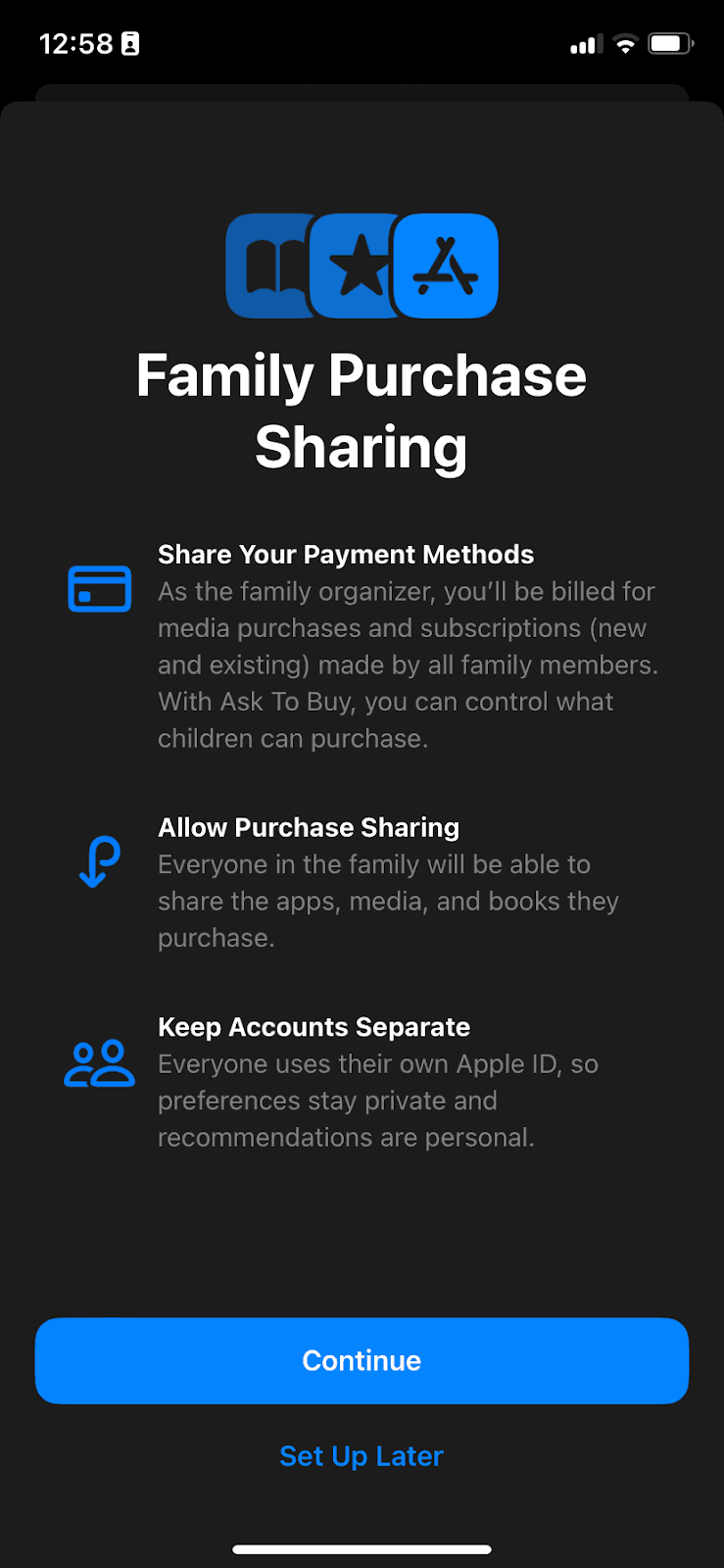
At the time of the screenshot, Apple’s Family Sharing on iPhone introduced Family Purchase Sharing with a full-screen modal. Three benefits sit under the heading, each with a blue icon and a bold title: Share Your Payment Methods, Allow Purchase Sharing and Keep Accounts Separate. The only choices are Continue and Set Up Later. Once sharing is on, a second screen, "Let Your Family Know", offers to send family members a message inviting them to share their purchases too.
Why it works
- Clear copy: each benefit is a short, action-led title plus one or two plain sentences, and the buttons say exactly what happens next.
- Icons and formatting: the small blue icons and bold titles split the text into three blocks that are easy to scan, with the most important lines in white.
- A thoughtful follow-up: the second screen offers to tell the family about the change, a step most setup flows leave out, and Not Now keeps it optional.
More on this pattern: app onboarding screens and UI modals.