Full-screen steps · Feature discovery
Life360’s feature onboarding screen is short and informative
Life360 sets up Crash Detection in four onboarding screens that explain the feature, what it needs to work and its limits before the user turns it on.
Screenshot added to the library in May 2023; its exact capture date wasn’t recorded, and the product may look different today. Write-up reviewed 22 Oct 2026.
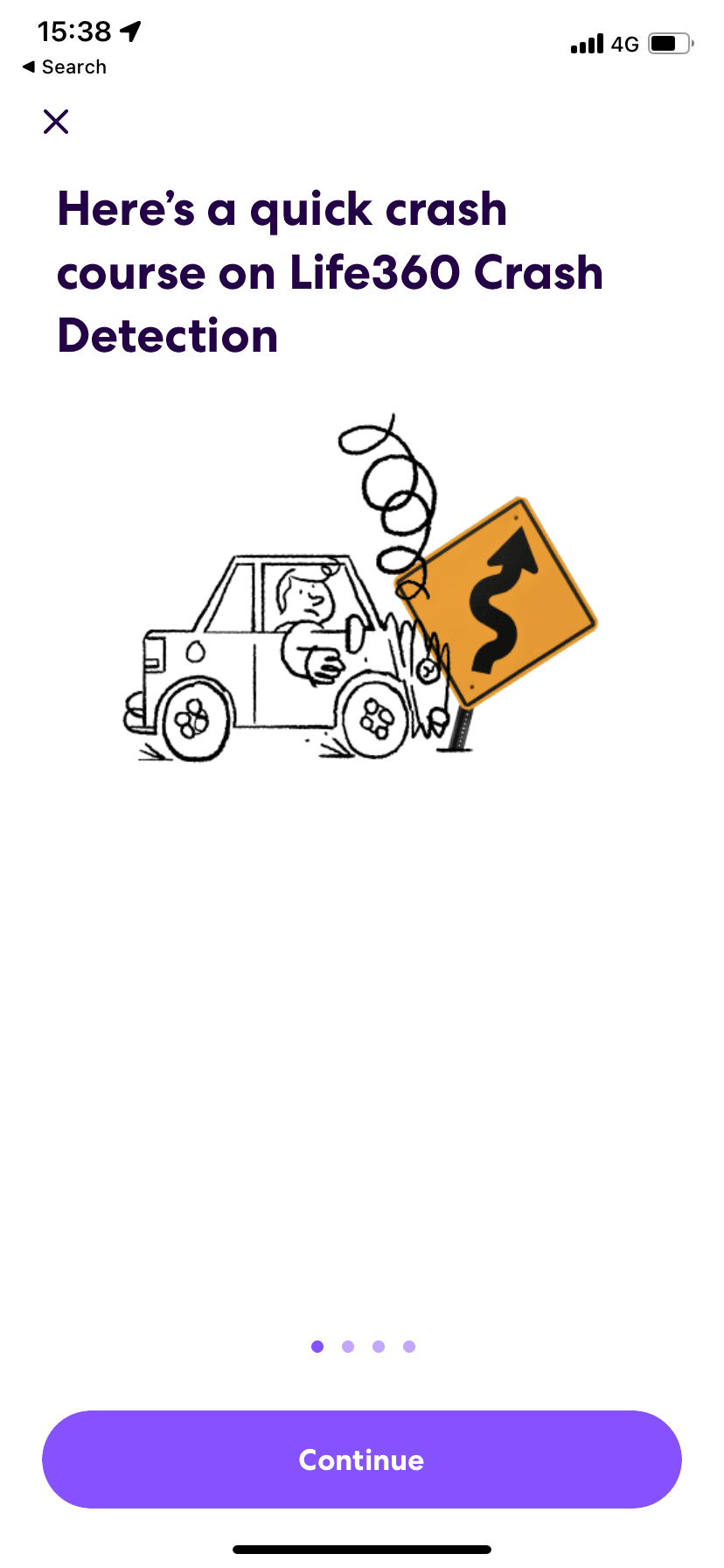
At the time of the recording, Life360 introduced its Crash Detection feature with a short series of onboarding screens. An intro screen ("In a car accident, every second counts") explains what the feature does and offers Begin setup. Four screens follow, marked by progress dots: a quick crash course with a hand-drawn illustration of a car hitting a road sign, the permissions the feature needs, the driving conditions it needs to detect a crash, and a reminder that it doesn't replace calling emergency services. The last button reads Complete set up.
Why it works
✅ Short and concise: the feature takes four steps to set up. The copy is longer than usual, but four screens still feel quick.
✅ Illustration: the drawing makes it obvious what the feature is for, which helps since "Crash Detection" alone could be read more than one way.
✅ Copy hierarchy done right: the copy is longer than most onboarding because the feature matters in a life-or-death situation. Life360 puts the most important point of each screen in a large bold heading, so users who only skim still get the essentials.
More on this pattern: onboarding screens and new feature onboarding.