
User Onboarding
Tell.ie’s story-like use cases page tells a story you need to hear
Tellie presents its use cases as a "Welcome to Tellie" story, with full-screen slides and a segmented progress bar like an Instagram story.
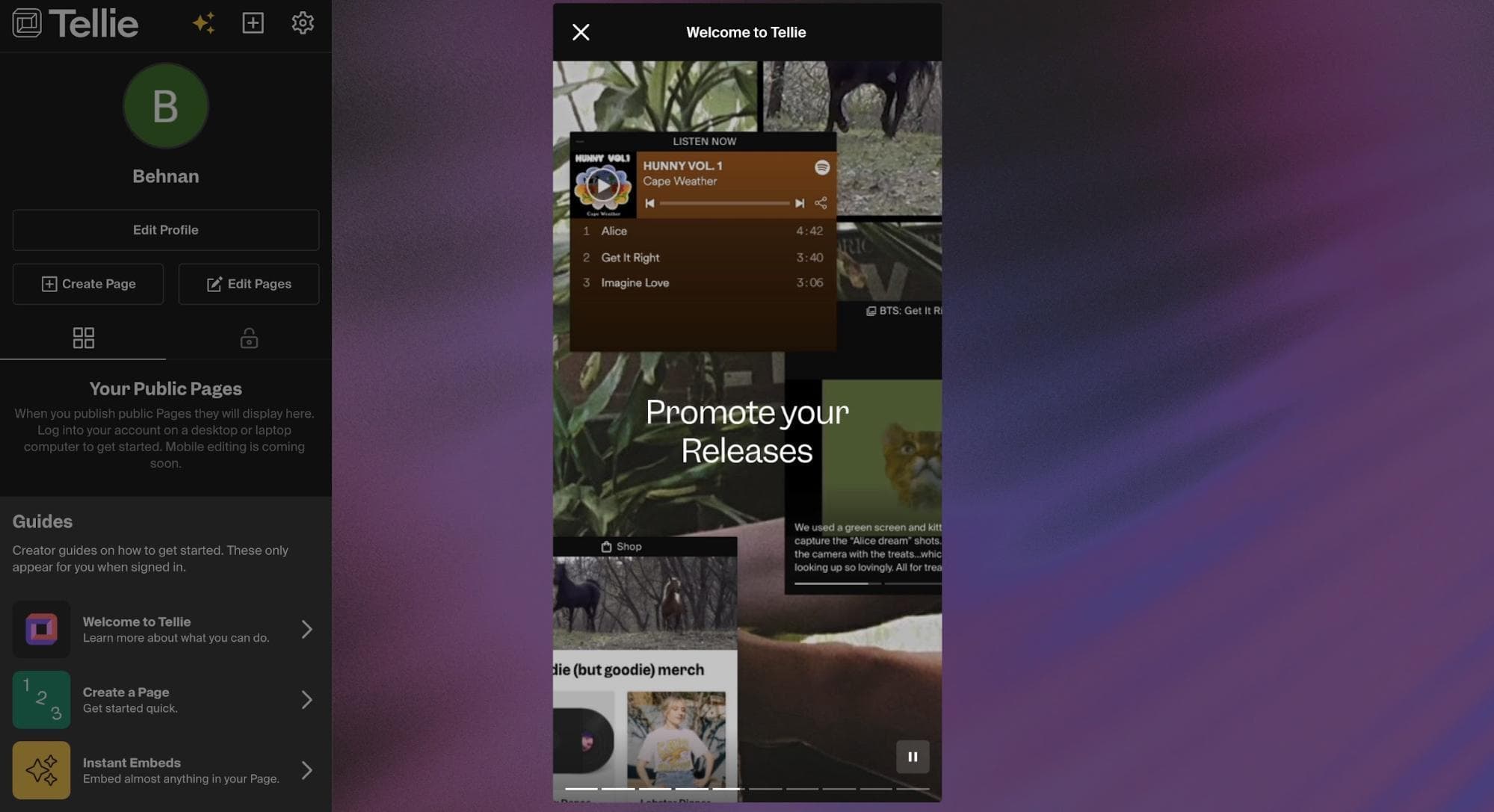
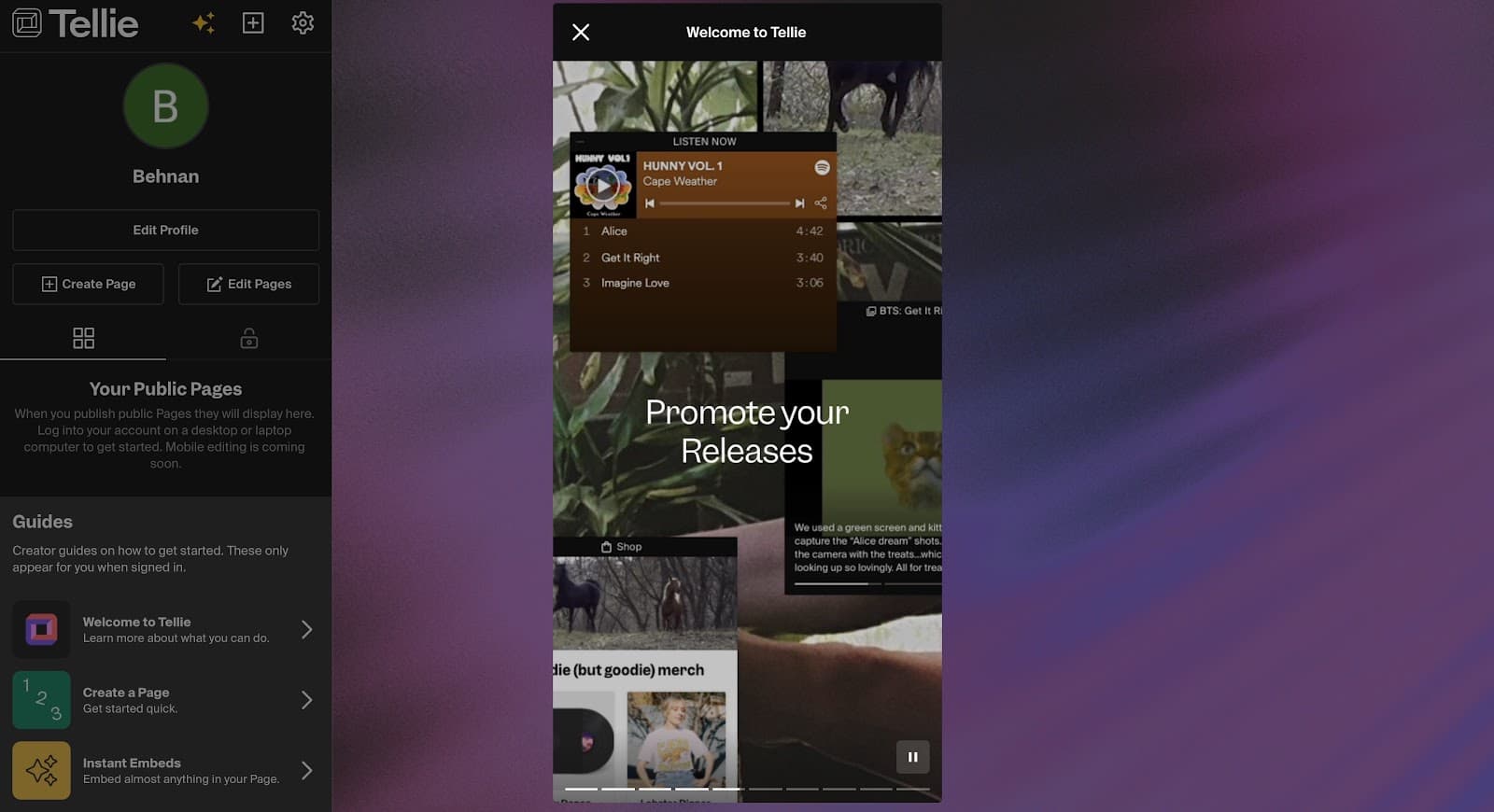
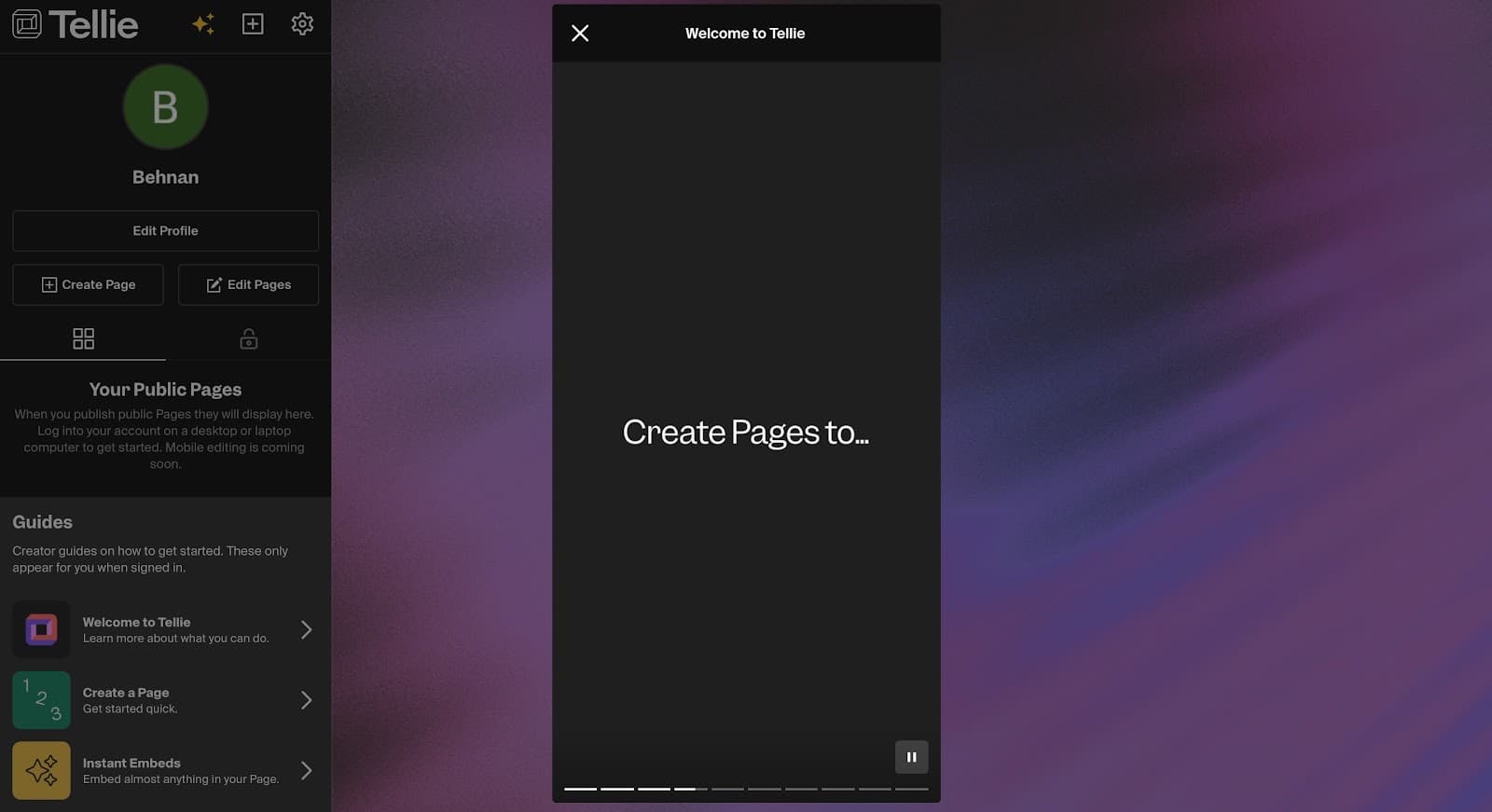
At the time of the screenshots, Tellie (Tell.ie), a tool for building creator pages, explained its use cases with story-style onboarding. Opening the "Welcome to Tellie" guide from the dashboard plays a vertical story over the screen, one slide at a time: "Create Pages to…", then "Promote your Releases" over a collage of example pages. A segmented bar along the bottom shows how many slides are left, and there's a pause button and a close button. Two more guides, Create a Page and Instant Embeds, wait in the sidebar.
Why it works
✅ A modern look: presenting use cases as a story is a fresh take on the usual welcome tour, and it signals a product built for people who create for social media.
✅ A familiar habit: anyone who uses Instagram already knows how to watch, pause and skip a story, so there's nothing new to learn before the content starts.
✅ Progress bar: the segmented bar that comes with the story format doubles as an onboarding progress indicator, showing users exactly how much is left.
More on this pattern: onboarding UI and types of onboarding.


