Full-screen steps · First use
Proton VPN’s Signup Modal onboards quickly
Proton VPN's mobile app welcomes new users with an optional three-screen tour and ends on a single Connect now button for their first connection.
Screenshot added to the library in October 2022; its exact capture date wasn’t recorded, and the product may look different today. Write-up reviewed 22 Oct 2026.
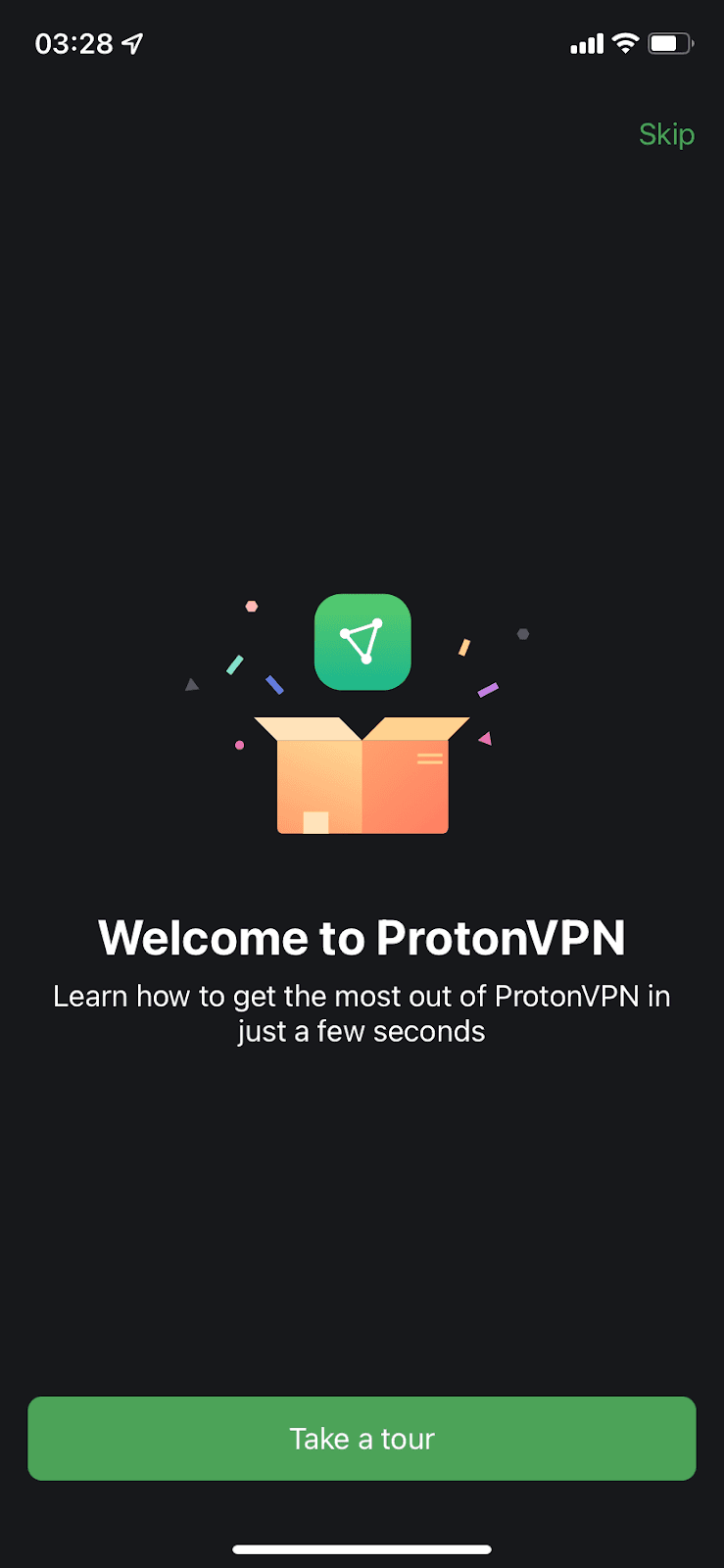
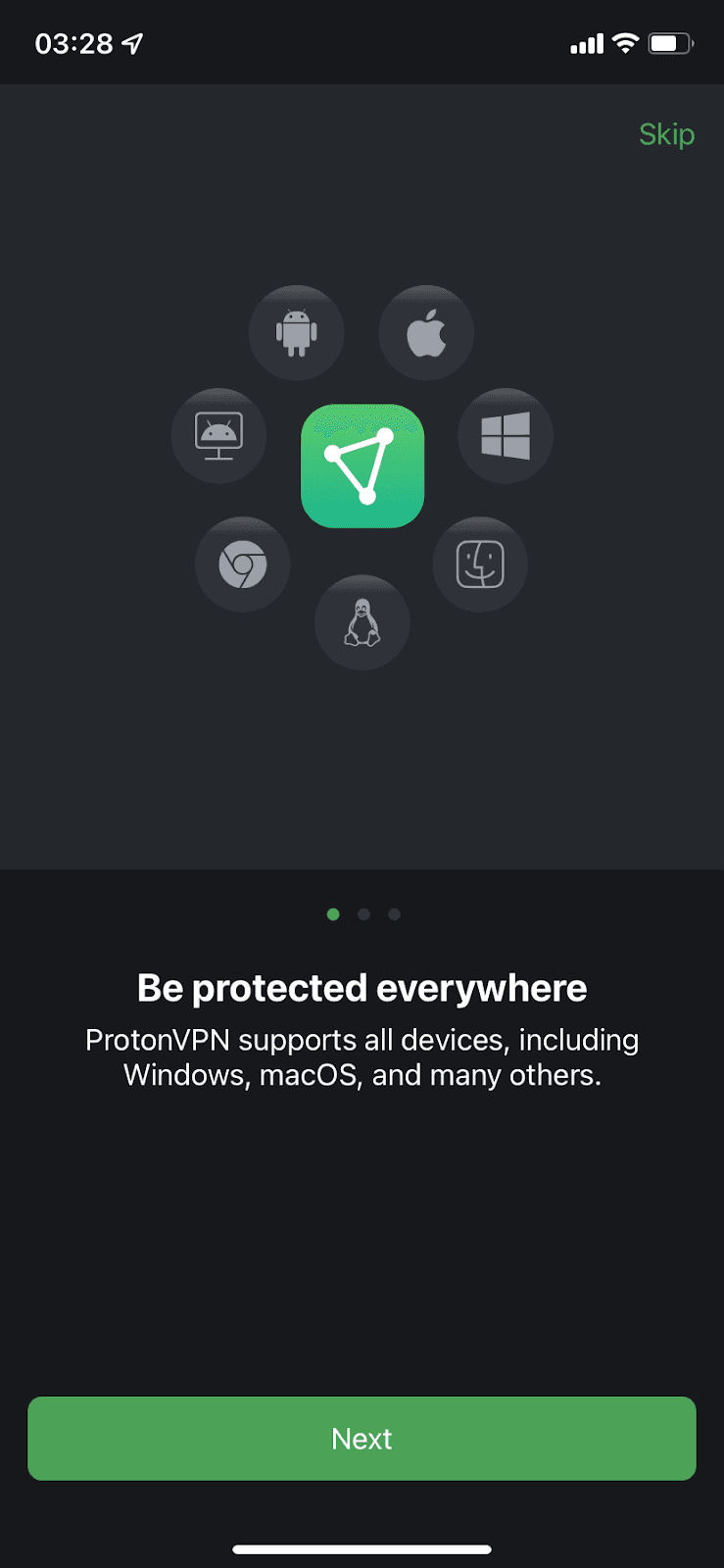
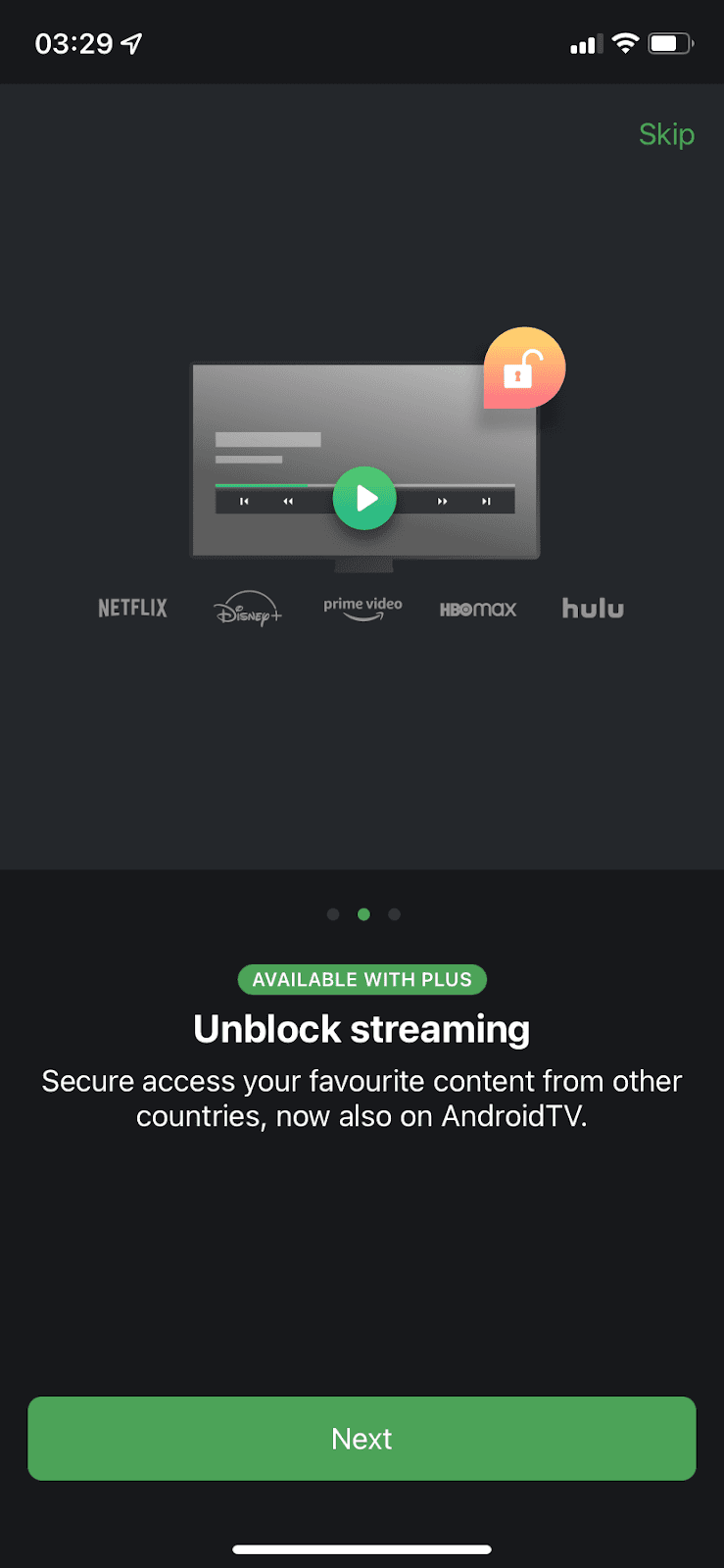
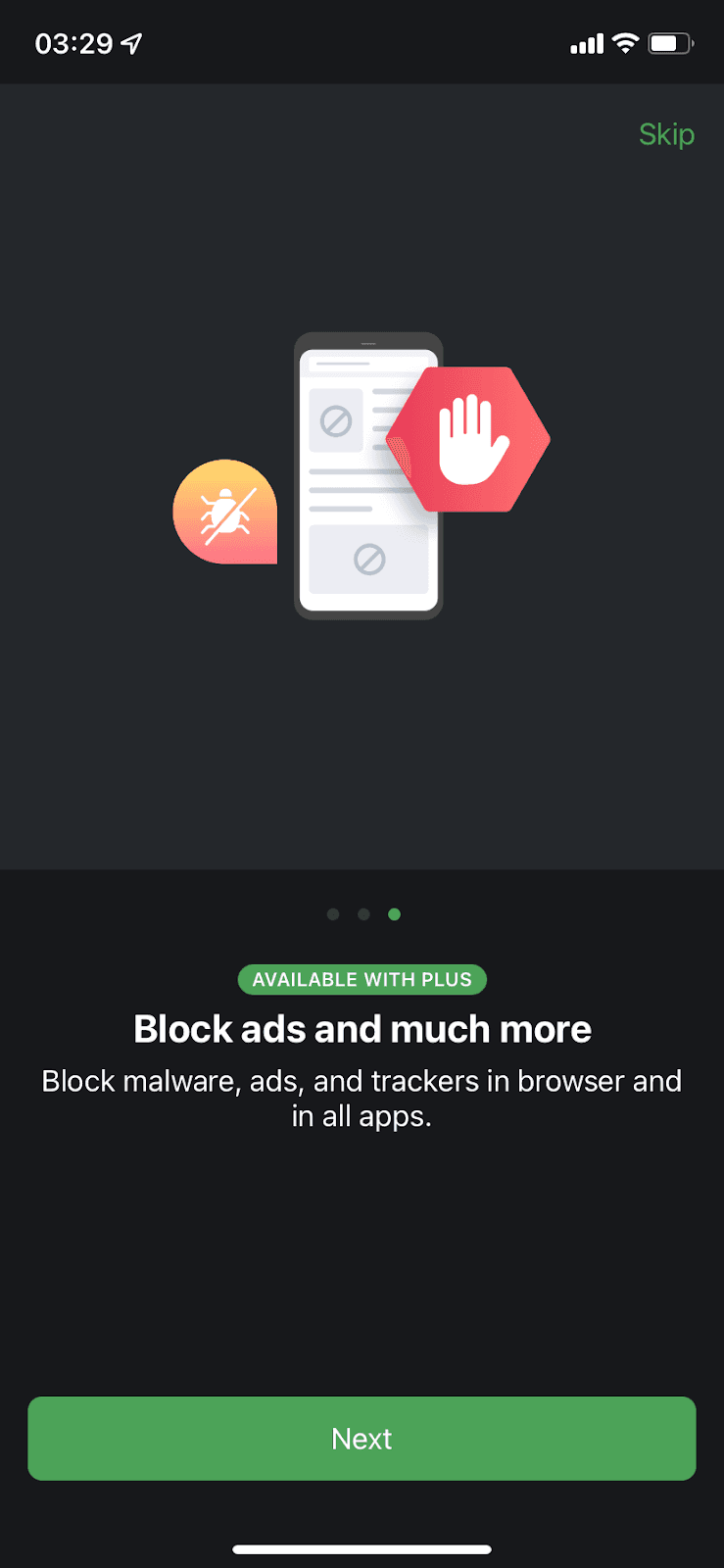
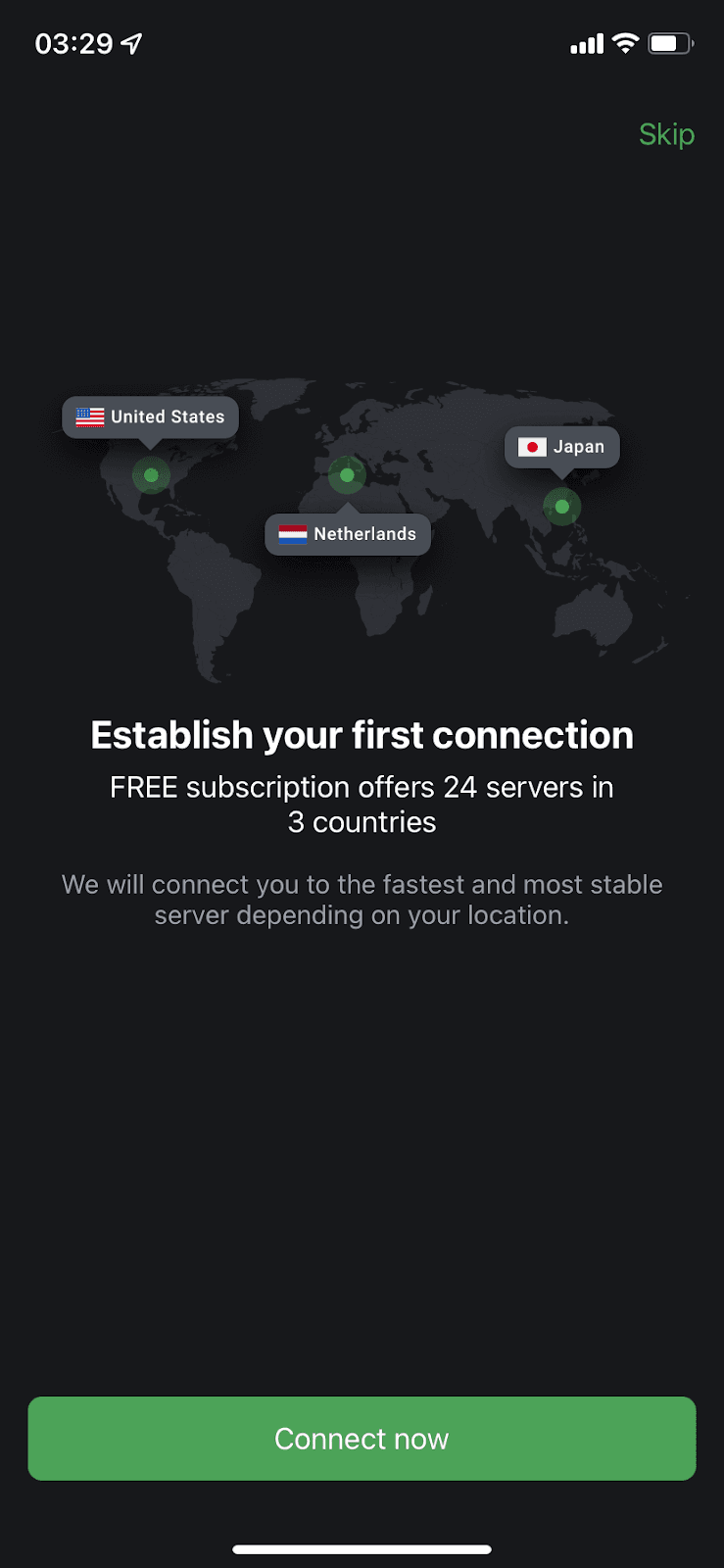
At the time of the screenshots, the Proton VPN mobile app opened with a welcome screen ("Welcome to ProtonVPN: Learn how to get the most out of ProtonVPN in just a few seconds") and a Take a tour button. The tour is three illustrated screens with progress dots: Be protected everywhere, Unblock streaming and Block ads and much more, the last two marked "Available with Plus". It ends on "Establish your first connection", with a map of server locations and a Connect now button. A Skip link stays in the corner throughout.
Why it works
✅ Welcoming: a welcome screen is easy to forget, and Proton VPN starts with one that also promises the tour will only take a few seconds.
✅ Short, with progress shown: one headline and one sentence per screen, only three screens, and dots that show how far along the user is.
✅ Fun visuals: the illustrations make each benefit easier to grasp at a glance and make the tour more enjoyable.
✅ Ends with an action: instead of dropping users on an empty home screen, the last step asks them to make their first connection with one tap.
More on this pattern: onboarding screens and mobile app onboarding.