
User Onboarding
Sendgrid’s slideout modal gets the users to read
SendGrid announces an update to its Data Protection Addendum in a slideout modal at the bottom left, with bold dates, a dimmed page and a close button.
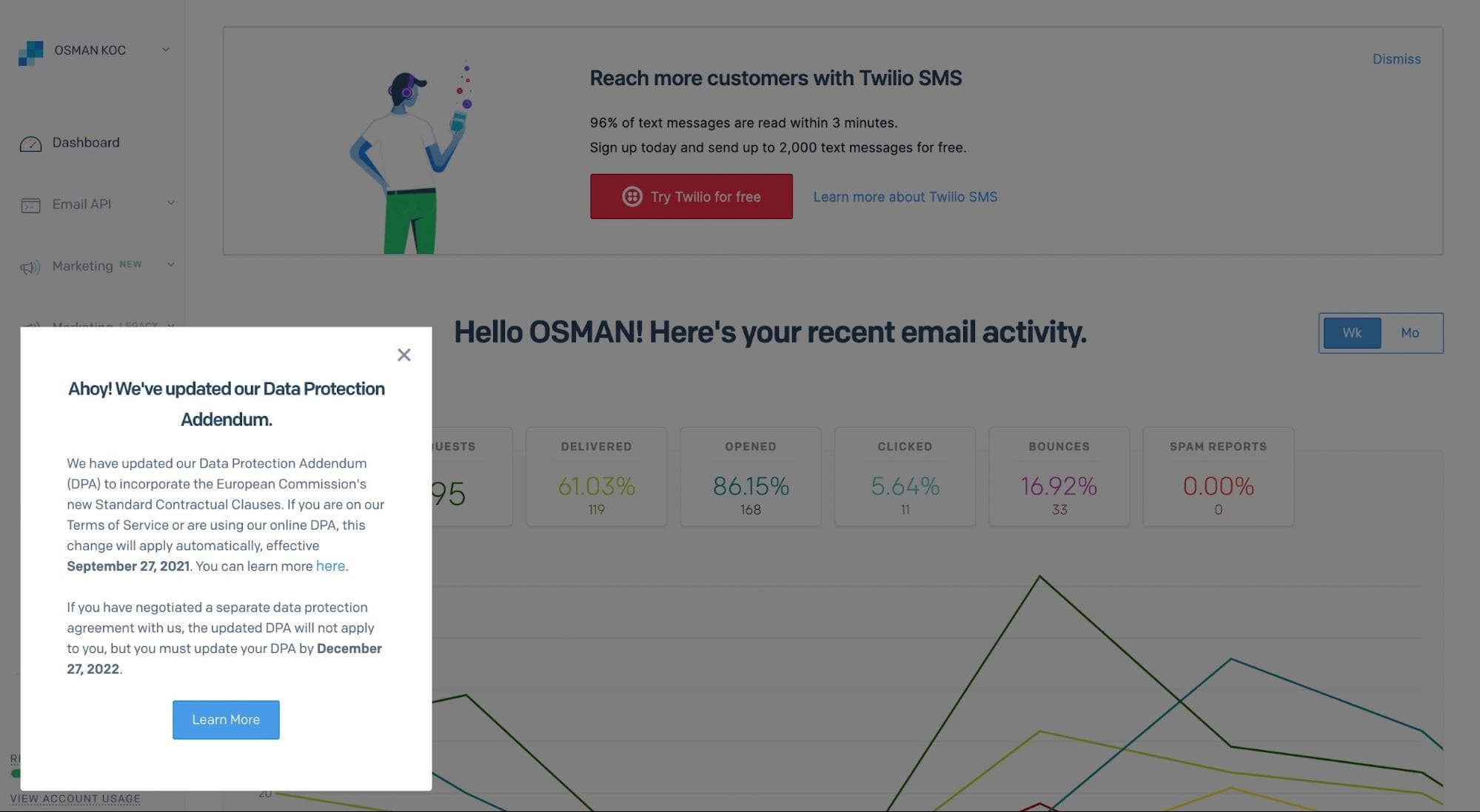
SendGrid uses a slideout modal to tell users about a change they need to know but won't be excited by. At the time of the screenshot, the modal sits in the bottom left corner of the dashboard while the rest of the page is dimmed. It's headed "Ahoy! We've updated our Data Protection Addendum." and explains in two short paragraphs who the change applies to and when, with both dates in bold and a "here" link for details. A "Learn More" button and a close button finish it.
Why it works
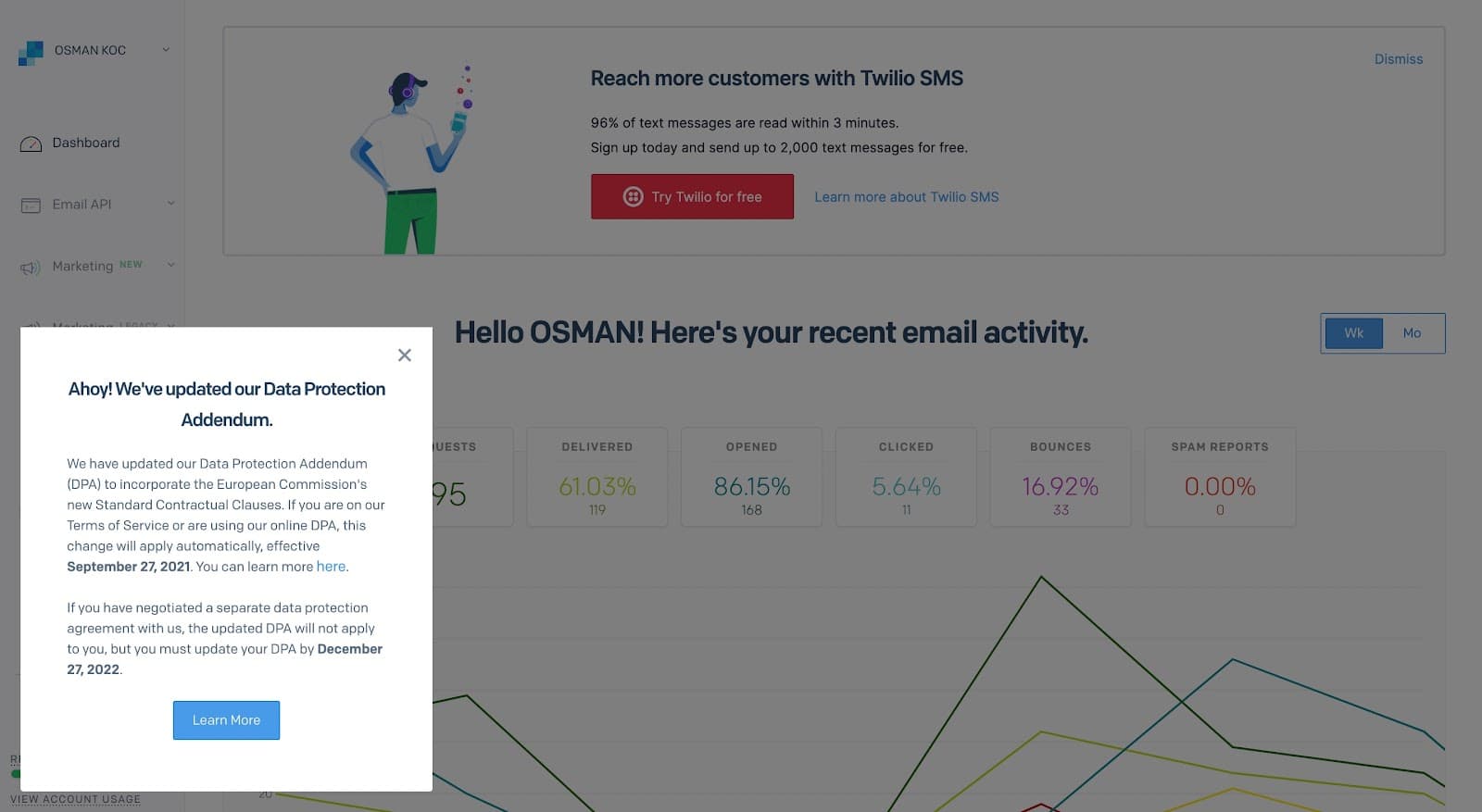
- Placed right: a legal update doesn't deserve a full-screen pop-up, so SendGrid puts it in a corner. It still covers part of the dashboard, which is enough to make people notice.
- Long copy made readable: the text is long for an announcement, but it's split into two paragraphs by audience, and the two dates that matter are in bold.
- Dimming with an exit: shading the page signals that the message is important, and the close button makes sure it doesn't hold anyone up. The playful "Ahoy!" softens a dry subject.
More on this pattern: how companies use UI modals and onboarding UX writing.


