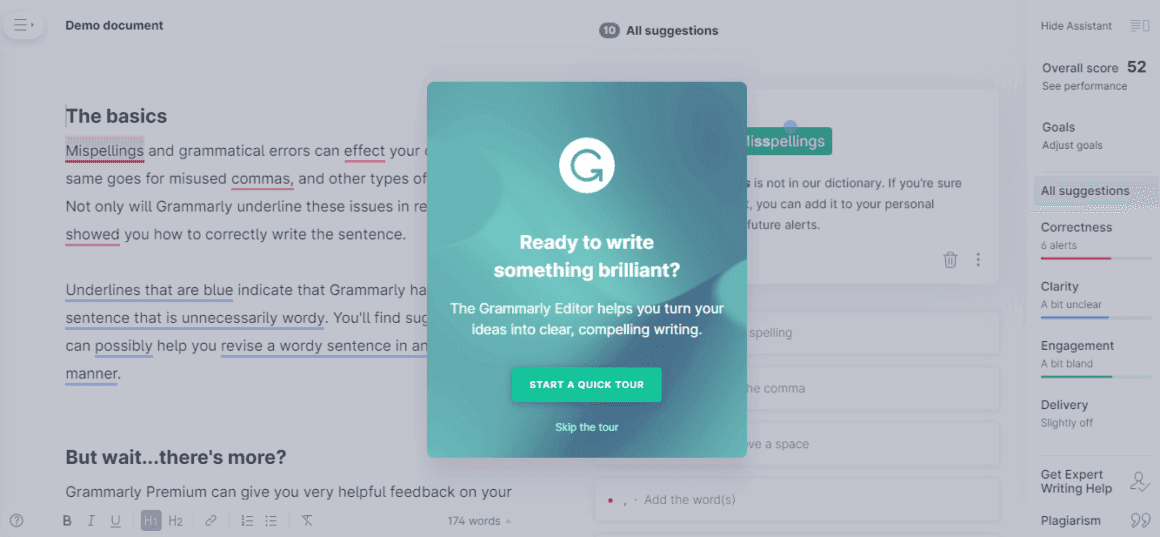
Hotspots, Tooltip · Built with UserGuiding
Plandisc’s onboarding is all about good copy and interactivity
Plandisc guides users through eight-step interactive tours, offered from a hotspot beside a feature and written in quick, playful copy.
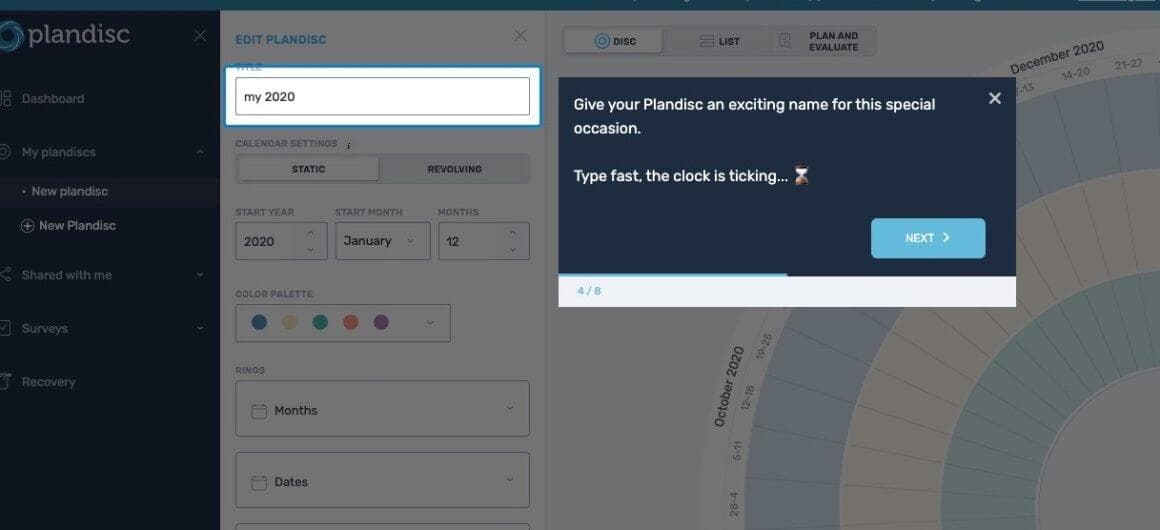
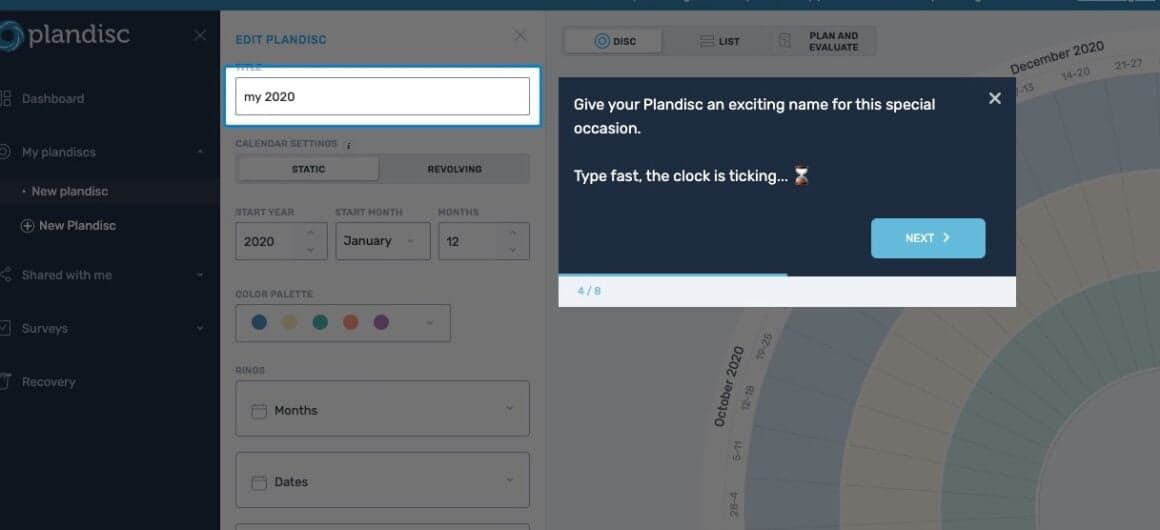
At the time of the screenshots, Plandisc, a circular year-planning tool, onboarded users with interactive guides of about eight steps each. One step highlights the title field of a new plan and says: "Give your Plandisc an exciting name for this special occasion. Type fast, the clock is ticking… ⏳", with a progress bar marked 4/8. Elsewhere, a green hotspot on the Share plandisc button opens an offer: "Would you like a short, interactive guide on how to share your Plandisc? Start a tutorial with 8 simple steps." The guides were built with UserGuiding.
Why it works
✅ Interactive: a circular year planner takes some getting used to, so the guides have users type and click in the real editor rather than read about it.
✅ Good copy: the playful voice and emoji make the guide feel personal, and lines like "Type fast, the clock is ticking" keep users moving.
✅ Contextual hotspot: the sharing guide is offered next to the Share button, and only to users who click the hotspot, so nobody has the tour forced on them.
More on this pattern: UX/UI hotspots and onboarding UX writing.