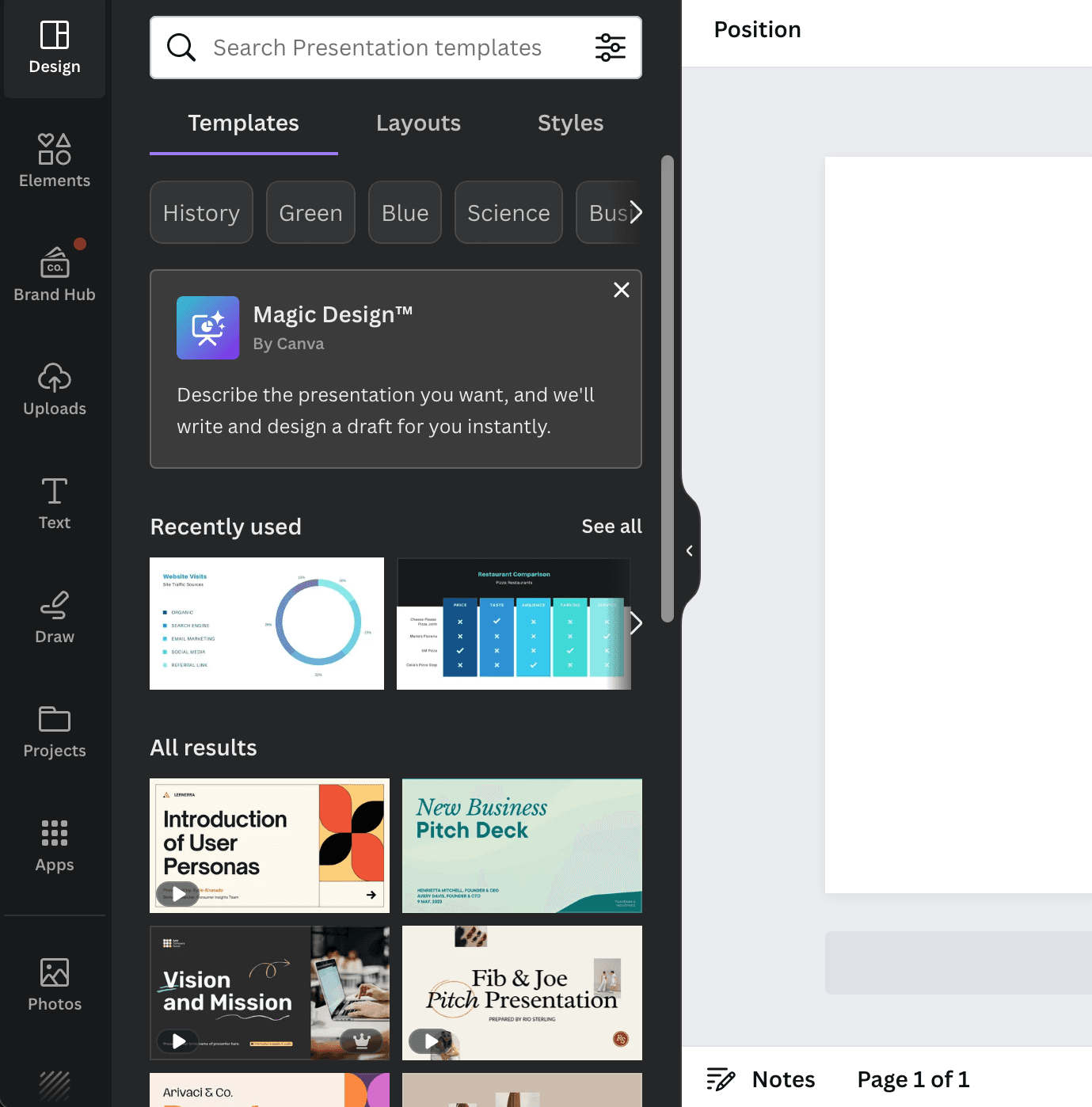
Tooltip
Apple’s new default app Freeform is introduced
Apple introduces Freeform with a full-screen welcome modal of three short benefits, then a tooltip that points to the board's toolbar.
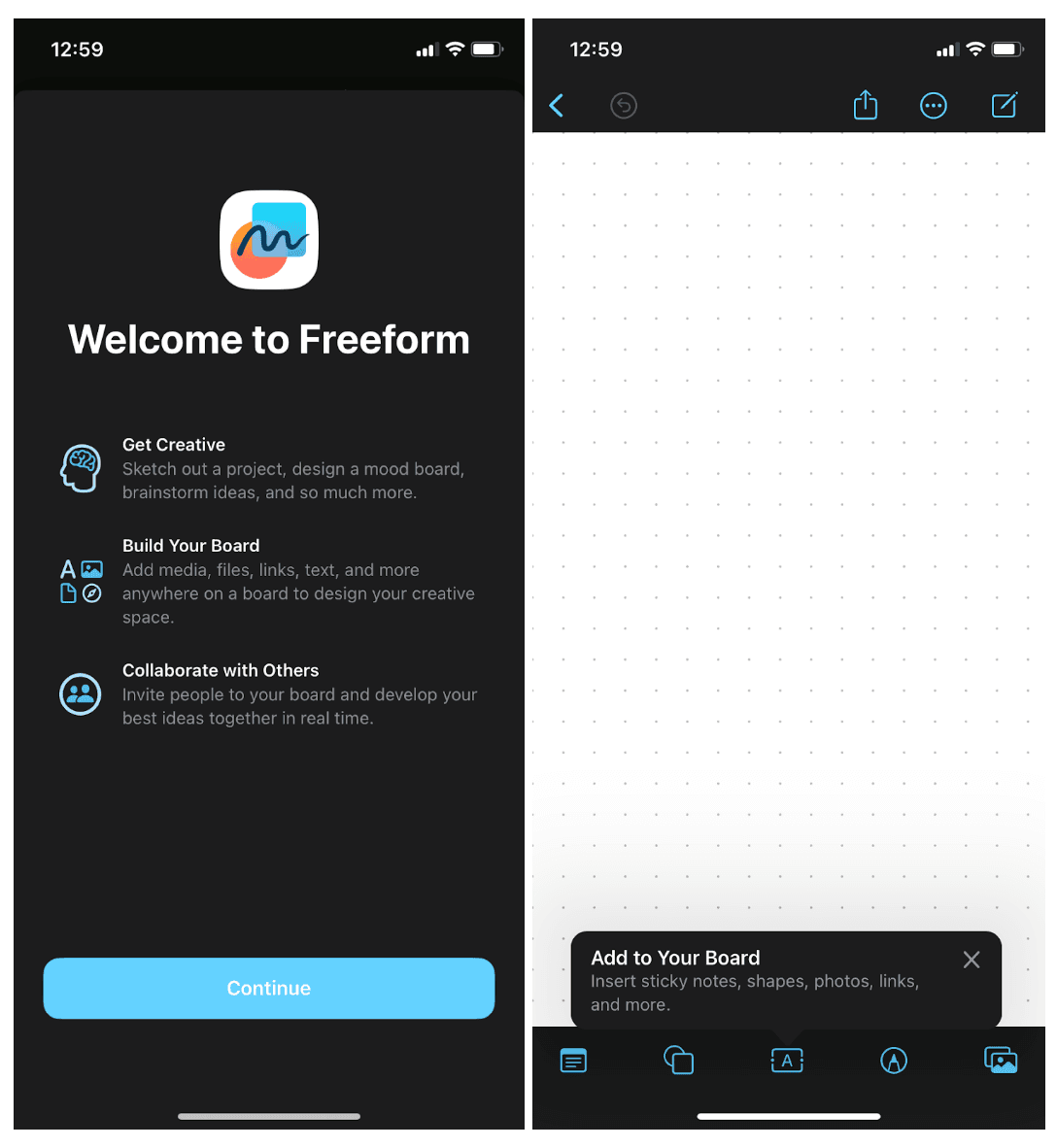
At the time of the screenshot, Apple's new Freeform app opened with a full-screen welcome modal: "Welcome to Freeform" and three short benefits (Get Creative, Build Your Board, Collaborate with Others), each with a line-art icon, above a single Continue button. On the empty board that follows, a tooltip labelled "Add to Your Board" points at the bottom toolbar and lists what it inserts: sticky notes, shapes, photos and links.
Why it works
✅ Short copy, clear formatting: each benefit is a bold heading and one sentence next to an icon, so the whole screen can be scanned in seconds.
✅ Simple onboarding for a simple app: one welcome screen and one tooltip are all the app asks of a new user. The tooltip then sits right above the toolbar it describes, at the moment the board is still empty.
More on this pattern: app onboarding screens and tooltips in web design.