Tooltip
Notion’s feature announcement tooltip proves long copy also works
Notion announces backlinks with a tooltip signed by a team member, pointing at the backlinks count and explaining the feature in two steps.
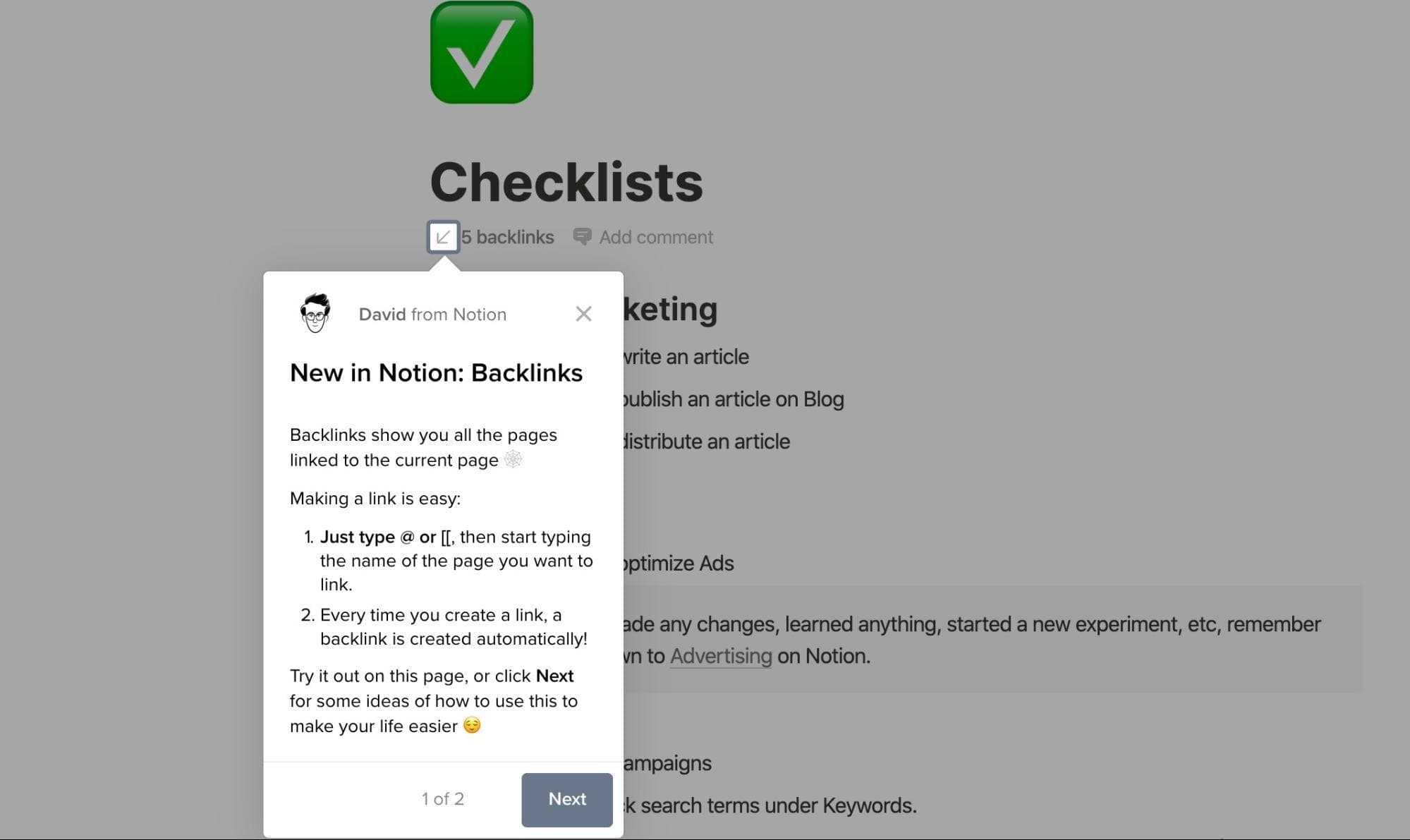
Notion announced backlinks with a feature announcement tooltip that appears right where the feature lives. At the time of the screenshot, the tooltip points at a page's "5 backlinks" label while the rest of the page is dimmed. It's signed "David from Notion" with a small avatar, titled "New in Notion: Backlinks", and explains what backlinks are, how to create a link (type @ or [[) and that backlinks appear automatically. It ends by inviting you to try it on the page or click Next for ideas; a "1 of 2" counter shows a second step follows.
Why it works
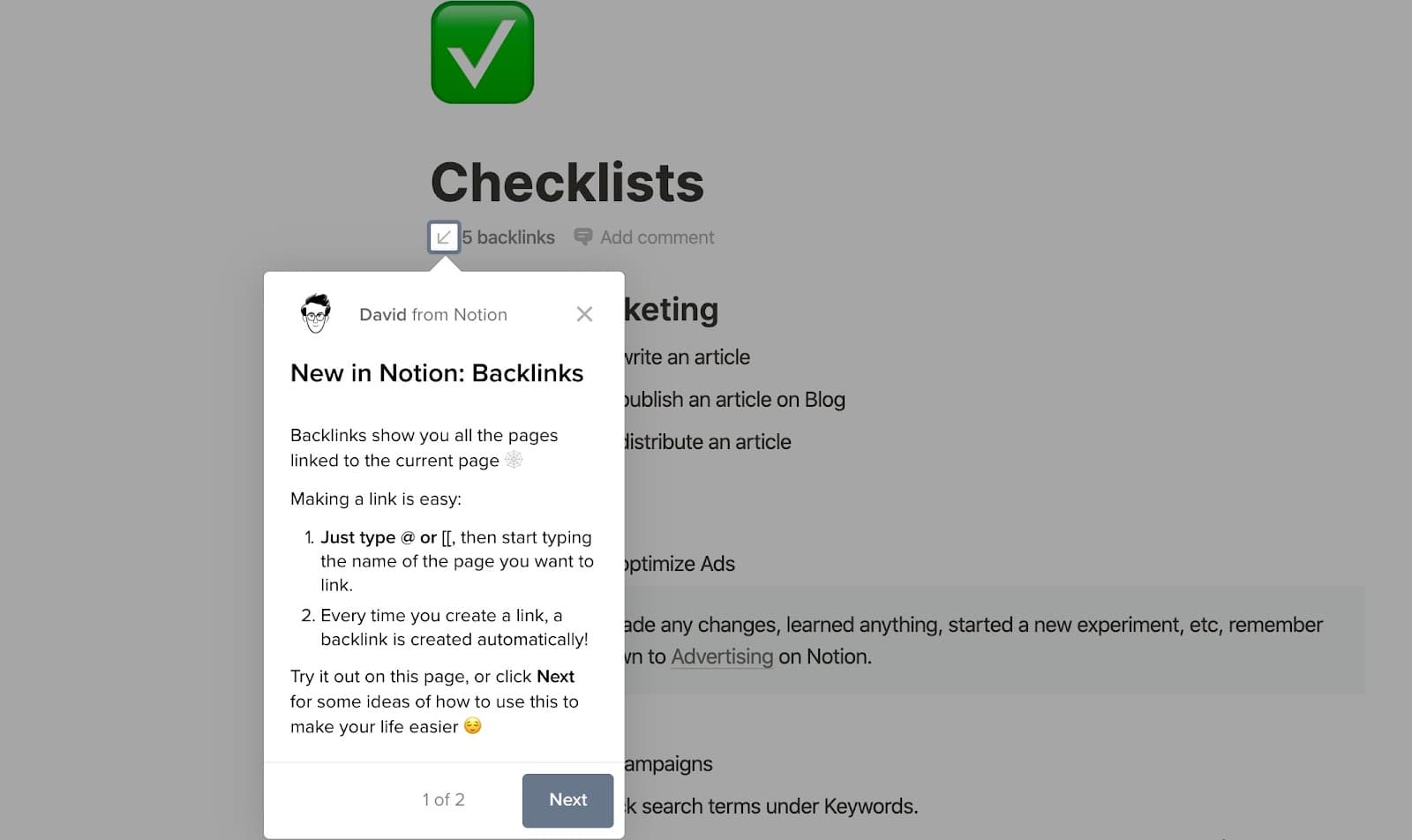
- Long copy made easy to read: the text is long for a tooltip, but a short intro, a numbered list, bold key phrases and a couple of emojis break it into pieces you can scan.
- A personal touch: a name and a face at the top make the announcement read like a note from someone on the team, not a system message.
- Shadow and dimming: the feature is a small label on a mostly black-and-white page, so dimming everything else is what makes the tooltip and its target stand out.
More on this pattern: new feature onboarding and tooltips in web design.