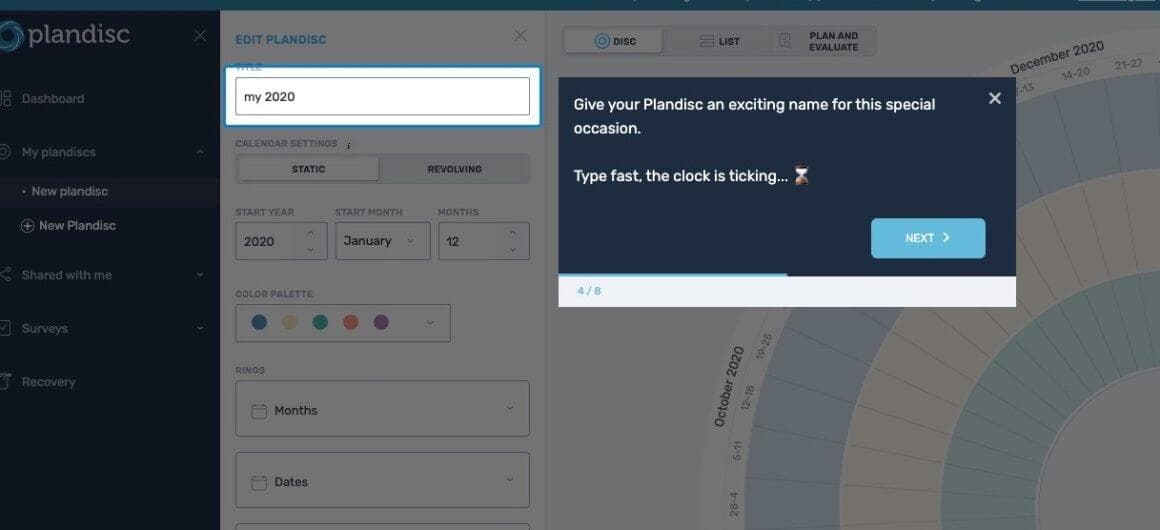
Hotspots, Tooltip
Grammarly’s initial onboarding is a holistic experience
Grammarly opens a skippable quick-tour modal, then teaches its editor in a demo document using hotspots and tooltips on real suggestions.
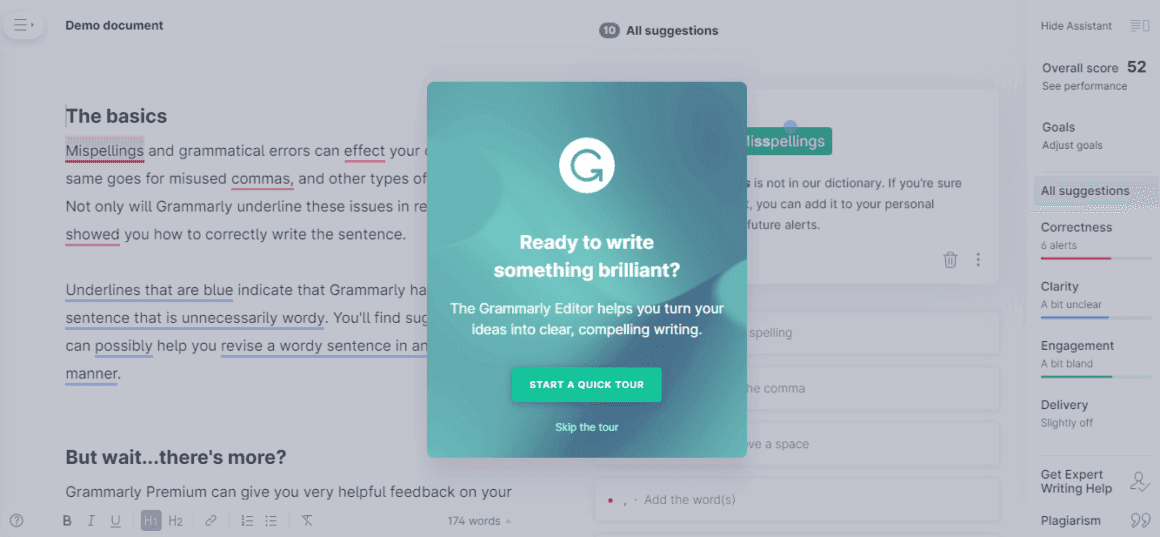
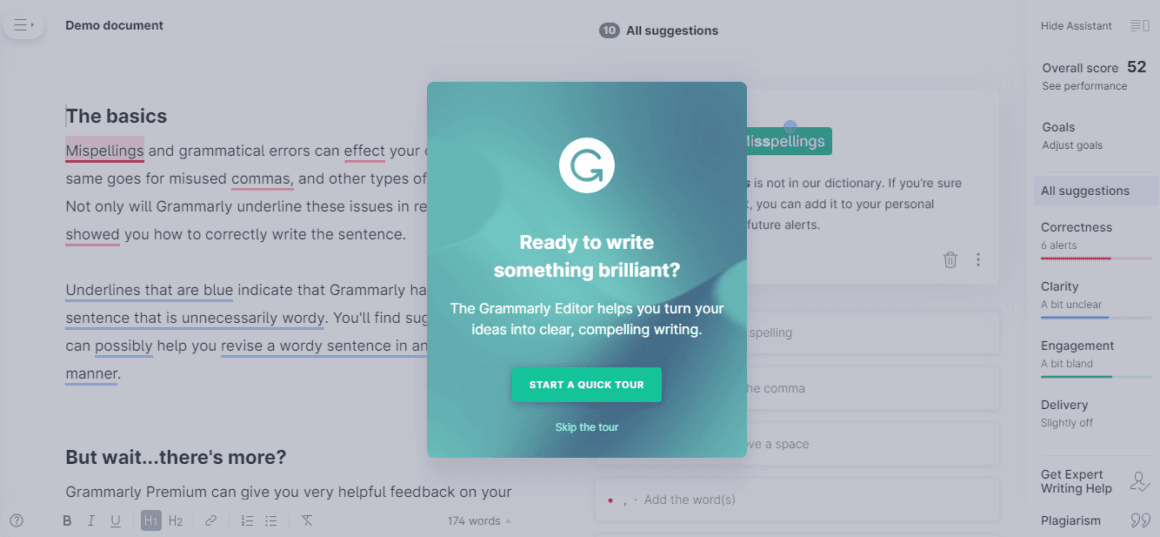
At the time of the screenshot, Grammarly welcomed new users to its editor with a product tour that starts from a modal: "Ready to write something brilliant?", with Start a quick tour and Skip the tour. The tour runs inside a demo document written with deliberate mistakes. Hotspots on Grammarly’s suggestion cards open tooltips, such as "Click to correct your spelling" above the fix for "Mispellings", so users learn by accepting a real suggestion.
Why it works
- Quick and simple: the quick tour gives just enough to get started, and because tooltips open from hotspots, the user sets the pace.
- Demo environment: a user’s own document might not trigger every kind of suggestion, but the demo document mixes spelling, punctuation and wordiness issues to show the whole range at once.
- Skip the tour: the skip link sits right under the main button, which matters for a tool many people already know.
More on this pattern: product tours and UI hotspots.