
User onboarding
Twitter’s new feature slideout is explanatory to the core
Twitter introduced NFT profile pictures in a slideout that explains what an NFT is first, then a full-screen page for connecting a crypto wallet.
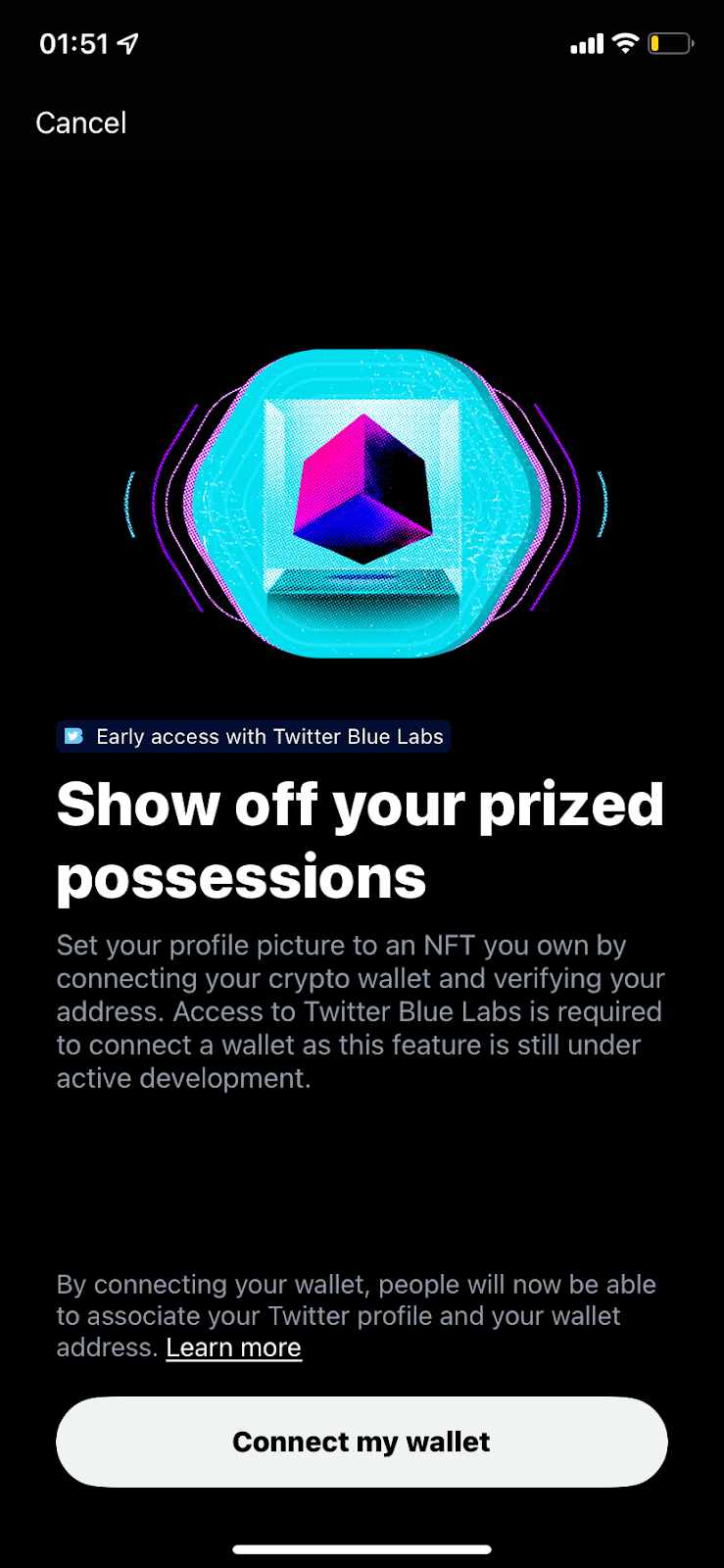
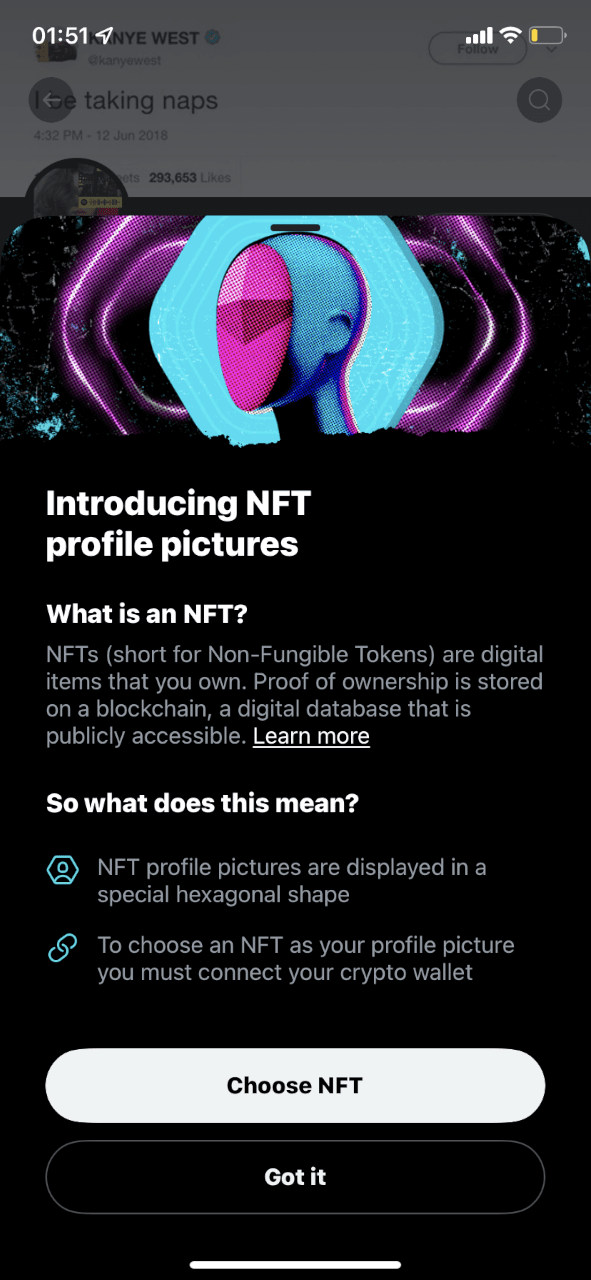
Twitter (now X) introduced NFT profile pictures with a slideout modal. At the time of the screenshots, the slideout opens with a bold illustration, the title "Introducing NFT profile pictures" and a short answer to "What is an NFT?" with a Learn more link. A second section, "So what does this mean?", uses two icons to explain that NFT pictures show in a hexagon and that you need to connect a crypto wallet. "Choose NFT" leads to a full-screen page, "Show off your prized possessions", which explains the wallet connection, notes that the feature needs Twitter Blue Labs, and ends with a "Connect my wallet" button.
Why it works
- Explains before it asks: many users wouldn't know what an NFT is, so the slideout defines it first and only then asks you to do anything. The wallet page repeats the same care with a note on what connecting makes public.
- Formatting that makes it easy to read: bold section headings, grey body text and icon-led points give a clear order, so you can skim the essentials or read every line.
- Images that hold attention: the striking illustrations at the top of both screens draw the eye in, which gives the explanation below a better chance of being read.
More on this pattern: new feature onboarding and how companies use UI modals.


