Product Tours
Candy Crush’s onboarding is a total eye-candy
Candy Crush teaches its moves inside a real level, with a mascot pointing at the candies to swipe, an example box and a large Skip button.
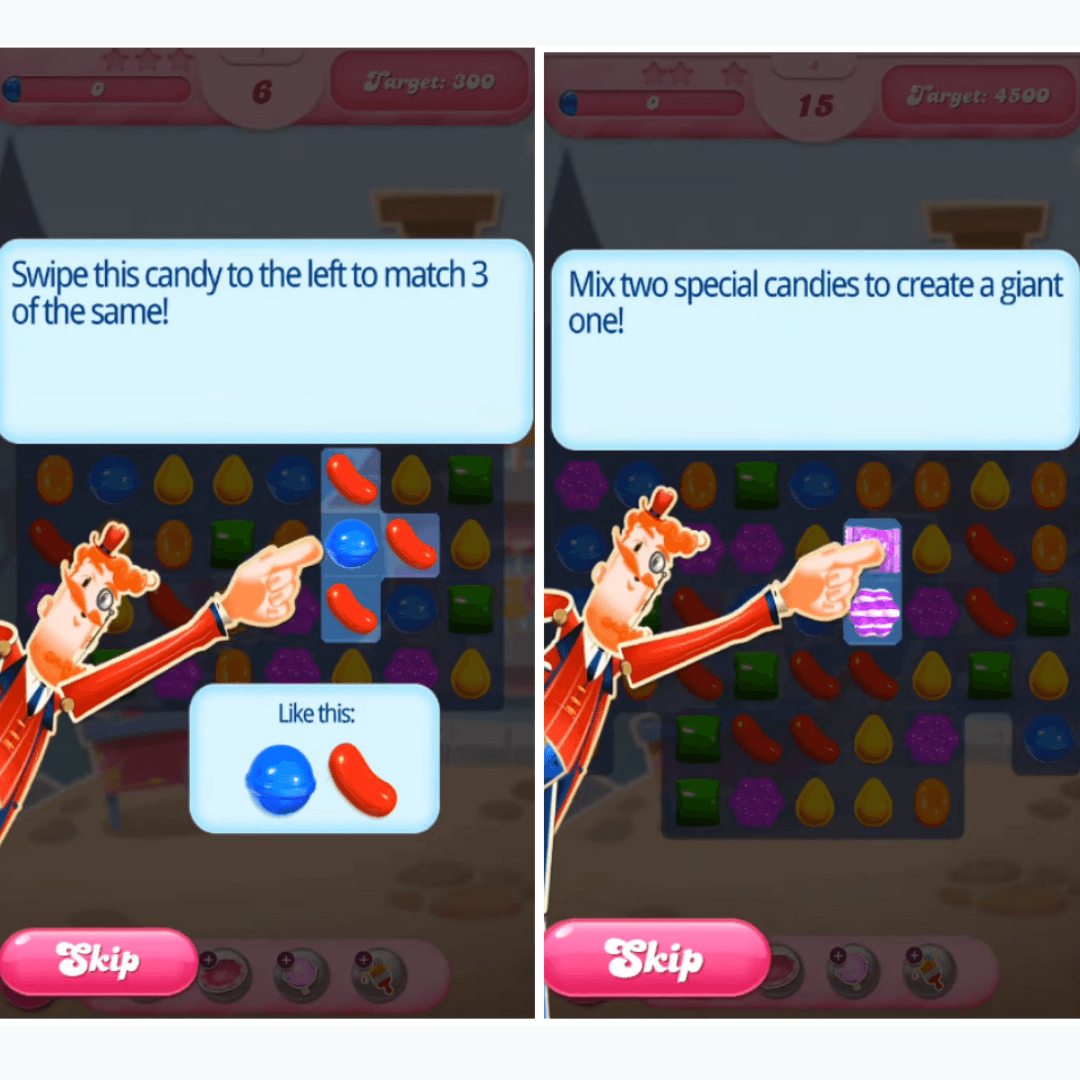
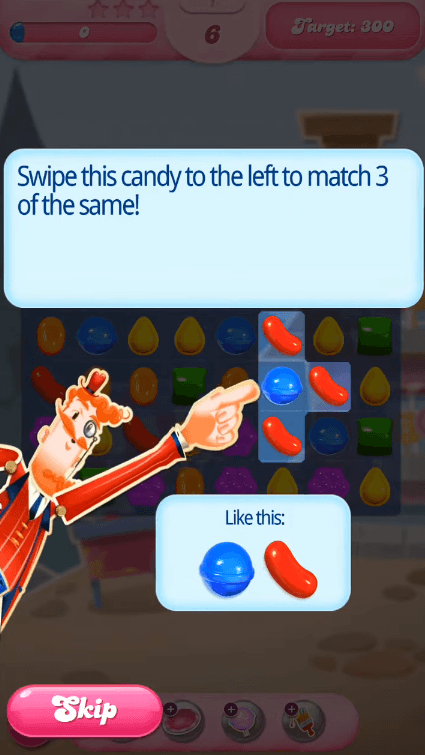
Candy Crush onboards new players with an interactive tutorial inside its first levels. At the time of the screenshots, a mascot points at the candy to move while a panel above gives the instruction ("Swipe this candy to the left to match 3 of the same!"). The candies involved are highlighted, the rest of the board dims, and a "Like this:" box pictures the match. A large pink Skip button stays in the bottom corner throughout.
Why it works
- Practice in a real level: the tutorial runs on an actual board with a score target, so the move you learn is the move that scores, and there's nothing to fail.
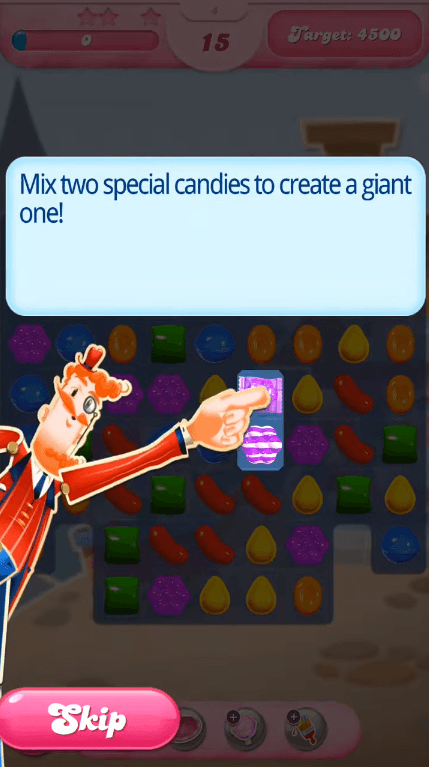
- Shown as well as told: the highlight, the pointing hand and the "Like this:" box all show the same move, so the instruction doesn't rely on reading alone.
- An obvious way out: the Skip button is big, bright and always in the same place, so players who already know the game never have to hunt for it.
More on this pattern: mobile app onboarding and B2C user onboarding.