Article · 6 min read
Customer Onboarding Analytics 101 - how to measure and optimize for success
Customer onboarding analytics is the tracking and analysis of what new customers do between sign-up and regular use, to find where they drop off and why. It needs three things: a tracking plan of named events, a product analytics tool for funnels and cohorts, and your onboarding tool's own reports on flows and checklists.
 By Aysenur Zaza
In short
Start with a tracking plan, not a tool: a short list of named events with a user ID, an account ID and a timestamp. Web analytics, product analytics and onboarding tools each answer different questions, and in the G2 reviews we read in October 2026, analytics was both the most-praised theme and a top-three complaint for Pendo. Report drop-off per step, and link each metric to one definition.
Most guides to customer onboarding analytics are lists of metrics. The harder question is where the numbers come from, and the tools answer it unevenly. In the G2 reviews we read in October 2026, analytics and product insights was the most-praised theme for Pendo (209 of 300 reviews), yet reporting and analytics depth was among the top three complaints for Pendo, and for Appcues, Userpilot and Userflow too. One of the four tools the original version of this post recommended, UserIQ, no longer exists at its old address.
This post covers the set-up: what to track, which kind of tool measures what, and how to read the results. The metric definitions live in user onboarding metrics, the KPI sheet and customer onboarding metrics.
What is customer onboarding analytics?
Customer onboarding analytics is the process of measuring and analysing how new users move through the onboarding experience, to find and fix what slows them down. It tracks metrics at each stage of onboarding: how long specific steps take, where users drop off or abandon the process, and where they need more guidance.
The goal is an efficient onboarding process that gets more users to engagement and retention. Data on user behaviour shows the common pain points, bottlenecks and areas of confusion that hold back adoption or lead to churn. Fixing those raises conversion and retention, and with them revenue.

Why measure your onboarding?
Without analytics, you don't know which parts of onboarding need work, and the cost shows up later as lost revenue and churn. Measuring onboarding lets you track metrics such as time to value, activation and retention, and test different onboarding strategies against each other. With A/B testing, for example, you can find out which approach does more for adoption and retention, instead of guessing.
What should you track before you choose a tool?
Write a tracking plan before you choose a tool: a short list of named events that every tool you use will send or receive. Each event needs a user ID, an account ID (for B2B), a timestamp and a few properties. A starting set for onboarding:
- Signed up, with plan, role and acquisition source.
- Onboarding step viewed and onboarding step completed, with the step name and the flow version.
- Checklist item completed, with the item name.
- Core action performed: the action that delivers your product's value.
- Teammate invited, for products used by teams.
- Survey answered, with the score.
- Support ticket opened, with a category.
With those events, four analyses cover most questions:
- Funnel: the share of users who get from each step to the next, which shows where they drop off.
- Cohort retention: the share of each sign-up cohort still active after 1, 7 and 30 days.
- Segment comparison: the same funnel split by plan, role or source.
- Experiment: two versions of a flow, compared on the same funnel or retention measure.
Which tools measure customer onboarding?
No single tool covers all of customer onboarding analytics; most teams combine two or three.
| Tool type | Examples | Good at | Blind spots |
|---|---|---|---|
| Web analytics | Google Analytics | Traffic, acquisition, sign-up conversion | Little detail on in-product behaviour unless you send custom events |
| Product analytics | Mixpanel, and the analytics in Pendo | Funnels, cohorts and segments on your own events | Needs a tracking plan and clean events |
| Onboarding tools | Appcues, Chameleon, Userflow, UserGuiding, Userpilot | Views, completion and drop-off of their own flows and checklists | Often less depth on the rest of the product, on lower plans |
| Messaging and support | Intercom | Conversations, message engagement, support load | Little about product usage |
1- Google Analytics
Google Analytics shows how people reach your product and convert at sign-up. Universal Analytics stopped processing data in July 2023, and its replacement, GA4, is built on events: you send custom events such as "onboarding step completed", mark the important ones as key events, and build funnel and cohort explorations from them.
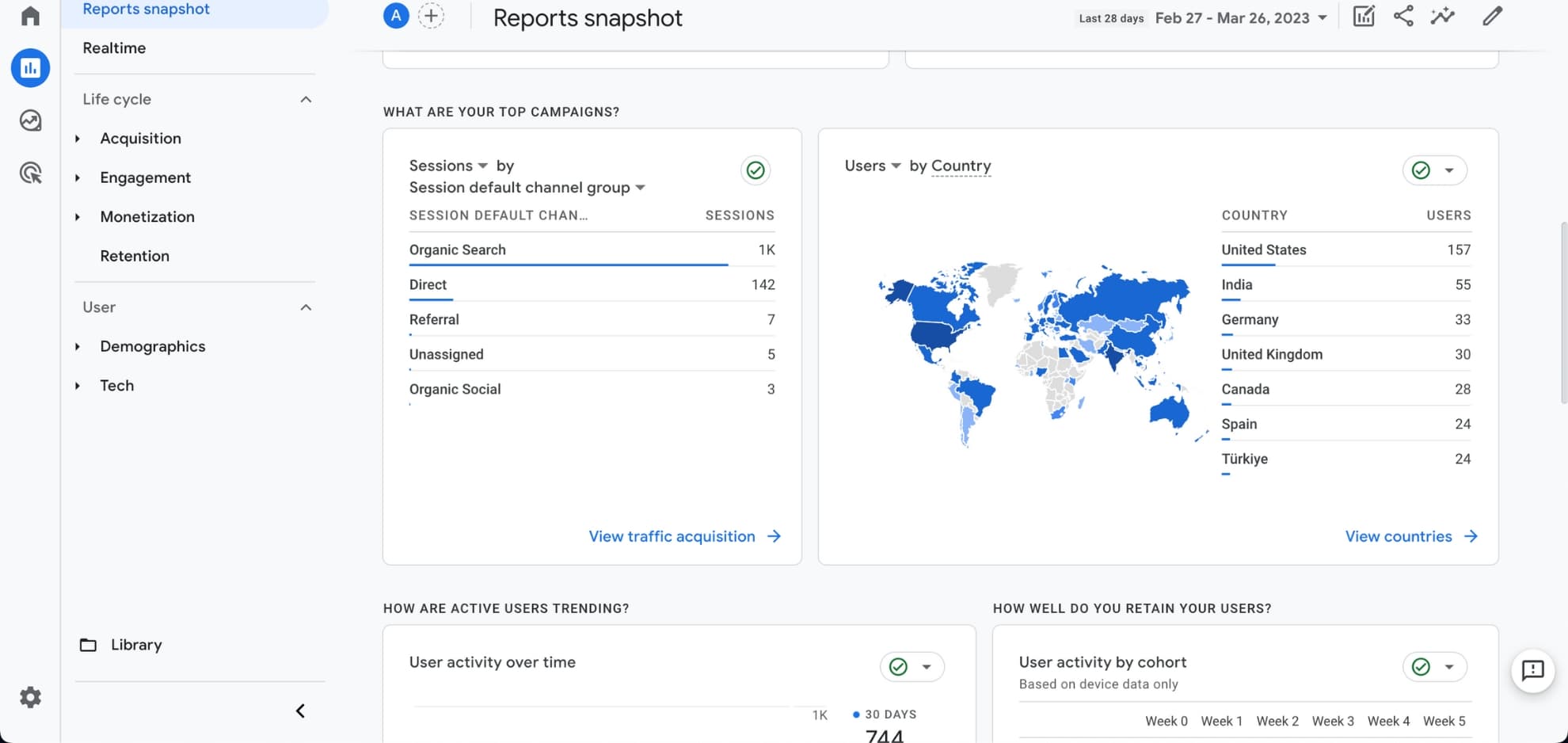
That lets you see where users drop off and track specific actions, such as completing a form or watching a tutorial video. GA4 also offers demographic reports, which can help you tailor onboarding to your audience.
2- UserIQ
UserIQ was a user onboarding and customer success platform that tracked user behaviour and personalised the onboarding experience with in-app messages and walkthroughs.
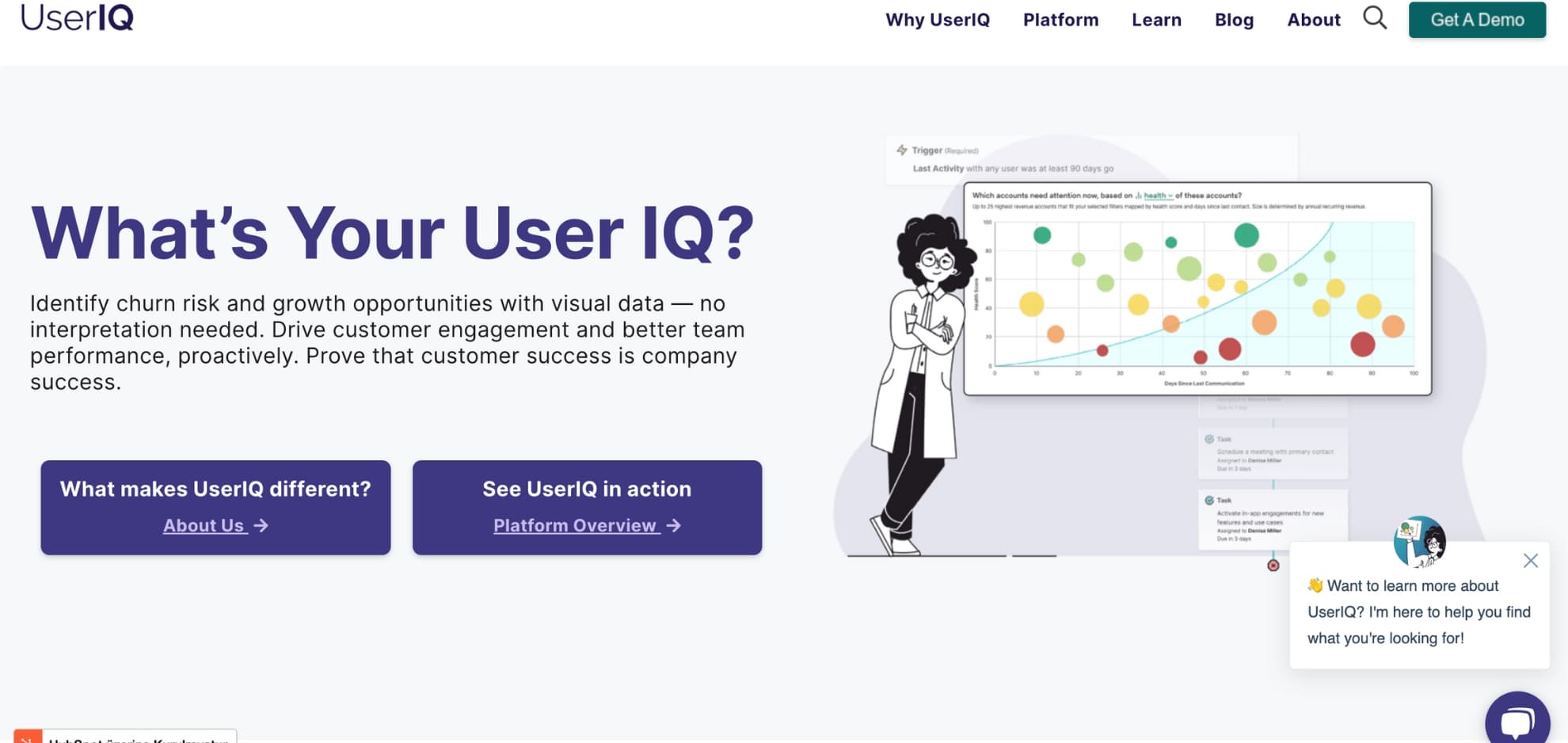
At the time of the screenshot, UserIQ promoted visual account-health data for spotting churn risk and growth opportunities, alongside analytics such as time to completion and feature adoption. When we checked in October 2026, its old domain redirected to an unrelated website, so we've removed the link; treat it as a historical example. The analytics it offered are now built into most onboarding tools, covered below.
3- Intercom
Intercom is a customer messaging and support platform that lets companies talk to users in real time, with automated messages and chatbots that guide users through onboarding and answer questions.
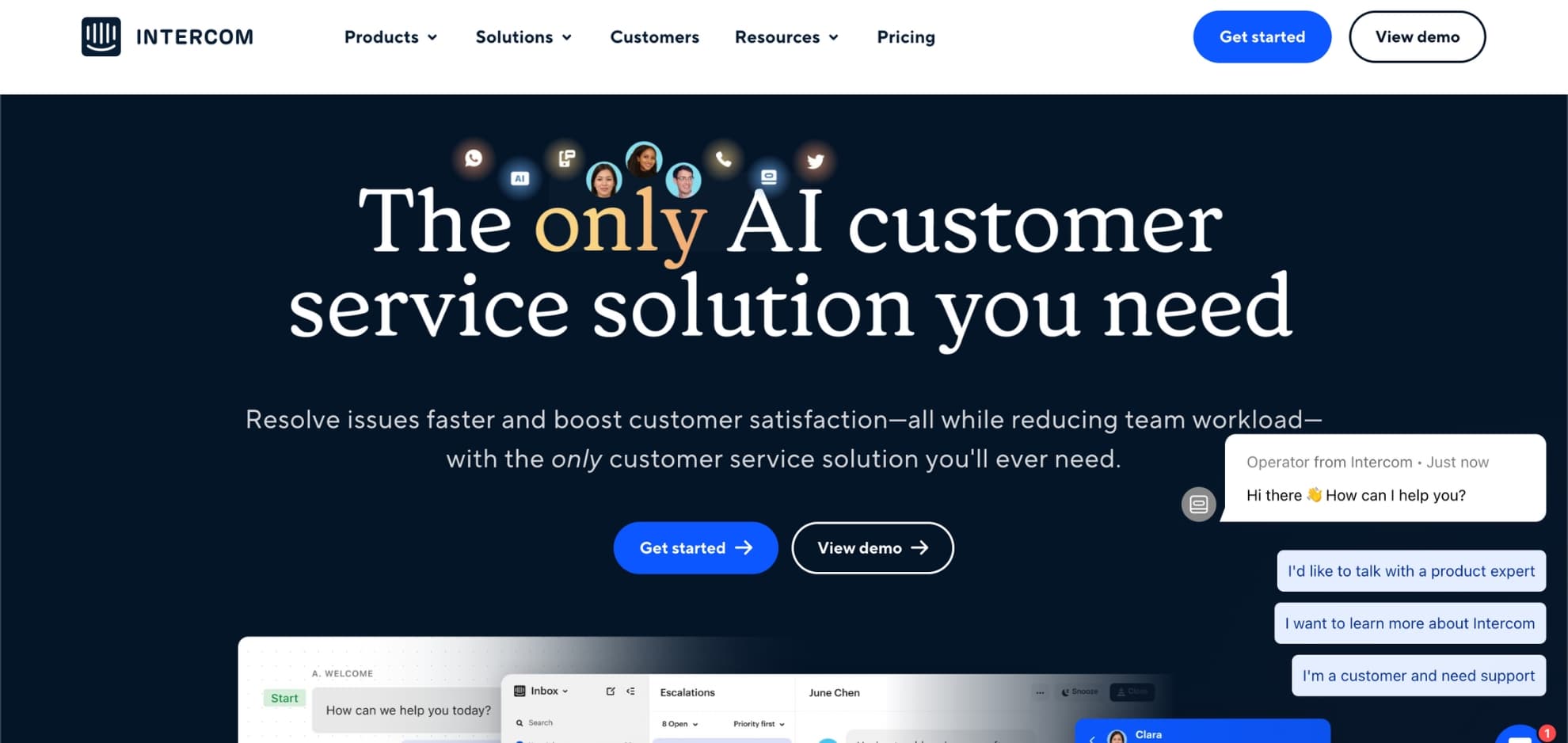
Intercom reports on conversations and message engagement, which shows where new users get stuck enough to ask for help. As of October 2026, its pricing centres on seats plus its Fin AI agent, charged per outcome, and in-app surveys are part of a paid add-on.
4- Mixpanel
Mixpanel is a product analytics platform that tracks specific user actions and events, such as completing a form or watching a tutorial video, and shows how users move through onboarding.
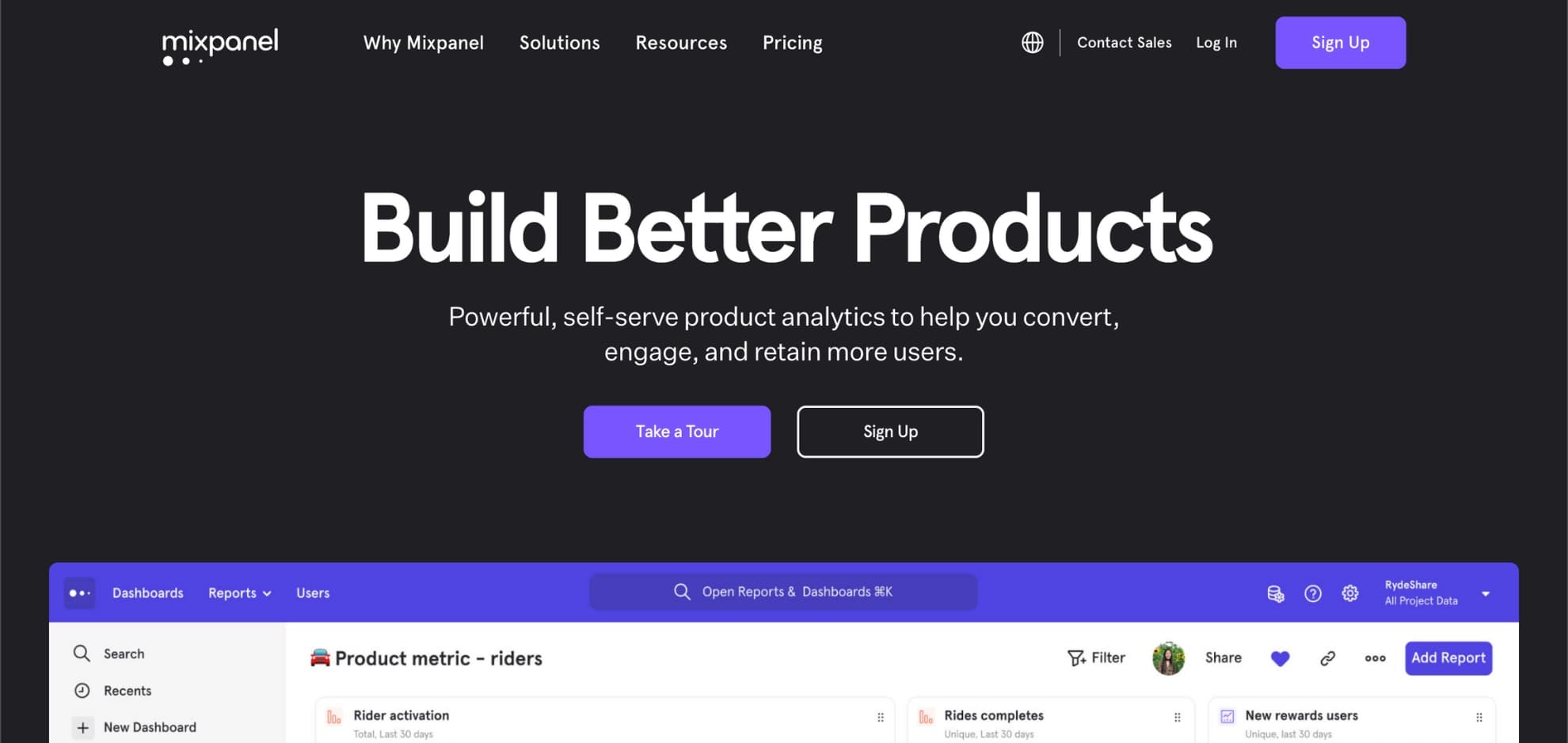
Mixpanel's funnels, retention reports and segmentation help you find patterns in user behaviour and decide how to change onboarding. Feed it the events from your tracking plan, including the ones your onboarding tool sends.
5- Onboarding tools' built-in analytics
Most onboarding tools now report on their own flows and checklists, and some include full product analytics. What their pricing pages listed in October 2026:
| Tool | Built-in onboarding analytics | Funnels, retention or goals |
|---|---|---|
| Appcues | Trends, funnels, paths, retention curves and dashboards; impact reports on experiences | All plans |
| Chameleon | Performance of each experience as a timeline, funnel or completion view | Goals and A/B tests on Pro and up |
| Pendo | Product analytics with data from the day it's installed | All plans, including Free |
| Userflow | Charts, funnels, dashboards and completion analytics for flows and checklists | Custom event trackers on Studio and up |
| UserGuiding | Engagement analytics for onboarding materials, daily and weekly reports | Event tracking, goals and A/B tests on Growth and up |
| Userpilot | Trends on every plan | Funnels, retention and paths on Growth and up |
If you already use a product analytics tool, check the integration first: most of these tools can send their flow and survey events to Mixpanel, Amplitude or Segment, so you don't pay for analytics twice.
What do G2 reviewers say about onboarding tools' analytics?
Analytics is a reason people choose some onboarding tools and a common complaint about others, often the same ones. These counts come from the G2 reviews we read in October 2026; a theme shows a number only where it was among that tool's top three.
| Tool | G2 reviews we read | Praised analytics and product insights | Complained about reporting and analytics depth |
|---|---|---|---|
| Pendo | 300 | 209 | 65 |
| Userpilot | 300 | 138 | 61 |
| Appcues | 294 | Not in top three | 40 |
| Userflow | 125 | Not in top three | 15 |
The pattern is that buyers who choose a tool for its analytics expect more from it. Before you rely on any tool's reports, trial them on your own events and check whether they answer the questions in your tracking plan, not the vendor's demo.
Which metrics should customer onboarding analytics report?
Report a short set of metrics, each with one definition everyone uses:
| Metric | What it shows | Definition |
|---|---|---|
| Time to value | How fast users reach the product's value | Reducing time to value |
| Activation rate | Share of new users who reach the activation event | Onboarding KPIs |
| Retention rate | Share of a cohort still active over time | User onboarding metrics |
| Drop-off rate | Where users abandon onboarding | Below |
| NPS | Whether users would recommend you | Customer onboarding metrics |
Drop-off rate is the share of users who reach a step of the onboarding process but not the next one:
Drop-off rate at step n = (users who reached step n − users who reached step n + 1) ÷ users who reached step n × 100
Calculate it for every step, not just for the flow as a whole: a single step with a steep drop is where users get stuck, and the friction you remove there does more than any change elsewhere.
How do you turn onboarding analytics into improvements?
Use the data to change one thing at a time and measure it again. If users drop off at a step that needs explaining, a short onboarding video may help; if different segments get stuck in different places, give them different paths. Keep onboarding simple, give clear instructions, and personalise the onboarding experience based on behaviour and preferences. Customer onboarding analytics then shows whether each change worked, which is what turns better onboarding into retention and revenue over the long run.

About the author
Aysenur ZazaAysenur Zaza is a creative content writer and an avid researcher when it comes to product, growth and everything SaaS.