User Onboarding · 6 min read
3 Steps to Efficiently Onboard New Users
To onboard new users, find out what each one came to do, design the first session around that goal, then build the flow from patterns that fit each moment. The test for every step is simple: if a signup question doesn't change what the user sees next, or a tooltip doesn't move them toward their goal, cut it.
 By Selman Gökçe
In short
Three steps to onboard new users: learn their goals, design the first session around them, and build the flow from the right patterns. Includes a table matching seven onboarding patterns to the moment each one fits, and three flows recorded in 2022 (Kairn, Juphy and Piktochart) that each show one step in practice.
Most guides answer "how do you onboard new users?" with a list of patterns: welcome modals, tours, checklists, tooltips. The harder part is deciding what each new user should see, and one rule handles most of it: every signup question should change what the user sees next, and every in-app message should move them toward the goal they named. The three steps below apply that rule, and three flows recorded in 2022 show each step in practice.
Finding a good pair of sneakers is hard. One catches your eye in the shop window and looks made for you, then turns out to be uncomfortable, so you keep looking. New user onboarding works the same way: if users aren't comfortable during onboarding, they'll leave for a competitor.
What is new user onboarding?
New user onboarding is the first-run part of user onboarding: showing first-time users, through onboarding flows, how they benefit from your product, so they stick around for longer. User onboarding as a whole also covers existing users, for example when you launch a feature (new feature onboarding). New user onboarding is only about people using your product for the first time.
It succeeds when users reach their "Aha!" moment quickly and more of them become active. The two are linked: activation follows when users see your core features at work, and the aha moment gives them the motivation to keep exploring. Together they drive up user retention.
Signup flows, welcome modals, onboarding checklists and interactive walkthroughs are the usual tools, and introducing features well during new user onboarding also sets up product and feature adoption later.
What are the steps involved in onboarding a new user?
Three steps, in order:
- Understand the needs and motives of users: who they are and what they came to do.
- Design the onboarding process around those needs: what each segment sees first, and which questions decide it.
- Create the onboarding flow: choose the patterns that fit each moment and combine them with the basic onboarding tasks.
Step 1: Understand the needs and motives of users
The first step is in the name: you're onboarding people who are new to your product. They might know a little about it already, but you still need to exceed their expectations.
You can't call every user and ask what they want, so you have to get that information in a way that takes little of their time or yours. All your users go through the same signup, but should they all land on the same page, whatever they came to do? No. You need to collect enough information to give each of them a fitting onboarding process. Four questions guide the user segmentation:
- Who are your users?
- What are your users here to do?
- What do they expect from this product?
- How can this product help them reach their goals?
One more question matters for the flow itself: how can you give users everything they need without distractions or errors that would push them away?
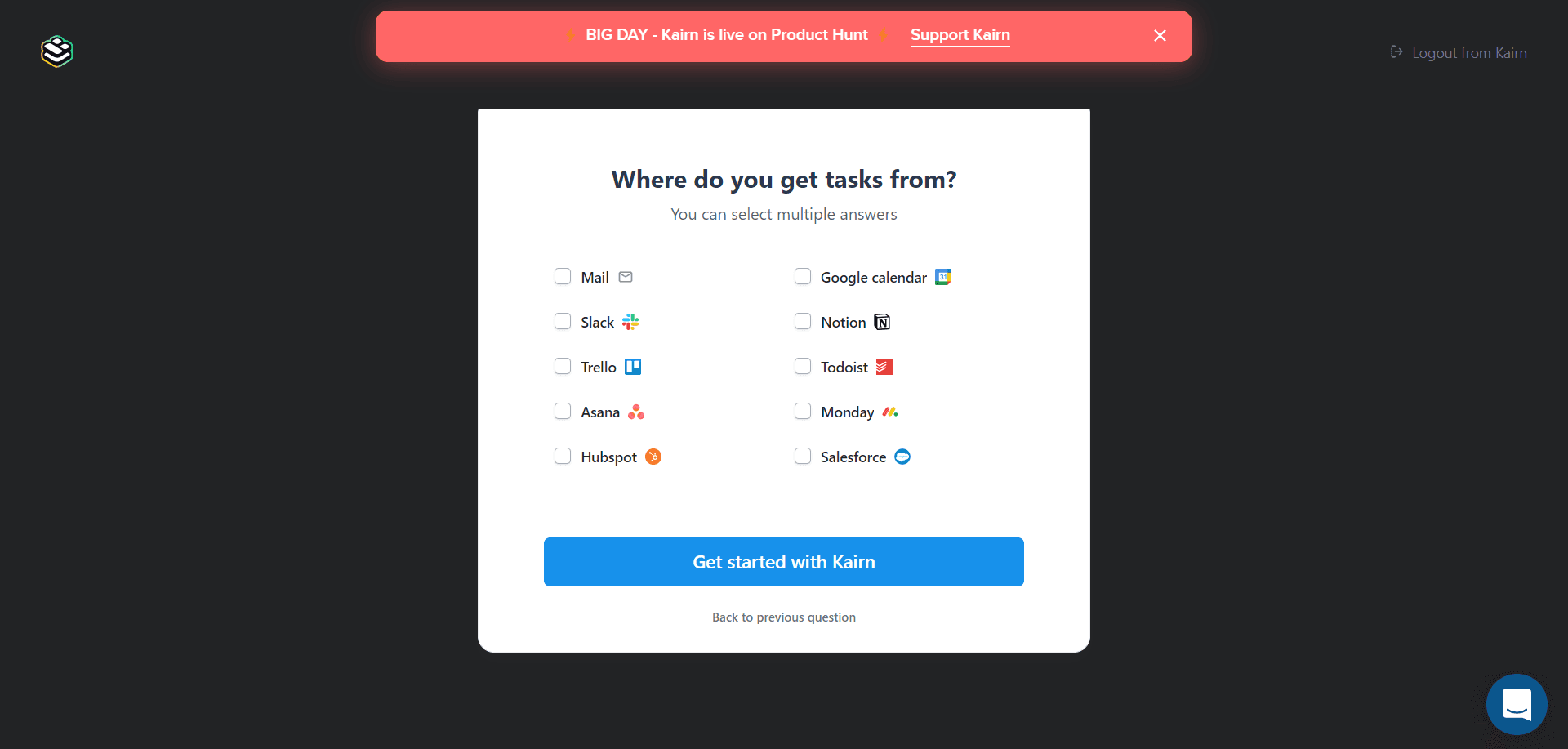
The rule for signup questions: before adding one, write down what changes in the flow for each possible answer. If nothing changes, don't ask it. Kairn (below) asked four questions, and its loading screen said it was adapting the experience to the answers.
Step 2: Design the new user onboarding process accordingly
Once you know your users' needs and motives, put that data to work.
Start by greeting new users with a welcome modal; it's the one element almost every SaaS product has. After the welcome, ask the questions that decide how you'll onboard each user: add a segmentation question to the welcome modal, or put a few short steps right after it.
Beyond the personalised start, five practices can improve the whole experience on their own:
- Keep it simple. Users shouldn't feel they're dealing with a complex product.
- Be brief but to the point. Whether you're prompting an action or explaining a core feature, use short sentences.
- Show your benefits. See the product from the user's side and show how you differ from competitors.
- Get users to the "Aha!" moment fast. Seeing your product's value shapes the whole onboarding experience.
- Personalise the experience. The questions you asked only help if they change what users see.
These techniques take you one step closer to high customer satisfaction.
Step 3: Create the onboarding flow
In the last step, choose the patterns you'll use. Each one suits a particular moment:
| Pattern | What it does | Use it when |
|---|---|---|
| Onboarding emails | Reach users outside the product; the first one may be your only shot at a good impression | Users leave before finishing setup, or need tips between sessions (email onboarding) |
| Product tours | Point out the essential features in sequence | The first task spans several screens |
| Checklists and progress bars | Track progress and show what's left | Setup takes several separate actions |
| Tooltips | Explain one element where it sits, and keep the page tidy | Users meet an unclear element for the first time |
| Self-segmentation | Let users pick their persona or goal, so you can personalise | The product serves several different jobs |
| Interactive guides | Show by having the user do it | Showing works better than telling |
| Hotspots | Draw attention to an element without interrupting | Discovery is optional |
Combine these patterns with the basic onboarding tasks to build your flow, and keep the goal of onboarding in mind: showing new users your product's value and making them stay.
To find out which patterns suit your users, run user testing on your onboarding: watch real users go through it and ask them about the experience.
Which new user onboarding examples show these steps?
Each of the three flows below, recorded in 2022, shows one of the steps well. All three products may have changed since.
1. Kairn: asking the right questions (step 1)
I liked Kairn because it asked all the right questions during setup to customise the experience. First, it offered one-click signup, an on-point practice.
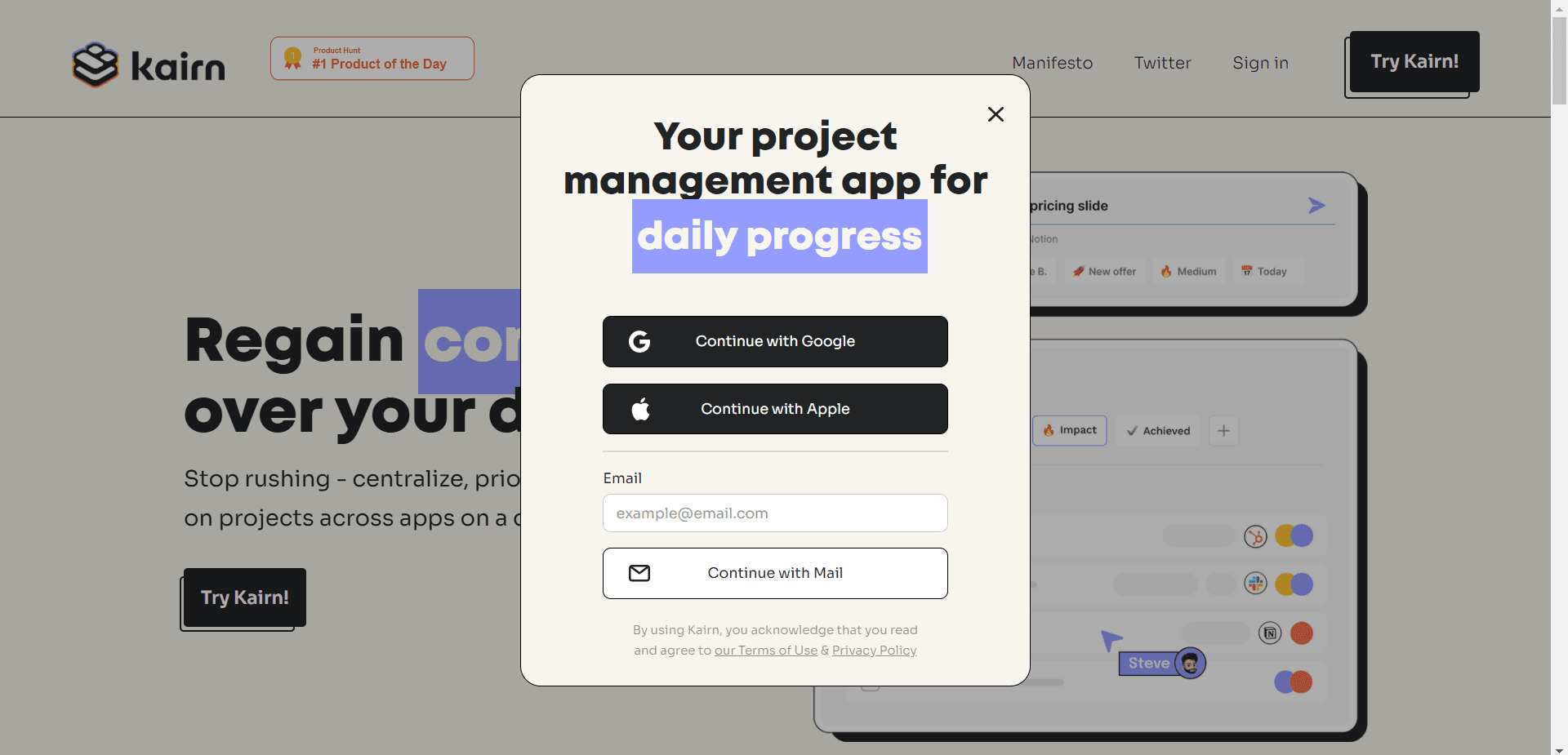
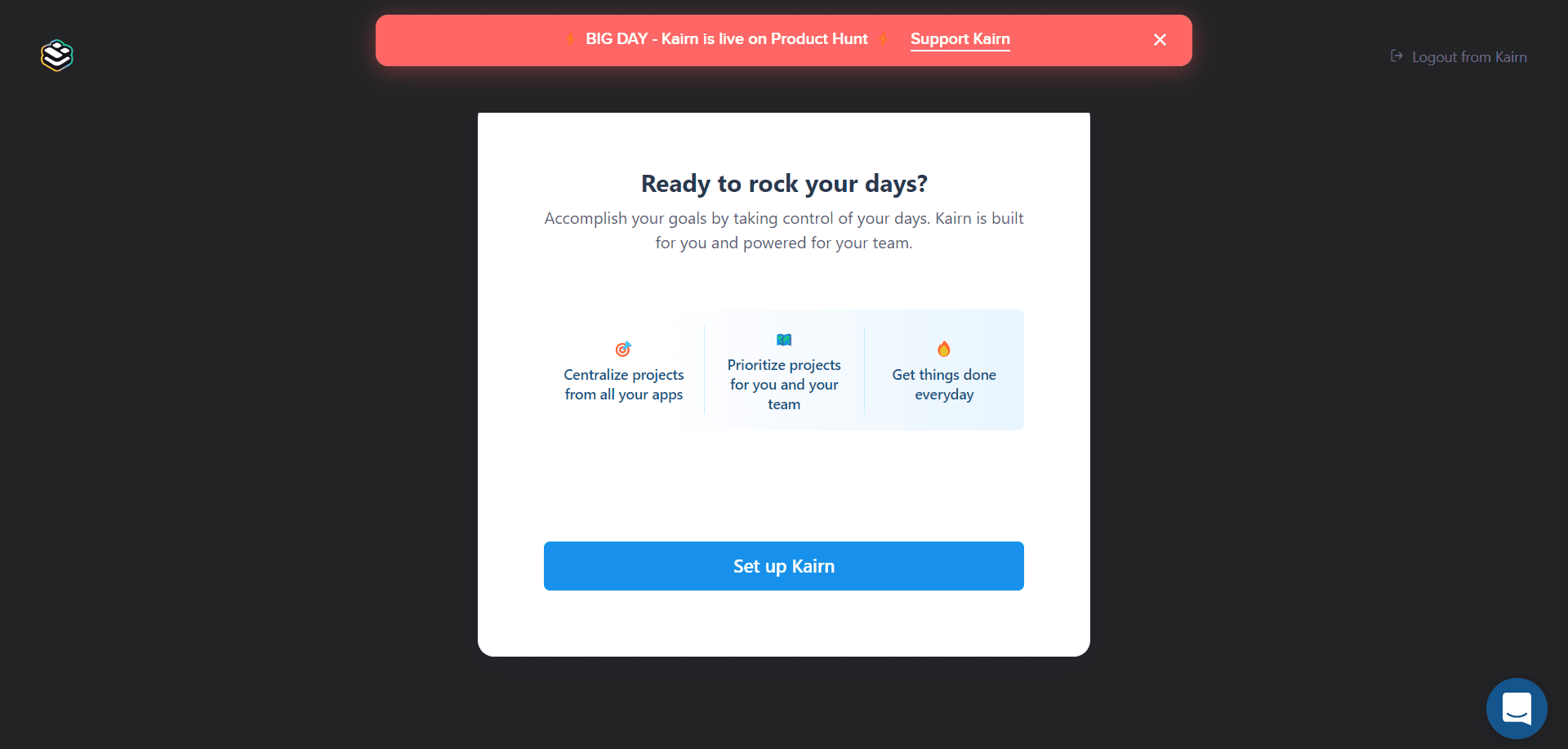
Then came a welcome modal that was fairly motivational, listing three benefits.
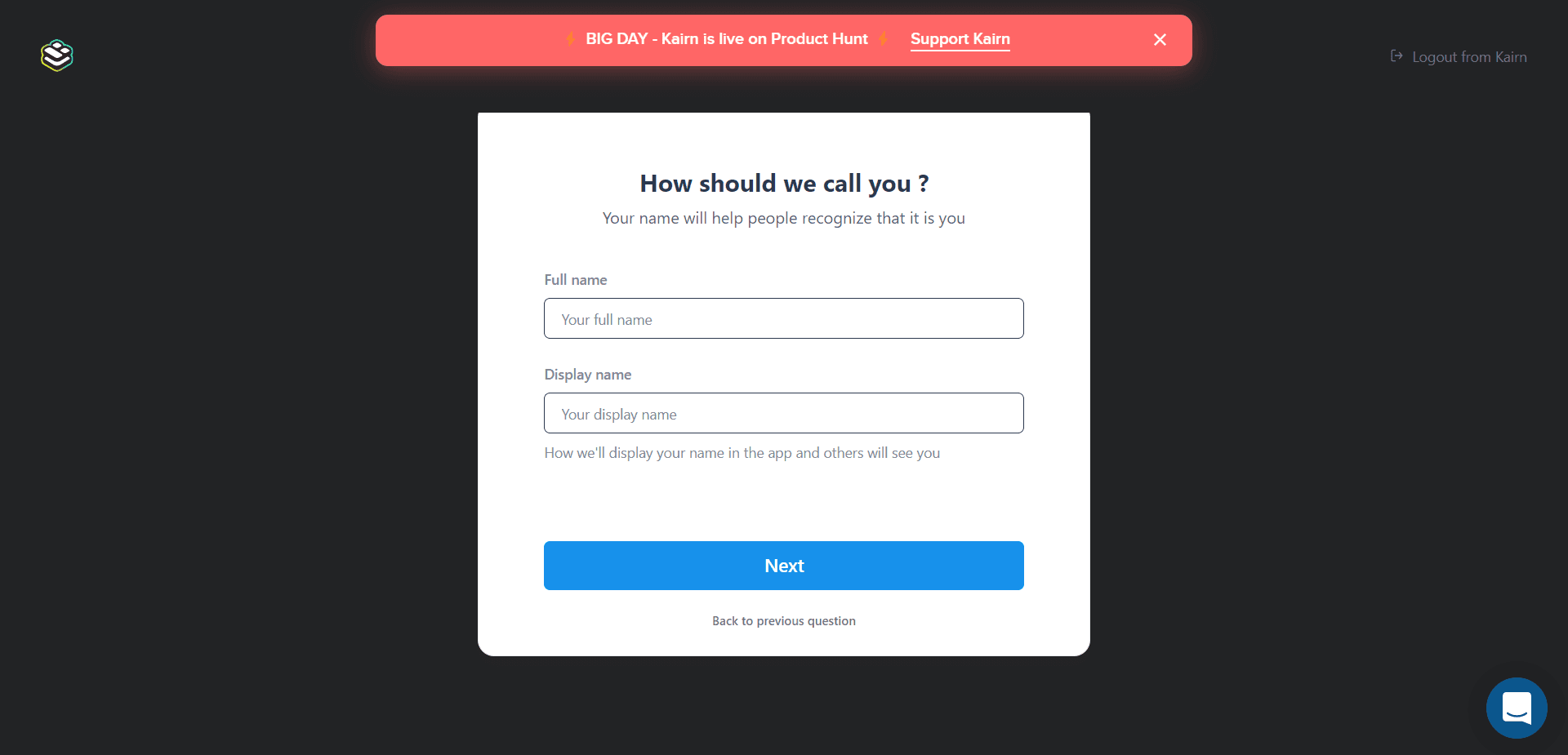
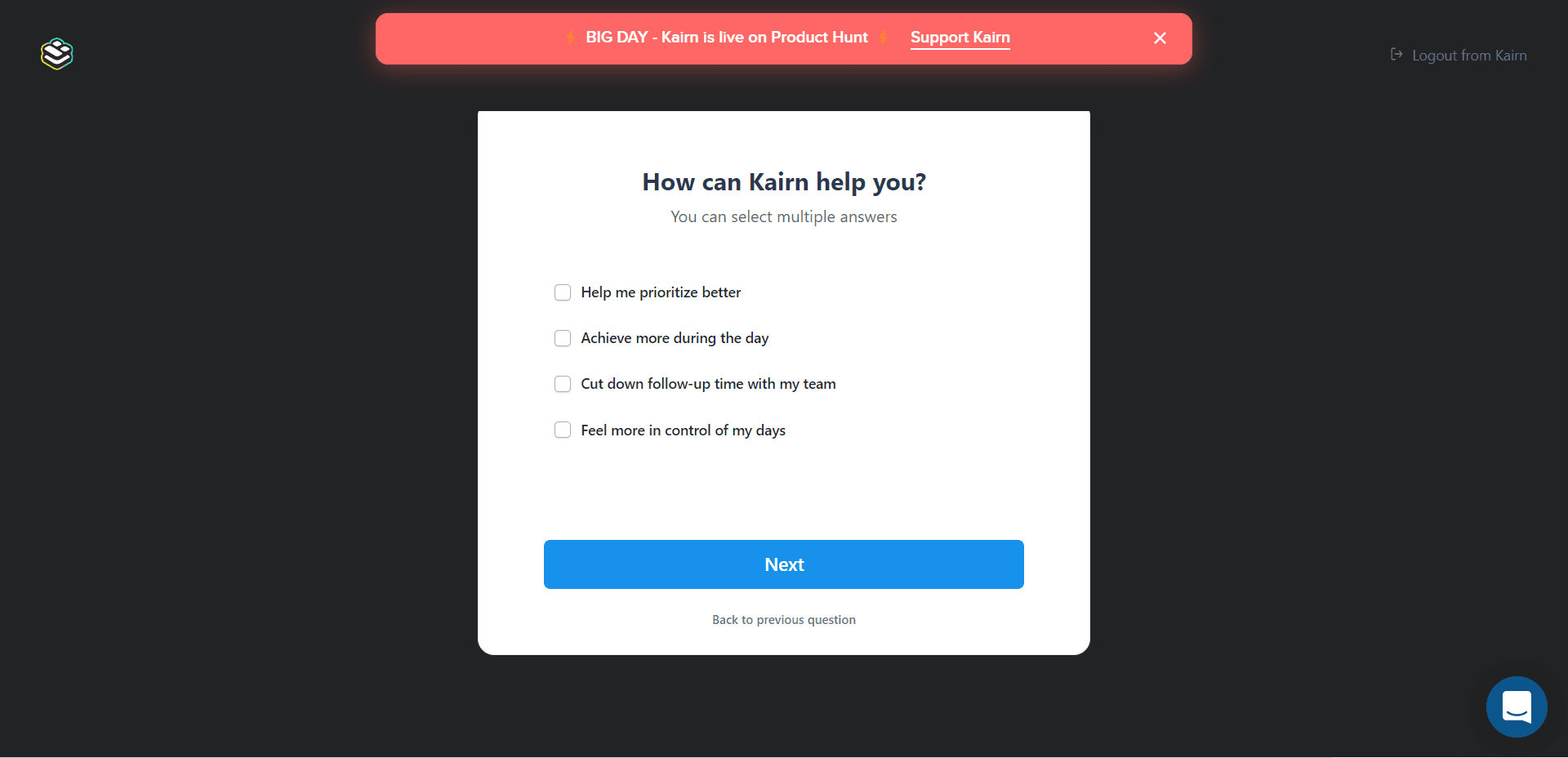
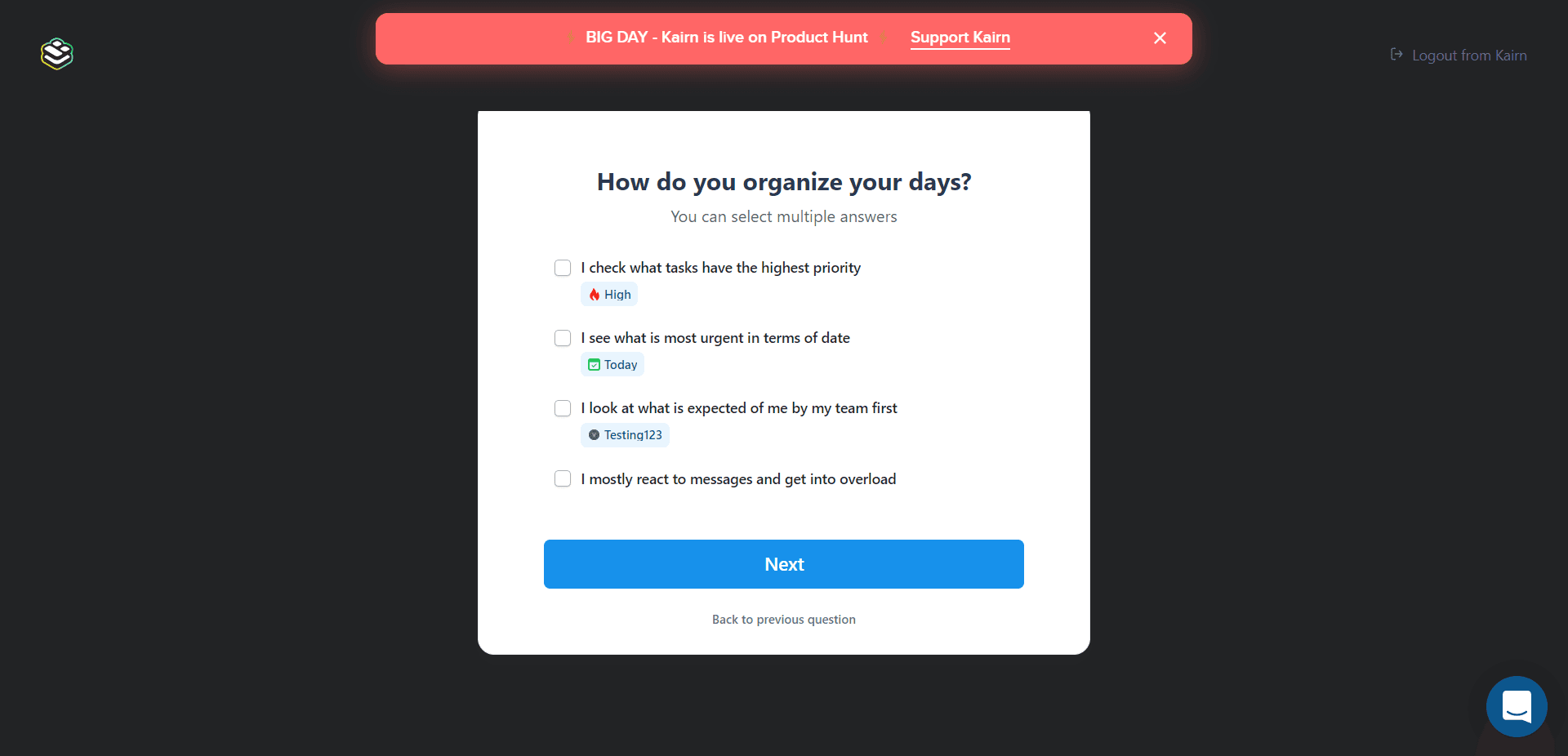
Next, four questions about the user's name, motives, habits and needs, to personalise the experience. Most were multiple choice, one click per answer.
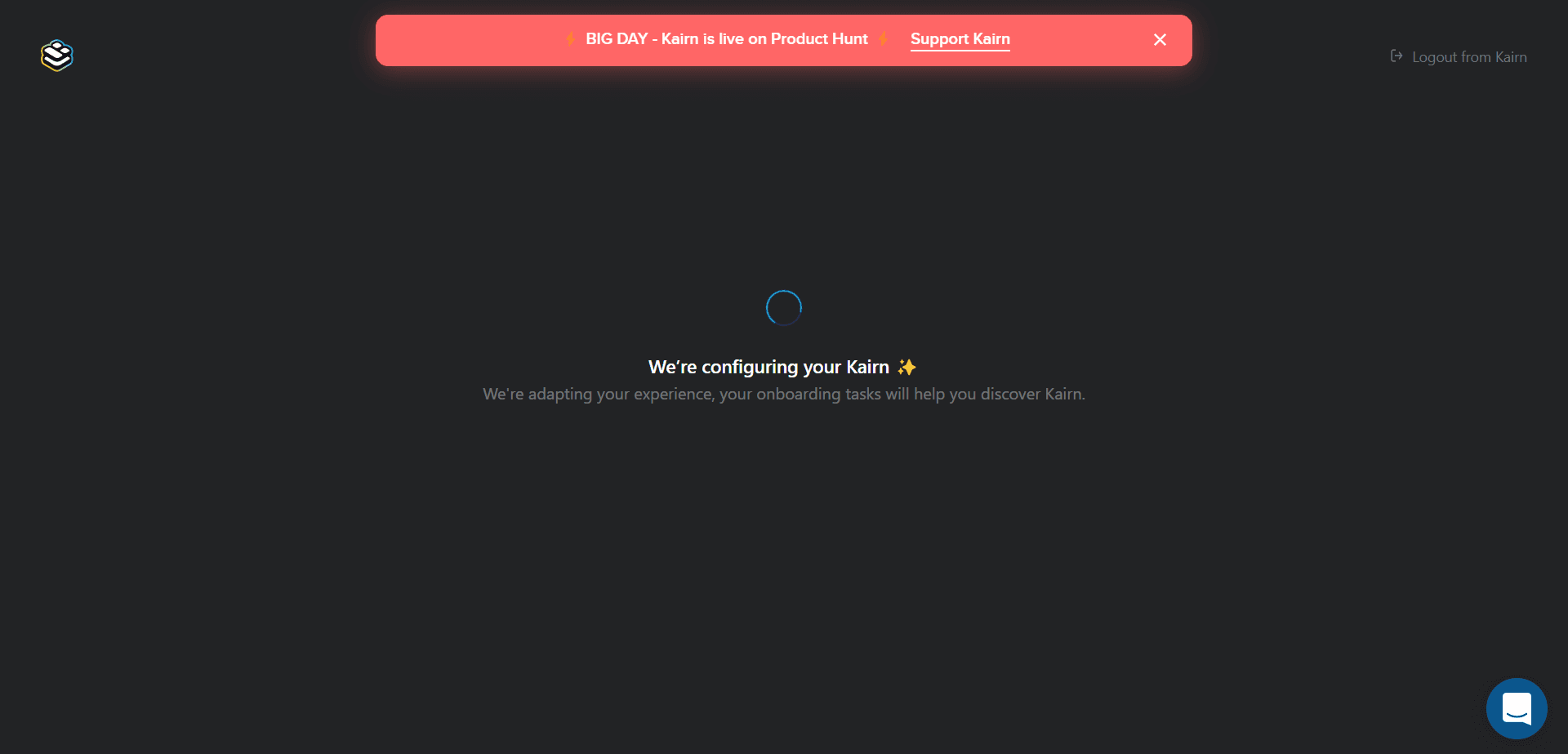
After the questions, a loading screen told users their experience was being adapted and that onboarding tasks would help them discover Kairn.
Then Kairn opened the page it had set up, with your tasks on it.
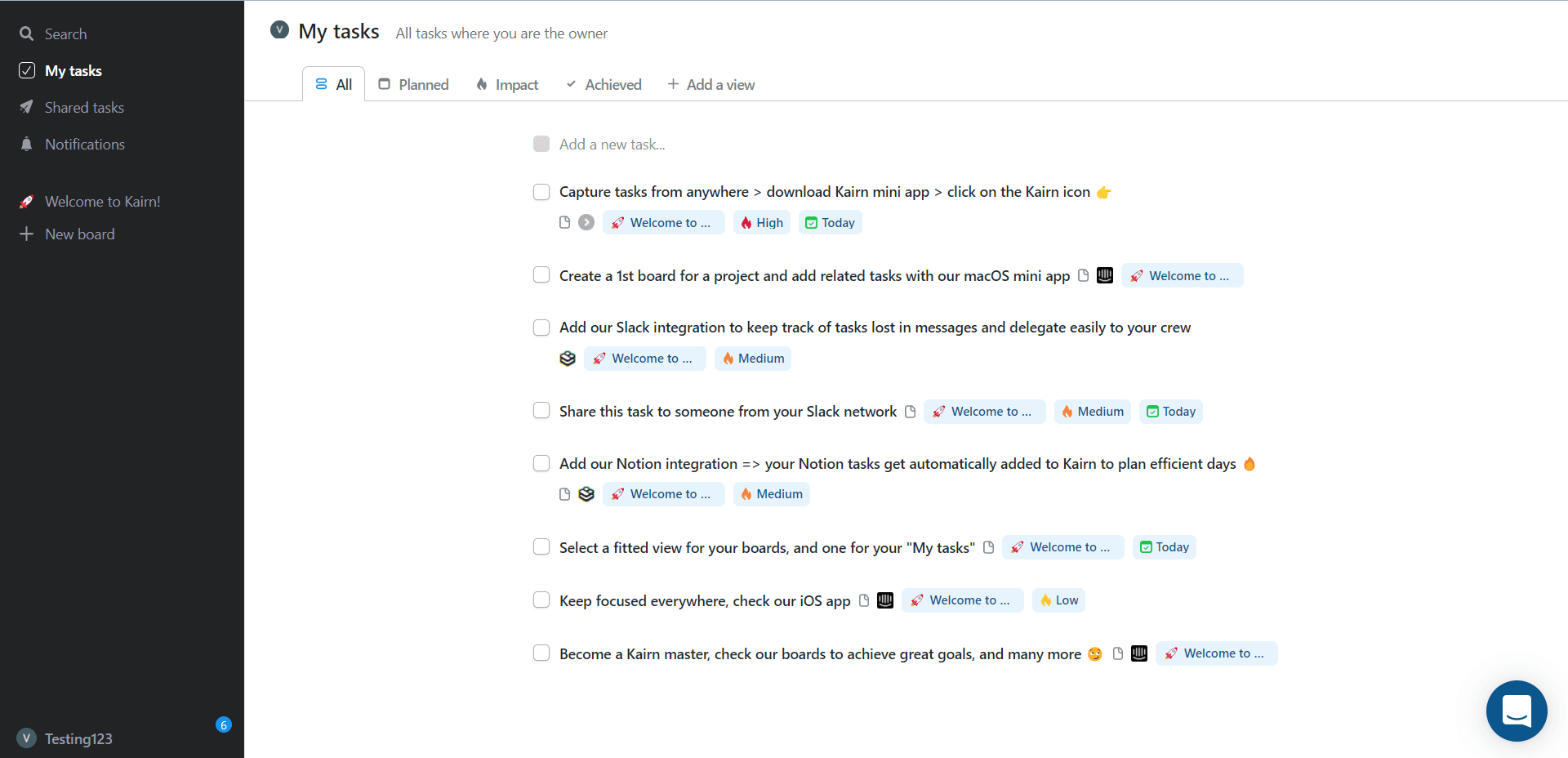
The onboarding tasks were real tasks in Kairn's own task list, so working through onboarding meant using the product's core feature. They included connecting Slack and Notion, two of the apps the setup question had listed. The tasks weren't interactive; they were short and explanatory.
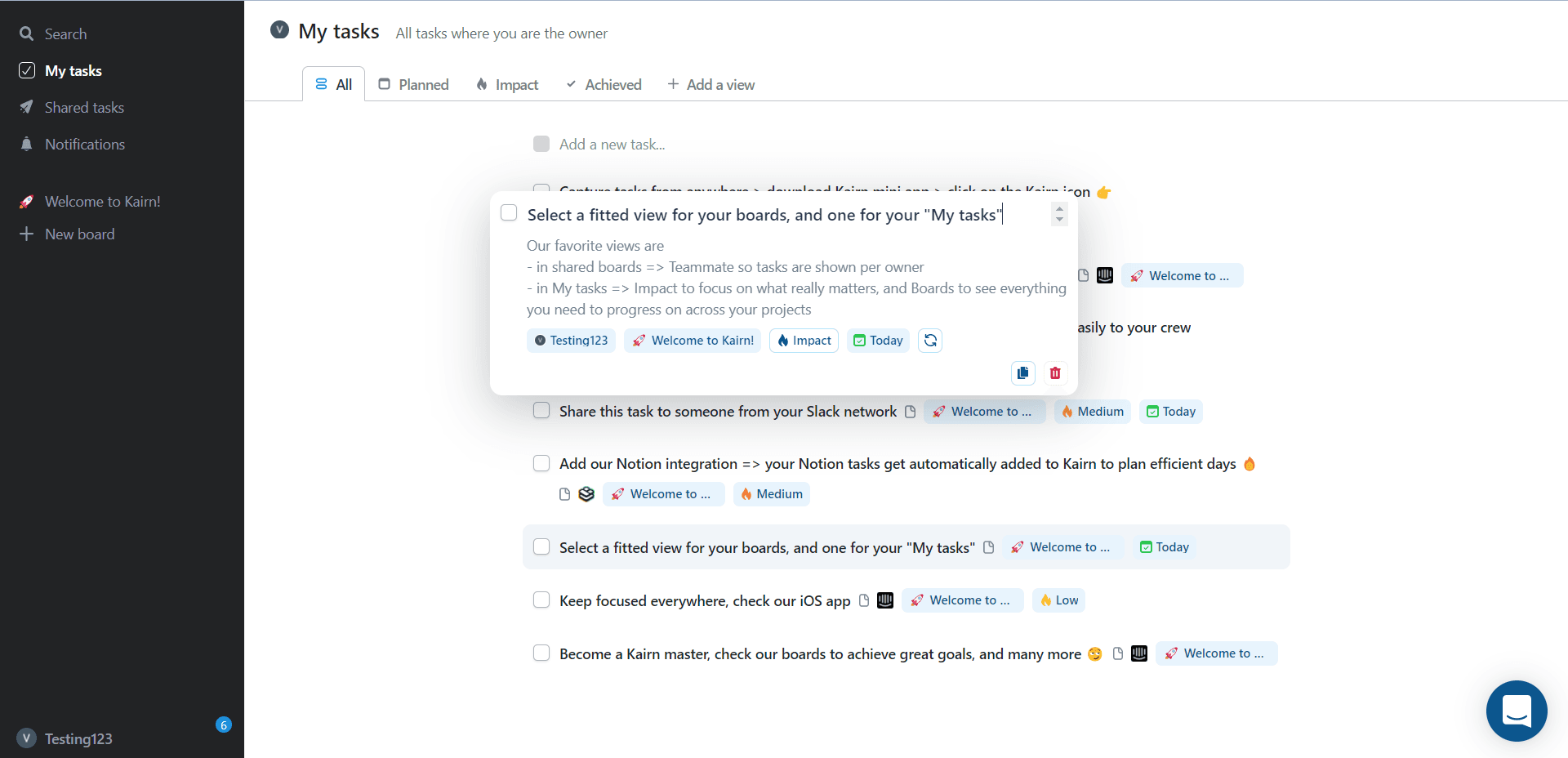
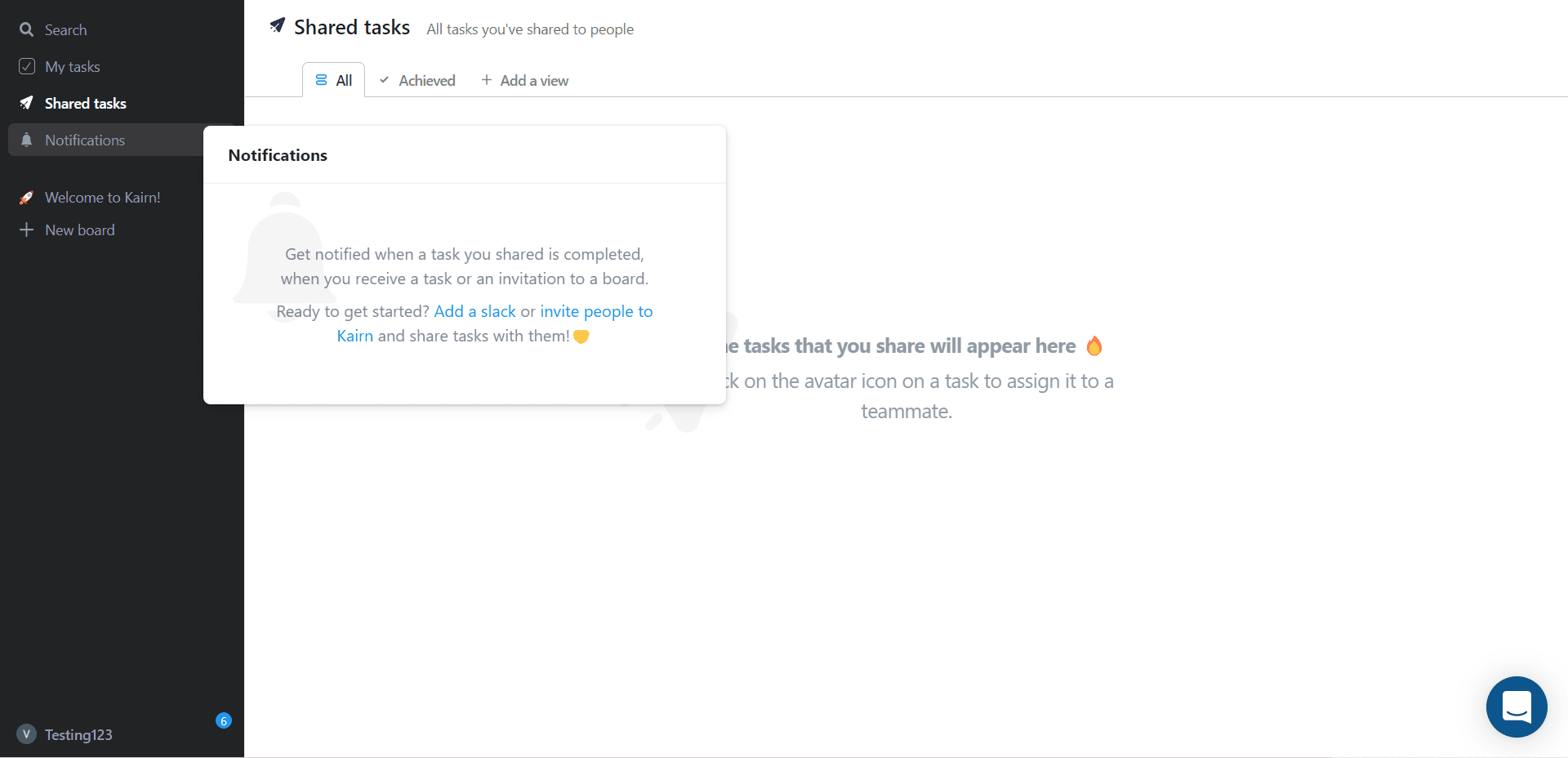
Kairn didn't use tooltips, but modal windows explained the sections in the left menu as you explored them.
2. Juphy: hotspots and modals for discovery (step 3)
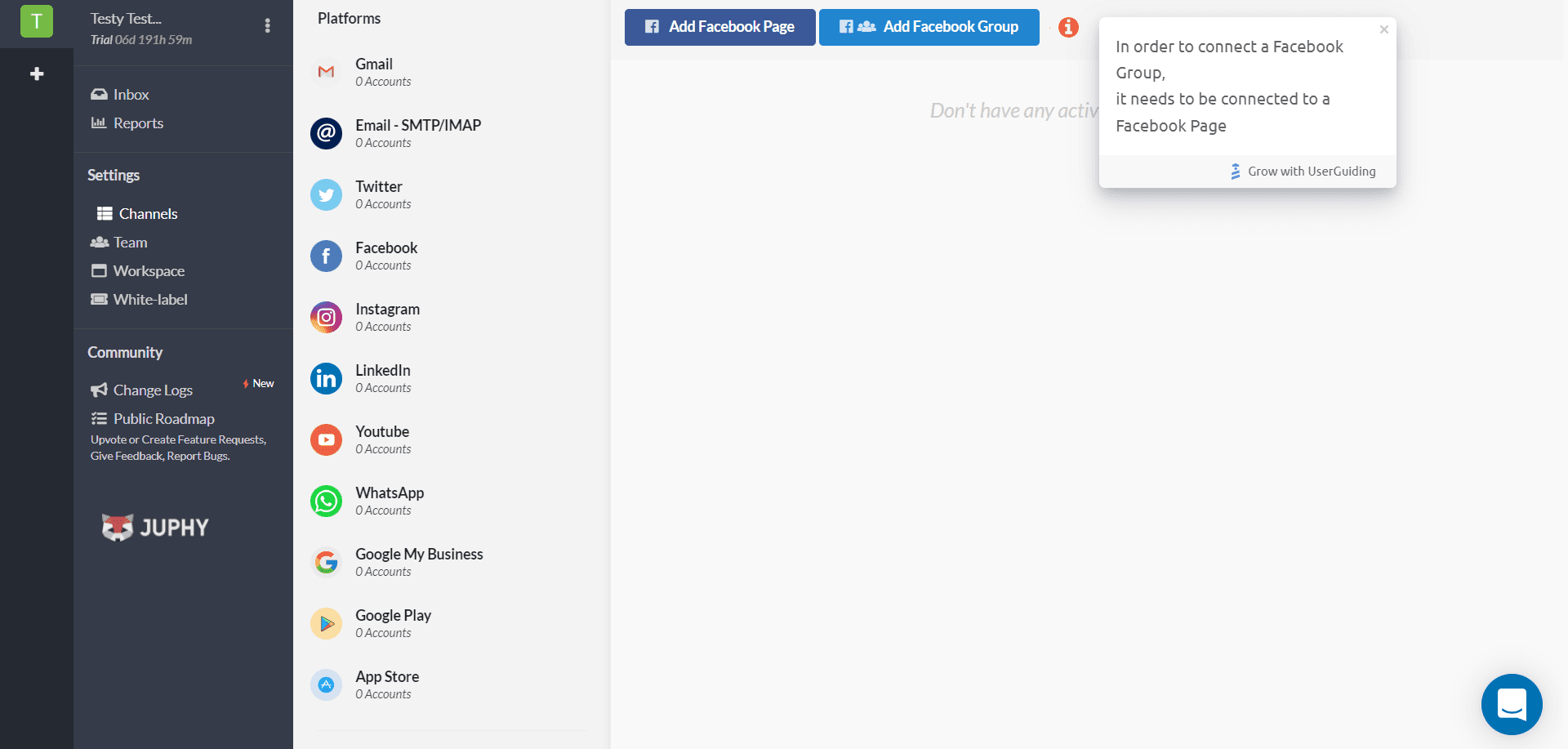
One of the best things about Juphy's onboarding was its use of hotspots and modal windows to draw users' attention and keep them engaged. (The tooltips carried a "Grow with UserGuiding" badge, which means Juphy built them with UserGuiding.)
After signup, Juphy led you to its main page, where hotspots opened when you hovered over them.
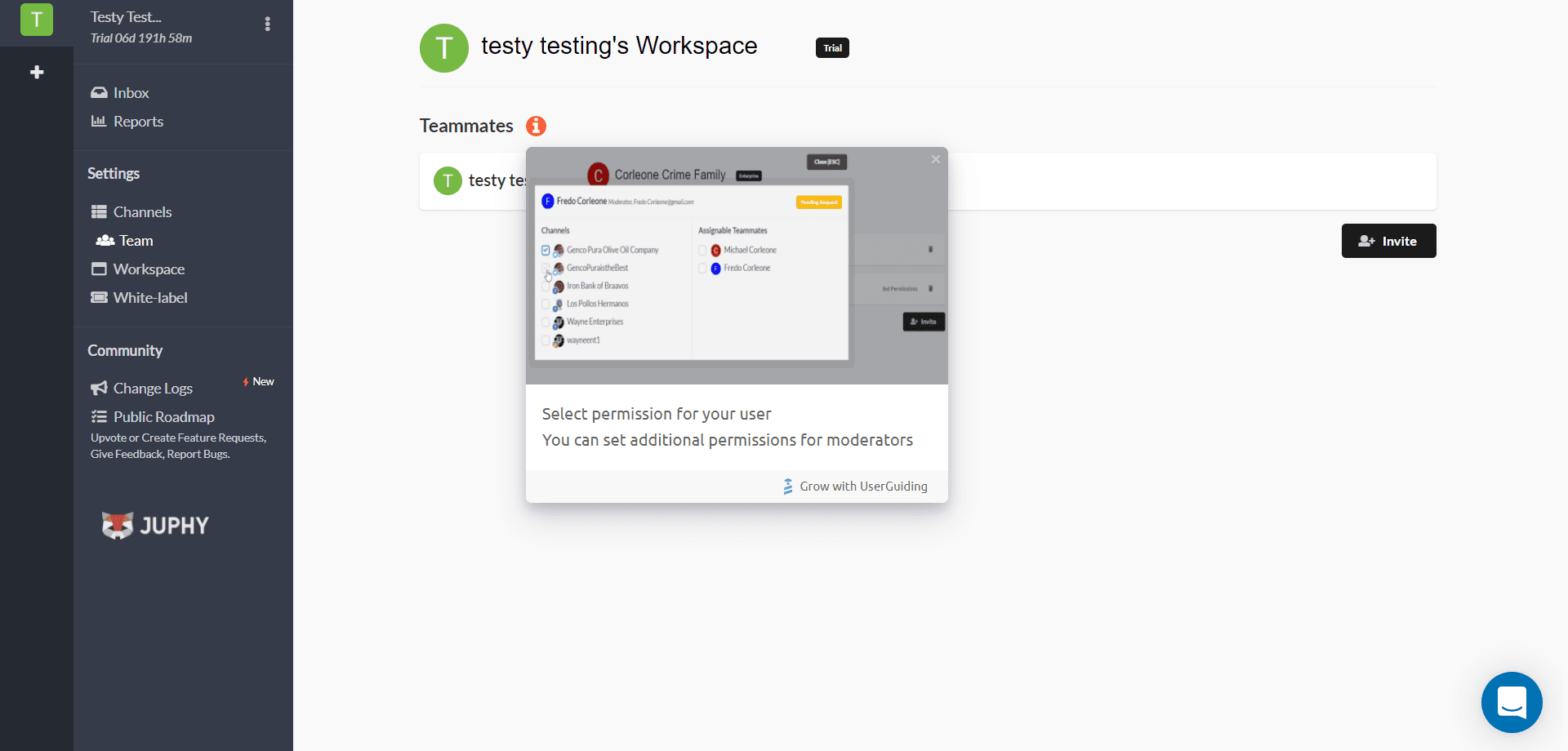
Triggering a hotspot opened a modal window with an image showing the function.
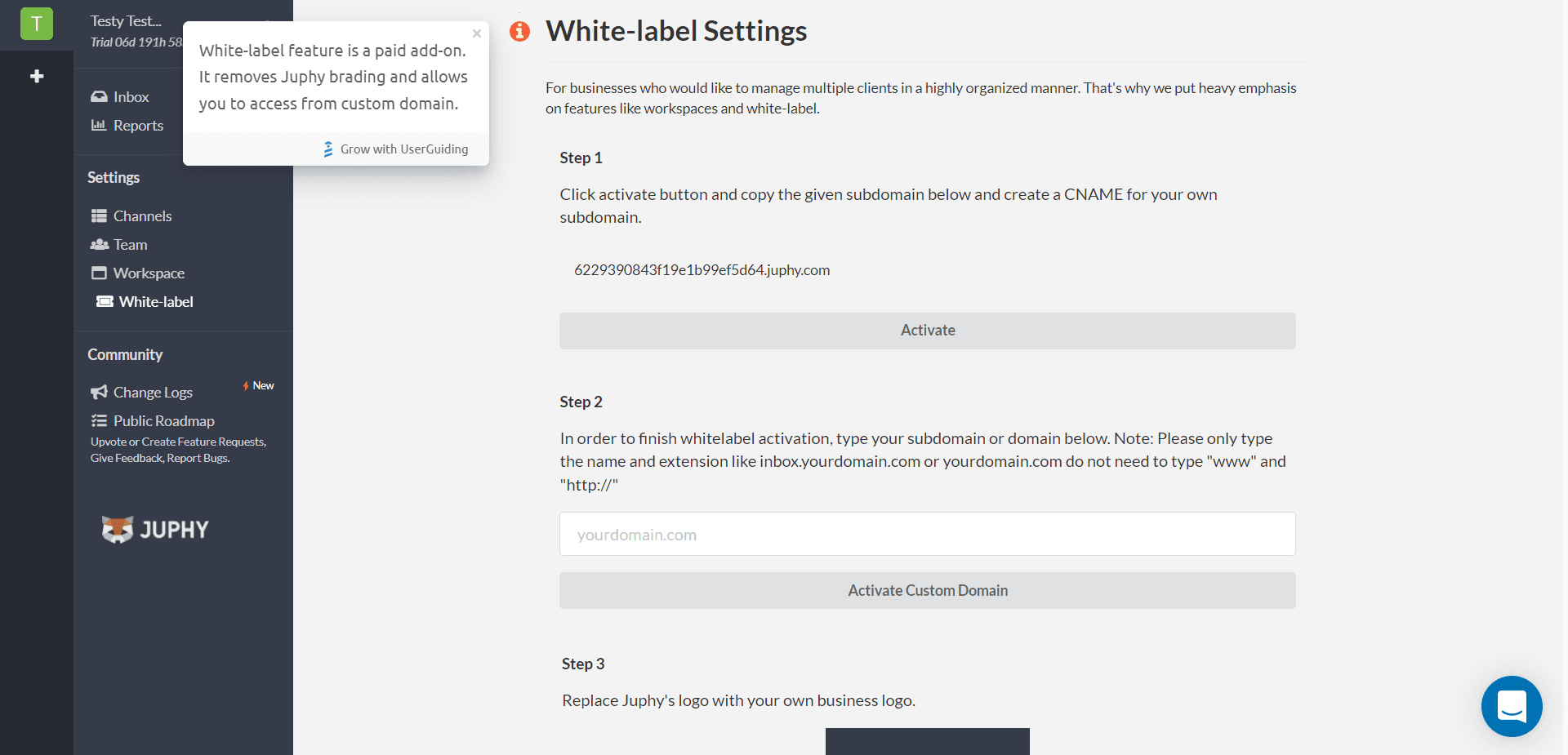
As you kept exploring the side menu on the left, more modal windows explained each section, including which features were paid add-ons.
Hover-triggered hints work on desktop only. On a touch screen there's no hover, so the same hints need to open on a tap.
3. Piktochart: designing around what users want to make (step 2)
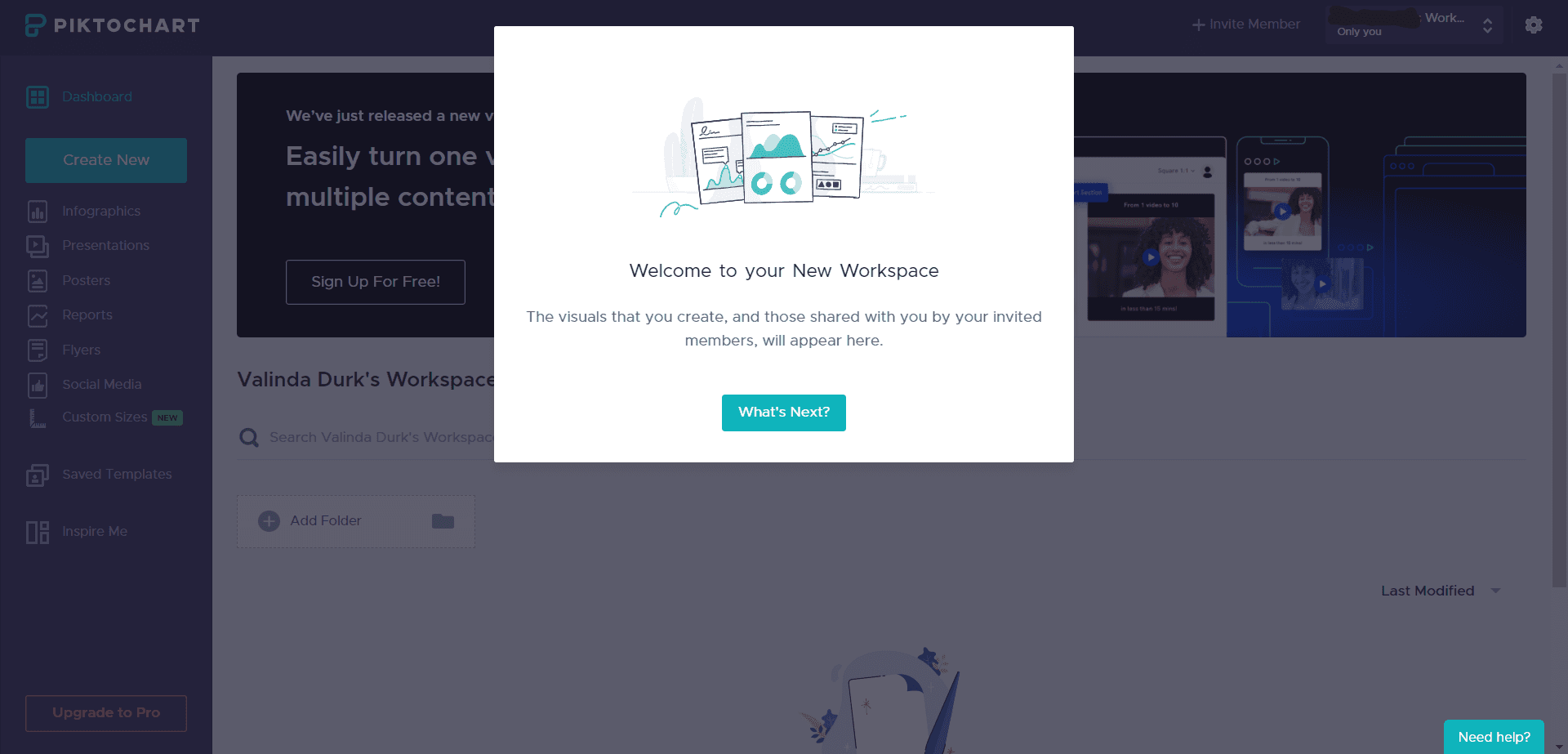
Piktochart offered good new user onboarding and made the product itself quick to understand. After signup, it greeted you with a welcome modal.
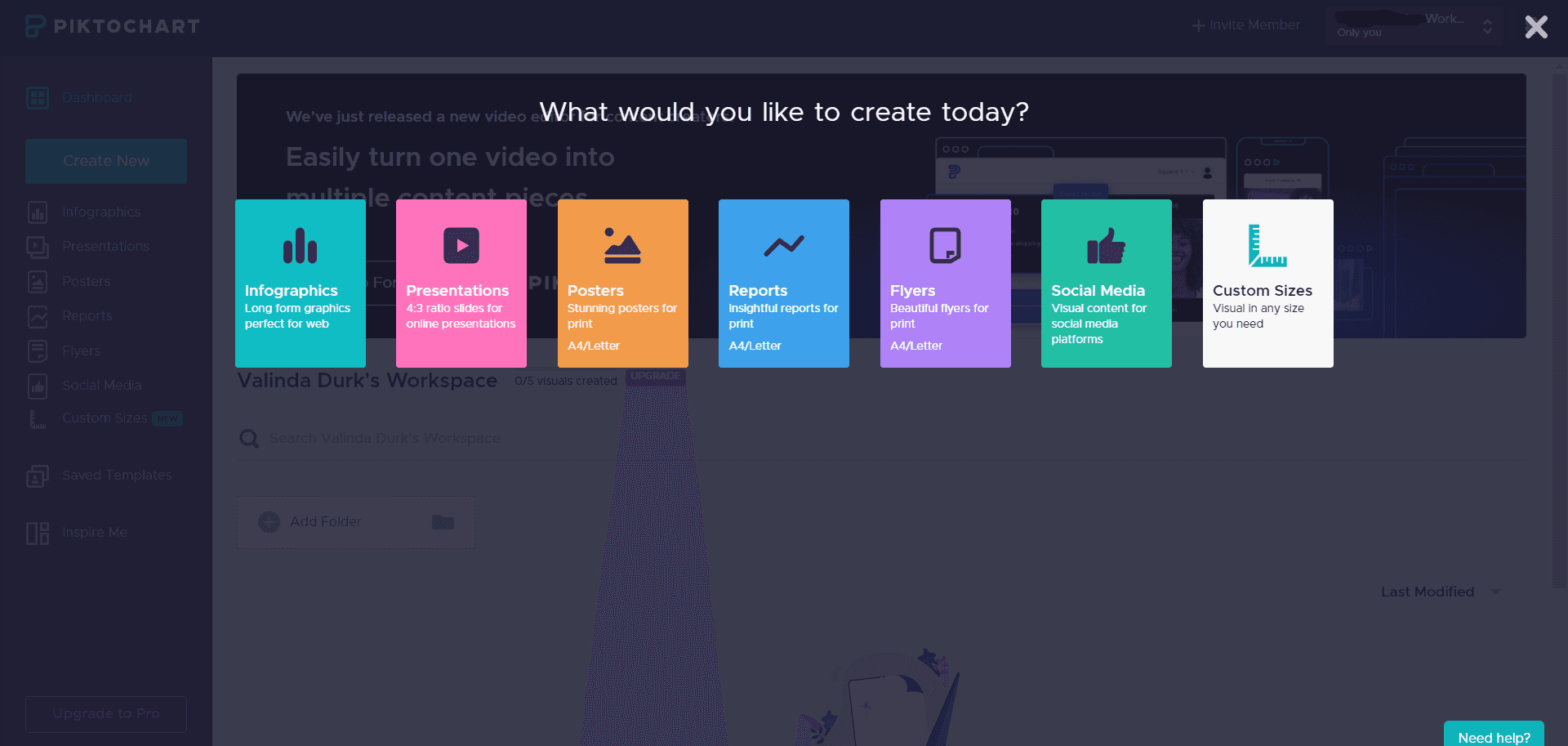
Clicking Create New showed the kinds of visuals you could make.
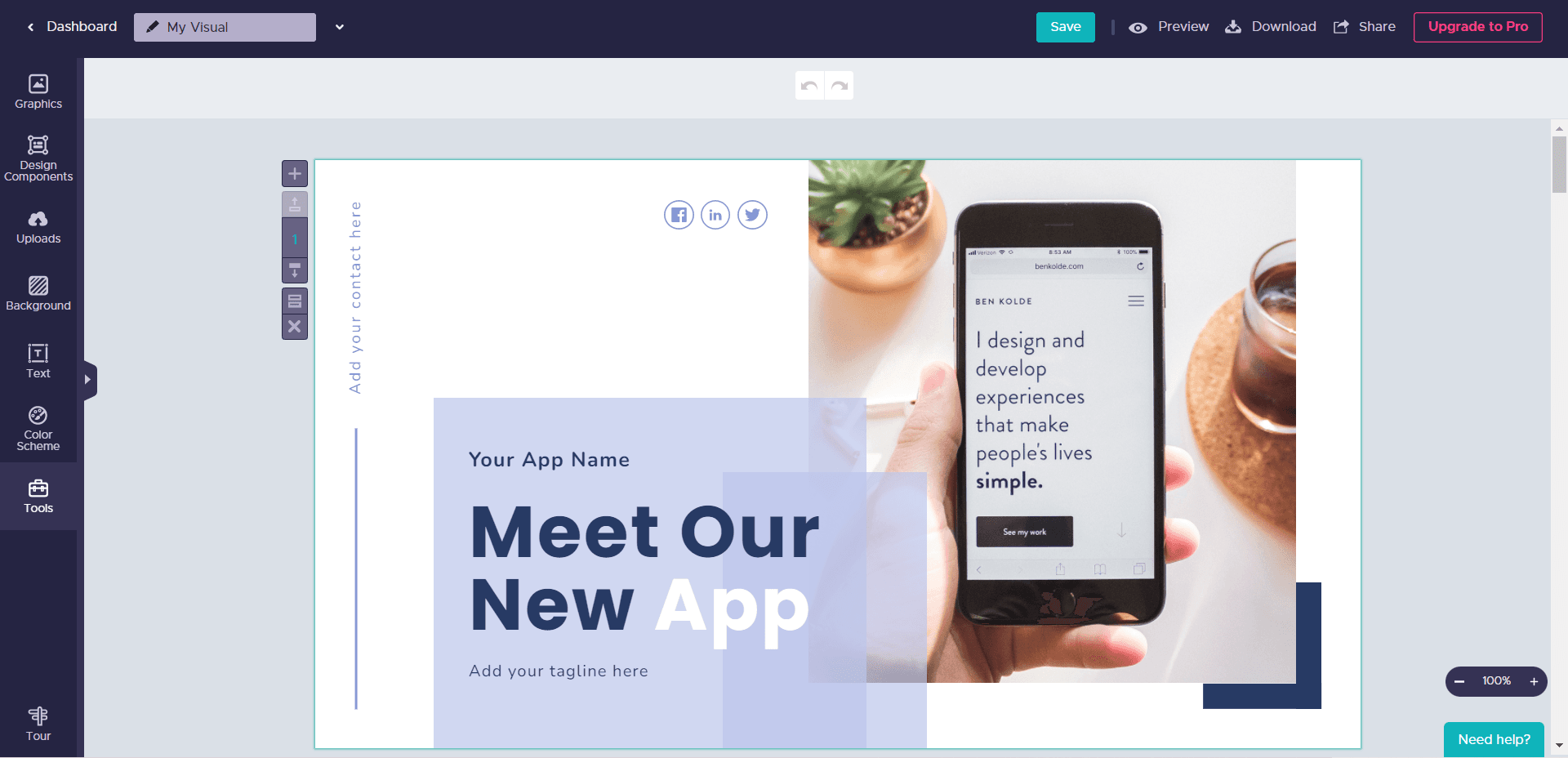
After you picked one, a page of templates appeared. This is the presentation I chose to edit.
It was small, but a Tour button in the bottom-left corner started the product tour. The features were listed across the top, with a GIF in the middle showing how to do each one and an explanation below.
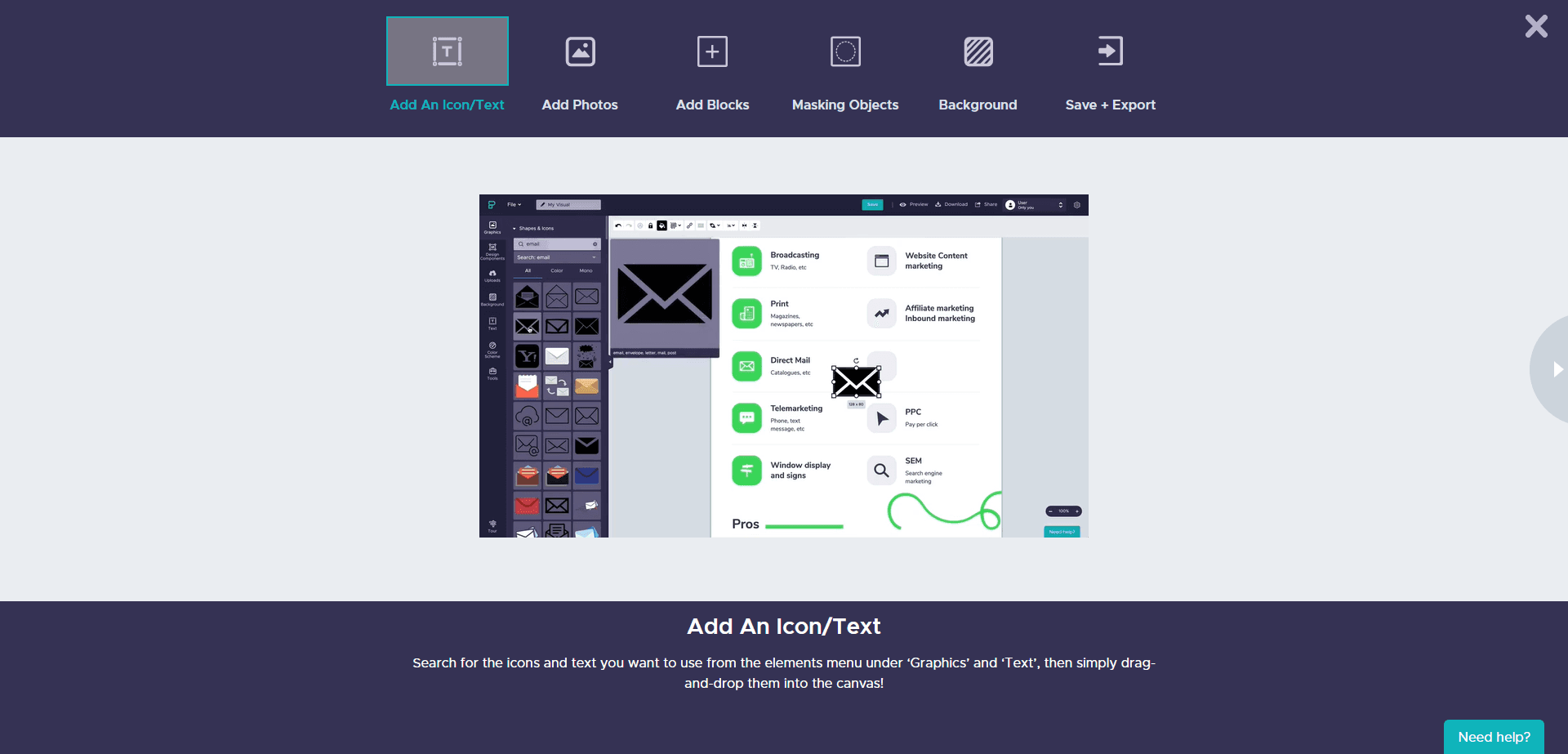
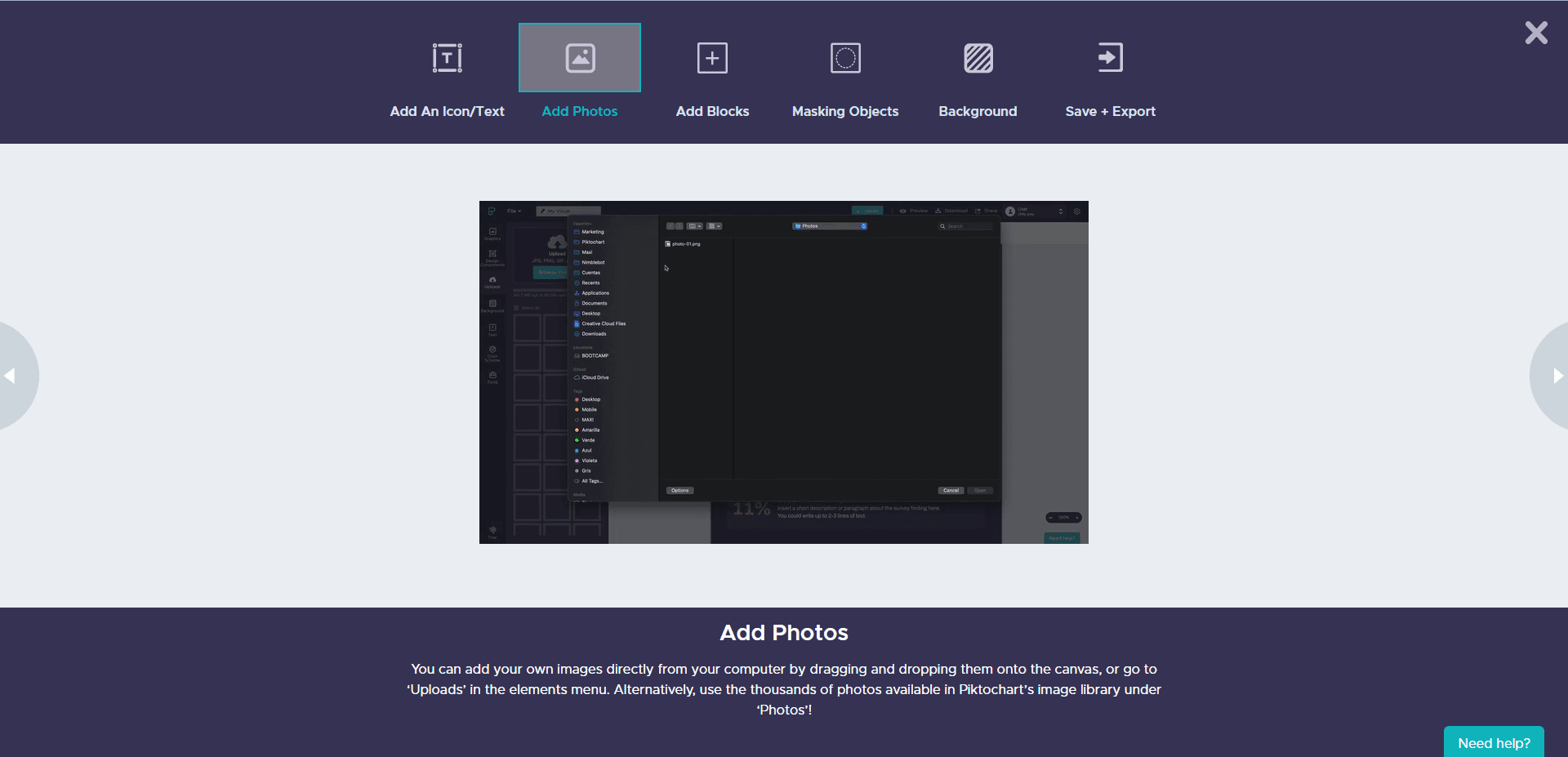
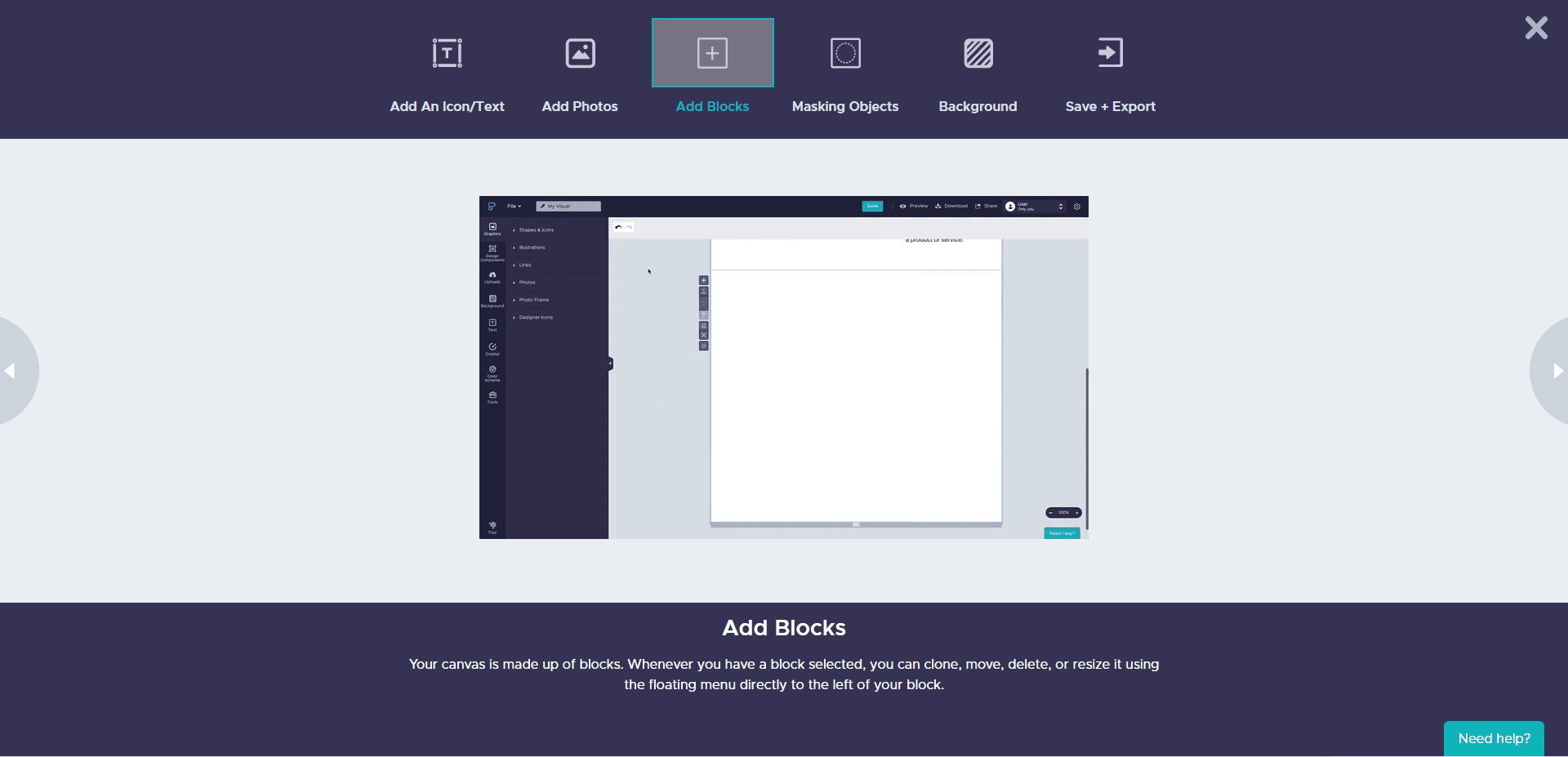
The flow was built around the user's choice: what you wanted to make decided the templates you saw, and the tour waited until you were in the editor with something to work on. Because the tour was opt-in, users who didn't spot the button missed it.
Why does new user onboarding matter?
New user onboarding stands out among the stages of the SaaS customer journey because it's where users turn into customers. Get it right and you'll see the effects: higher user retention and lower churn.
Those are two reasons among many to review the flow your new users go through today. Start with the rule from step 1: list your signup questions and what each answer changes, and cut the ones that change nothing.

About the author
Selman GökçeSelman is a creative content writer with a full focus on onboarding and everything it entails including UX, product, growth, and more.