User Onboarding · 8 min read
20 Customer Onboarding Software to Help You Boost Early Retention
Customer onboarding software covers several kinds of tool: project portals that run a high-touch implementation with the client, in-app guidance that lets customers set up alone, and forms that collect what you need. Pick by whether your customer can start without your team. As of October 2026, five of the eight in-app tools here sell by quote.
 By Suay Çakırca

In short
The 20 tools here are sorted into project portals, in-app guidance, forms and surveys, and demos and tutorials. Use a project portal when onboarding needs work from both teams over weeks, and in-app guidance when customers can set up alone. The eight in-app tools with review data are compared on October 2026 price, free plan and G2 rating.
Search for customer onboarding software and the top results split in two: vendors of onboarding project portals (GUIDEcx, Rocketlane, Dock) and vendors of in-app guidance (Userpilot, Whatfix), each leading with its own kind of tool. Which kind you need depends on a question they don't ask first: can your customer get started without your team? This guide sorts the 20 tools on this list by that question, with October 2026 prices and G2 ratings for the in-app tools we review.
What is customer onboarding software?
Customer onboarding software is any tool that gets a new customer from a signed contract or a sign-up to using your product on their own. In practice that's four different jobs, and each tool on this list does one of them.
| Kind | What it does | Tools in this list | Use it when |
|---|---|---|---|
| Project portal | Shares an implementation plan, with tasks for your team and the customer's | GuideCX | your team must do work before the customer can use the product |
| In-app guidance | Tours, tooltips, checklists and help inside the product | Appcues, UserGuiding, WalkMe, Whatfix, Pendo, Stonly, Userlane, Product Fruits, Candu, Helppier, Hopscotch, Simpo, Crumble, Pageguide.js | customers set up and learn by doing |
| Forms and surveys | Collects details, documents and feedback | Jotform, Typeform, SurveySparrow | you need information from the customer, or their verdict on the process |
| Demos and tutorials | Shows the product before access, or documents it step by step | Walnut, Stepshot | buyers need to see it first, or users want a guide outside the product |
Which kind of customer onboarding software do you need?
Start from what has to happen before the customer gets value, and buy for the first step that's slow today. Work through the questions in order:
- Does your team have to configure, migrate or train before the customer can use the product? Then the slow part is a project, and a portal that shares the plan and chases tasks on both sides fits better than any tooltip.
- Do you need documents or details from the customer first? A form builder collects them in one place instead of an email thread.
- Once inside, can users learn by doing? Then in-app guidance does the work: a checklist of first tasks, tours for the tricky screens, help at the point of confusion.
- Do buyers need to see the product before they get access? An interactive demo tool lets them click through it in advance.
High-touch B2B onboarding often needs two of these: a portal for the implementation, then in-app guidance for the end users once they're live. Our guides to the new customer onboarding process and B2B user onboarding cover how the two hand over.
How do the in-app customer onboarding tools compare?
Three of the eight in-app tools we review print an entry price, Appcues, Product Fruits and UserGuiding; the other five quote, and Pendo and Stonly offer a free plan (more on those in free user onboarding software). Every figure was read on the vendor's pricing page or G2 on 19 October 2026, and Product Fruits' on 22 October.
| Tool | Entry price (October 2026) | Free plan | G2 rating (October 2026) |
|---|---|---|---|
| Appcues | $3,600 a year (Spark, up to 1,000 MAUs, teams of 25 or fewer, plus a $250 one-time fee) | None listed | 4.6/5 from 359 reviews |
| Pendo | Custom quote | Pendo Free, up to 500 MAUs | 4.4/5 from 1,821 reviews |
| Product Fruits | $149 a month billed monthly, or $111 billed annually (Starter, up to 1,500 MAUs) | None listed | 4.6/5 from 256 reviews |
| Stonly | Custom quote | Basic, after the 14-day trial: 400 guide views a month, 5 published guides, 1 team member | 4.8/5 from 132 reviews |
| UserGuiding | $249 a month billed yearly (Starter, up to 2,000 MAUs) | None listed | 4.7/5 from 781 reviews |
| Userlane | Custom quote | None listed | 4.7/5 from 81 reviews |
| WalkMe | Custom quote | None listed | 4.5/5 from 583 reviews |
| Whatfix | Custom quote | None listed | 4.6/5 from 563 reviews |
Reviewers often name a business result. Of the 300 G2 reviews we read for each, 75 for WalkMe and 73 for Whatfix mention outcomes such as faster onboarding, faster adoption or fewer support tickets, and Stonly's knowledge base and in-app help are praised in 96 of its 132. The learning curve is the most common complaint for WalkMe (82 of 300), Whatfix (65 of 300) and Pendo (77 of 300).
Which project portal is on this list?
A project portal is for onboarding that takes weeks and needs work from both sides. One tool on this list does that job.
GuideCX
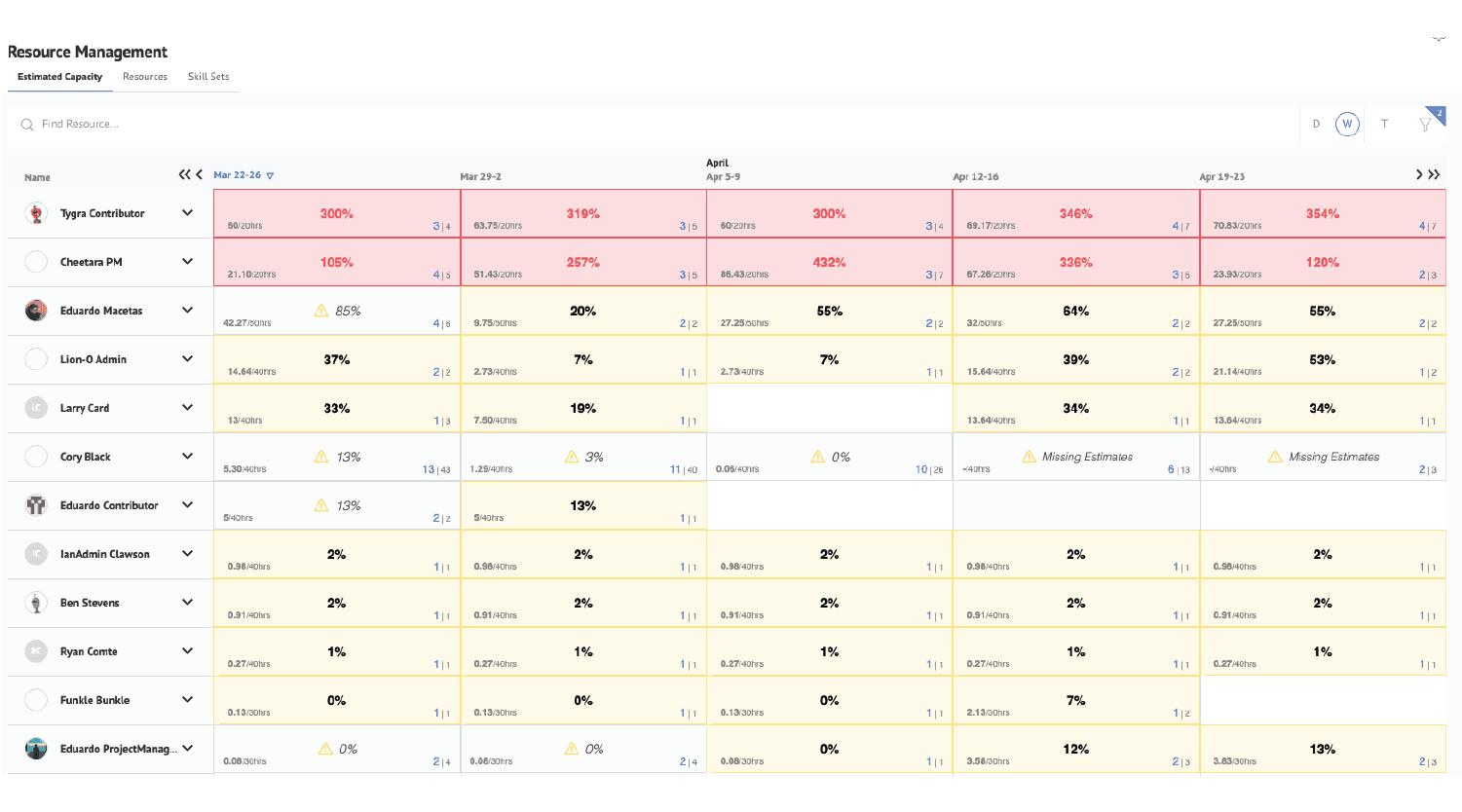
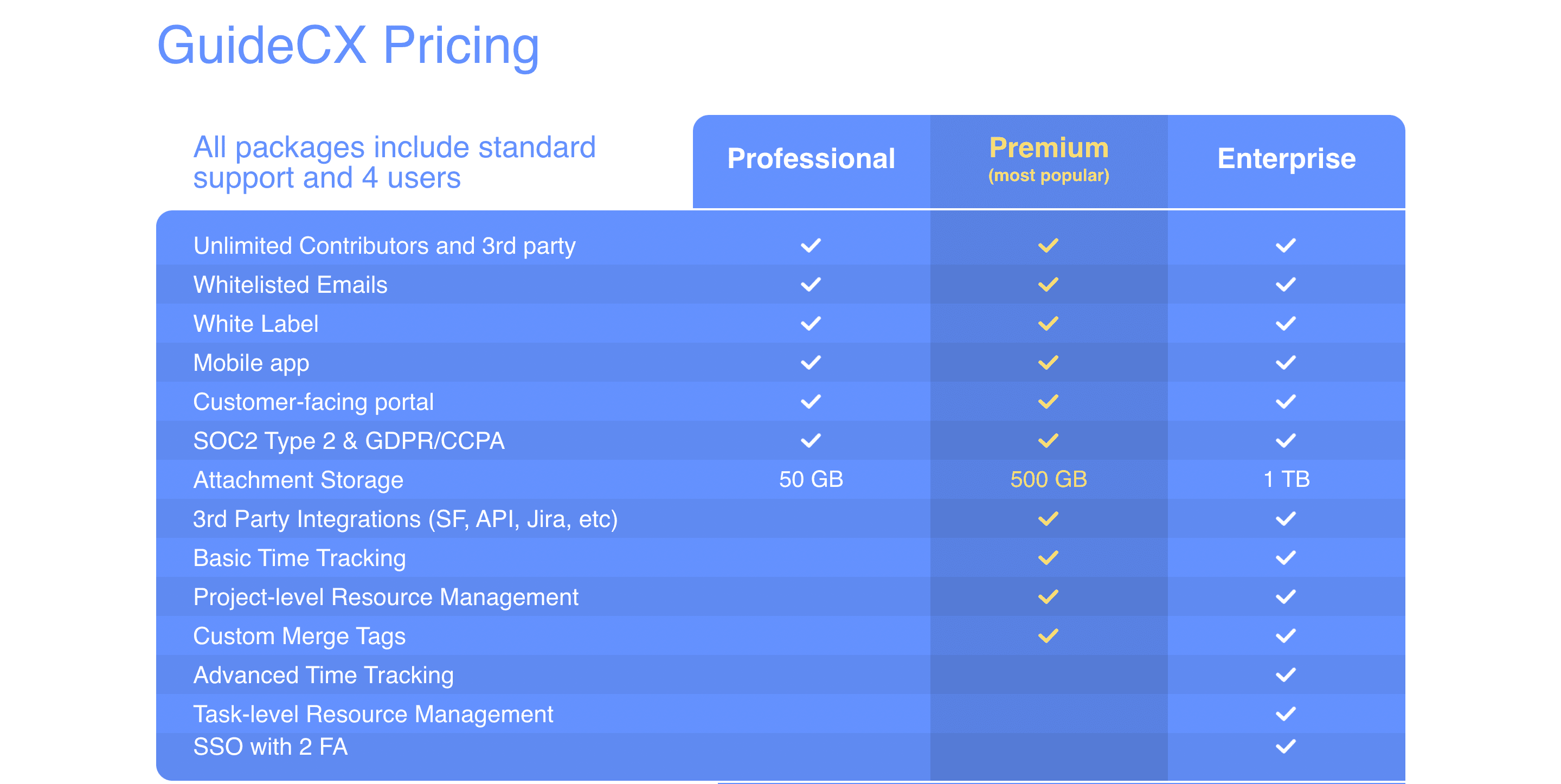
GUIDEcx is a client onboarding project platform: you build an implementation plan, assign tasks to your team and the customer's, and it sends automated reminders and notifications. It also shows your team's capacity across projects, as in the screenshot above. The screenshot below shows its plans as they were when this post was first written in 2022; check its site for current plans.
Which in-app guidance tools help customers onboard themselves?
In-app guidance is the right kind when customers can set up alone and just need to be shown where to go. The eight tools we review come first, in the order of the original list; the tools we don't review follow, with a neutral description and no price.
Appcues
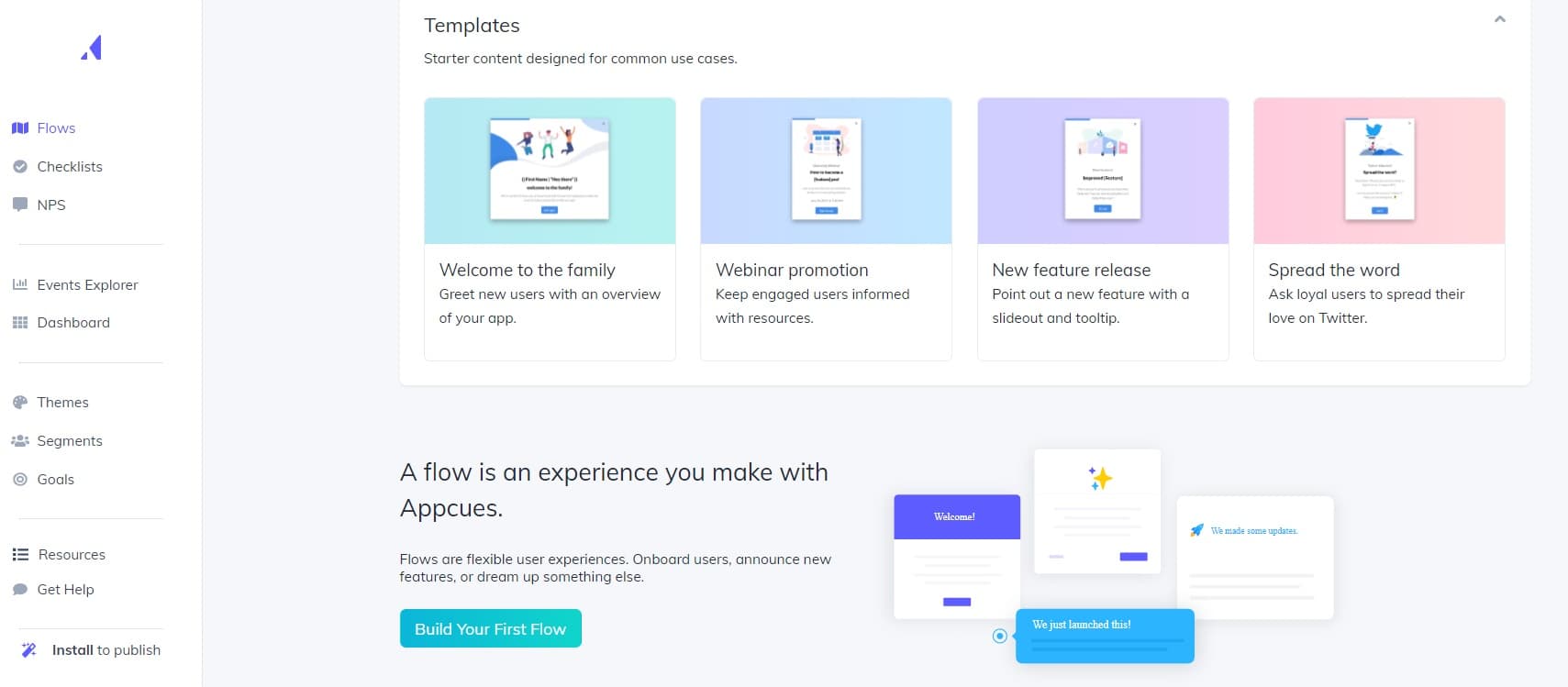
Appcues builds in-app flows, checklists, resource menus, banners and NPS surveys, and sends email and push messages from the same platform. Ease of use is praised in 186 of the 294 G2 reviews we read; missing features are the top complaint, in 86.
UserGuiding
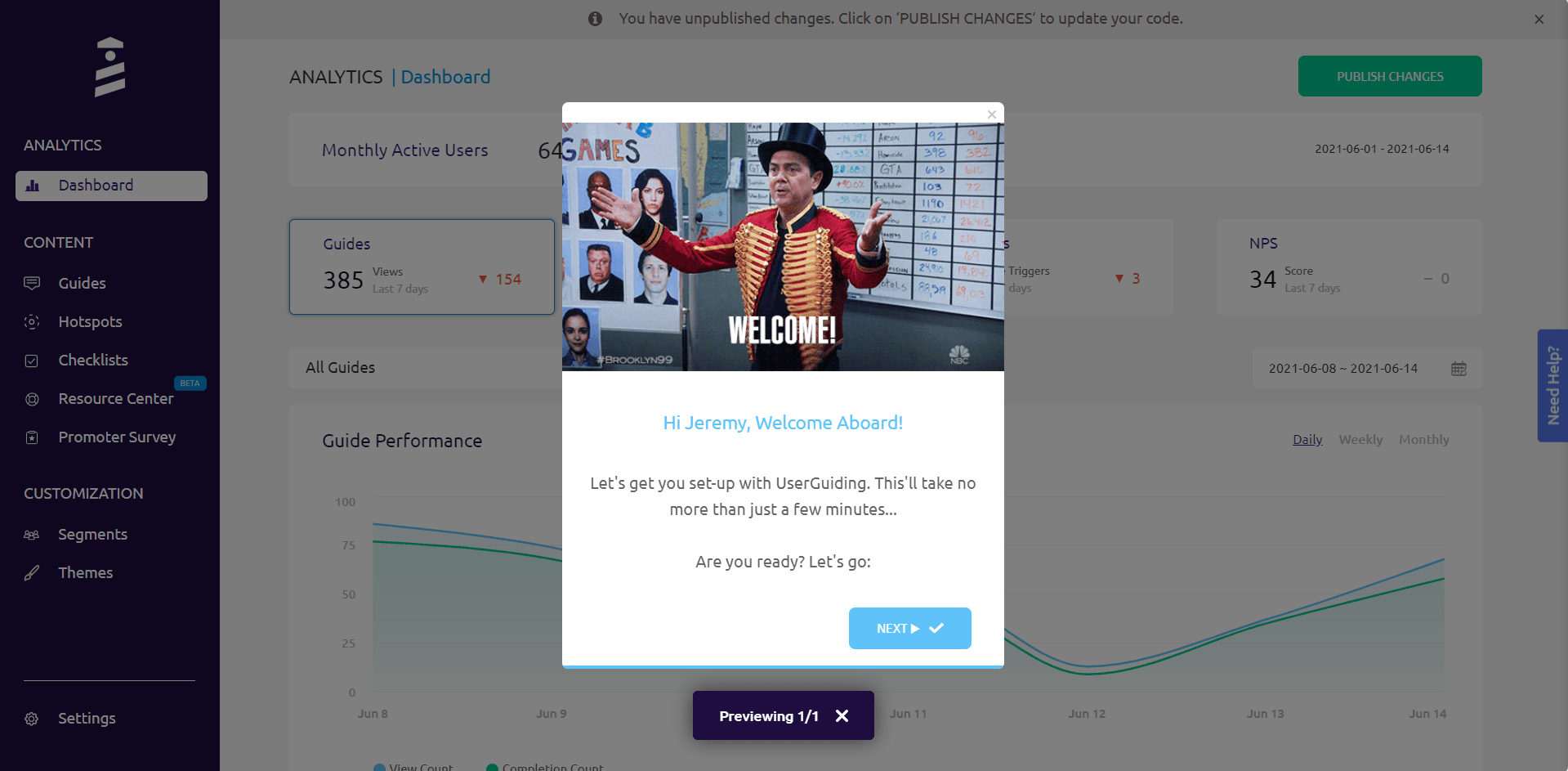
UserGuiding builds product tours, hotspots, checklists, resource centres and surveys on web apps without code. Ease of use is praised in 164 of the 299 G2 reviews we read; missing features (61) and styling limits (49) are the top complaints.
WalkMe
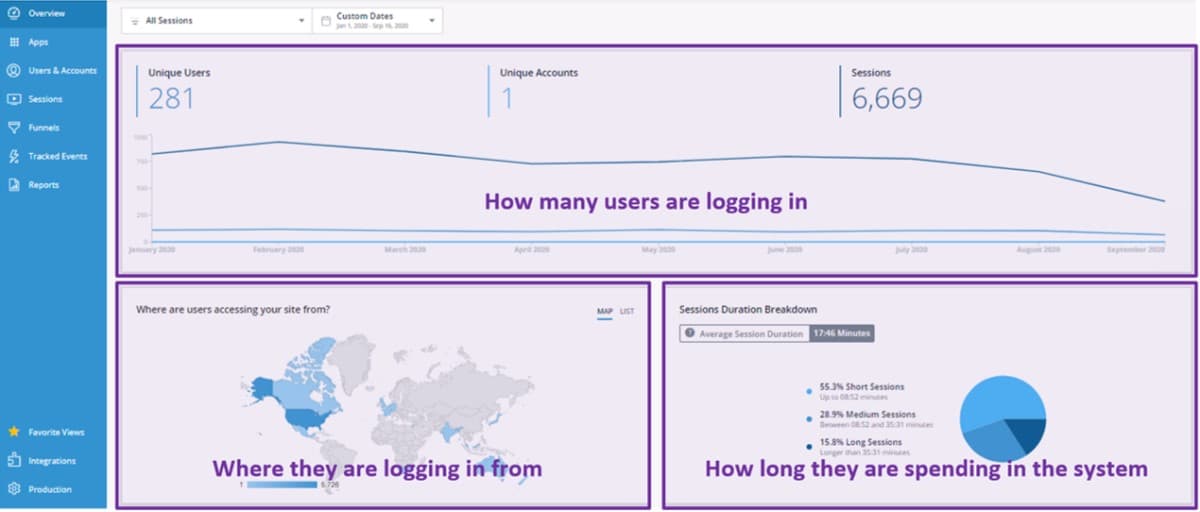
WalkMe is a digital adoption platform for web, desktop and mobile software, with one version for customers and one for employees. Both are quoted, and its pricing page lists no trial. Ease of use is praised in 136 of the 300 G2 reviews we read.
Whatfix
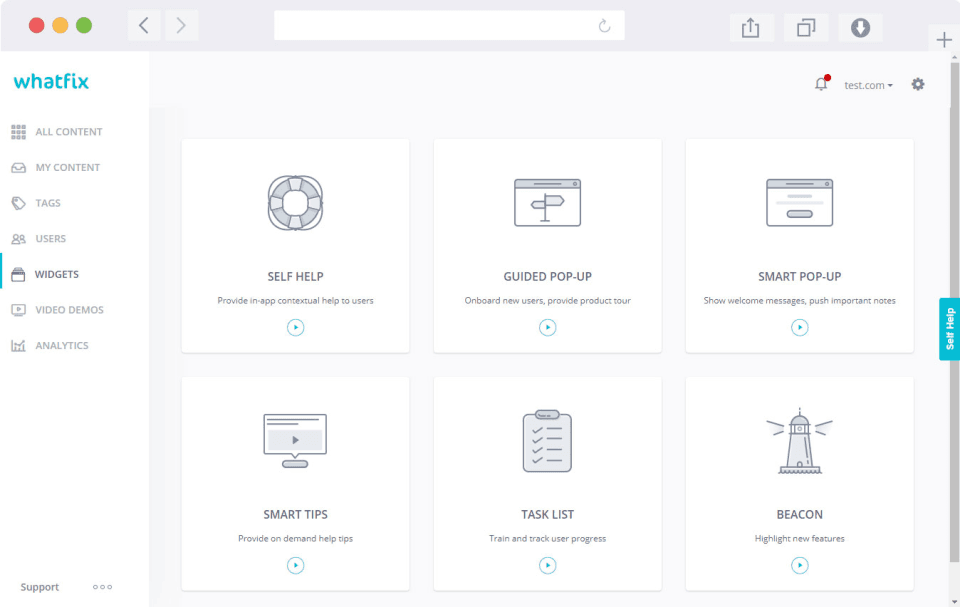
Whatfix adds in-app guidance to web, desktop and mobile apps for customers or staff, and sells product analytics alongside it. Its pricing is a flat fee per product plus user licences, quoted after a demo; its support team is praised in 151 of the 300 G2 reviews we read.
Pendo
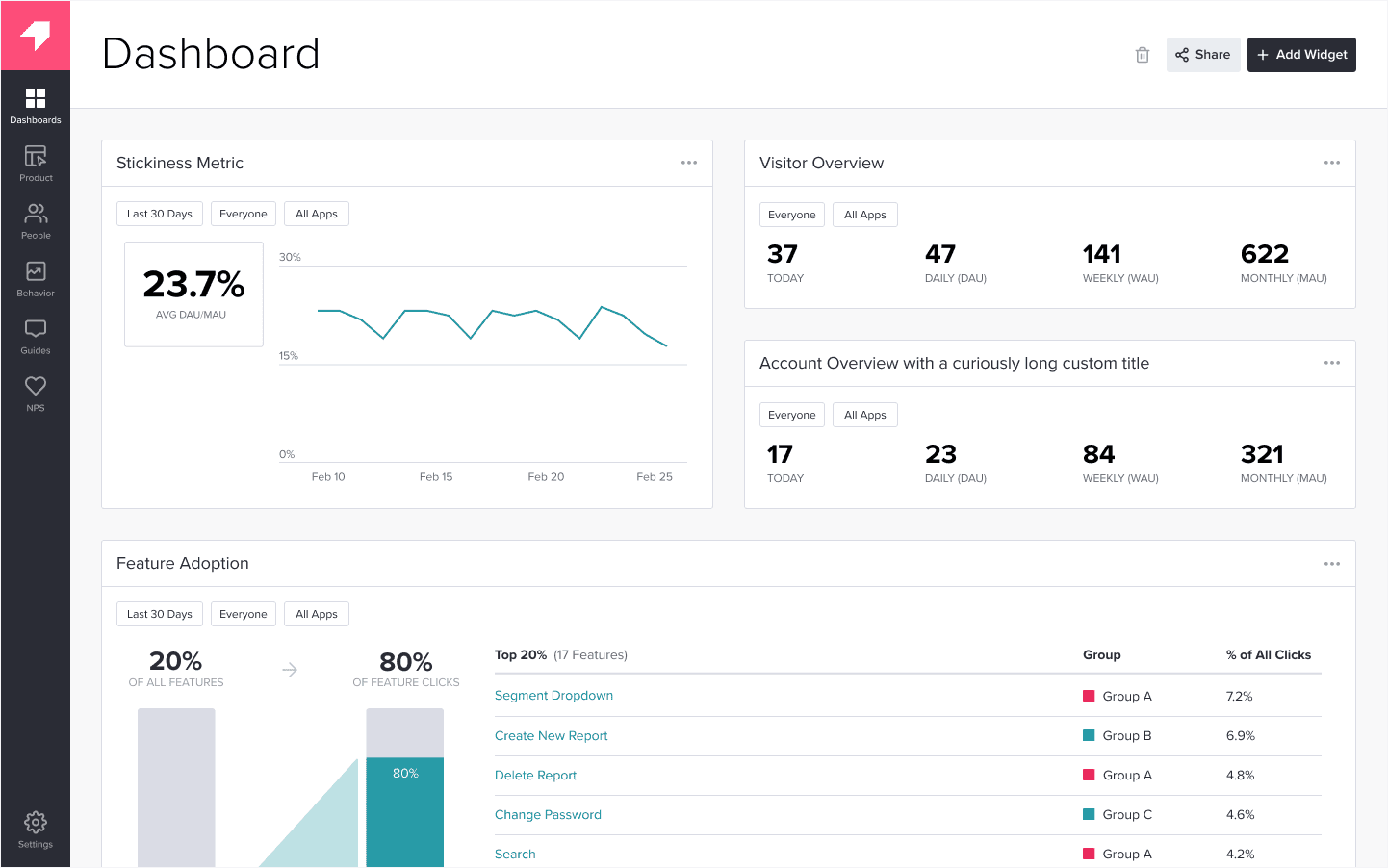
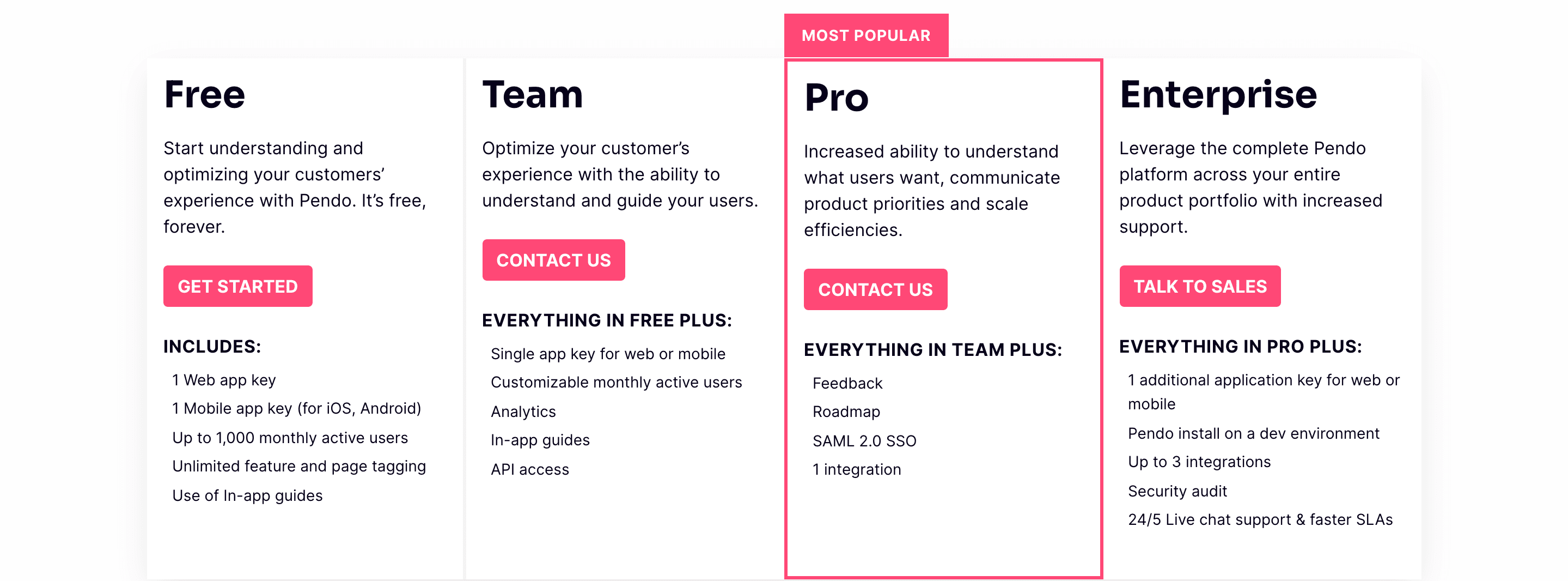
Pendo combines product analytics with in-app guides for web and mobile apps. Analytics is praised in 209 of the 300 G2 reviews we read. The screenshot below shows Pendo's plans when this post was first written in 2022, with a free tier of up to 1,000 MAUs; as of October 2026, Pendo Free covers up to 500 MAUs, and the paid plans (Base, Core and Ultimate) are quoted.
Stonly
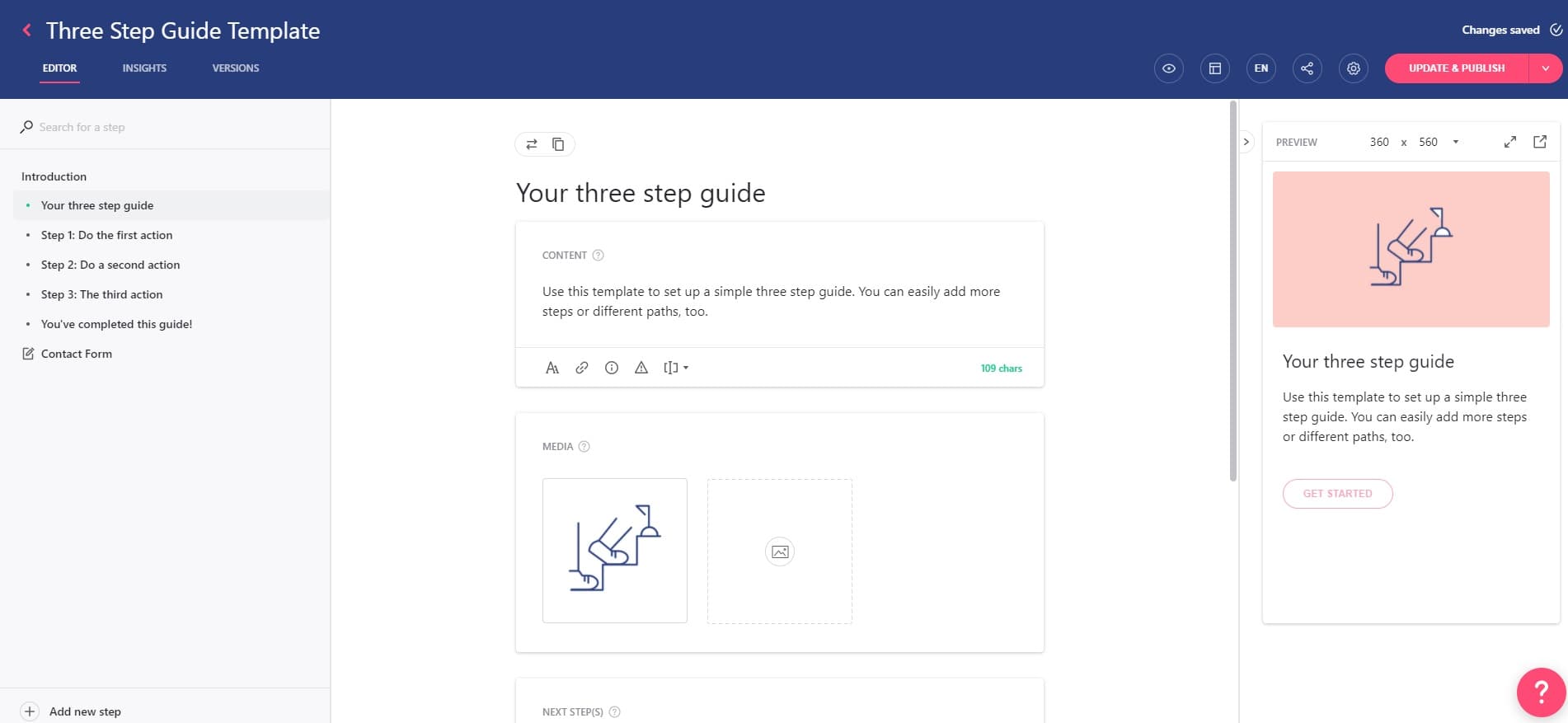
Stonly is a knowledge platform for customer service: interactive step-by-step guides, a knowledge base and AI answers, which can also run as guides and tours in web apps. An account that doesn't upgrade after the 14-day trial drops to the free Basic plan. Missing features are the top complaint, in 45 of the 132 G2 reviews we read.
Userlane
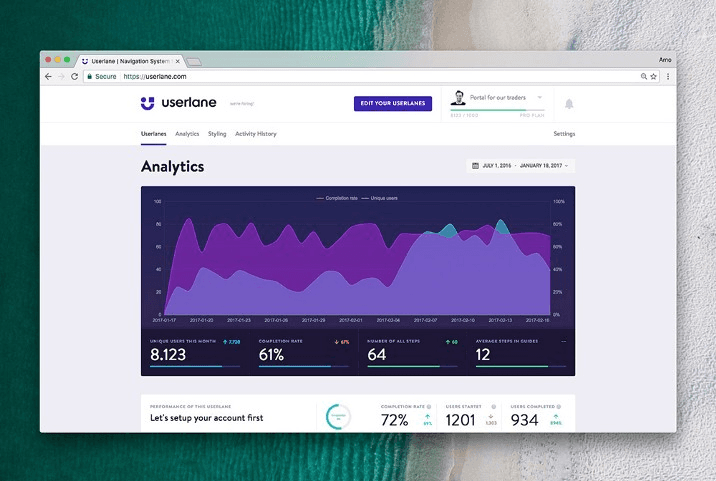
Userlane is a digital adoption platform built mainly for the browser-based software an organisation's own staff use, priced per application or by usage. Its support team is praised in 50 of the 81 G2 reviews we read, though none of its reviews is newer than December 2023.
Product Fruits
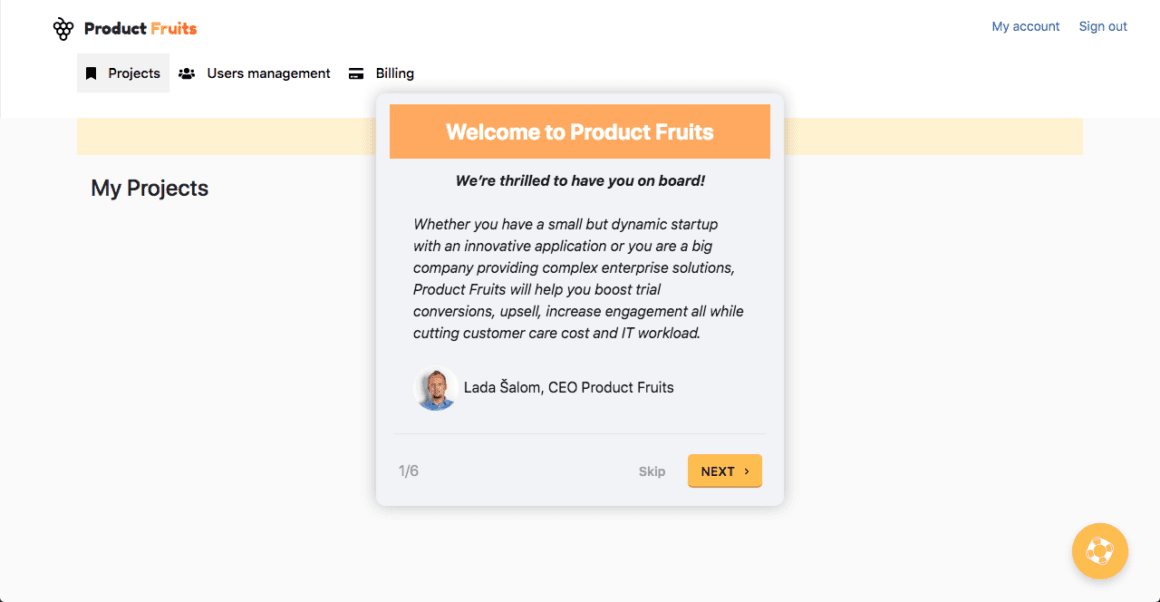
Product Fruits builds branching flows, tours, hints, checklists, announcements and a knowledge base without code, with an AI assistant, Elvin, on every plan. Ease of use is praised in 163 of the 252 G2 reviews we read; the learning curve is the top complaint, in 57.
Candu
Candu is a no-code editor for onboarding content, such as checklists and guides, that sits inside your product's own layout rather than floating over it. Our inspirations library has Candu's own in-app guide, which uses GIFs for each step.
Helppier
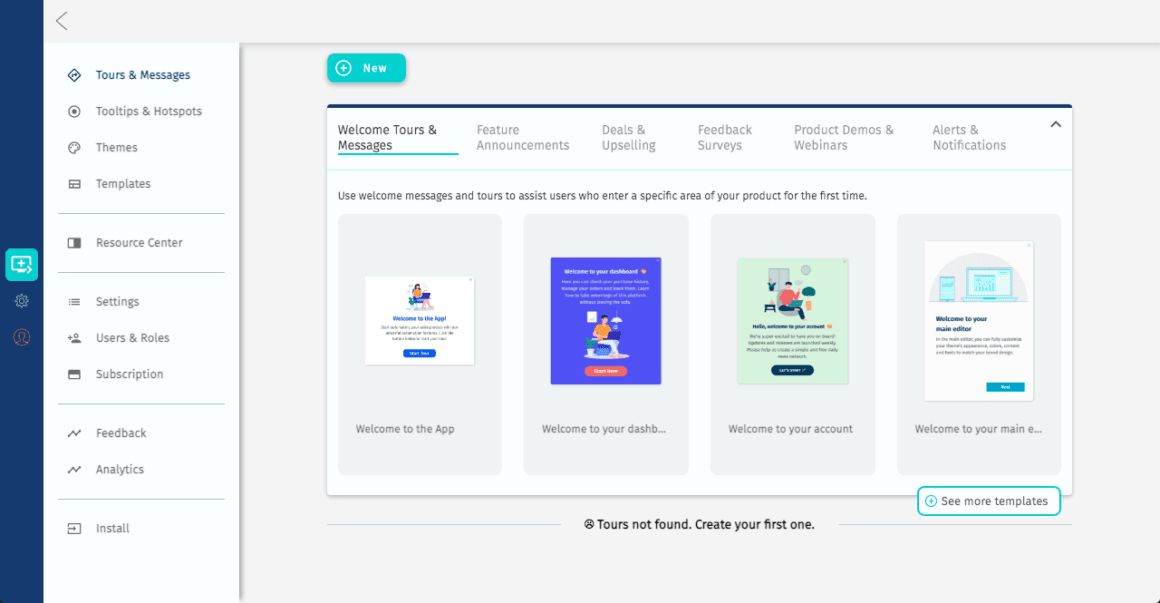
Helppier builds in-app guides, automated tours and in-app messages without code, with templates for welcome tours, feature announcements and feedback surveys.
Hopscotch
Hopscotch builds interactive product tours, tooltips and in-app messages with user segmentation.
Simpo
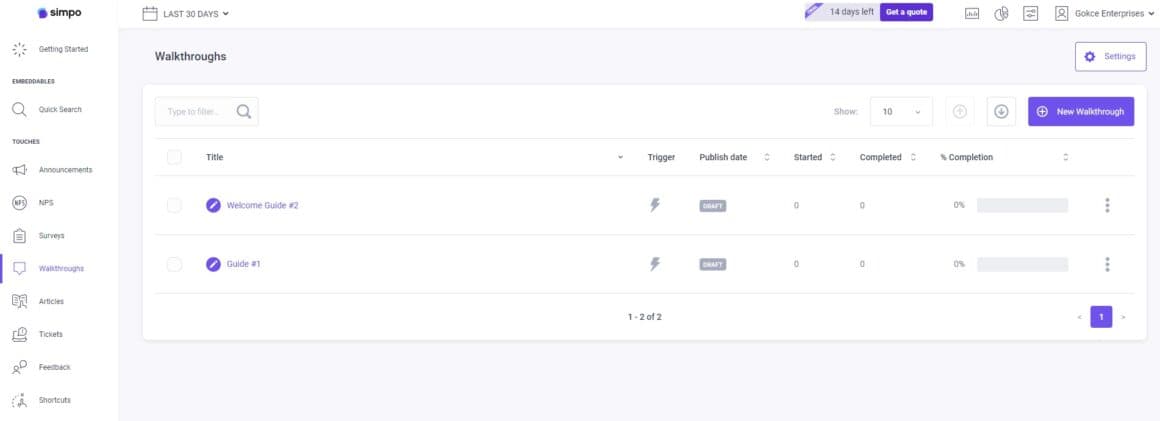
Simpo is an in-app onboarding and support layer covering walkthroughs, announcements, NPS and feedback surveys, and knowledge base articles, used by sales, marketing and support teams as well as product teams.
Crumble
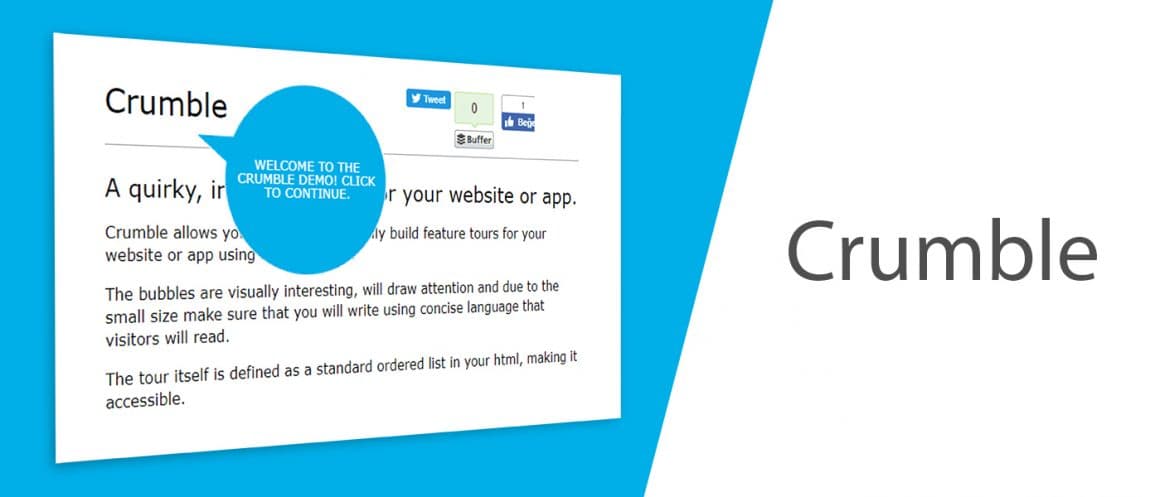
When this list was first written, Crumble added speech-bubble feature tours to websites and apps, defined as a list in your HTML. We couldn't confirm it's still available, so check before you rely on it.
Pageguide.js
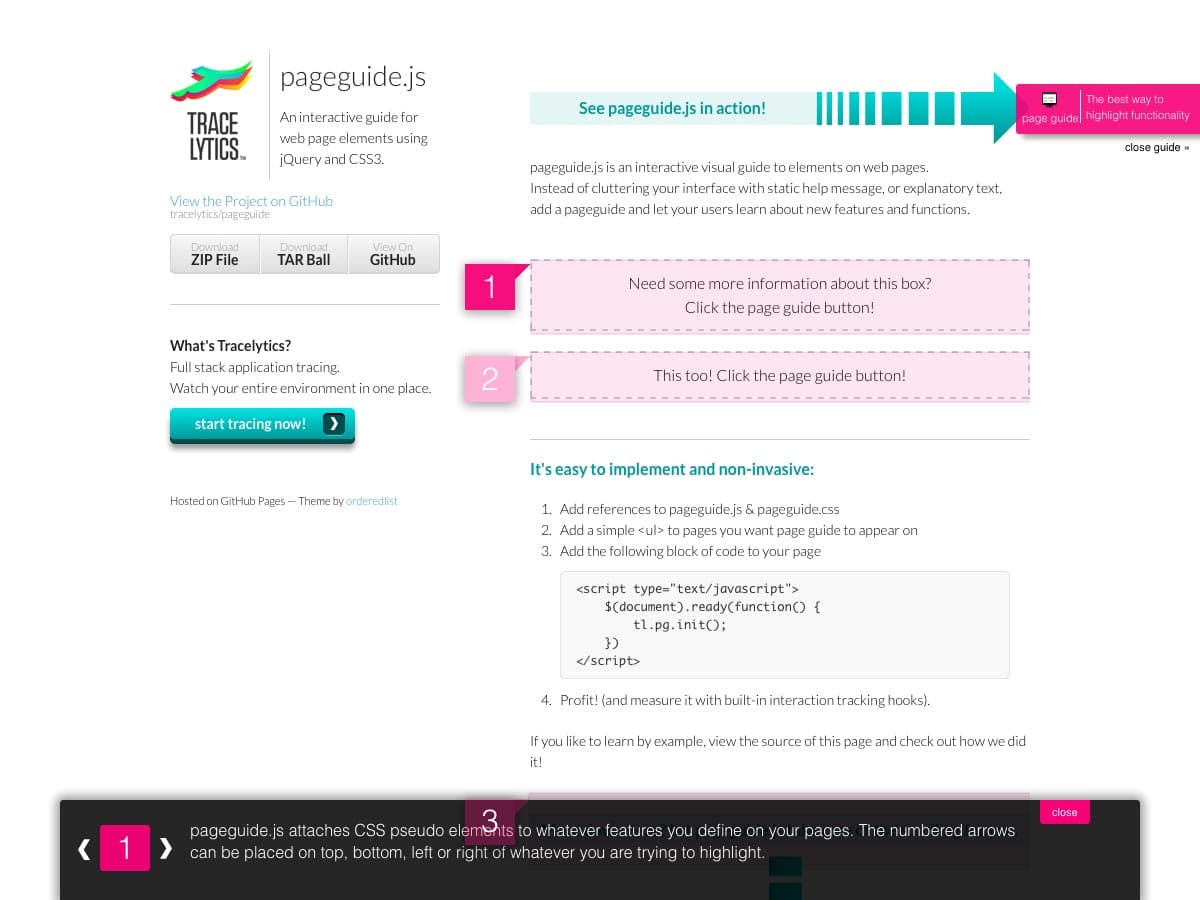
Pageguide.js is an older open-source jQuery plugin that puts numbered markers on page elements and explains each one in a drawer. It needs a developer, and it depends on jQuery; our guide to open-source onboarding libraries covers what a library leaves you to build.
Which forms and survey tools fit customer onboarding?
Forms collect what you need before onboarding can start (company details, documents, a kick-off questionnaire), and surveys tell you how the process felt. Pick by whether you need data in or opinions out.
Jotform
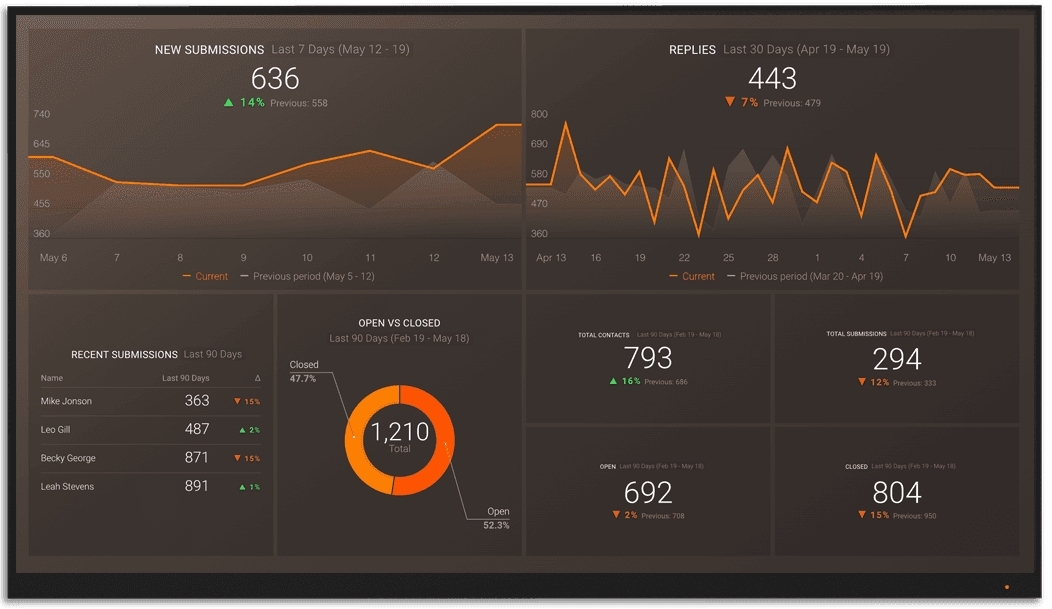
Jotform is an online form builder with a drag-and-drop editor and templates, for intake and registration forms that feed your onboarding.
Typeform
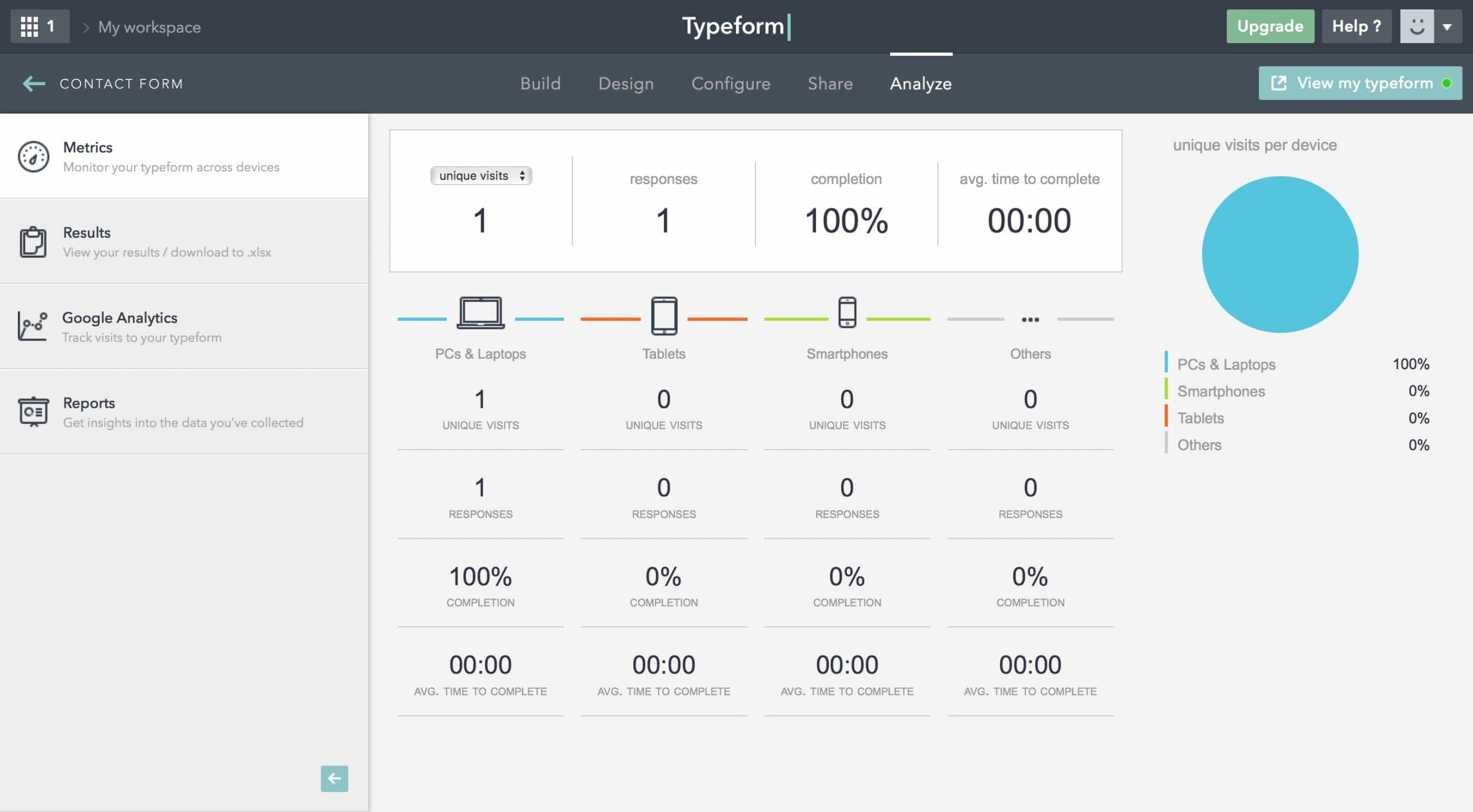
Similar to Jotform, Typeform builds forms and surveys, shown one question at a time, with templates and integrations; it suits feedback right after a customer finishes a setup step.
SurveySparrow
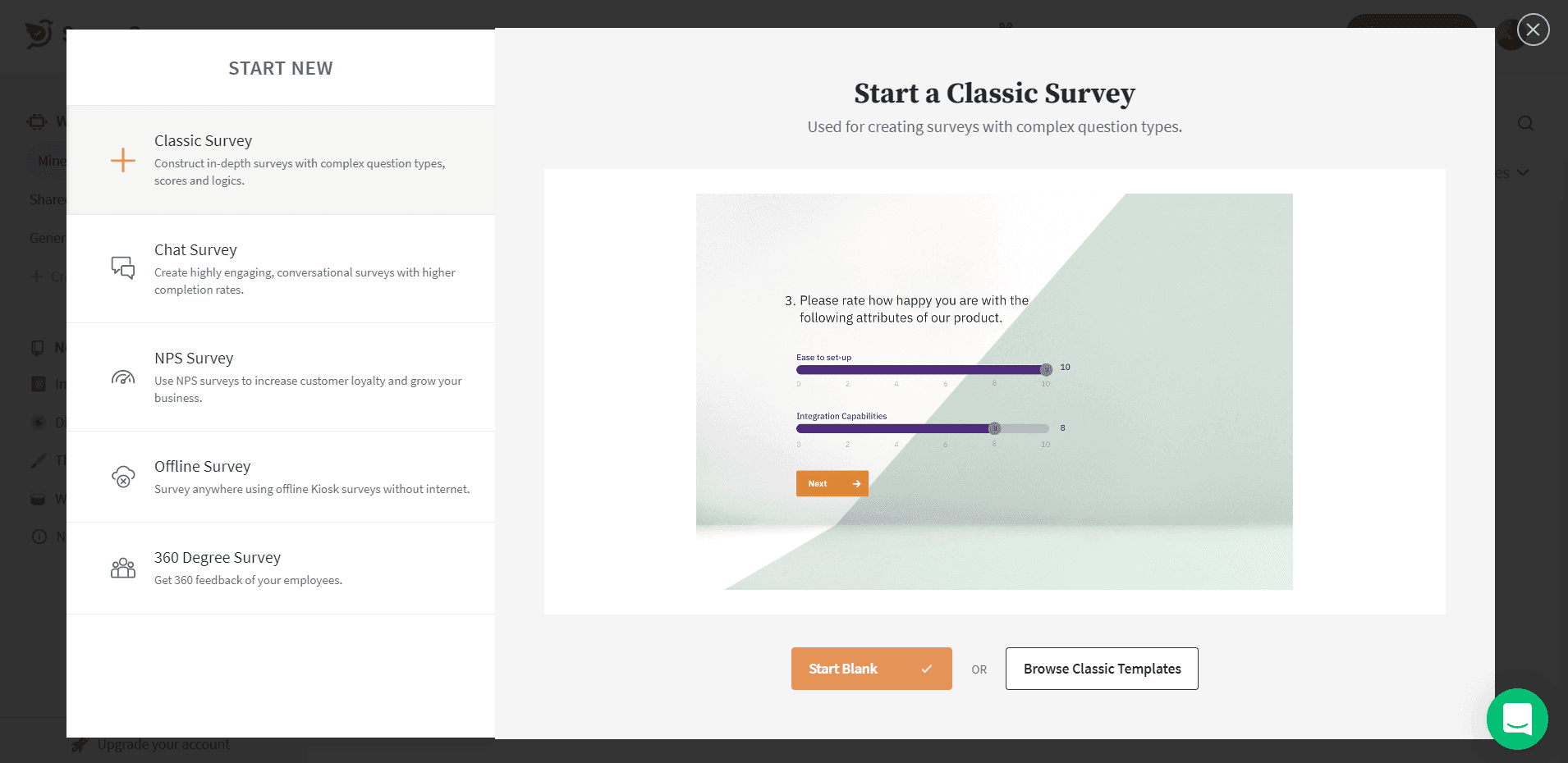
Another survey tool I've decided to add to my list is SurveySparrow. It offers classic, chat-style, NPS, 360-degree and offline surveys, and shares them across several channels.
Which demo and tutorial tools help before and after access?
Demo tools show the product before a customer has an account; tutorial tools document it for people who'd rather read a guide than click through a tour.
Walnut
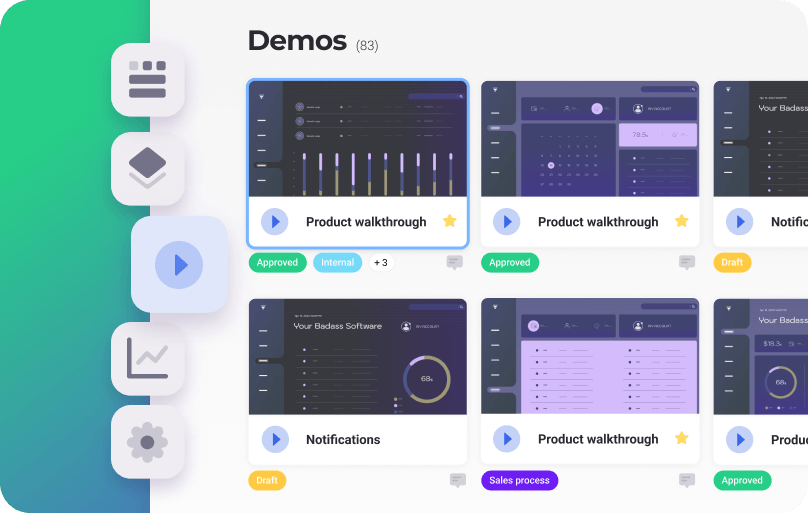
Walnut builds interactive product demos without code, which sales and customer success teams can customise per prospect and track.
Stepshot
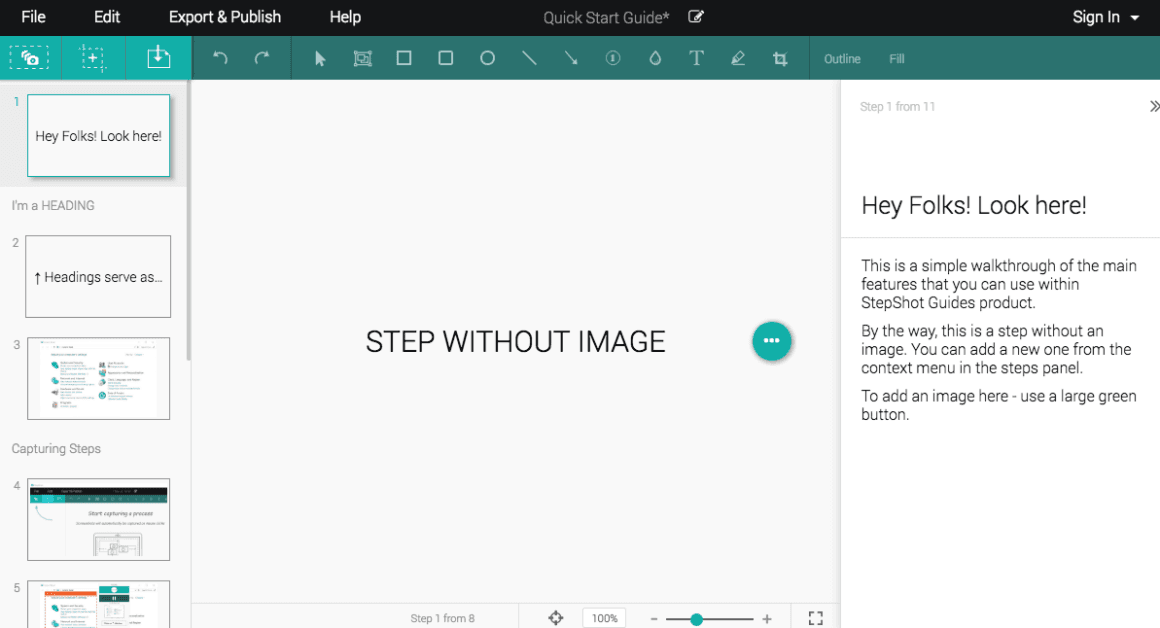
StepShot Guides is a desktop app that captures a screenshot at each click and turns the sequence into a step-by-step guide you can annotate and export to PDF, Word and other formats.
For tools that onboard users inside a self-serve product, see user onboarding software, and for the wider stack (email, video, analytics), our user onboarding tools by category.

About the author
Suay ÇakırcaSuay is a creative content writer focusing on UX design, growth, and product with a main focus on onboarding.