Tooltips · 7 min read
Getting Started with Customer Onboarding
Customer onboarding is the process that takes a paying customer from signup or contract to regular, independent use of your product. It overlaps with user onboarding but adds what paying customers need: a named owner, a plan tied to their goals and a hand-over to support. Done well, it's the first lever you have on retention.
 By Hilal Yıldırım

In short
Customer onboarding differs from user onboarding in who it serves, who owns it and what counts as success, and a table sets the two side by side. A screen-by-screen look at monday.com's flow, as captured in 2022, shows nine setup screens, three tooltips and a nine-item training board, plus two gaps worth avoiding in your own.
Most introductions to customer onboarding stop at a definition and a list of best practices. Two things usually go missing: where self-serve user onboarding ends and customer onboarding, with an owner, a plan and a hand-over, begins; and what a real flow looks like screen by screen. This guide covers both, using monday.com's onboarding as I captured it in 2022.
A good customer onboarding journey works like a book you can't put down: each chapter makes you want the next, until finishing it feels natural. There's no table of contents handed to you for that, but there is a structure, and it starts with knowing who you're onboarding.
What is customer onboarding?
Customer onboarding is the ongoing process that helps paying customers understand your product, and so value it. It covers the welcome, the setup, the first results and the reassurance that they won't be alone if something goes wrong.
The goal is the same as any onboarding: show what the product can do in a way that makes customers stay. Customer onboarding is where that goal meets money, because the customer has paid, or signed, on the promise of an outcome. For the step-by-step version with owners and time windows, see the new customer onboarding process.
Why does customer onboarding matter?
Customer onboarding matters because it's the first thing that decides retention. If customers get what they paid for early, they keep using the product; if they don't, they churn before the product has had a fair chance.
Loyal customers also bring new ones. Think of the aunt whose Thanksgiving dish is so good you ask for the recipe, cook it for your friends, and a week later your best friend calls to say her family loved it too. One good experience became two customers. A product works the same way, except you can't taste whether customers are recommending it, so you have to ask.
That's why feedback belongs in onboarding. A Net Promoter Score survey after the initial onboarding tells you whether customers would recommend the product and whether your onboarding works for each buyer persona. Our guide to in-app survey types covers when to use NPS and when another survey fits better.
How is customer onboarding different from user onboarding?
User onboarding serves anyone who signs up; customer onboarding serves people who pay. A user uses your product without paying: interested, but not yet enough to buy. A customer uses it and pays for it, so they're investing in it as well as interested.
Both start with user onboarding, meeting the product through walkthroughs, guides and checklists. Customer onboarding begins when they pay or sign, and the work changes:
| User onboarding | Customer onboarding | |
|---|---|---|
| Who it serves | Everyone who signs up, including free and trial users | Paying customers, or accounts in a paid pilot |
| Goal | First value in the product (activation) | The outcome the customer bought (adoption, then renewal) |
| Usual owner | Product or growth team | Customer success, working with product |
| Main channels | In-app tours, checklists, emails | Kick-off call, onboarding plan, training, in-app guidance, check-ins |
| Ends when | The user reaches the aha moment | The customer works independently and knows where to get help |
| Metric to watch | Activation rate | Time-to-value, adoption, retention |
For a self-serve product where customers pay by card, the two can be one flow. The difference shows in sales-led B2B, where a contract, several users and a customer success manager are involved. Who should own which part is its own debate, covered in who owns user onboarding.
What does a real customer onboarding flow look like?
monday.com's 2022 flow is a clear self-serve example: nine short setup screens, a recommended template, three tooltips, and a training board with a profile checklist. monday.com is a work management platform with ready-made templates for planning and tracking a team's work. Below is each part as it looked at the time of the screenshots, and two things it missed.
Signup and personalisation
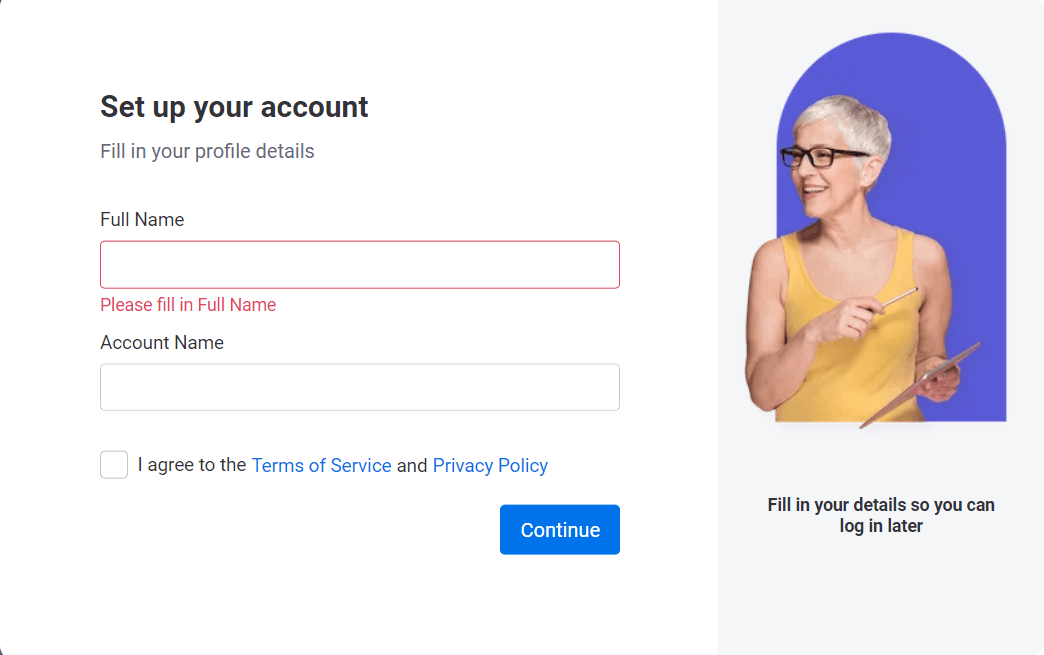
The signup asked for an email address or a one-click Google signup, then for your full name and an account name.
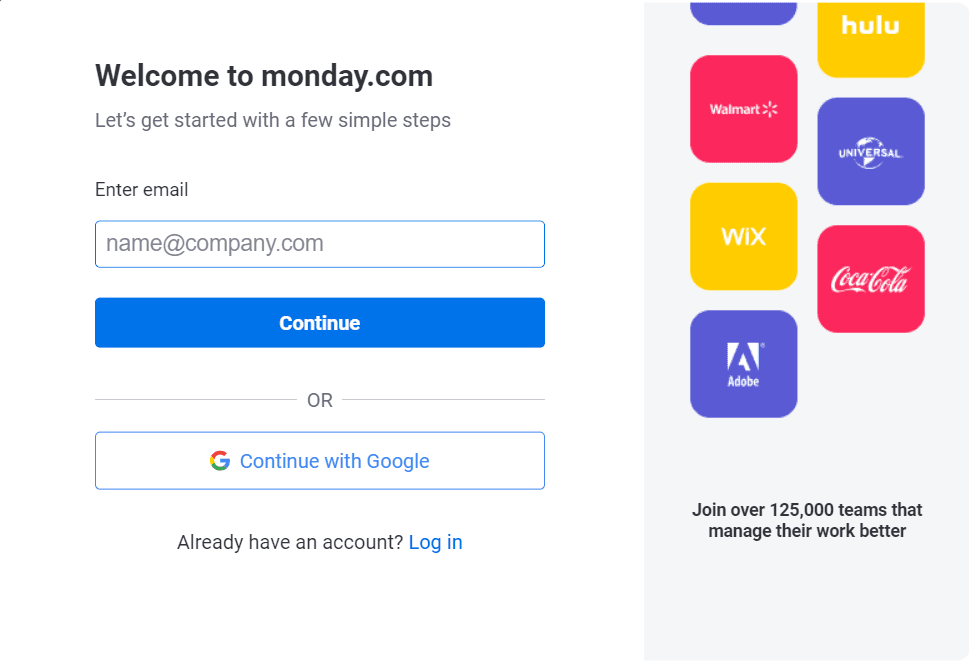
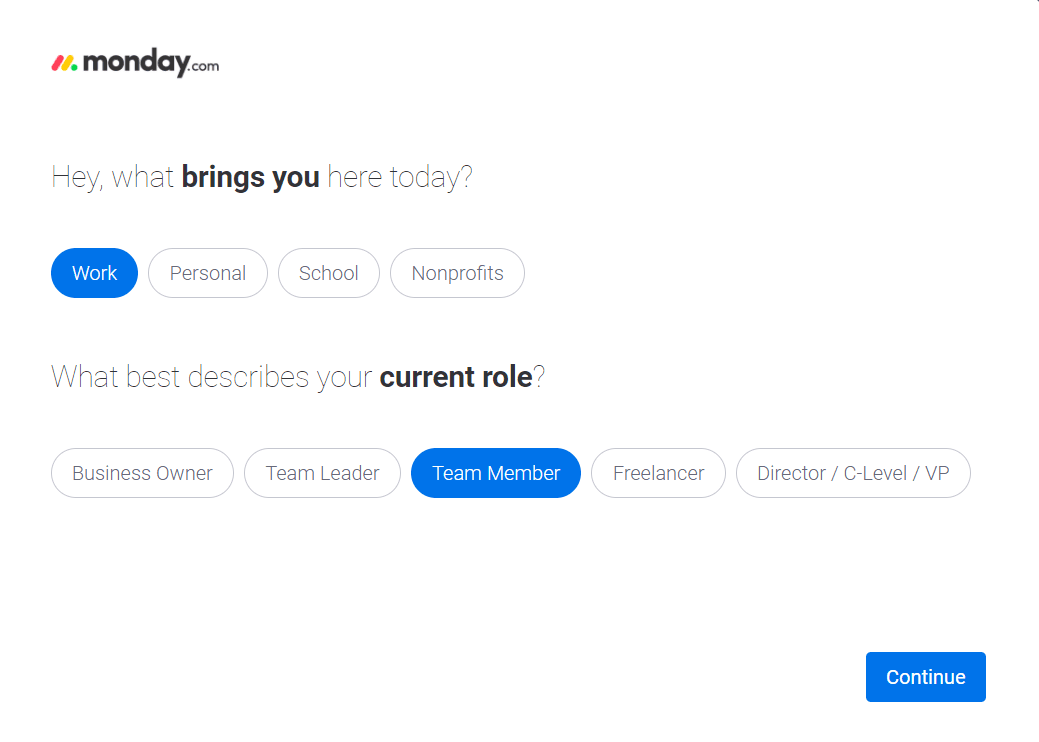
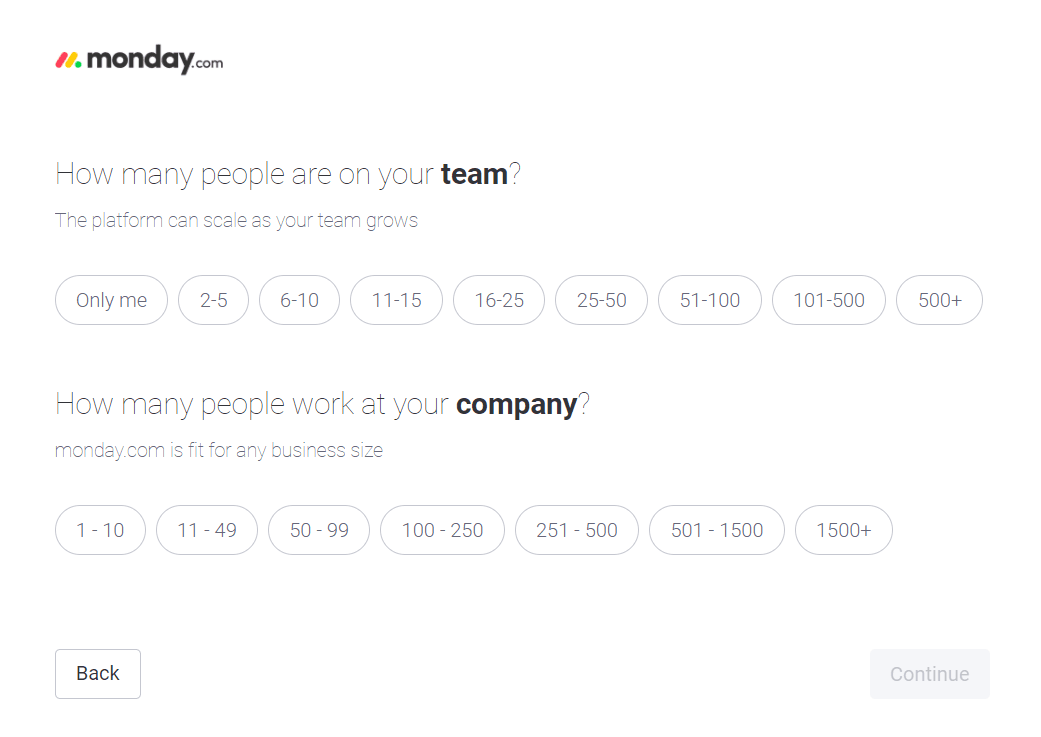
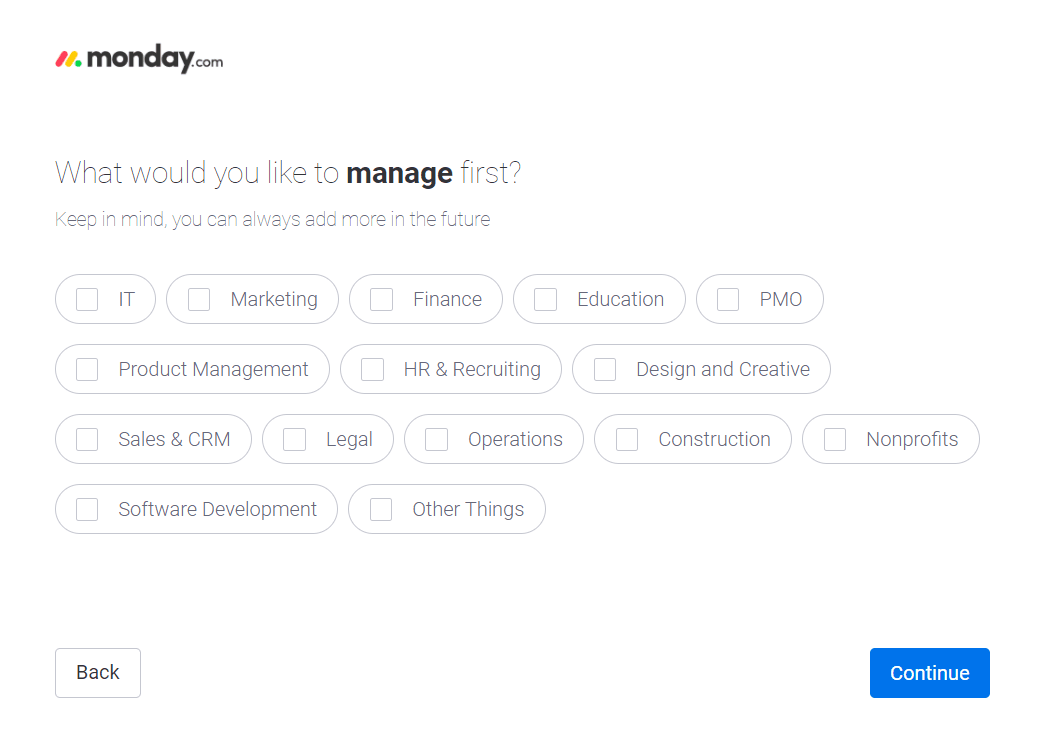
Then came the questions that personalised the account: what brought you there (work, personal, school or nonprofits) and your role, team and company size, what you wanted to manage first and what to focus on. As I chose Work, the following questions were all about my work and my team.
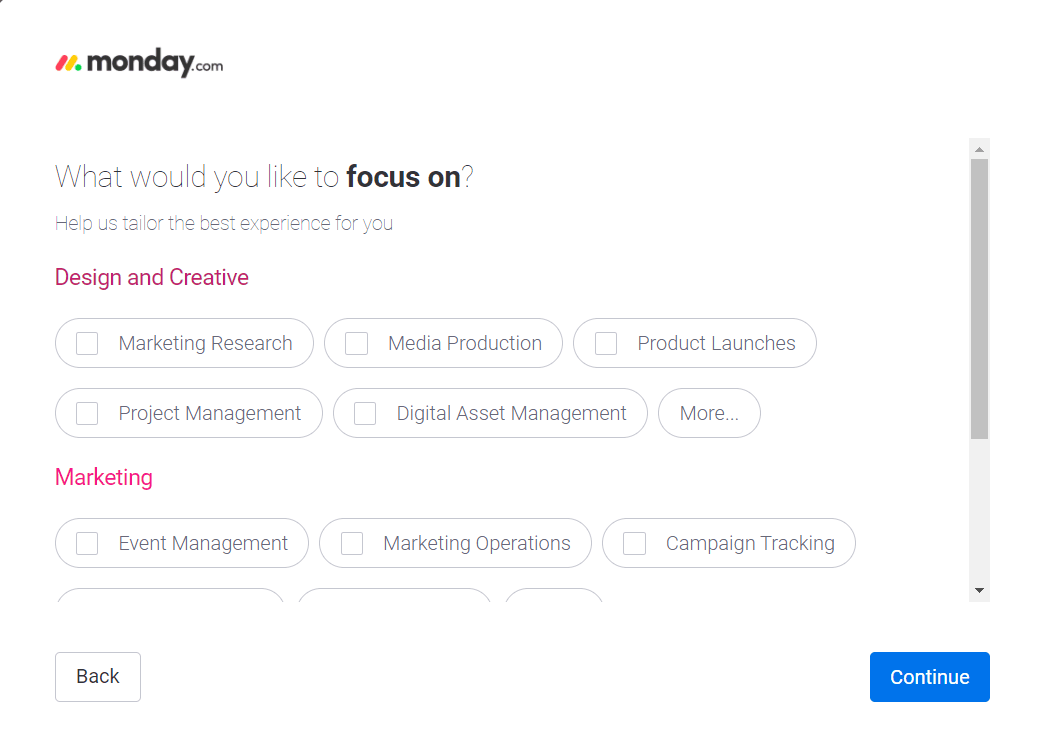
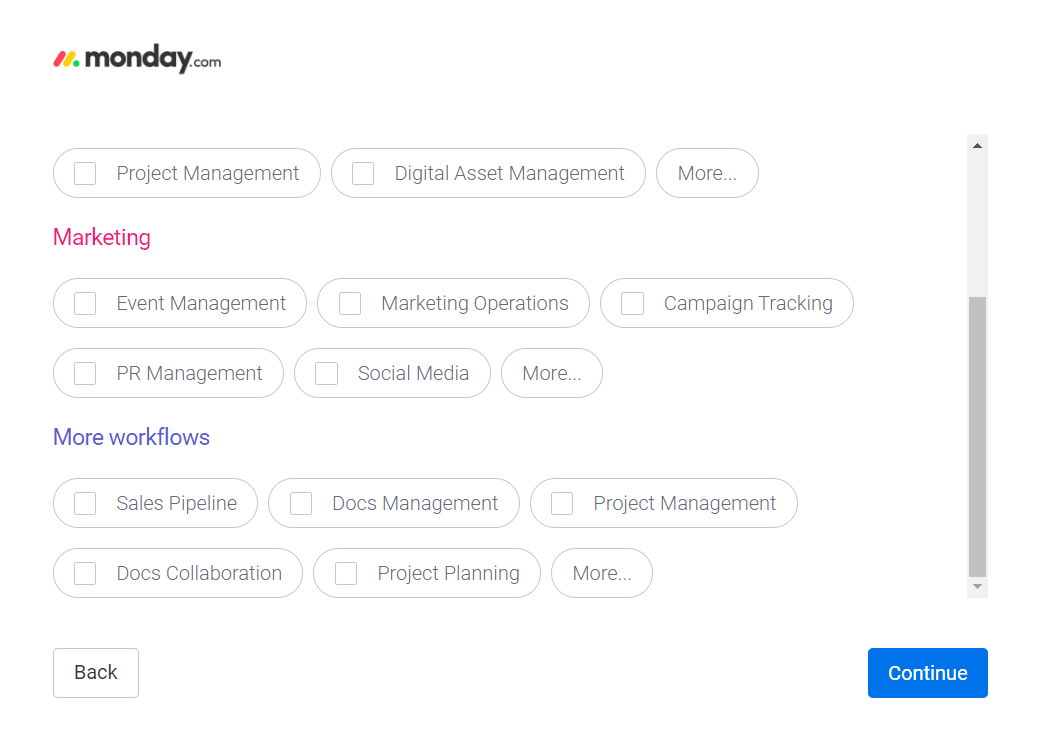
It then asked which tools you used, promising to help you connect them later, and how you'd heard about the product. The last screen invited teammates, with an "I'll do it later" option.
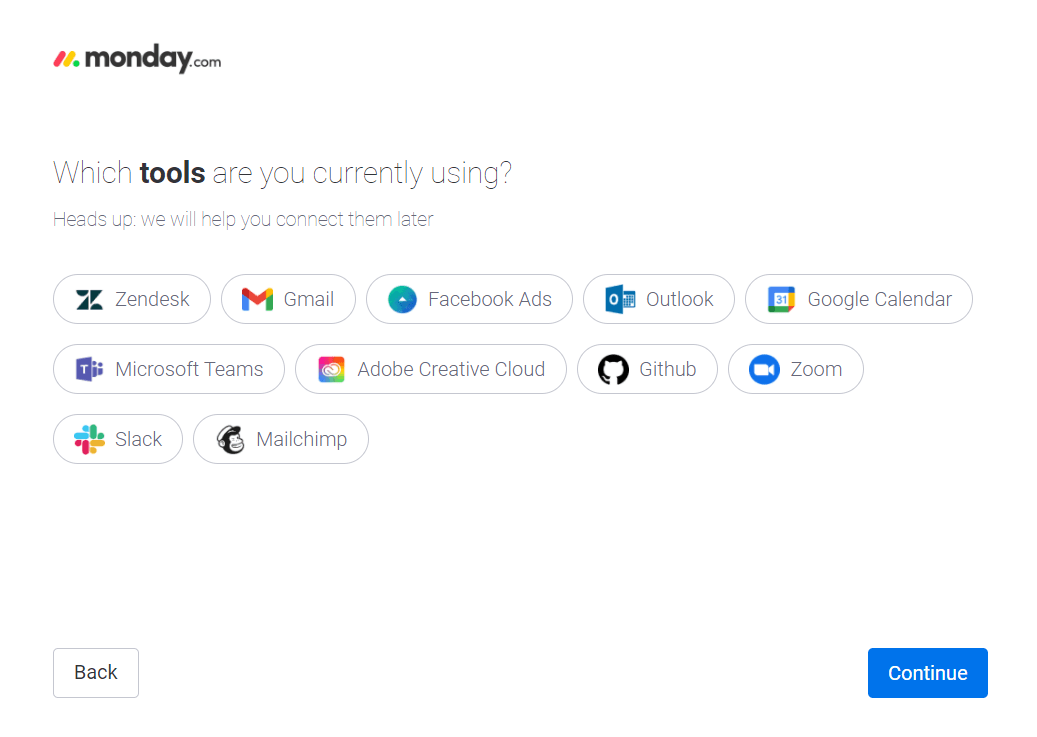
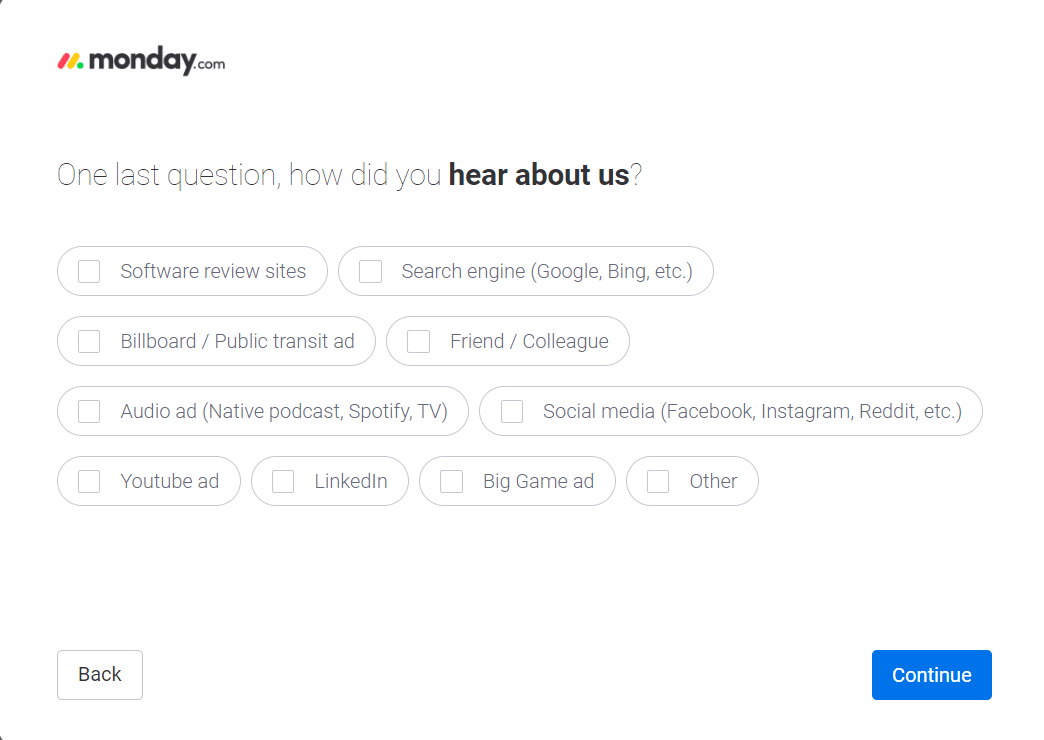
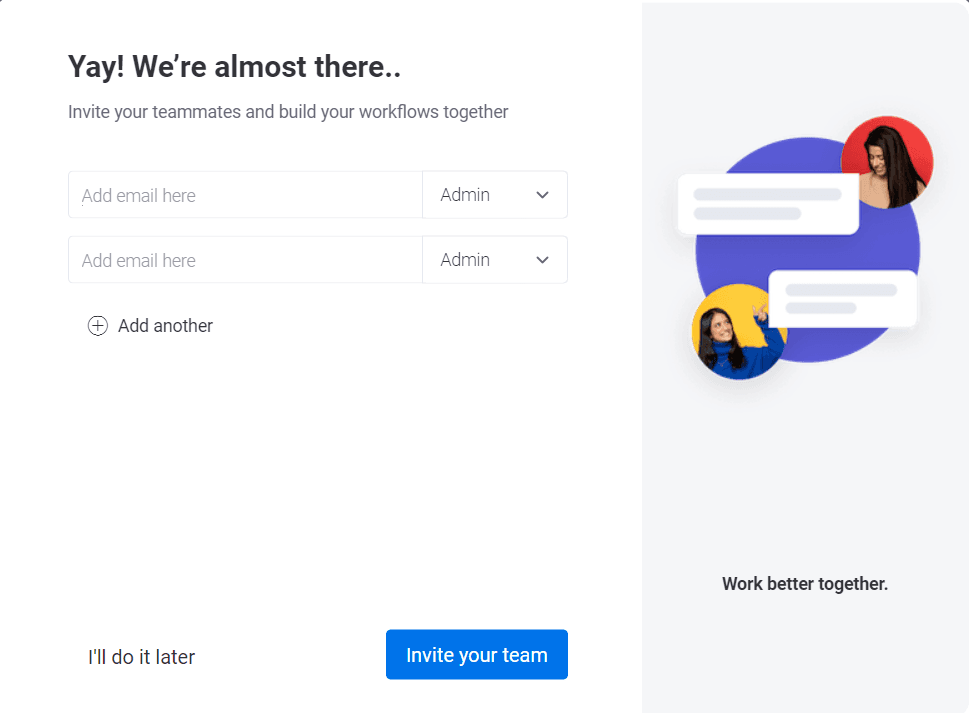
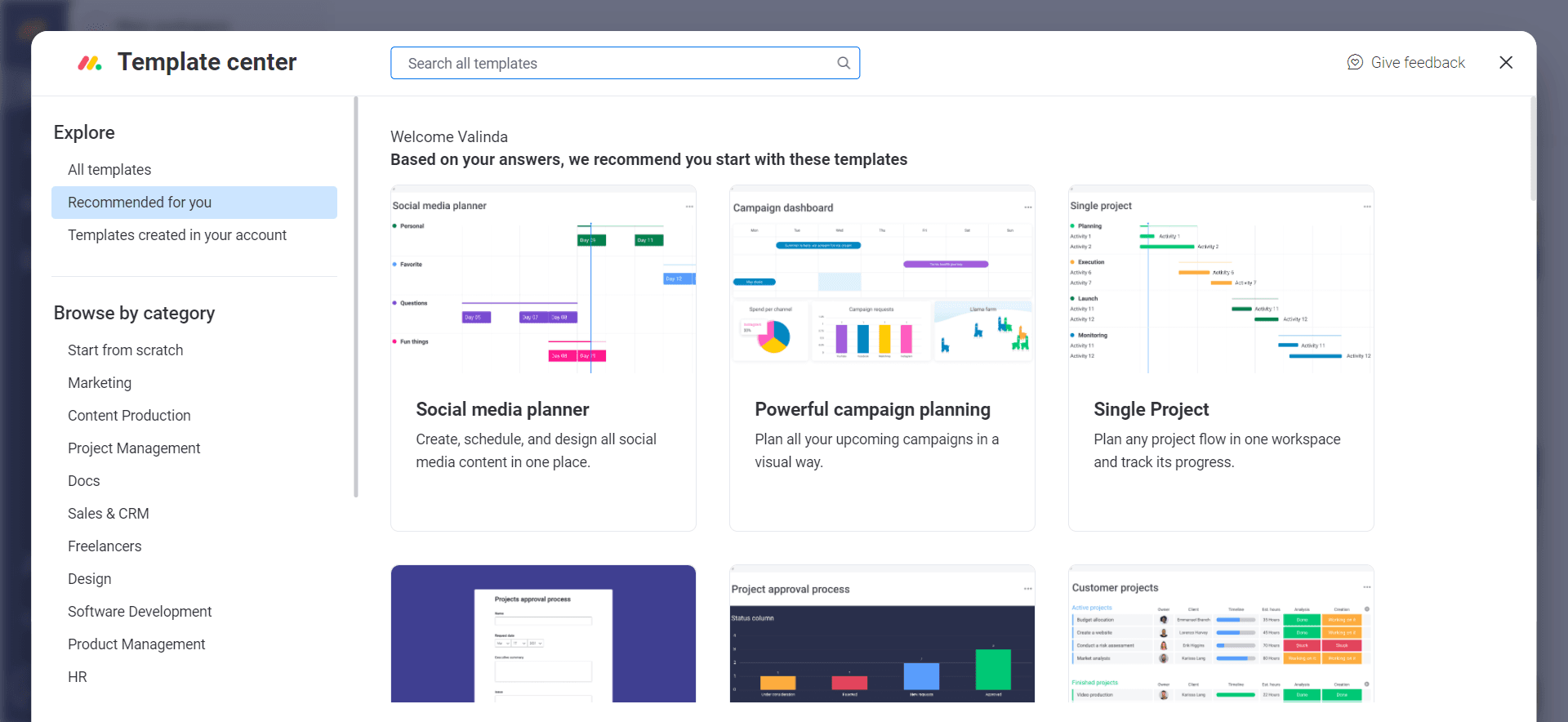
Nine screens back to back sounds like a lot, but each was a one-click question, so they took little time. The test for questions like these is whether every answer changes what the customer sees next. Most of monday.com's did: the template centre that followed opened with "Based on your answers, we recommend you start with these templates". The "how did you hear about us" question is the exception, since it serves marketing rather than the customer.
Template choice and three tooltips
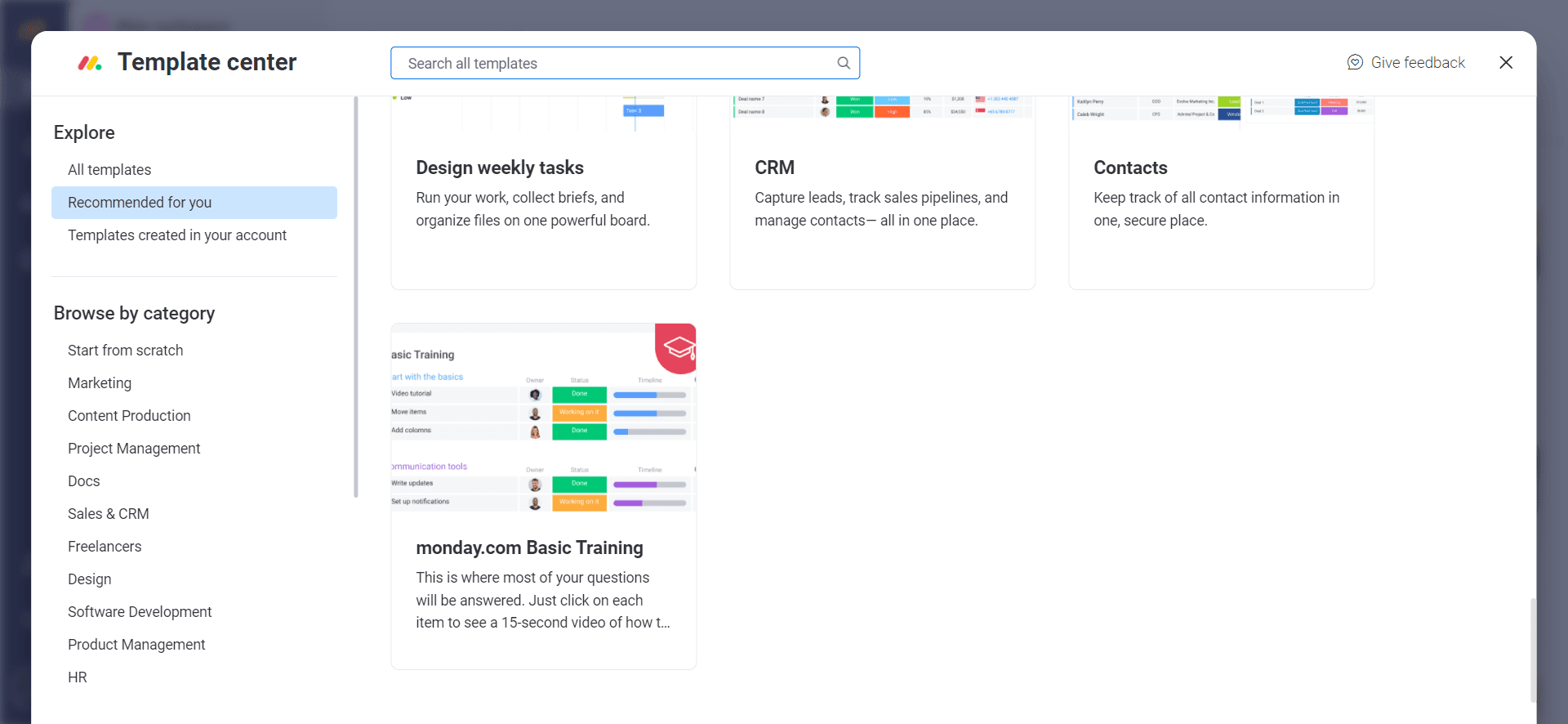
Before any hands-on work, monday.com asked you to choose a template. Instead of a working template, I picked the one called "monday.com Basic Training", to literally train.
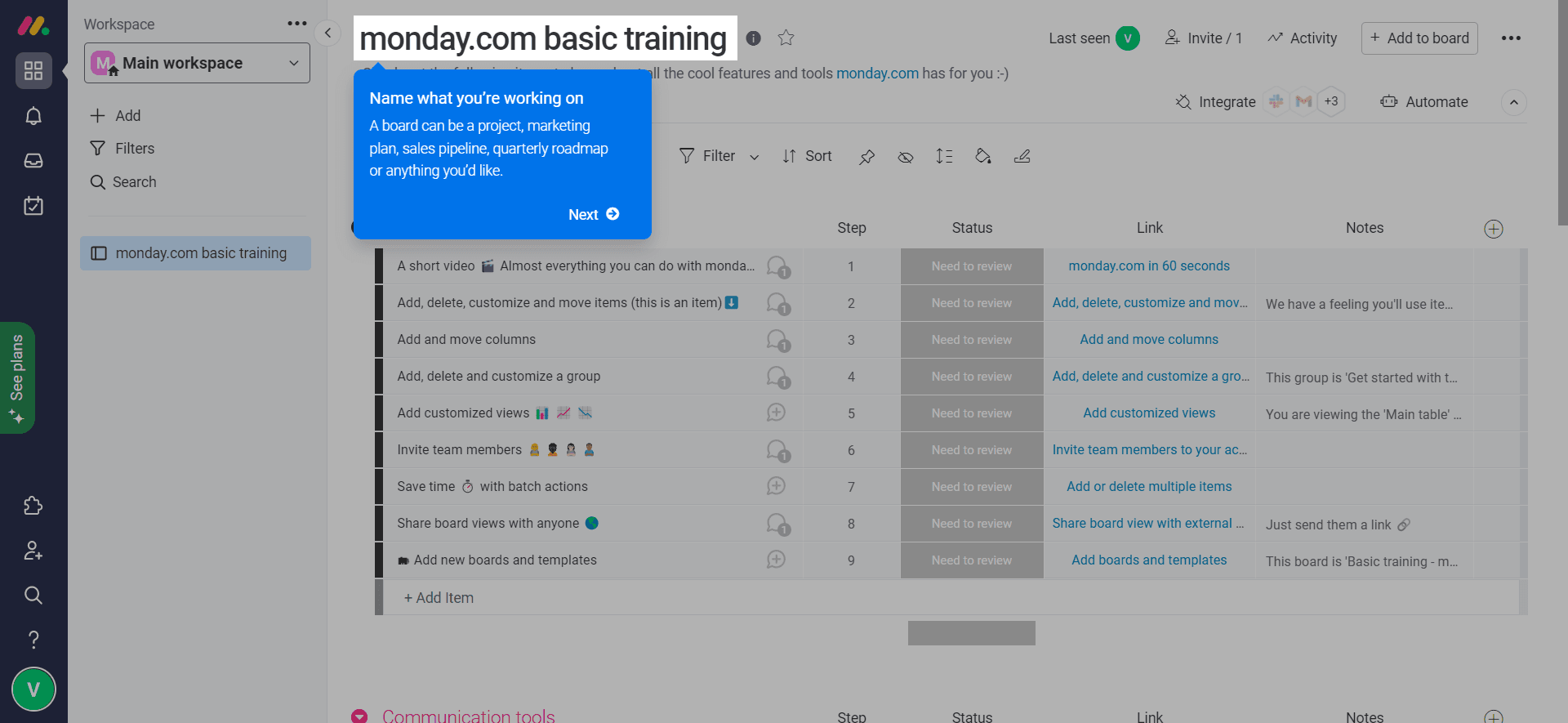
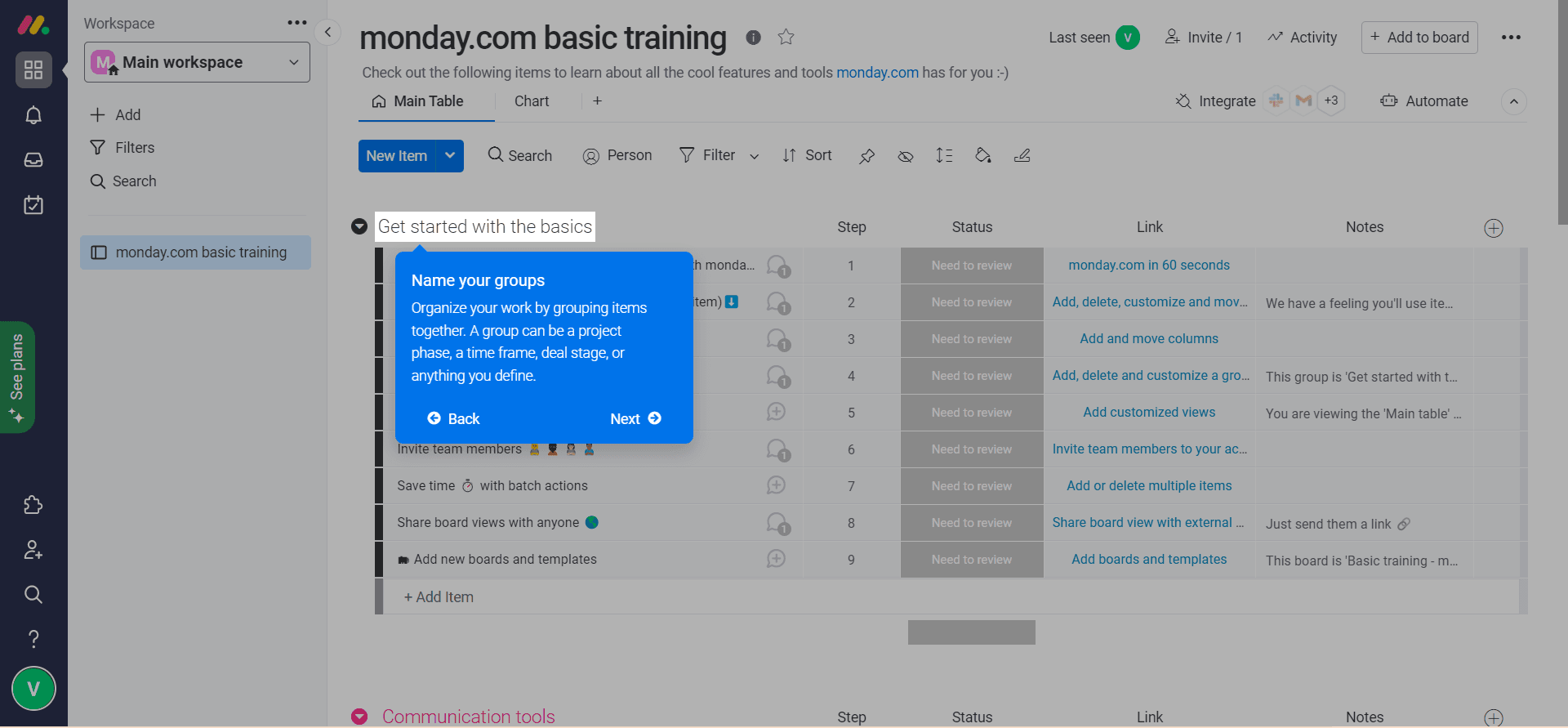
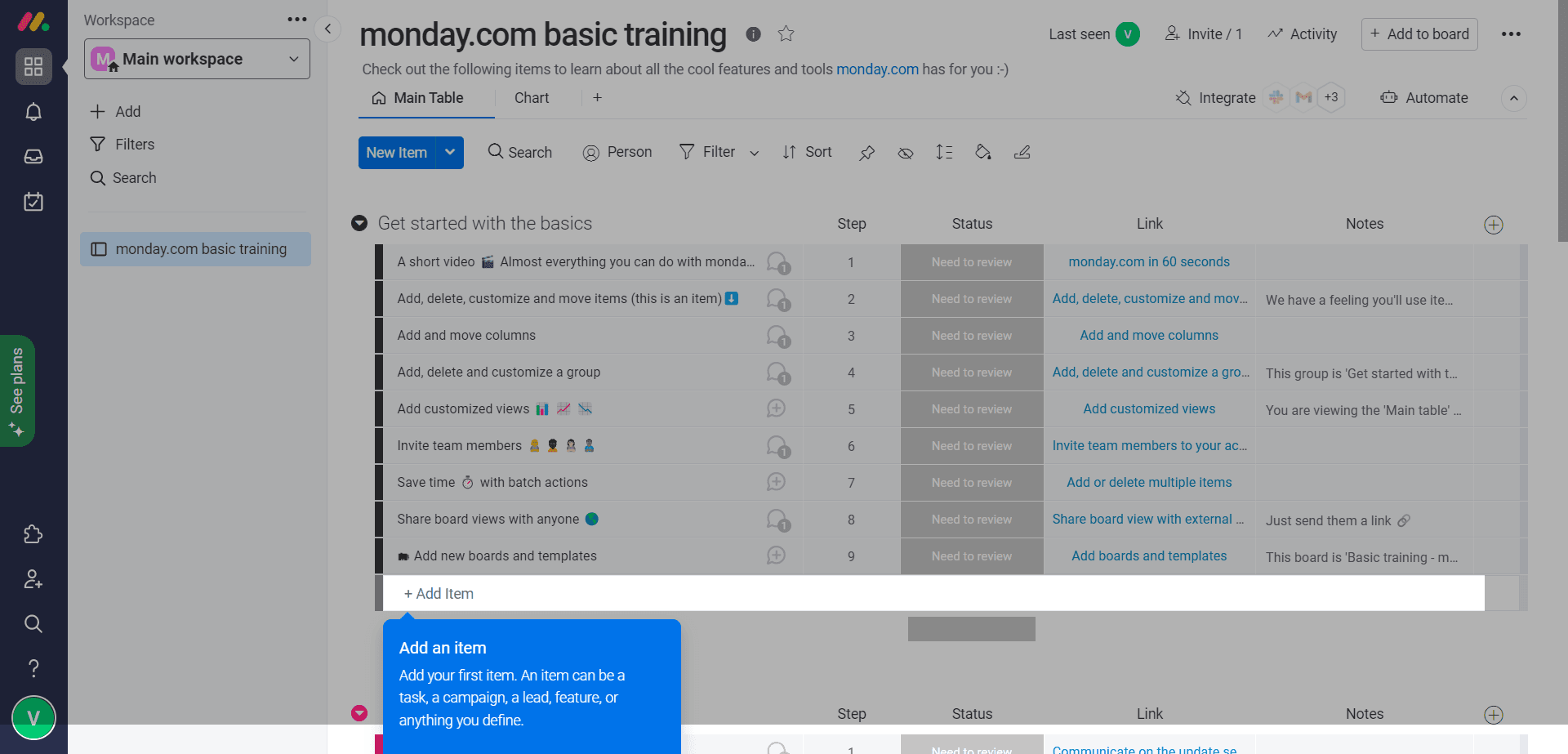
There was no welcome modal. The board opened with a tooltip showing where to name the project, then one on naming groups, and a last one on adding items. After those three, there were no more tooltips; for more on writing them, see our tooltip guide.
Learning resources and progress tracking
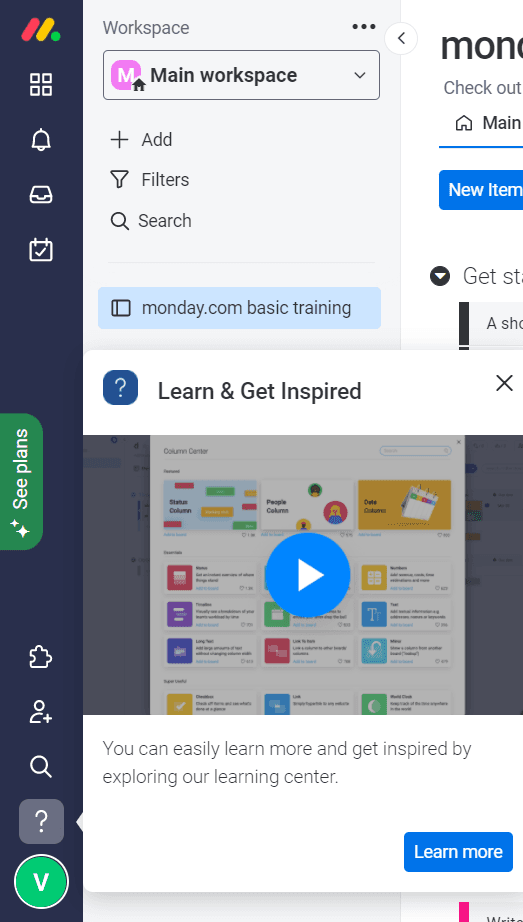
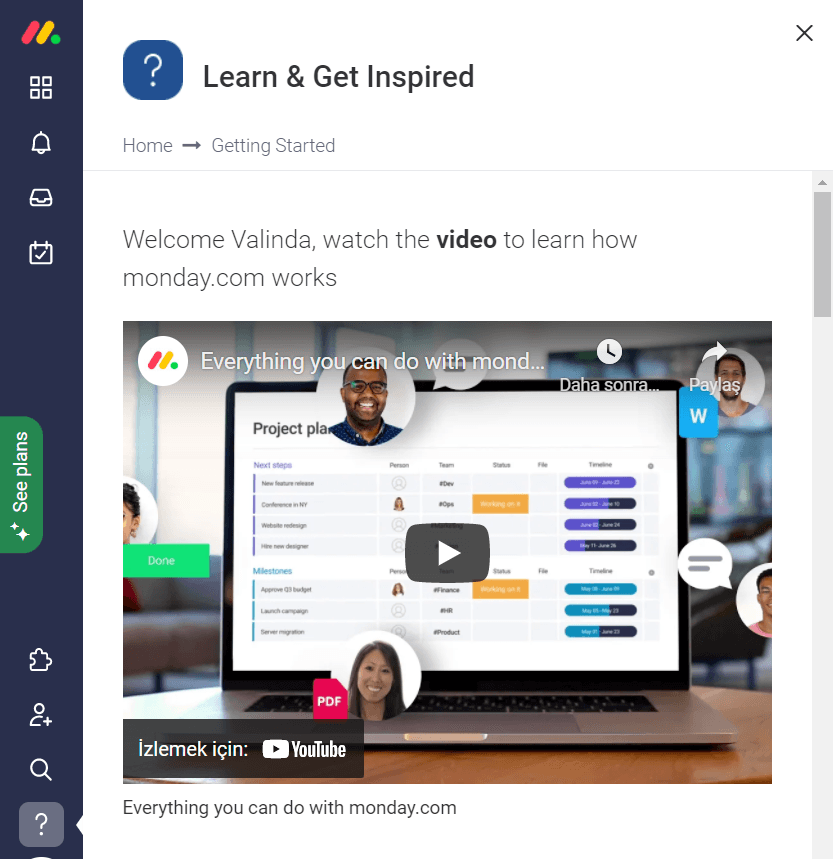
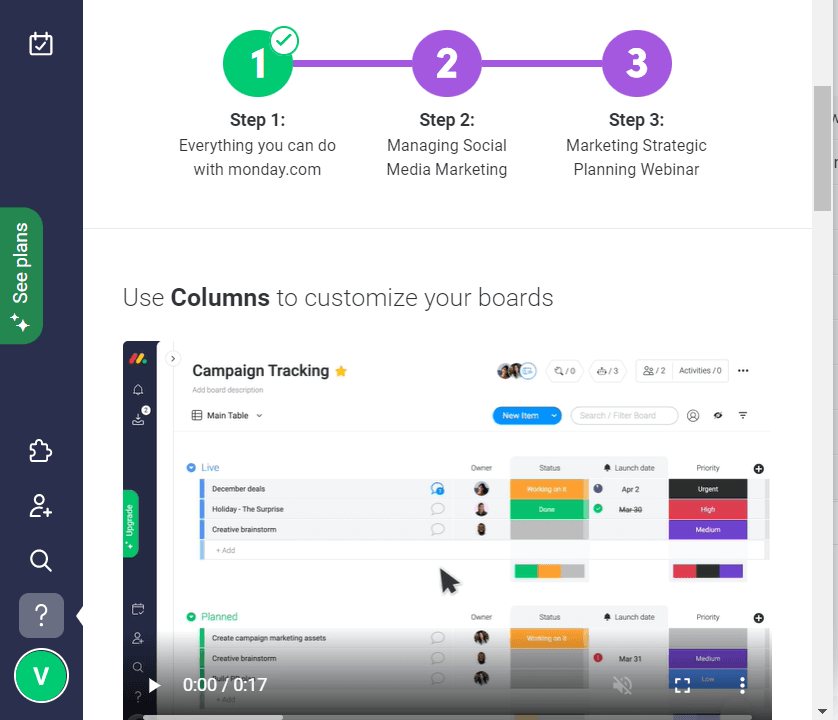
Learning continued in a Learn & Get Inspired panel with how-tos. Learn more opened a getting-started page with videos and a three-step learning path.
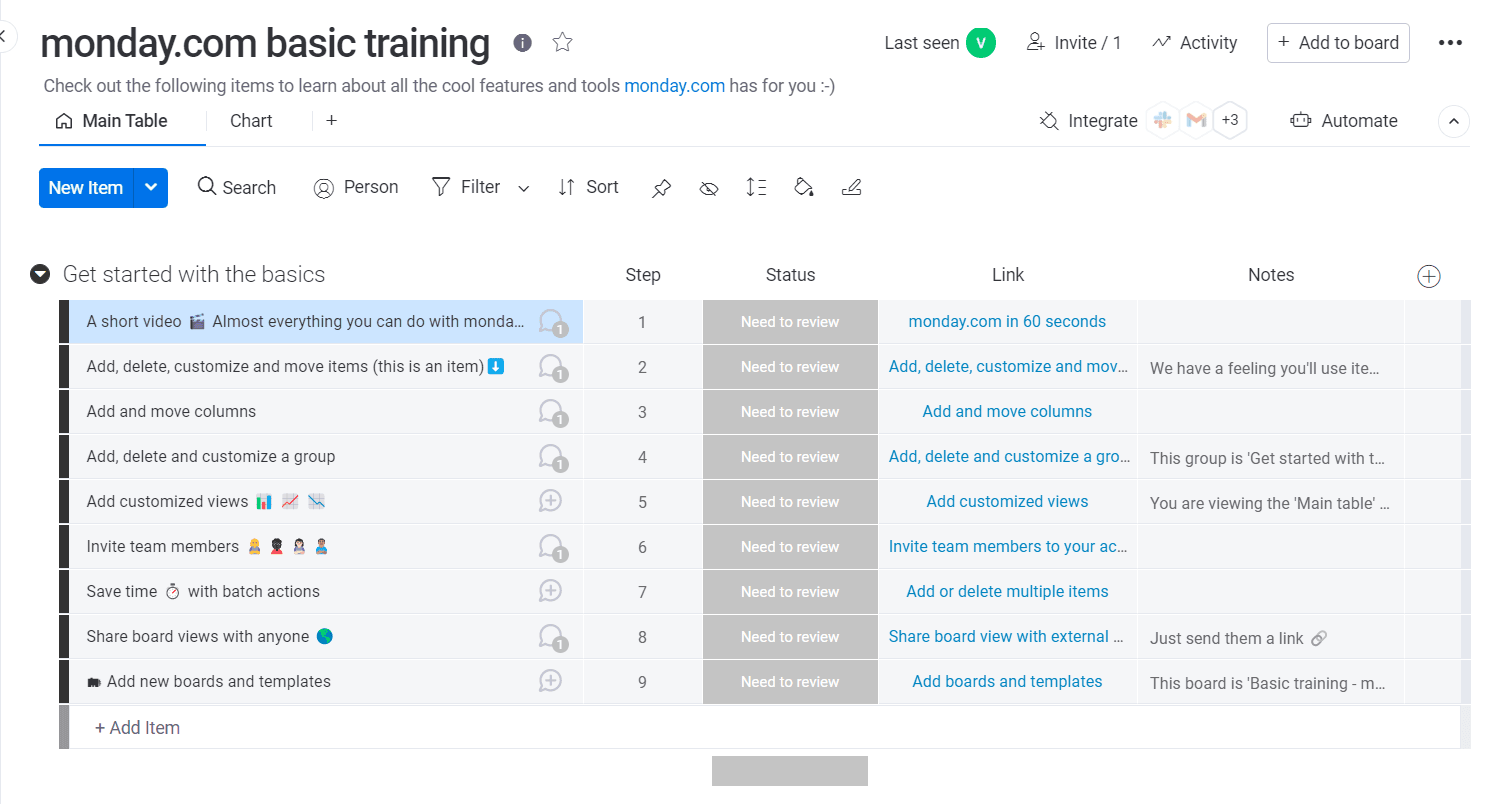
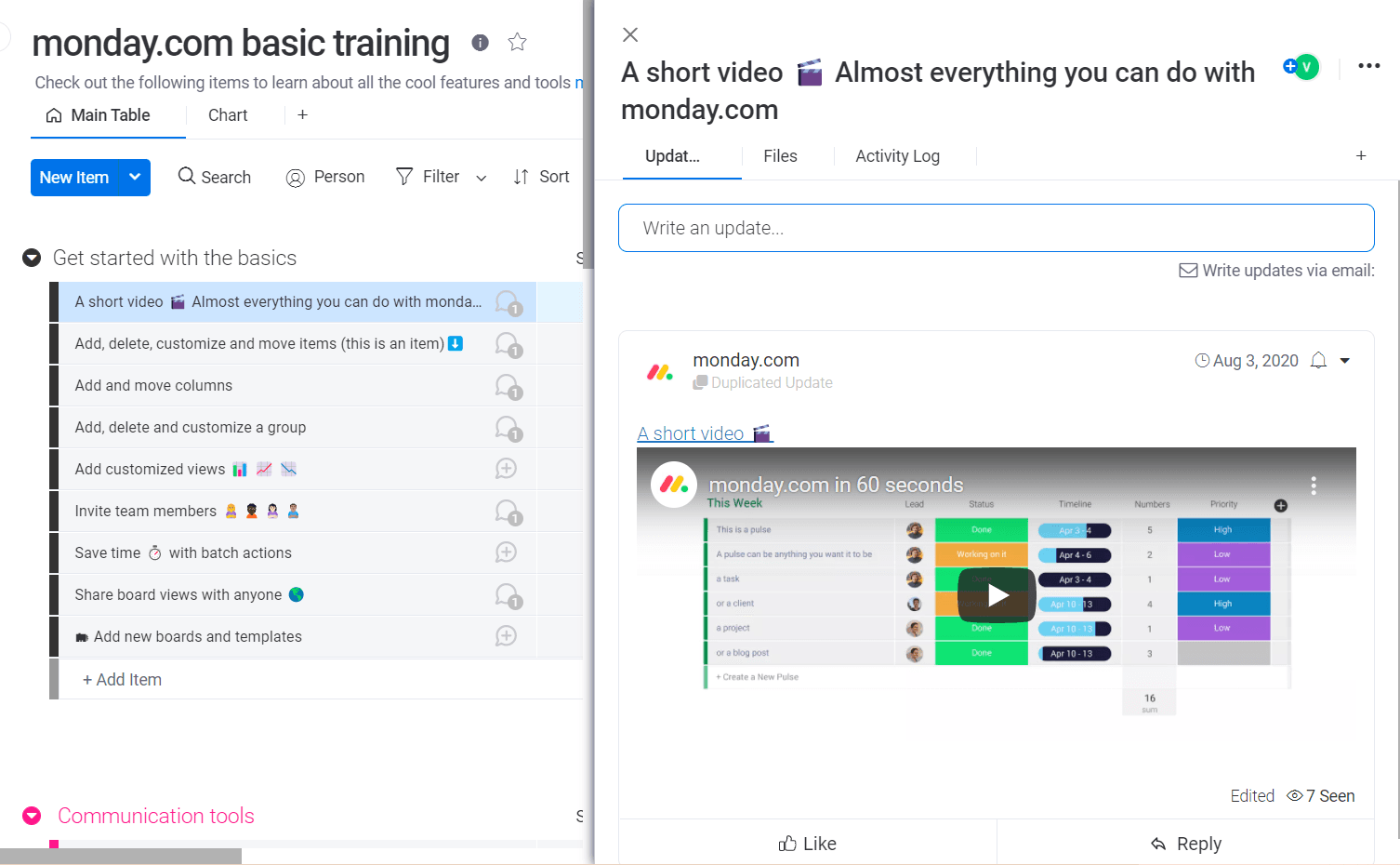
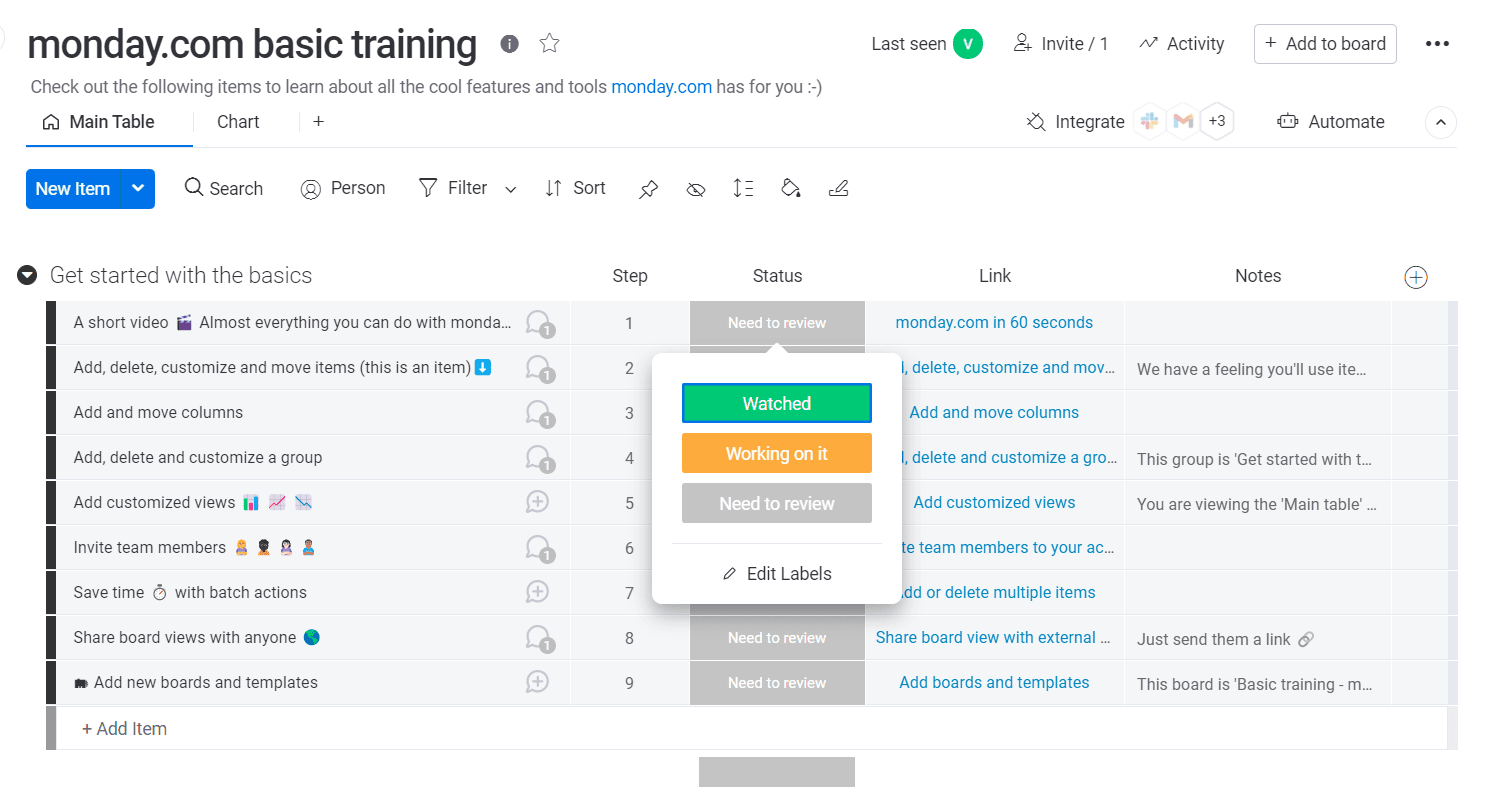
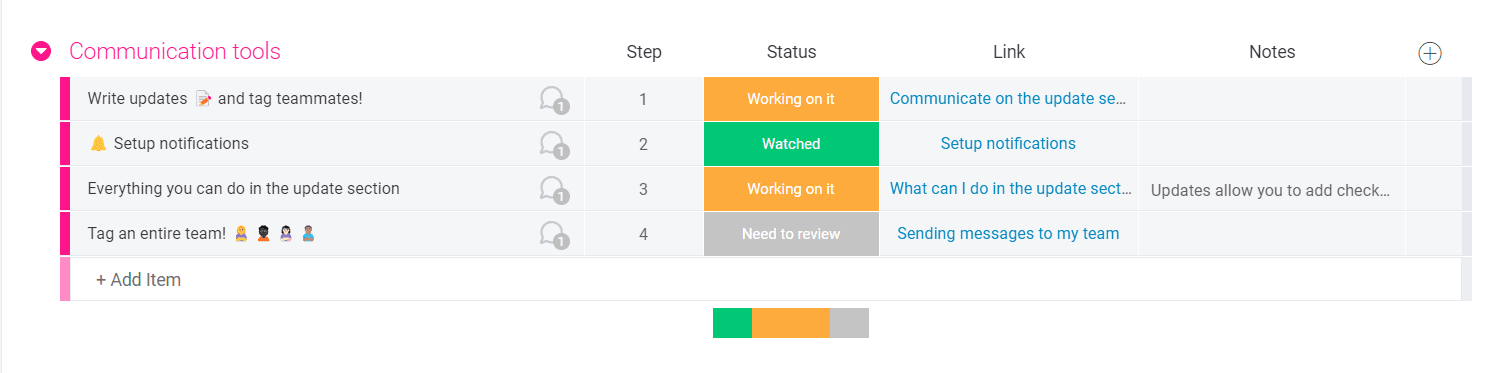
The training board itself had nine items under "Get started with the basics", each opening a short video. Completion wasn't automatic: you set each item to Watched, Working on it or Need to review, and the progress bar filled to match.
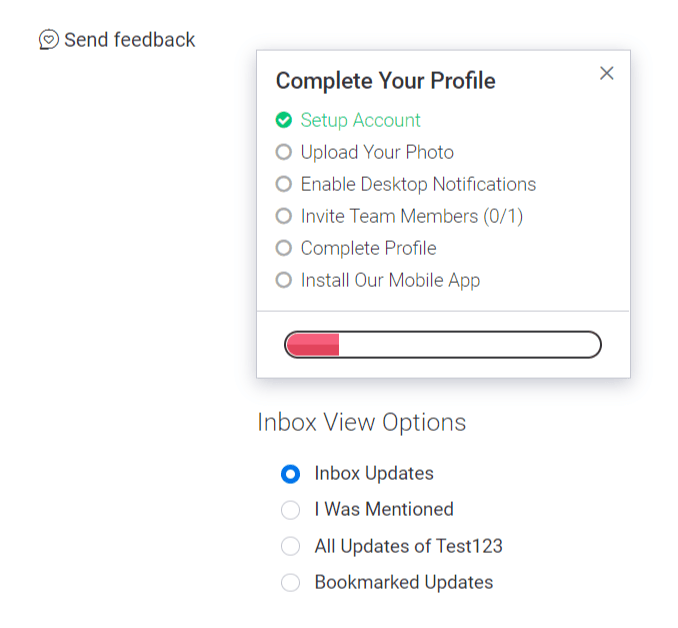
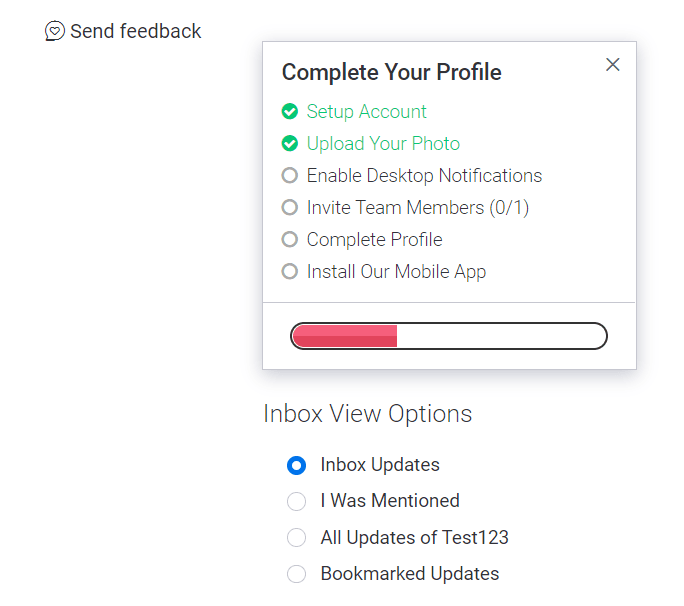
Outside the board, a "Complete Your Profile" checklist listed six tasks, from uploading a photo to installing the mobile app, and its bar filled as you finished each one. Our guide to user onboarding checklists has more examples of the pattern.
Help at the point of purchase
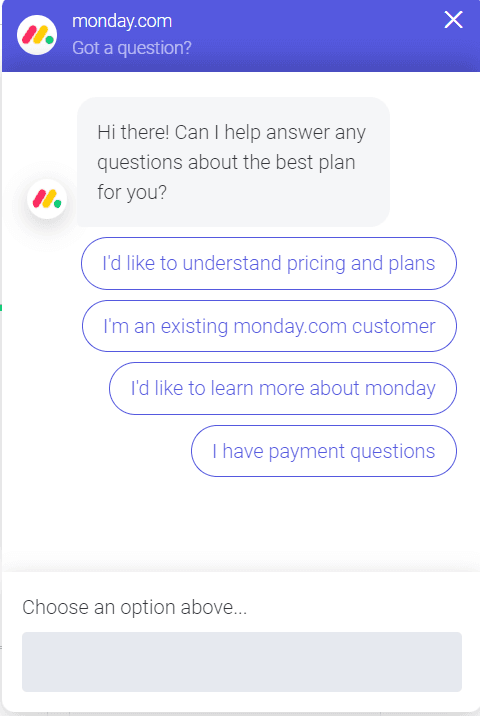
After the checklist there were no more tooltips, guides or checklists. But clicking See Plans opened a chatbot offering four questions, about pricing, existing accounts, the product and payments. After answering, it asked you to rate it, and a below-average rating led to a request for feedback. monday.com also ran weekly webinars on the product and new features at the time.
What did monday.com's onboarding miss?
Two things, both easy to avoid in your own flow:
- The training template came last in the template list. Someone could easily pick a template they recognised and start without it.
- Nothing showed which trial I was on. I had to check the pricing page to learn it was the Pro plan. Customers should always see what they're trying and when it ends.
What are the best practices for customer onboarding?
Four practices carried monday.com's flow, and they hold for most products:
- Short signup forms. Offer one-click signup through Google or a similar account, and ask profile questions after signup, never during it. Customers want to get into the product.
- A welcome. Call me old-fashioned, but you expect to be greeted when you walk into a shop, and a new customer deserves a greeting message too, even though monday.com skipped one.
- Tooltips over videos for first steps. Tooltips let customers do the steps themselves, and seeing that a goal is achievable builds confidence. Following a video while doing the steps at the same time is hard work.
- Checklists. They keep track of the work, motivate customers to carry on and show progress, the way a shopping list keeps you from wandering every aisle.
Once these are in place, measure how long customers take to reach value; time-to-value is the number that tells you whether the flow is fast enough.
Frequently asked questions
How do you onboard a new customer?
Keep every step short, show the features that deliver the outcome they bought, and make the benefits of being a customer clear. Give each step an owner and a deadline so customers never wait for you; the new customer onboarding process lays out seven steps that way.
Who is responsible for customer onboarding?
Many people take part, from customer experience managers to the support team, but customer success managers and the customer success team usually own the customer onboarding programme, working with product on the in-app parts.
How do you automate a customer onboarding process?
Start by noting what first-time customers expect at each step, then segment them so each group gets what it needs. Automate the parts that need no judgement, such as welcome emails, in-app checklists and reminders when a step stalls, and keep people for the kick-off and goal-setting. User onboarding automation walks through it in seven steps.
What are the 5 C's of onboarding?
The "C's" come from employee onboarding, not customer onboarding: compliance, clarification, culture and connection, with a fifth C that varies by source. There's no standard customer version, though clarifying what the customer bought and connecting them to the right people apply just as well.

About the author
Hilal YıldırımHilal is a creative content writer highly focused on growth, occasionally product, and always onboarding.