Article · 6 min read
Best Product Onboarding Examples & Best Practices
The strongest product onboarding examples get a new user to the product's core action in the first session. Slack, Duolingo, Dropbox, Asana and Grammarly each did it differently: Duolingo with a first lesson, Asana by having users name a first project and add tasks during signup, Grammarly with a demo document.
 By Aysenur Zaza
In short
Five product onboarding examples (Slack, Duolingo, Dropbox, Asana and Grammarly), read for one thing: what each asked a new user to do first. Each comes with what to copy and, where we have them, screens captured in our inspirations library, followed by five best practices and answers to common questions.
Most lists of product onboarding examples describe what each flow looks like. The more useful question is what it gets a new user to do first, and how much stands in the way. This post reads five well-known examples that way, with screens from our inspirations library where we captured them, so you can see the pattern instead of taking it on trust.
The descriptions date from January 2024, when this post was written, and the captured screens from 2022. Products change, so check the current version before you copy a detail.
For a teardown of flows that worked and flows that didn't, read 5 great (and awful) user onboarding experiences. For best practices paired with a check you can run on your own flow, read user onboarding examples and best practices.
What is product onboarding?
Product onboarding is the process of welcoming new users, teaching them the core features and guiding them to the outcome they came for. It bridges acquisition and activation: users learn the "why" and the "how" of your product, and the best of them become advocates. Our guide to software product onboarding goes deeper.
Think of it this way: you wouldn't hand your guests a manual and expect them to find their way around your house party. Onboarding is your chance to be the friendly host, showing them around, pointing out what's worth seeing and making them comfortable enough to explore.
Why does product onboarding matter?
Good product onboarding helps users find your product's value quickly, which feeds retention and conversion. In practice it does seven things:
- Reduces friction. Clear guidance removes the stumbling blocks that make new users give up.
- Shortens time to value. Users reach the core features, and the benefits, sooner.
- Raises engagement. Interactive tutorials and tooltips teach the product while users use it.
- Supports retention. Users who feel competent early are less likely to abandon the product.
- Builds confidence. Users who know the basics are more willing to try advanced features.
- Produces user data. What users do during onboarding shows their preferences and pain points.
- Shapes brand perception. Onboarding is often the first real interaction with your product, and that impression lasts.
What do the best product onboarding examples ask users to do first?
Each of the five products below put its core action at, or very near, the start. The table sums up what a new user did first; the sections after it show how.
| Product | What a new user did first | Main patterns | What to copy |
|---|---|---|---|
| Slack | Set up a profile and met an onboarding bot | Welcome message, bot-led walkthrough, empty states with tips | Put guidance where the work happens |
| Duolingo | Started a first lesson | Learning by doing, in-lesson tooltips, points and streaks | Make the first use of the product the tutorial |
| Dropbox | Uploaded a file | Short signup, core action first, features later | Ask for the core action before anything else |
| Asana | Named a first project and added tasks during signup | Role questions, templates, checklist | Make the first real object part of signup |
| Grammarly | Fixed text in a demo document | Skippable quick tour, demo document, hotspots | Use a demo when the user's own content can't show every feature |
1. Slack
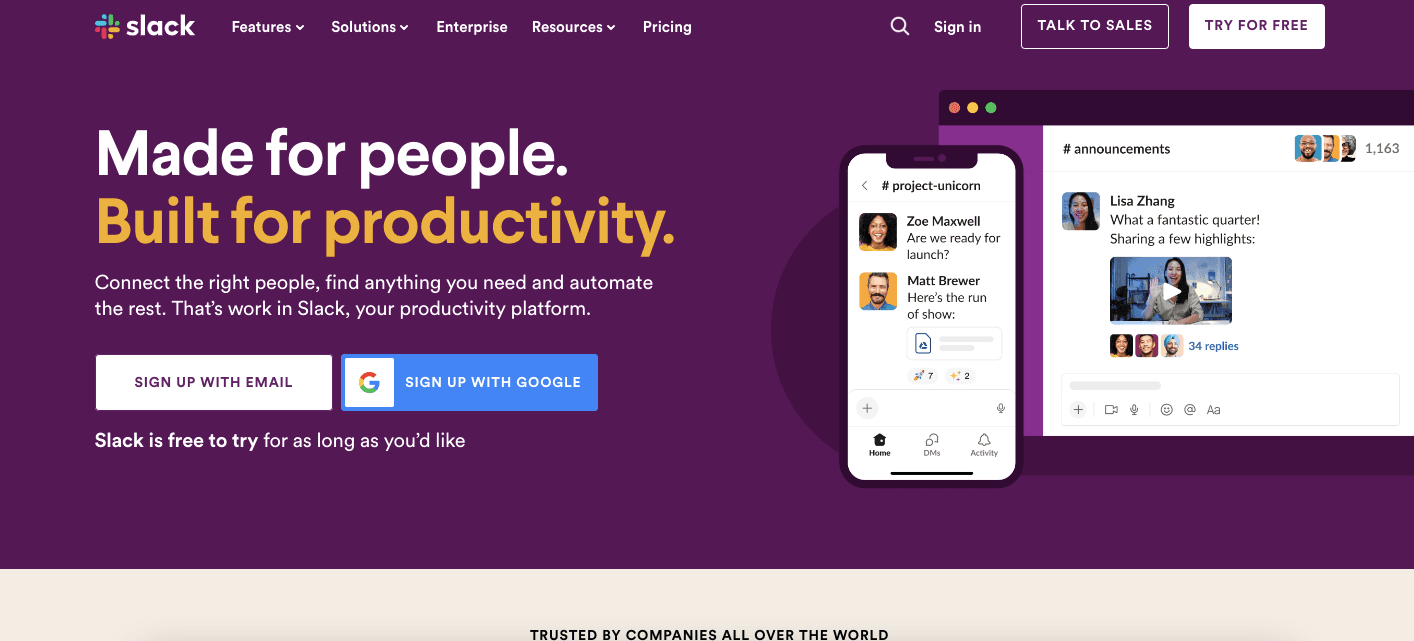
Personalised welcome: Slack greeted new users with a welcome message and an option to customise their avatar, giving them a sense of ownership from the start.
Interactive walkthrough: a friendly onboarding bot guided users through the essential features inside the chat itself, where they'd do their work.
Contextual prompts: empty states carried tips, so users always knew what to do next. A Slack preferences flow we captured in 2022 ran to eight steps but never offered more than three options per step, which kept a long flow easy to finish.
Takeaway: personalise, use interactive elements, and guide users in context.
2. Duolingo
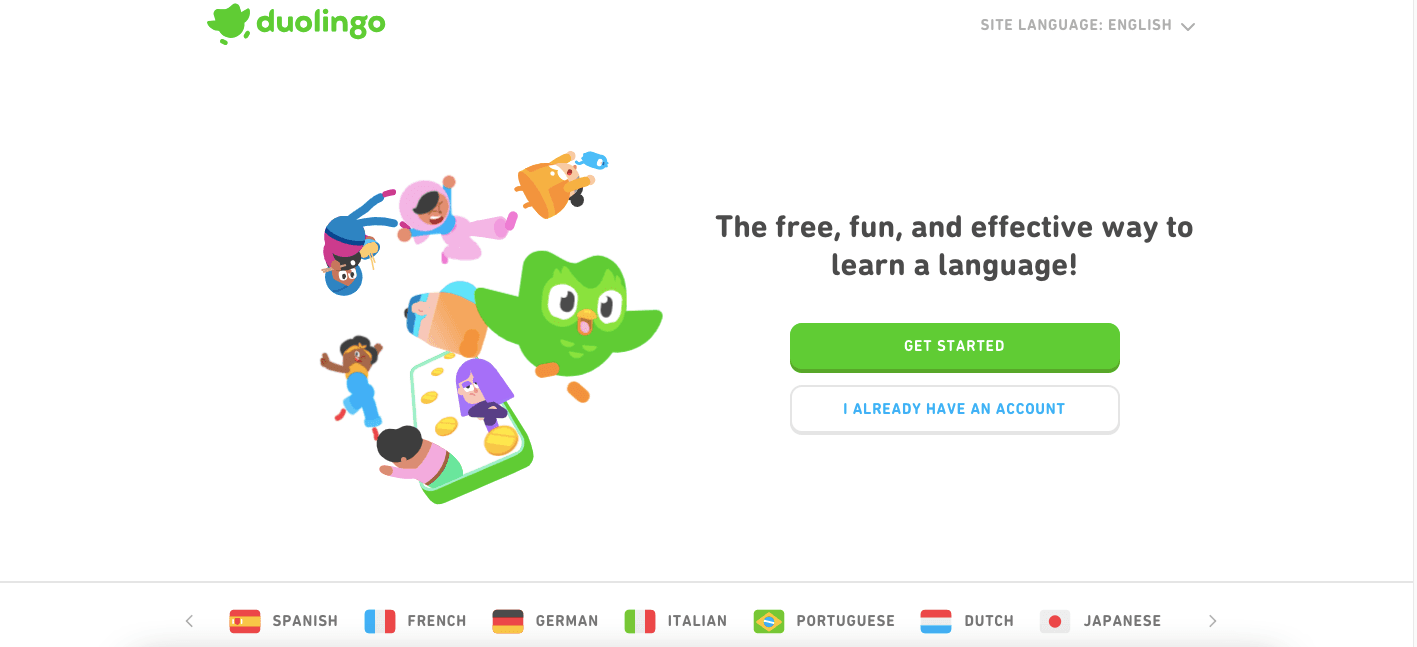
Immersive start: Duolingo put users straight into learning, starting with simple phrases and raising the difficulty gradually.
Game-like elements: points, badges and leaderboards made learning fun and brought users back.
Clear progress tracking: users could see their progress, which kept them invested. Inside the first lessons, a tooltip highlighted the word to tap and darkened the rest of the screen (captured in 2022), so the tutorial and the lesson were the same thing.
Takeaway: gamify the experience and make progress visible to fuel motivation.
3. Dropbox
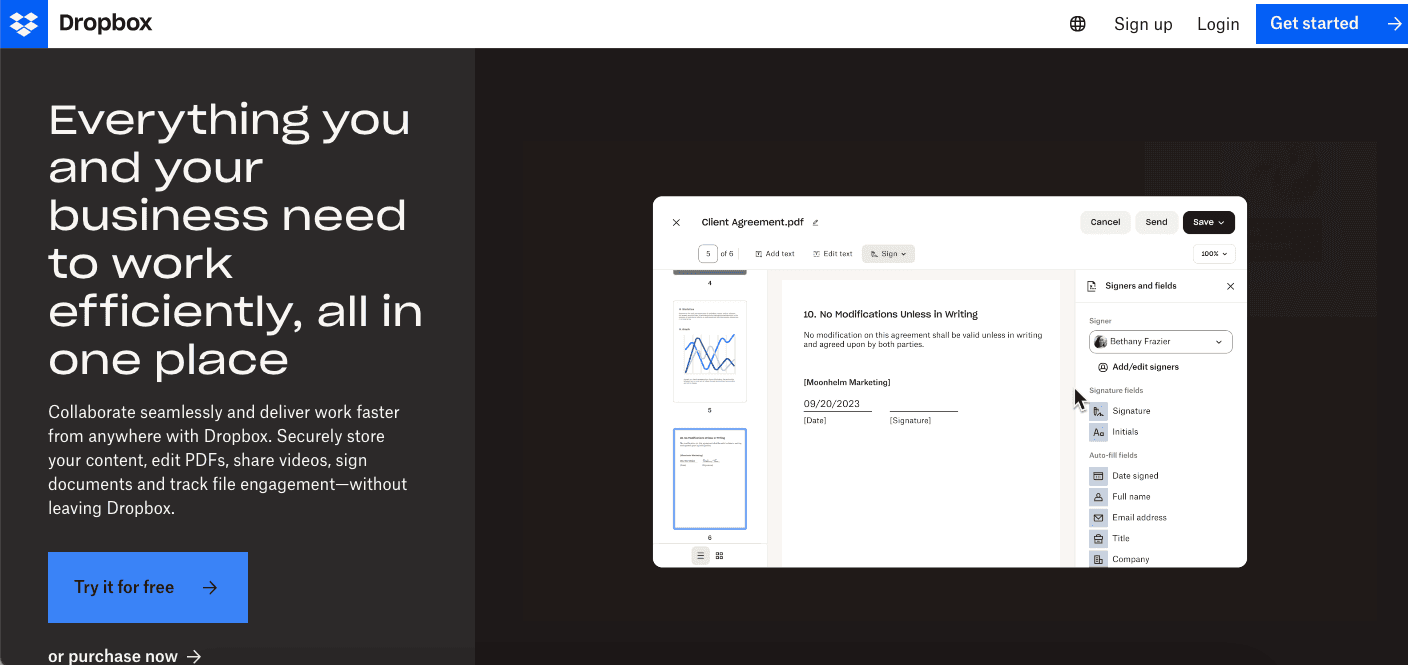
Simple setup: Dropbox kept signup short and focused on its core job, storing and sharing files.
Immediate value: users could upload files right away and see the product's use before learning any details.
Progressive feature discovery: advanced features came later, through contextual tips and tutorials, so users weren't overwhelmed at the start.
Takeaway: focus on the core value first and introduce advanced features progressively.
4. Asana
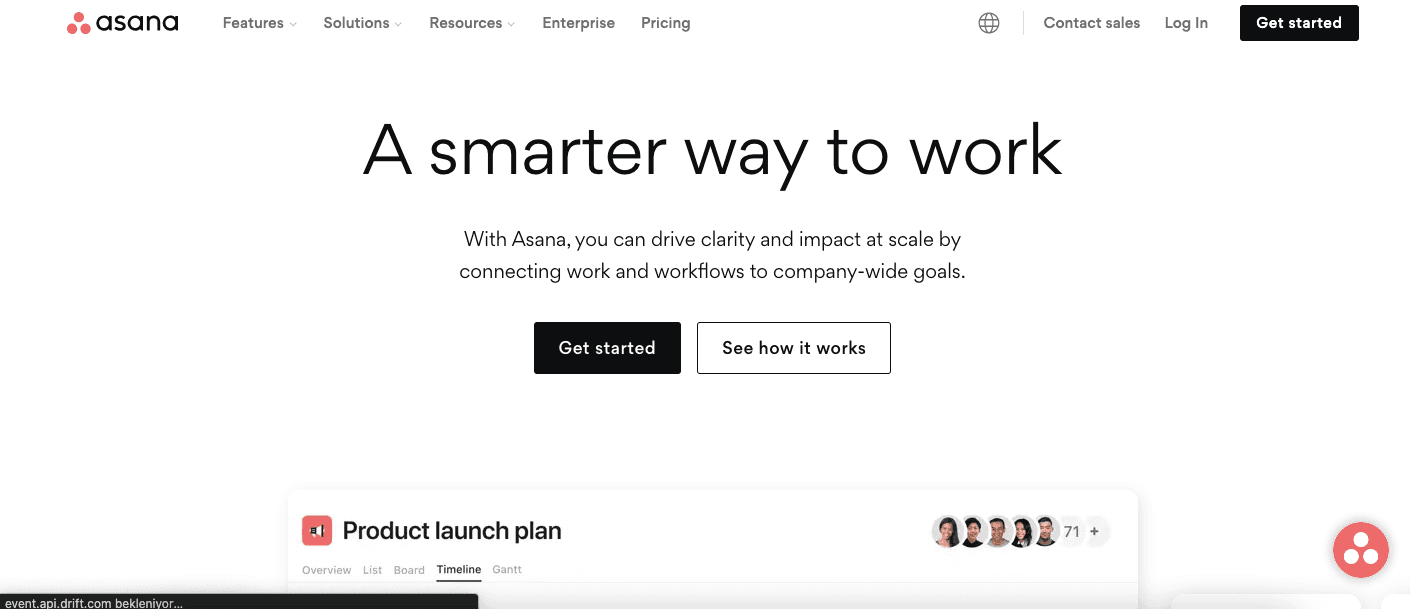
Onboarding based on the user's goals: Asana tailored onboarding to the role users chose (project manager or individual contributor, for example), so they saw relevant workflows and tutorials. Our 2022 capture of its signup shows this in practice: questions about the user, their team, their job and their main objective, then a prompt to name a first project and add tasks, before Asana introduced its project views.
Checklists and templates: ready-made project templates and guided checklists meant users didn't have to start from nothing.
Community support: a community forum let users ask for help and connect with peers.
Takeaway: personalise by role, provide ready-made workflows, and give users a place to learn from each other.
5. Grammarly
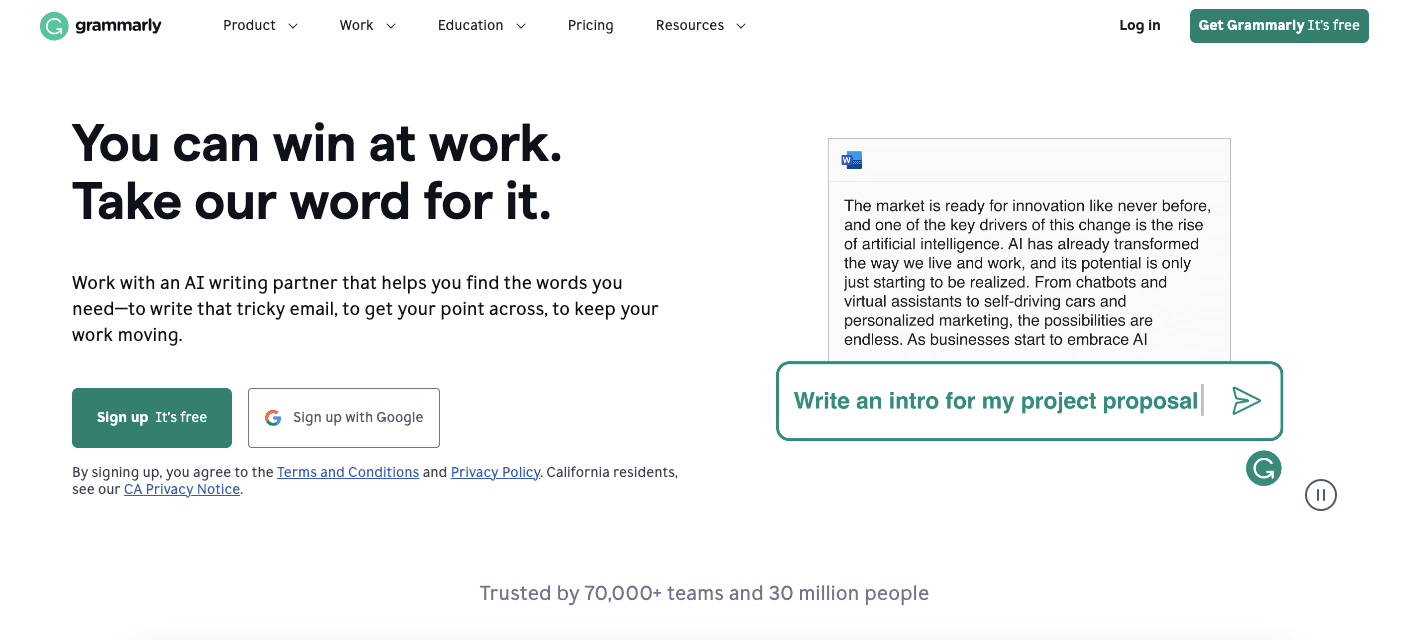
Real-time feedback: Grammarly worked inside users' own writing, with instant suggestions for improvement.
Learning as you go: each suggestion came with an explanation, so users understood the reasoning behind the correction.
A demo to learn on: its first-run tour, captured in 2022, was skippable and ran in a demo document with hotspots and tooltips. A demo shows every kind of suggestion, which a user's own text might not.
Takeaway: fit into users' workflows, give feedback in real time, and use a demo where real content can't show the whole product.
Which product onboarding best practices do these examples share?
Five practices run through all five examples:
- Keep it simple. Don't overwhelm users with information at once; Dropbox asked for one thing, a file.
- Make it interactive. Videos, animations and quizzes make onboarding more engaging and memorable, and nothing beats doing the real task, as Duolingo's first lesson does.
- Personalise the experience. Use what users tell you to shape their onboarding, as Asana did with roles.
- Provide guidance. Use tooltips, walkthroughs and other guidance to help users reach their goals, placed where they work.
- Measure success. Track behaviour and engagement to find where users drop off, and improve from there.
If you copy one thing from these examples, make it the order: the core action first, everything else after.
Frequently asked questions
What is product onboarding?
Product onboarding is how users are introduced to a new product and guided through its features until they can use it effectively and get value from it.
What is an example of a customer onboarding process?
Slack's, as described above: a welcome message, a bot that introduced the essential features inside the chat, and tips in empty states. Users learned the product gradually, without feeling overwhelmed.
What is the difference between product and user onboarding?
Product onboarding focuses on introducing users to the features and functionality of a product. User onboarding is the broader term: it covers the whole experience a user has while getting started with a product or service.
How can you improve the onboarding experience of a product?
Get users to the core action sooner: cut steps before it, use interactive guided tours, add game-like elements where they fit, and use what you know about users to personalise. Introduce key features gradually and keep the interface easy to use.

About the author
Aysenur ZazaAysenur Zaza is a creative content writer and an avid researcher when it comes to product, growth and everything SaaS.