
User Onboarding · Built with Userpilot
Visme’s onboarding is simple and vivid
Visme opens sign-up by asking what users want it for, with four illustrated cards explained in one line each, to personalise their tips.
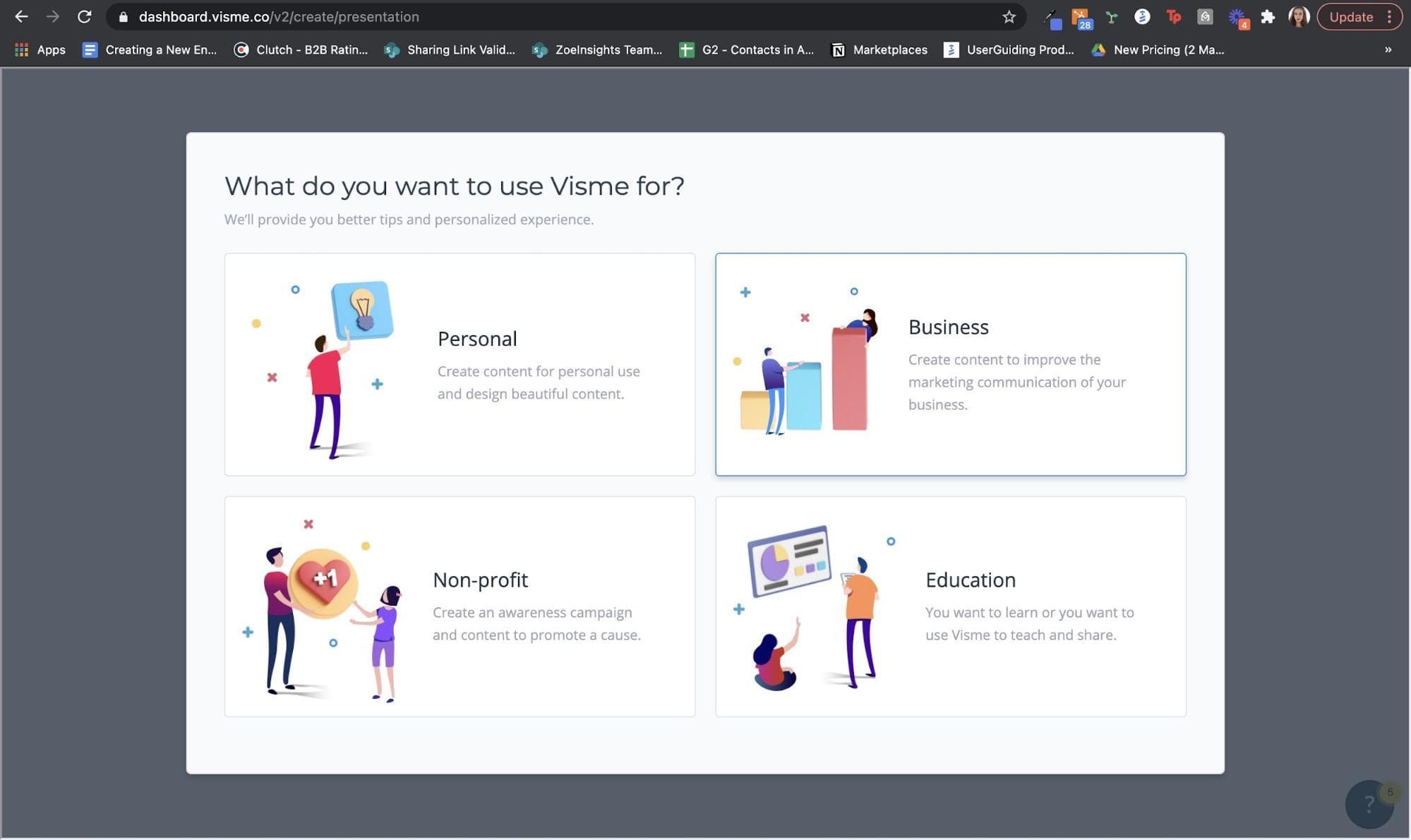
At the time of the screenshot, Visme began its sign-up onboarding by asking "What do you want to use Visme for?", with a line underneath saying why: so it can offer better tips and a personalised experience. Instead of a dropdown or a text field, the answer is four large cards, each with a colourful illustration and one line of copy: Personal, Business, Non-profit and Education.
Why it works
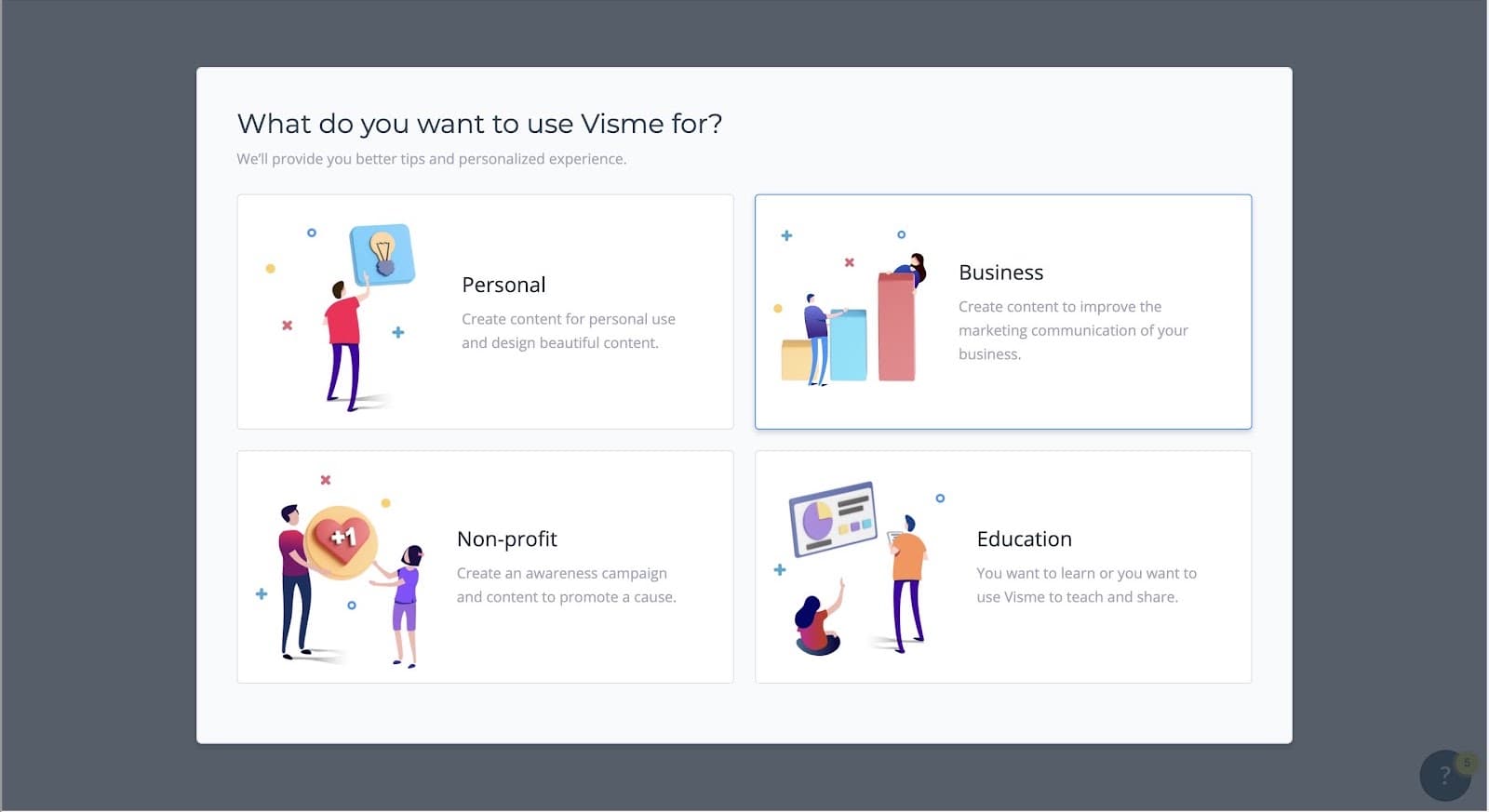
- Few, general options: four broad choices are quick to answer and cover most users, so people keep moving instead of stalling on the question.
- Colourful and fun: illustrations can seem like a detail in onboarding, but for a design tool they set expectations, and Visme’s don’t disappoint.
- Good copy: each option is explained in one short line, and the subtitle says why the question is asked, which builds trust and makes people more willing to answer.
More on this pattern: personalised onboarding and onboarding user flows. This flow is listed as built with Userpilot; see the Userpilot review.


