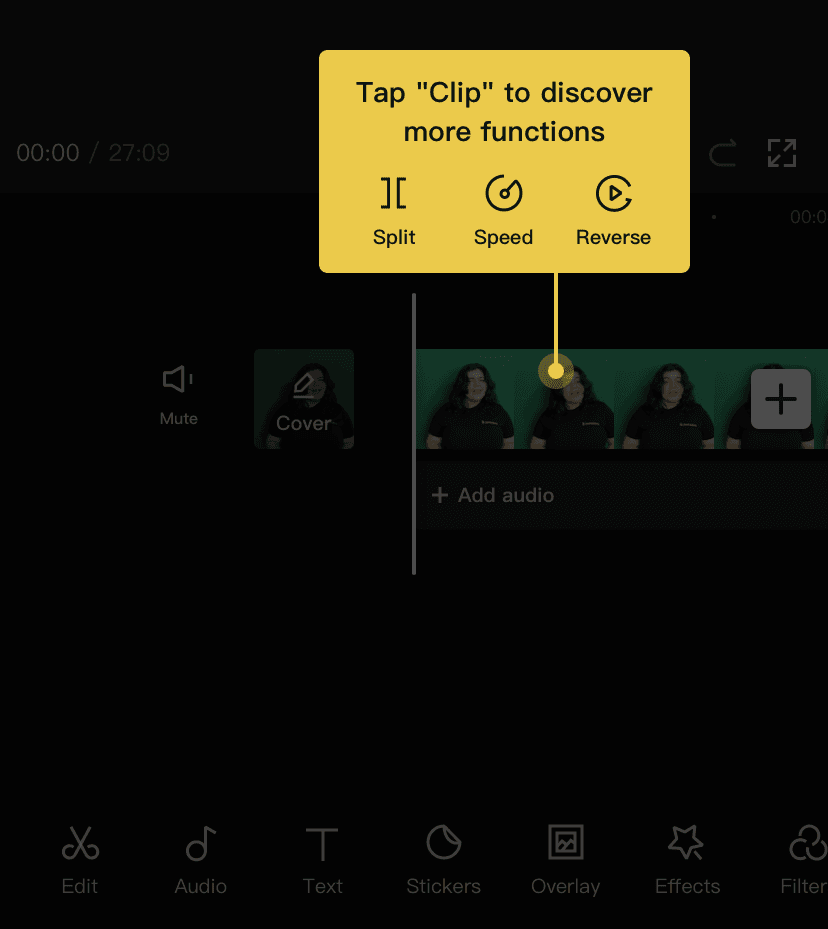
Product tours
Upwork’s Quick Tour really is quick
Upwork explains its redesigned contract page with a modal offering a quick tour, then three tooltips with a green progress bar.
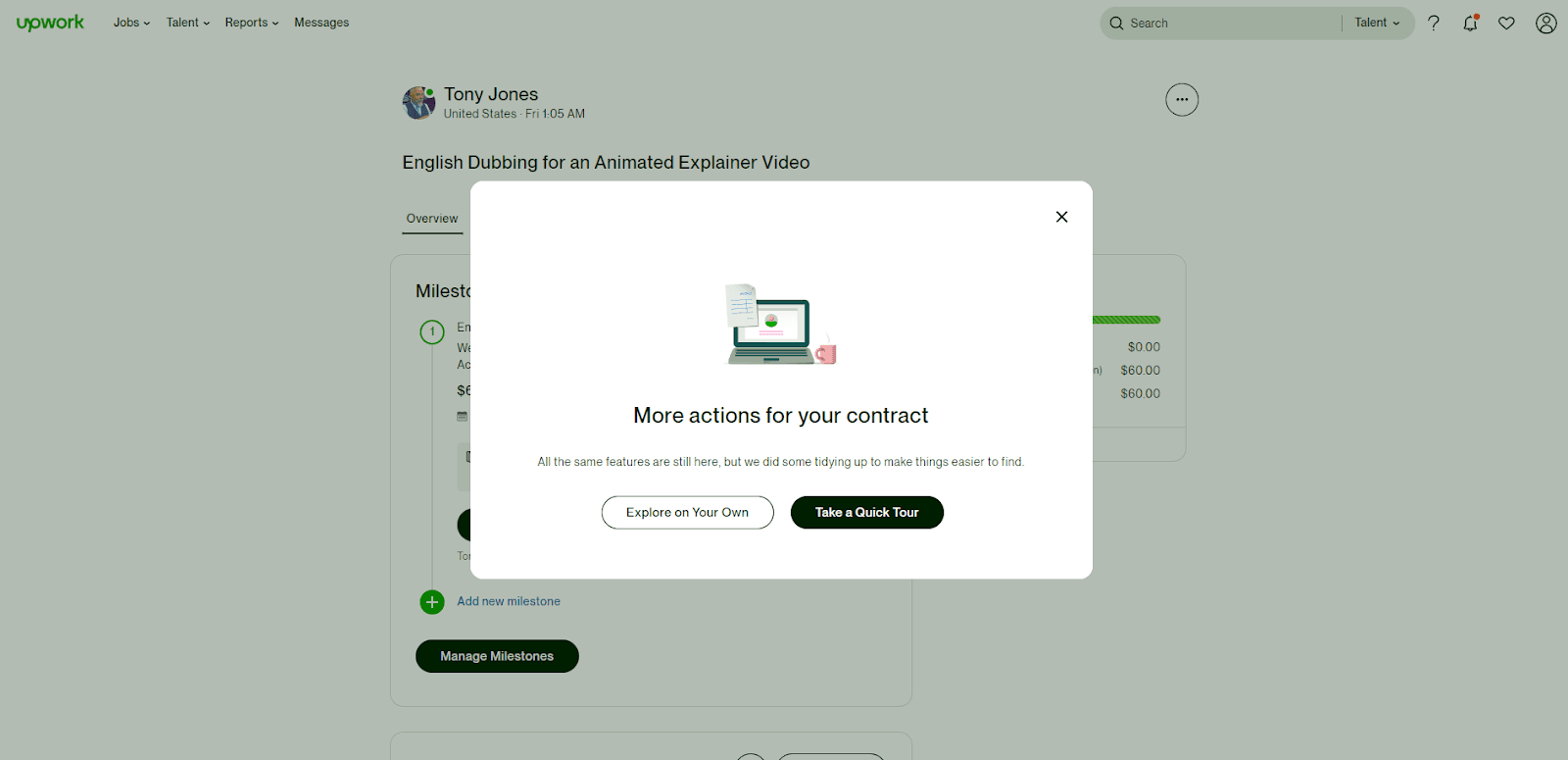
Upwork introduced a tidied-up contract page with an opt-in product tour. At the time of the screenshots, opening a contract shows a modal with a small illustration, the title "More actions for your contract" and one reassuring line: all the same features are still there, just easier to find. You choose between "Explore on Your Own" and "Take a Quick Tour". The tour is three tooltips: "Find the essentials up front" on the Overview tab, one on the Details tab for contract terms and freelancer feedback, and a last one on the "more actions" menu. Each has a green progress bar, a step count and round arrow buttons.
Why it works
- Clean design: the illustration gives the modal a reason to be looked at before it's closed, and the tooltips are small and plain enough not to get in the way of the page.
- Copy that answers the real worry: when a page changes, people want to know if anything is gone, and the modal's first line says no. "Explore on Your Own" is offered as an equal choice, not a hidden skip link.
- A progress bar in brand green: with only three steps, the bar fills quickly, and its colour ties it to the rest of Upwork's interface while still catching the eye.
More on this pattern: how to create a product tour and onboarding tours.