Product tours
Two Dots’ onboarding is the perfect game user flow
Puzzle game Two Dots introduces its Star Rank feature in four full-screen steps that count your stars, reveal your rank and hand out rewards.
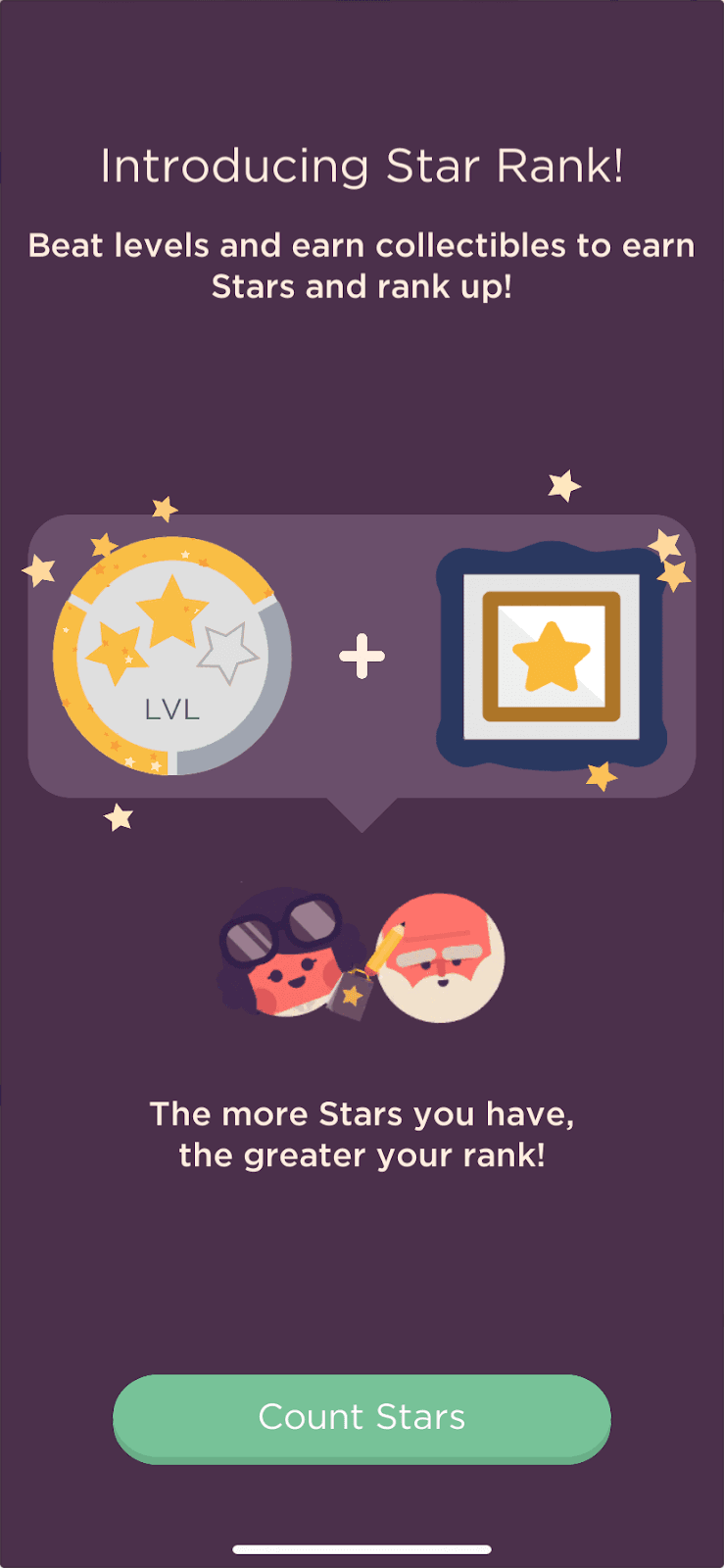
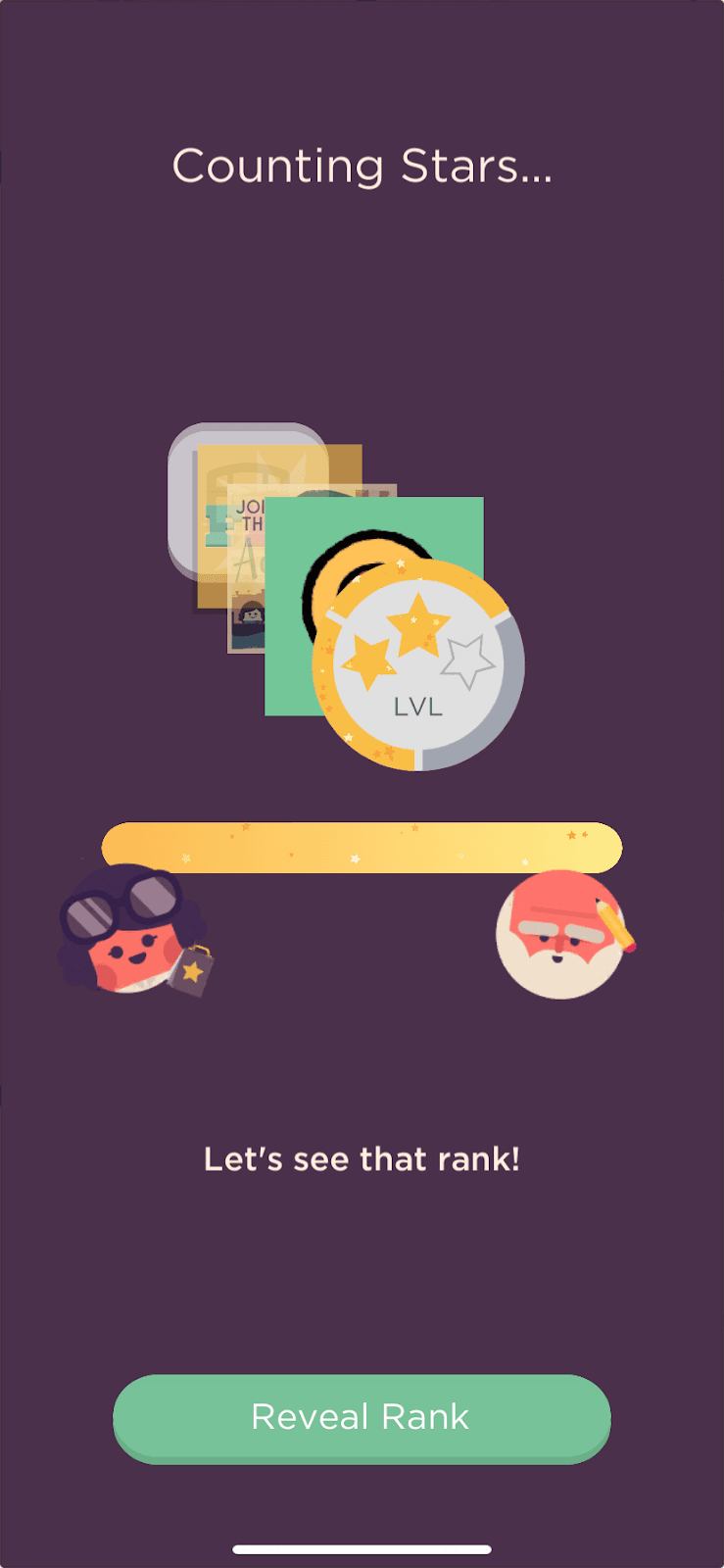
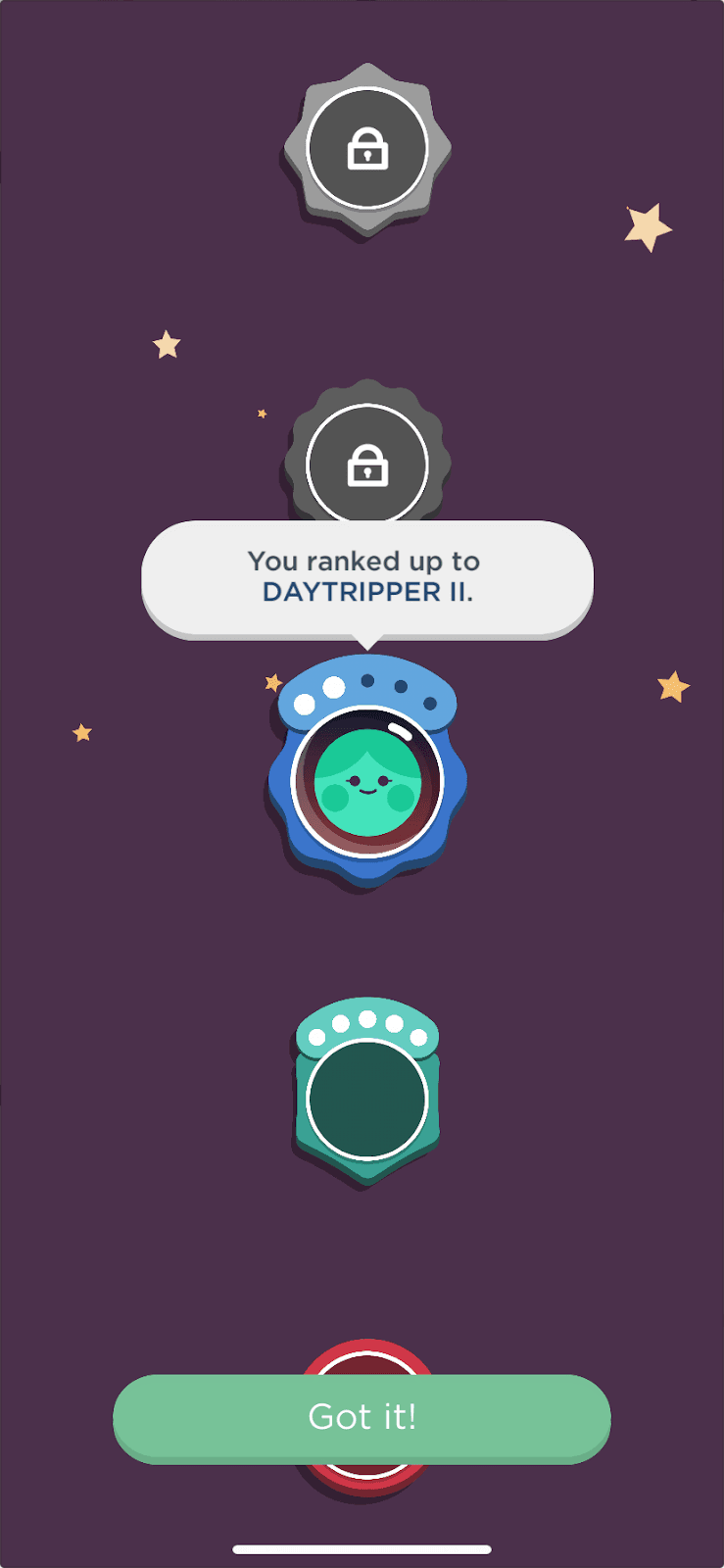
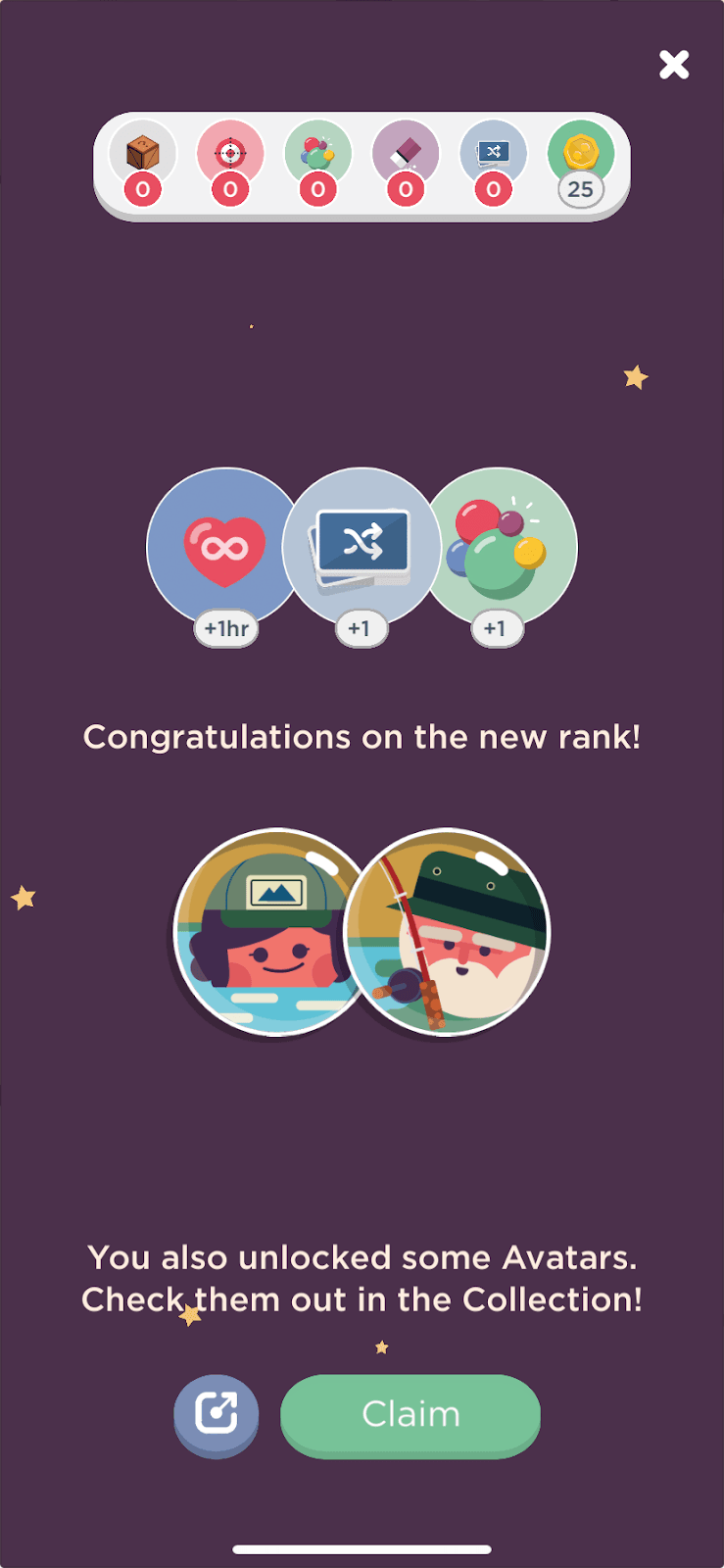
At the time of the screenshots, the mobile puzzle game Two Dots introduced its new Star Rank feature with a four-step, full-screen feature onboarding flow. "Introducing Star Rank!" explains in one line that beating levels and earning collectibles earns Stars. "Counting Stars..." fills a star bar between the game's two characters. A rank ladder then announces the player's new rank, and the last screen congratulates them and shows the rewards and avatars they unlocked. There's no progress bar, and the copy is minimal.
Why it works
✅ Built like a game moment: counting stars, revealing a rank and claiming rewards turn a feature explanation into something that feels like play, as any good mobile game should.
✅ No need for a progress indicator: the flow is so short, and each step leads so clearly to the next, that a missing progress bar doesn't bother players. It makes the flow feel less like a task.
✅ Exciting microcopy: buttons such as "Count Stars", "Reveal Rank", "Got it!" and "Claim" build anticipation and keep players in a good mood.
More on this pattern: new feature onboarding and onboarding UX writing.