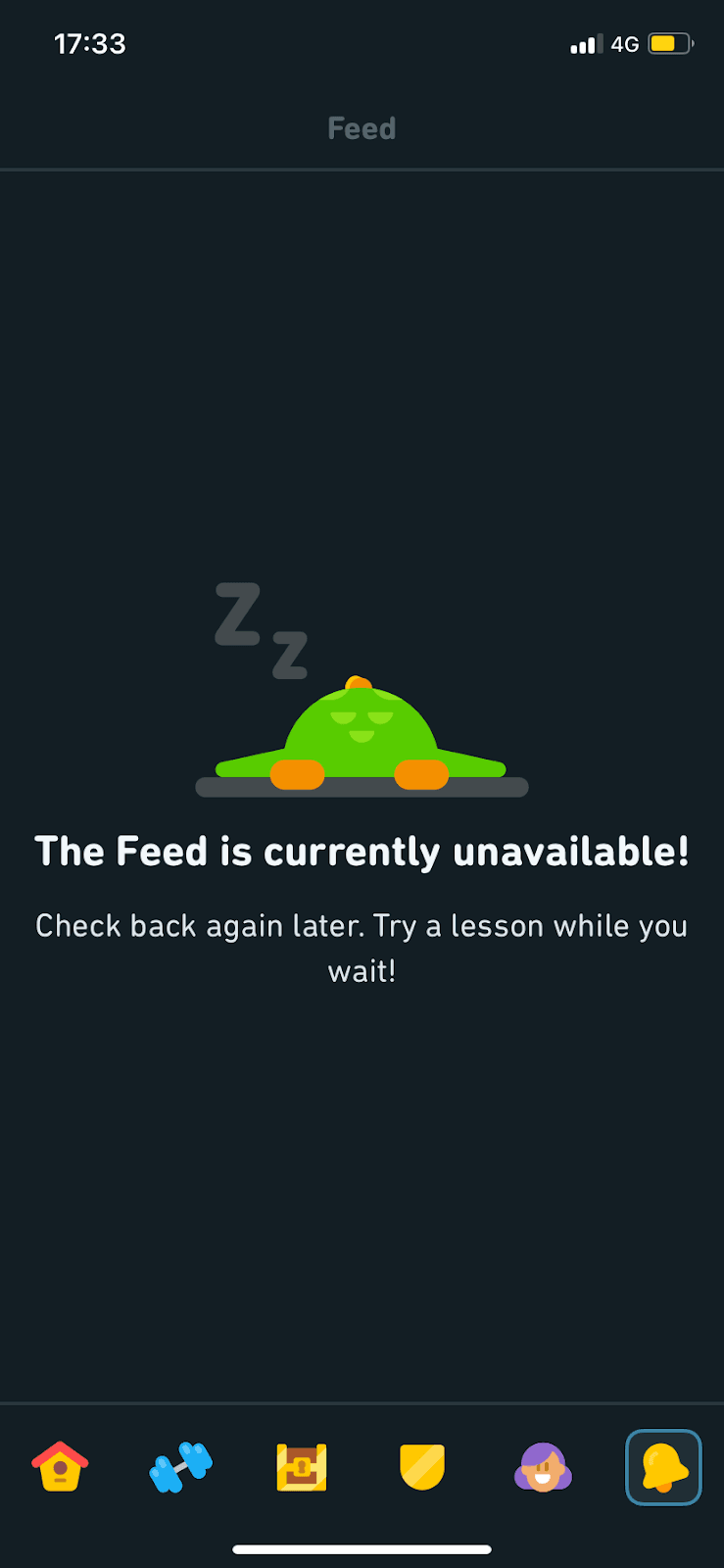
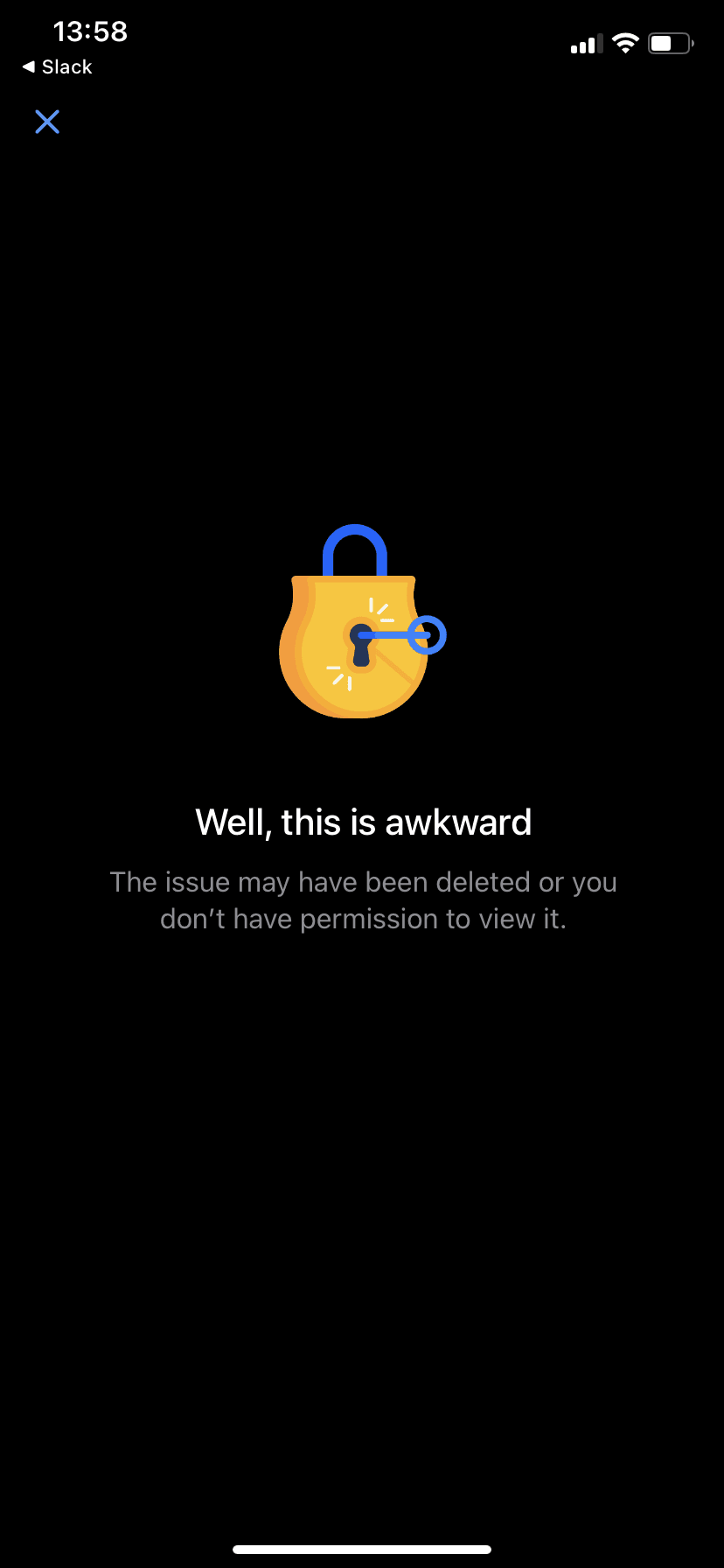
Empty state · Contextual help
Twitter’s empty states are fun and illustrated
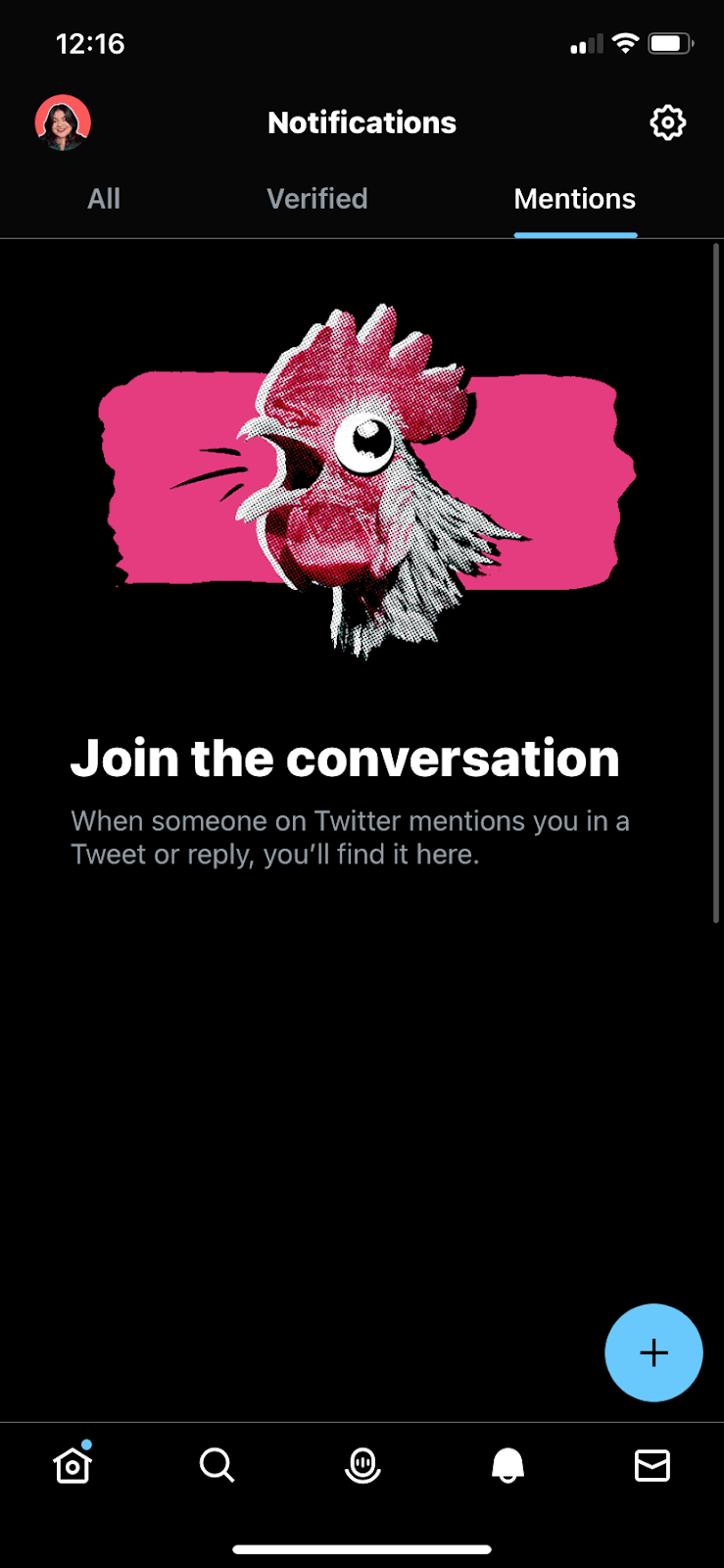
Twitter's mobile app fills empty notification tabs with bold halftone illustrations and a line explaining what will show up there.
Screenshot added to the library in December 2022; its exact capture date wasn’t recorded, and the product may look different today. Write-up reviewed 22 Oct 2026.
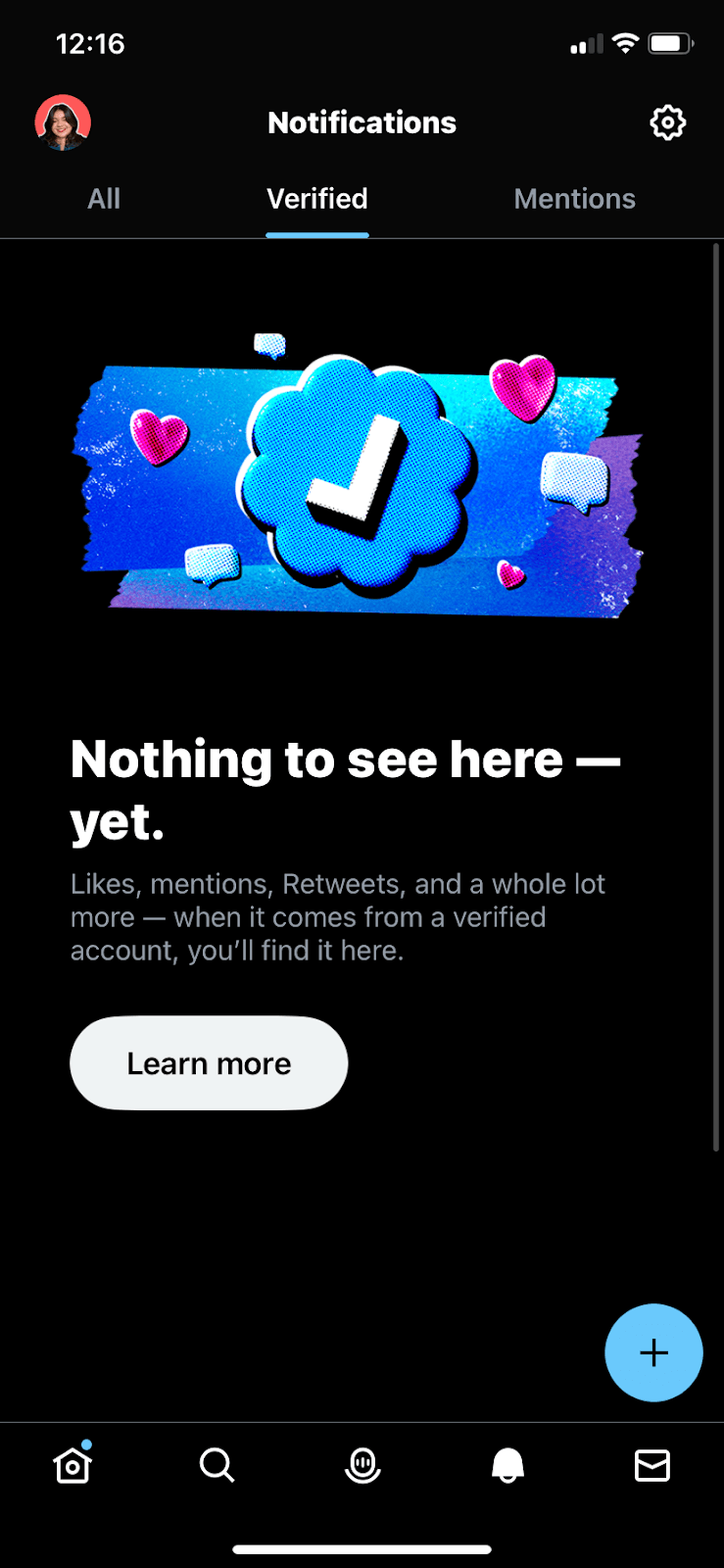
At the time of the screenshots, Twitter's mobile app greeted first-time users with illustrated empty states on its Notifications tabs. The Verified tab shows a halftone verified badge among hearts and speech bubbles, a bold headline saying there's nothing to see yet, a line explaining that likes, mentions and Retweets from verified accounts will appear there, and a Learn more button. The Mentions tab shows a squawking rooster and the headline "Join the conversation".
Why it works
✅ Distinctive visuals: Twitter uses the same halftone illustration style across its empty states and modals, which turns blank screens into part of the brand.
✅ Good copy: the tone is friendly and matches Twitter's voice, and each screen pairs a large headline with one short line, so users know what the tab is for at a glance.
✅ Sets expectations: instead of a blank list, each tab tells new users what will fill it later, and the Verified tab adds a Learn more button for anyone who wants the detail.
More on this pattern: onboarding UX patterns and onboarding UI.