
User Onboarding
TikTok puts you in the loop right away
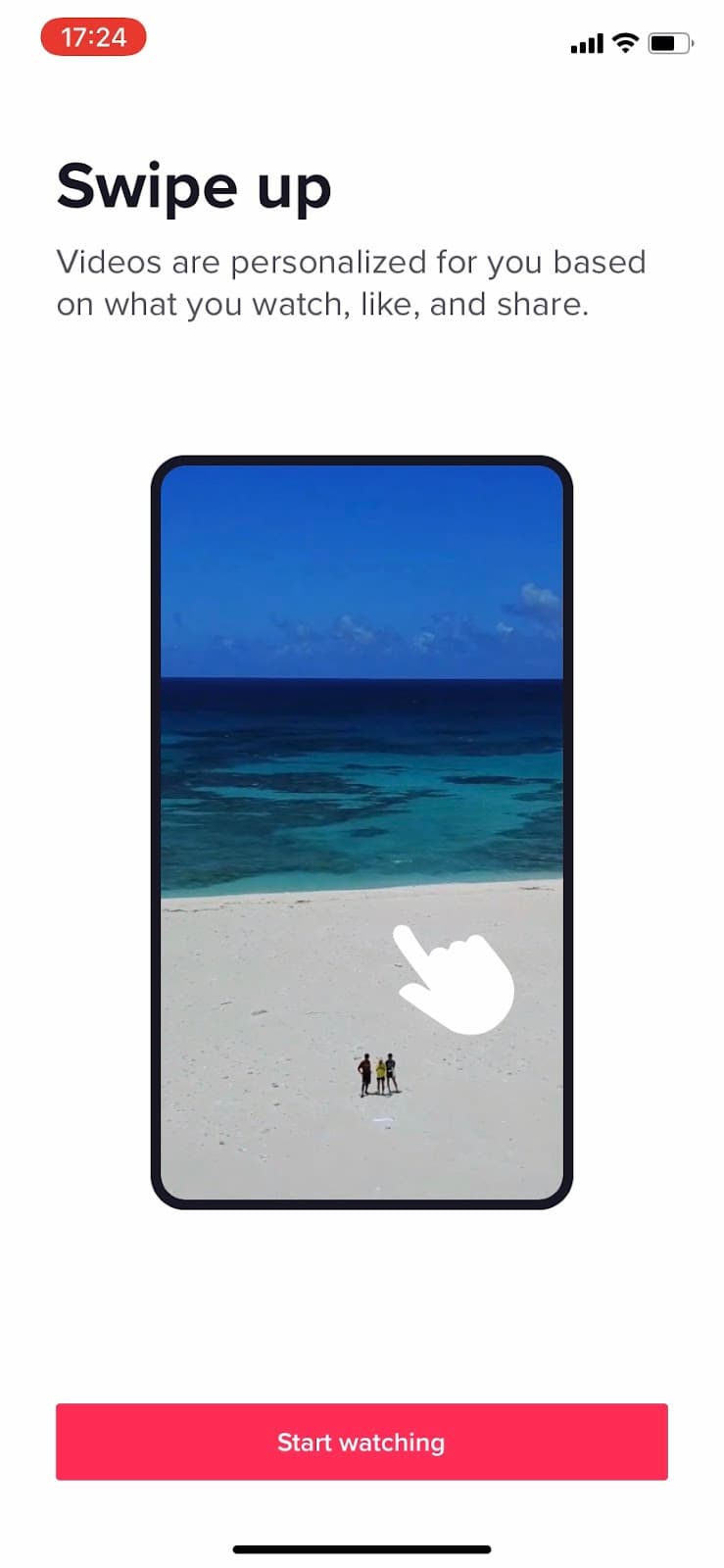
TikTok asks new users to pick interests, shows one swipe-up animation and starts playing videos, all before asking them to sign up.
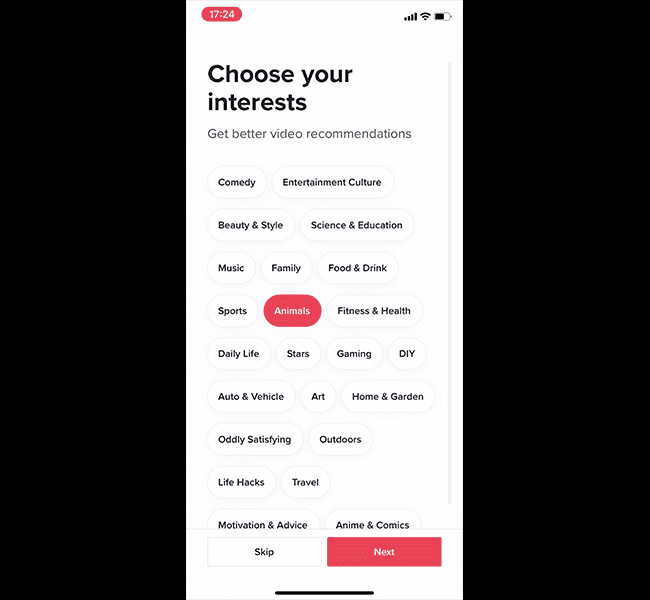
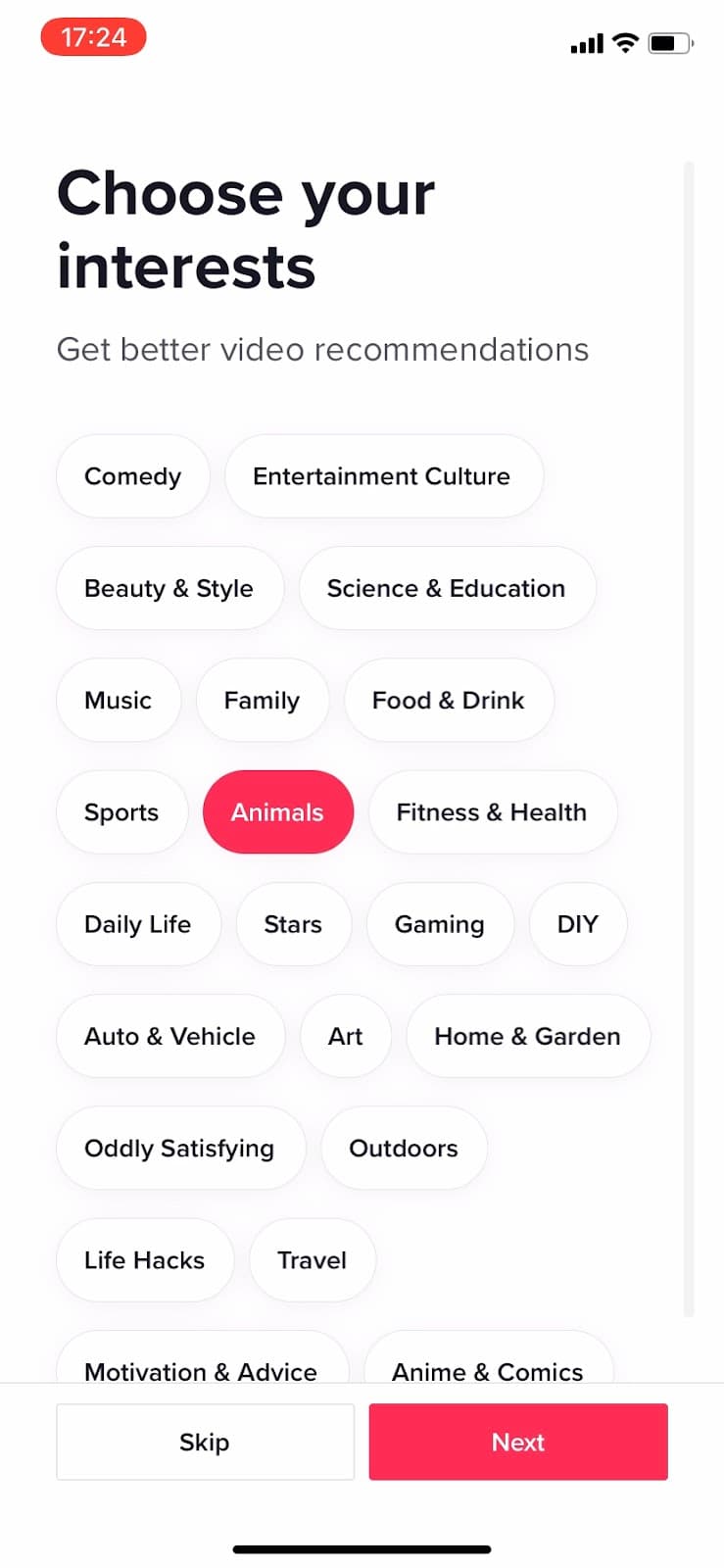
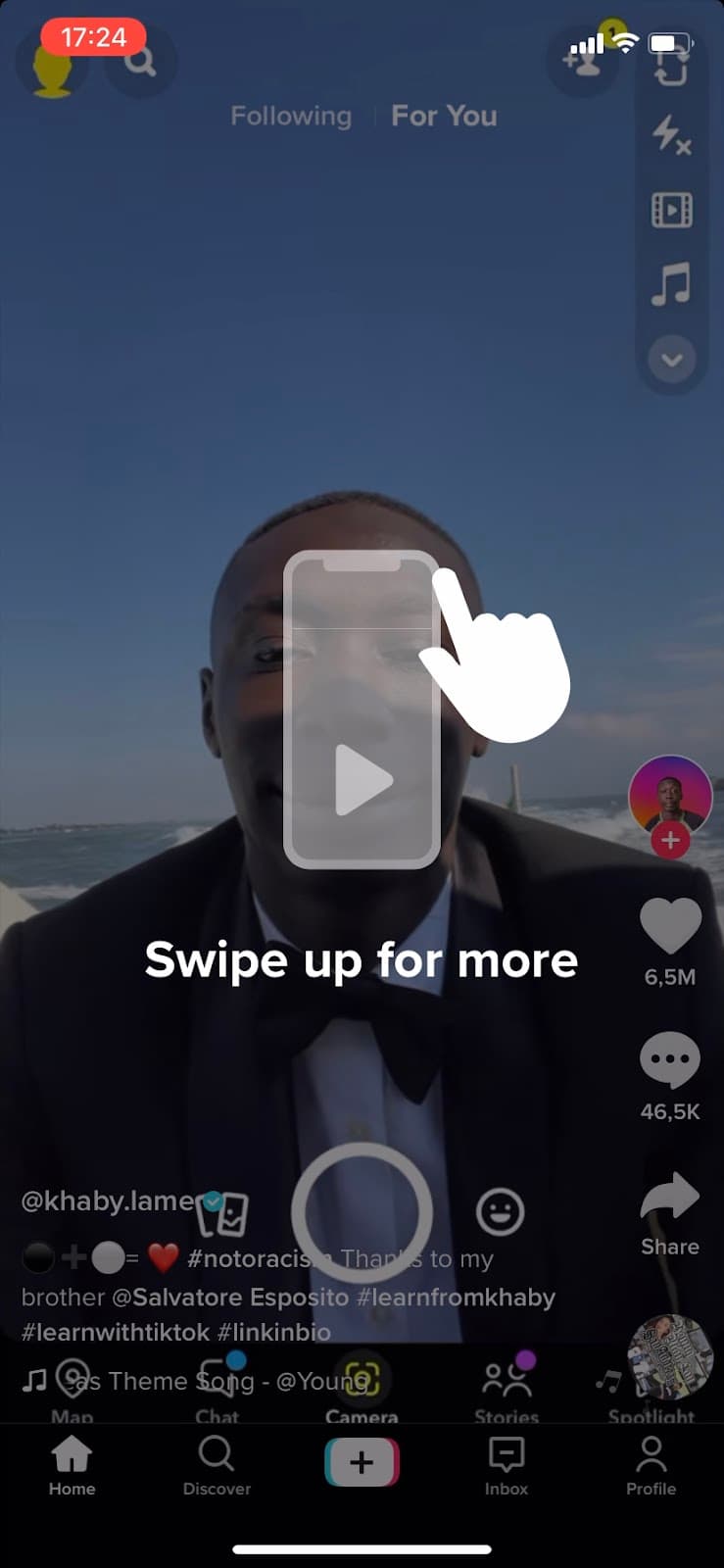
At the time of the screenshot, TikTok’s first-run experience put users into the feed before any sign-up. The first screen, "Choose your interests", offers a grid of topic chips (Comedy, Animals, Gaming and more) with Skip and Next. A second screen, "Swipe up", explains that videos are personalised based on what you watch, like and share, with an animated hand swiping a phone and a Start watching button. In the For You feed, an overlay repeats the gesture: "Swipe up for more". This kind of mobile app onboarding teaches one gesture and gets out of the way.
Why it works
- Low pressure: TikTok doesn’t ask for login details up front. It asks what users like and starts showing it, and the only lesson is one gesture.
- Visual learning: in an app built around watching, the onboarding teaches with animation and keeps words to a supporting role.
- Personalisation first: before anything else, TikTok asks what users want to watch, and tells them the feed will keep adapting to what they do.
More on this pattern: mobile app onboarding and personalised onboarding.


