
User Onboarding
Pinterest’s signup onboarding is short and to-the-point
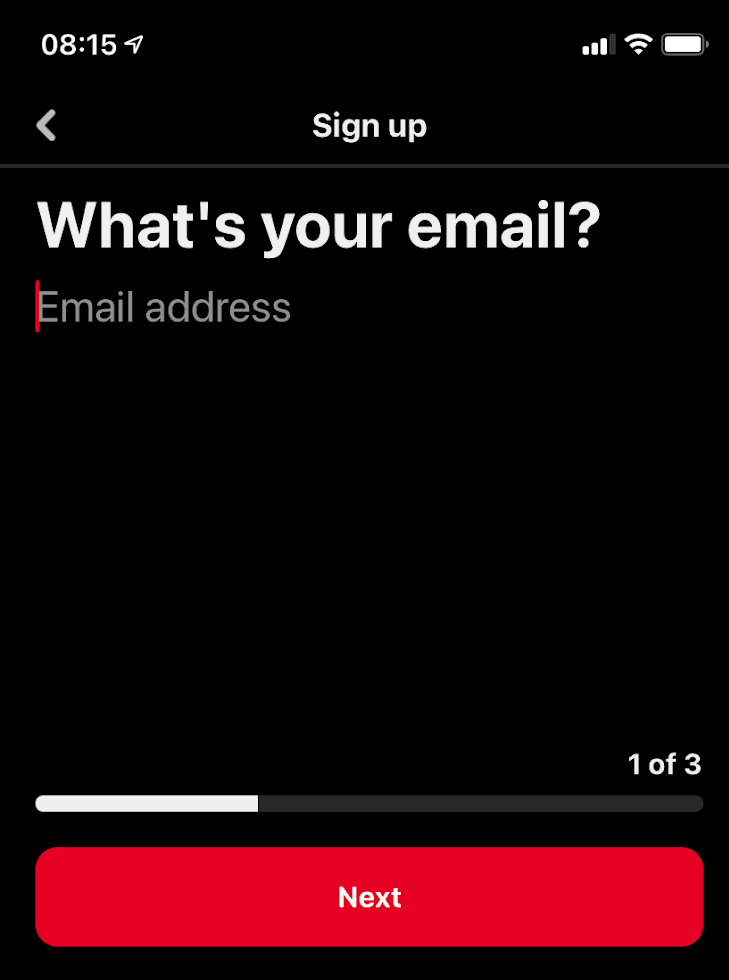
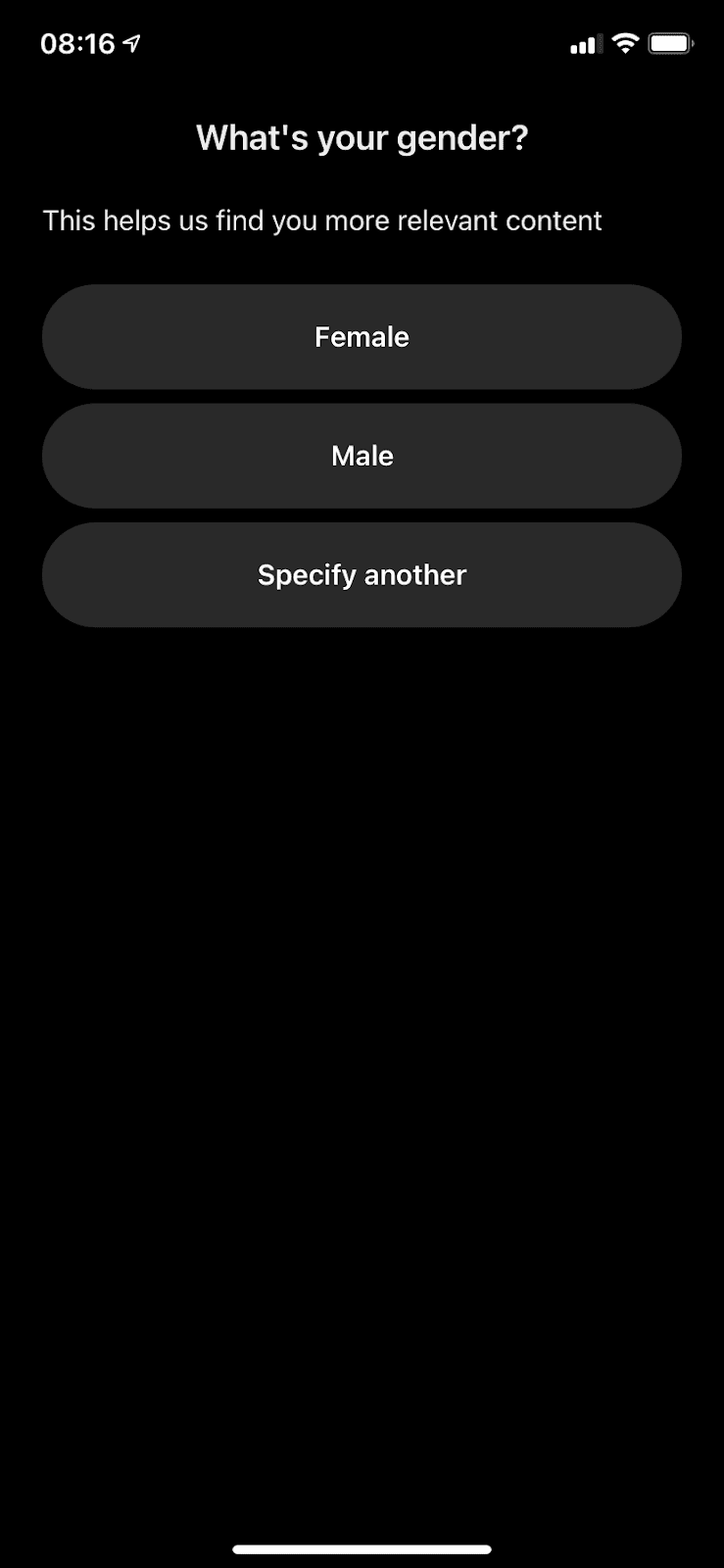
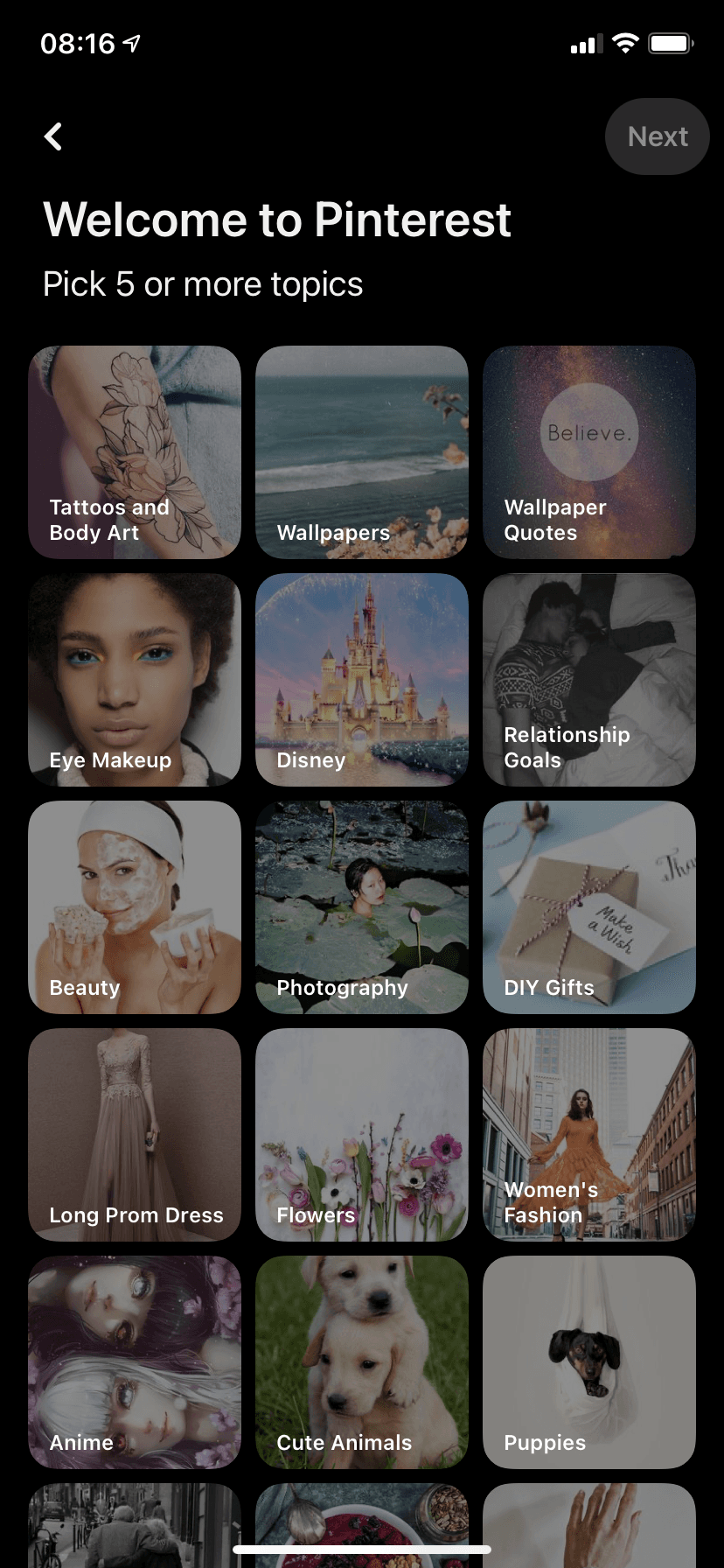
Pinterest's mobile signup takes three steps (email, gender, five topics) with a progress bar, so your first feed is personalised from the start.
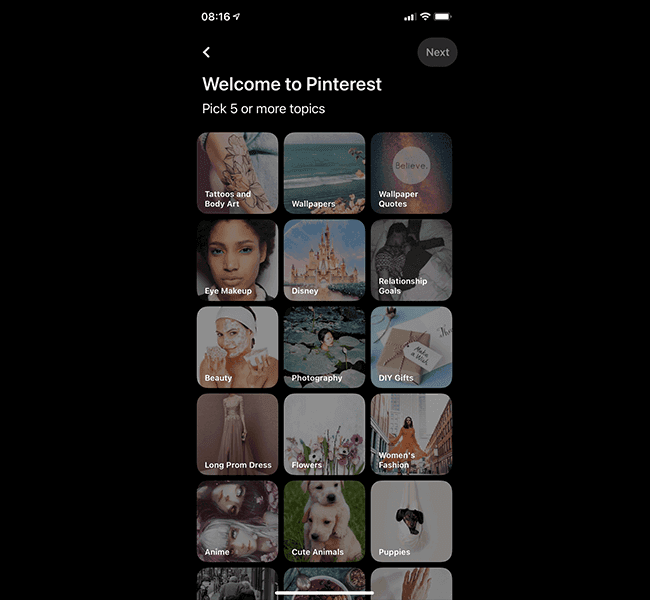
Pinterest's mobile app keeps its signup flow to three steps. At the time of the screenshots, the first asks "What's your email?" above a "1 of 3" counter and a progress bar. The second asks for your gender ("This helps us find you more relevant content") with three large buttons: Female, Male and Specify another. The last, "Welcome to Pinterest", asks you to pick five or more topics from a grid of photo tiles such as Wallpapers, DIY Gifts and Photography, and the Next button stays inactive until you have.
Why it works
- Short and simple: one question per screen and only a few options each, so signing up takes little time or focus.
- Progress you can see: the "1 of 3" counter and the bar tell you from the first screen how short the flow is.
- Personalisation over instruction: two of the three steps exist to shape your feed, not to teach the app, so the first thing you see after signing up is already about your interests. The gender step even says why it's asking.
More on this pattern: app onboarding screens and personalised onboarding.


