Tooltip · Feature discovery
Moodle’s new feature onboarding is to the point
Moodle's mobile app explains its new navigation with three one-line tooltips and a full-screen swipe hint, each closed with a Got it button.
Screenshot added to the library in October 2022; its exact capture date wasn’t recorded, and the product may look different today. Write-up reviewed 22 Oct 2026.
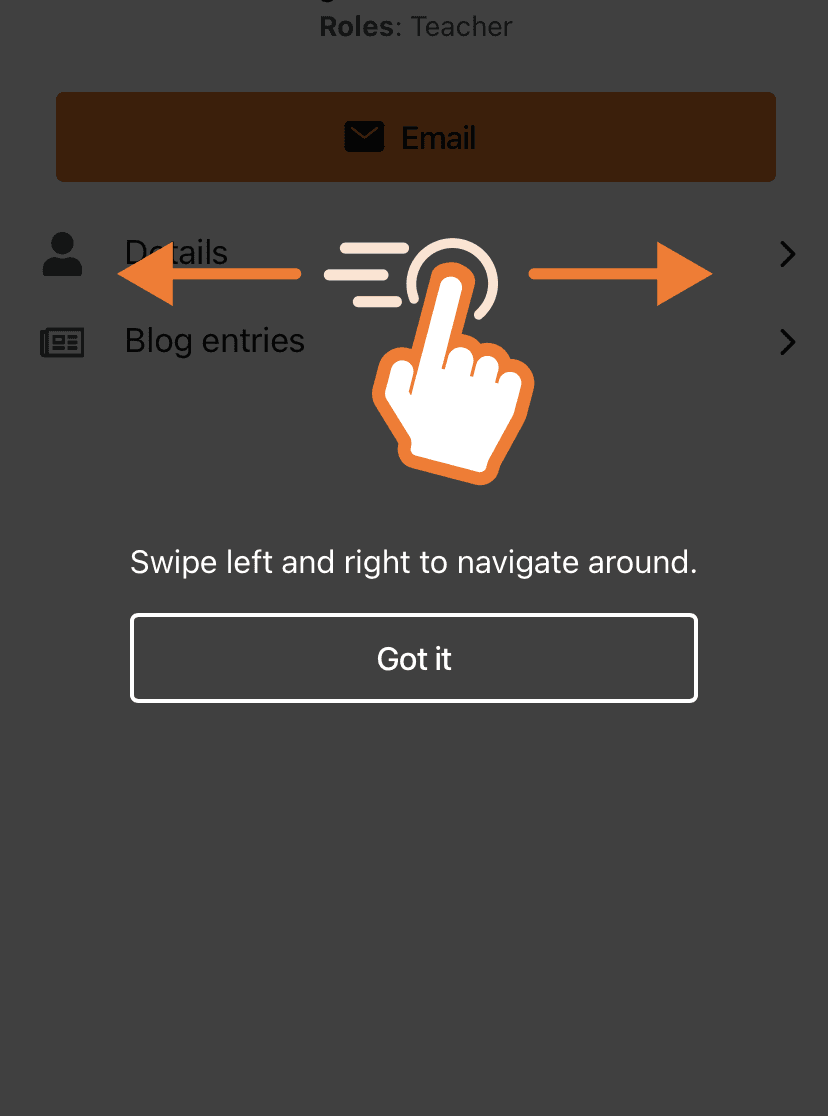
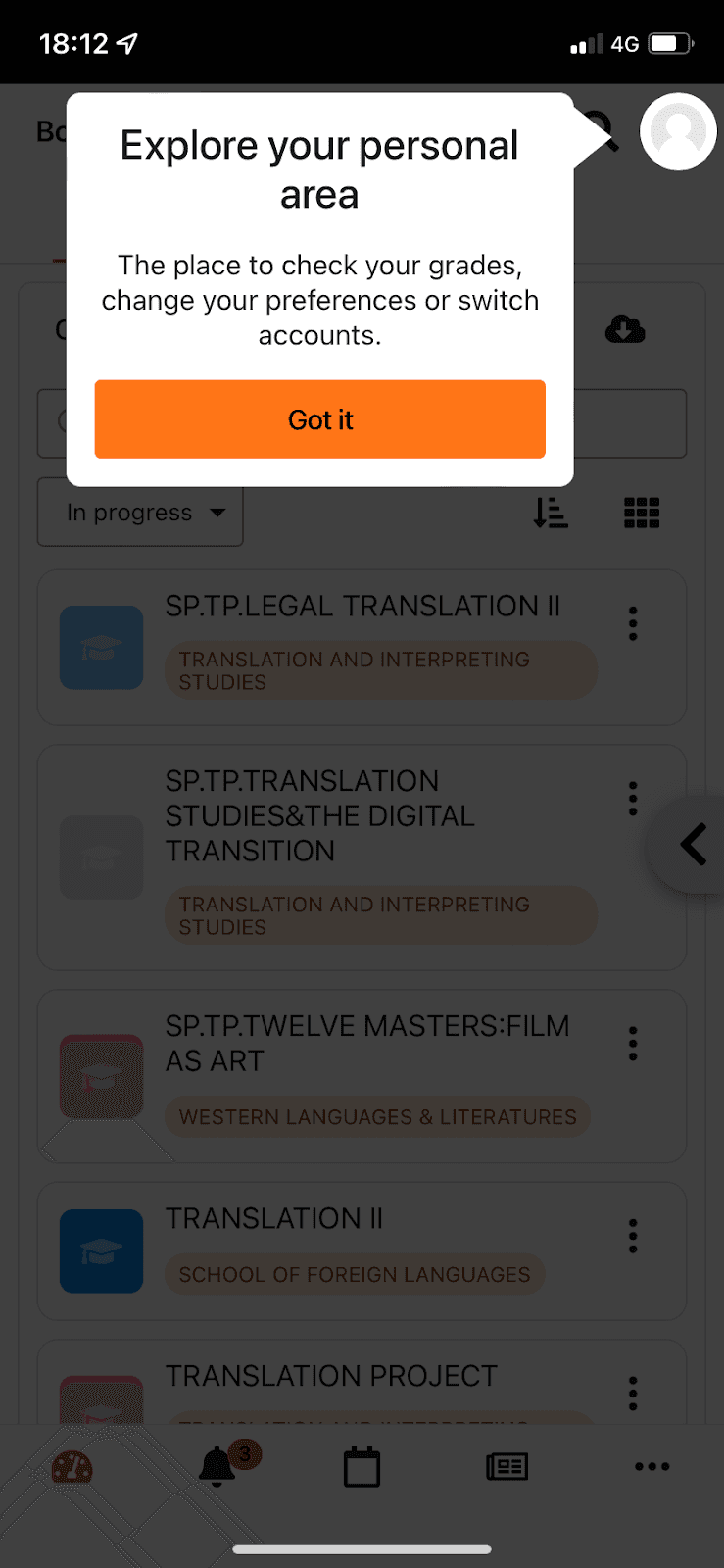
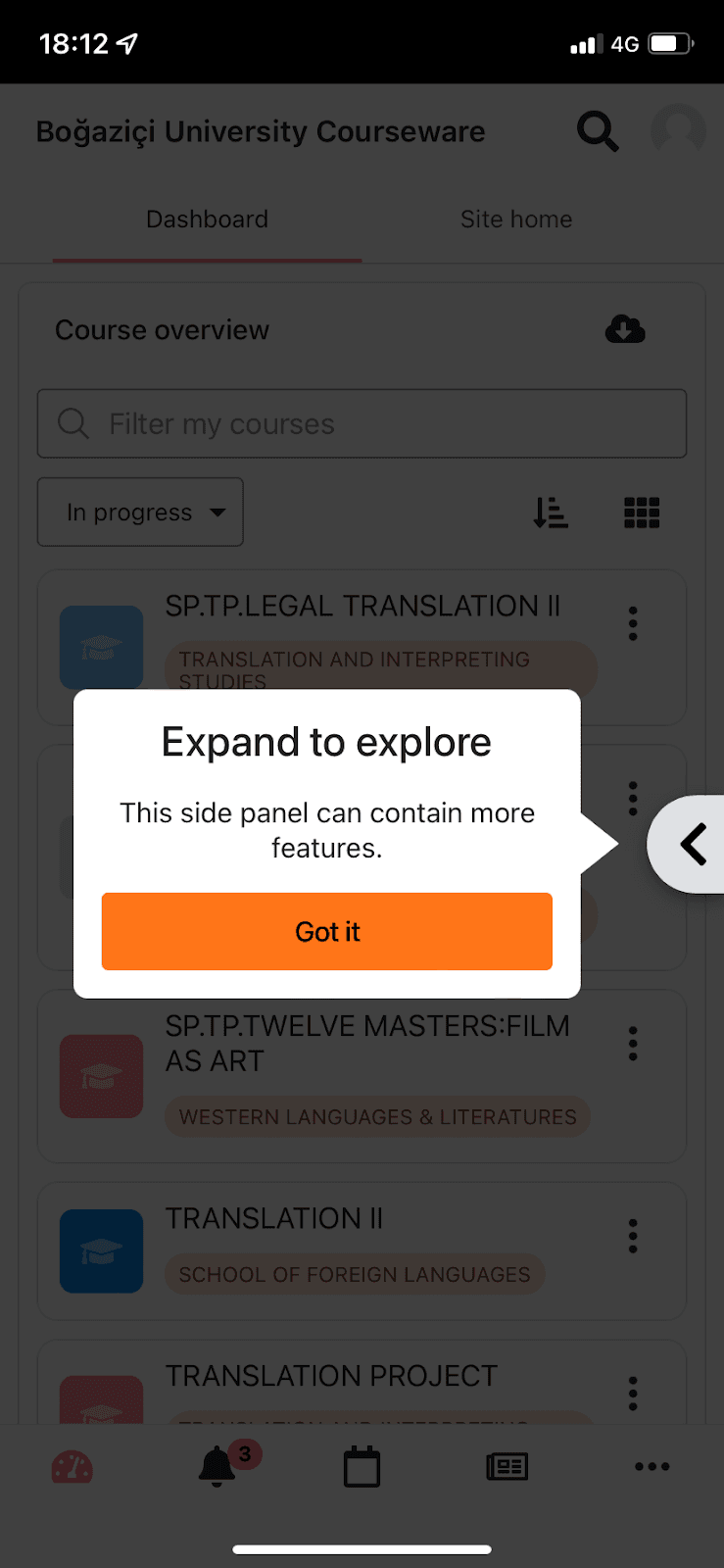
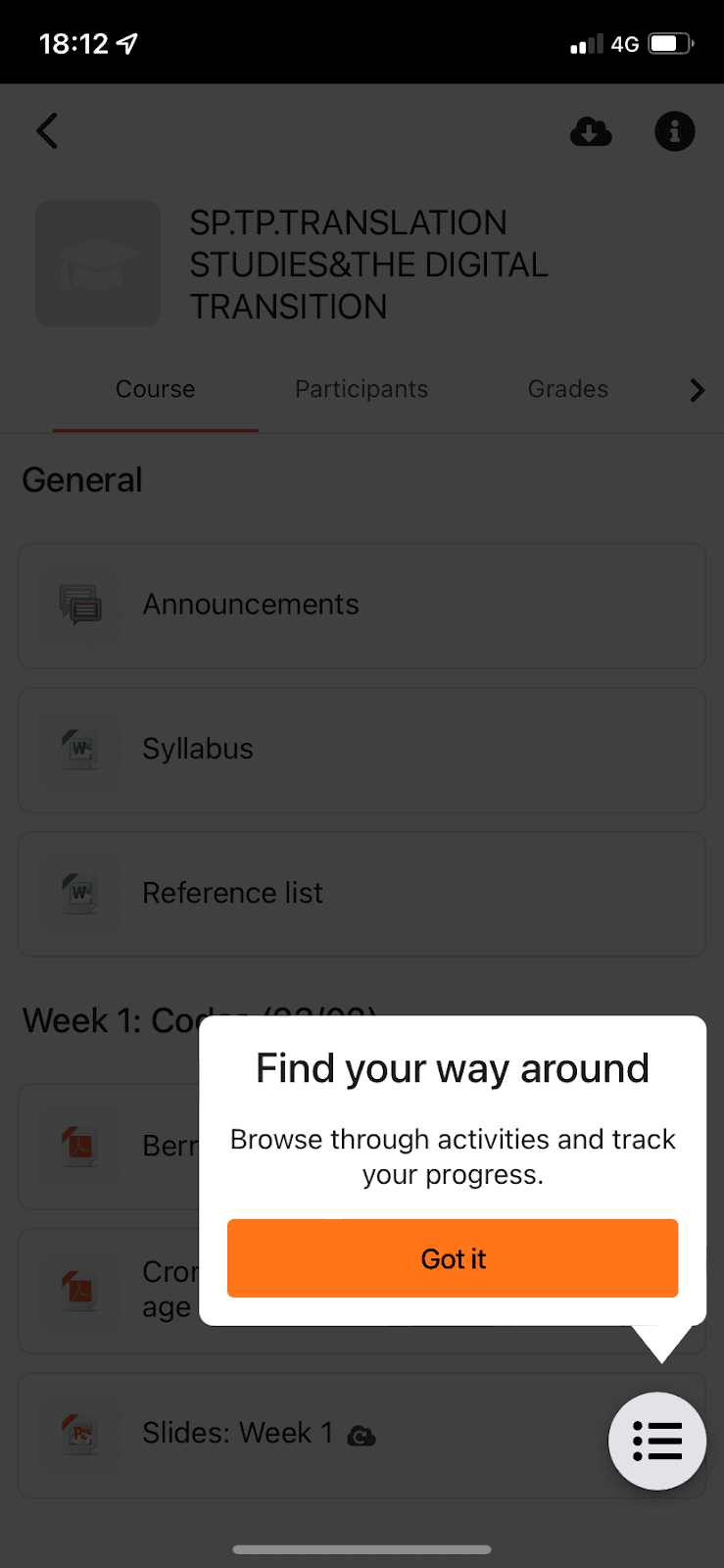
Moodle, the learning management system, introduces changes in its mobile app with a three-step feature tour. At the time of the screenshots, each tooltip points at one element over a dimmed screen: your avatar ("Explore your personal area"), a side panel tab ("Expand to explore") and the course index button ("Find your way around"). Each has one sentence of explanation and an orange "Got it" button. There's no progress indicator, but at three steps it isn't missed. Separately, a full-screen overlay with a hand and two arrows shows the swipe gesture: "Swipe left and right to navigate around."
Why it works
- Short and to the point: three steps, each a short heading and one sentence, so the tour is over before it gets in the way.
- Background dimming: it's common but easy to skip, and without it the tooltips and the busy course list would blur together. Here the highlighted element is the only thing at full brightness.
- A gesture shown, not described: a swipe is hard to explain in words, so the full-screen overlay draws it with a hand and arrows. For a touch-only interaction, that's the right format.
More on this pattern: new feature onboarding and mobile app onboarding.