Tooltip
LinkedIn’s tooltips care about your identity
LinkedIn introduces pronouns and name pronunciation with two one-line tooltips on the user's profile, each with a single button to add the detail.
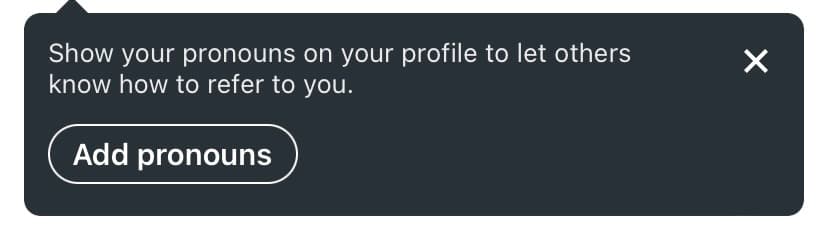
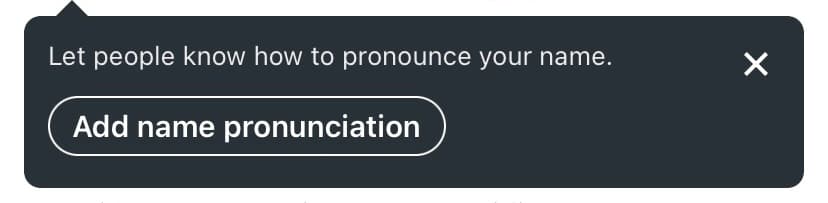
At the time of the screenshots, LinkedIn introduced two profile features, pronouns and name pronunciation, with a pair of small tooltips. They appeared on the user's own profile, pointing at the profile picture. Each has one line of copy ("Show your pronouns on your profile to let others know how to refer to you", "Let people know how to pronounce your name"), a close icon and an outlined button (Add pronouns, Add name pronunciation) that takes the user to the edit profile page.
Why it works
✅ Placed in context: both features belong to the user's profile, so showing the tooltips there, next to the profile picture, makes it more likely people use them.
✅ Inclusive by design: the features themselves help people be addressed the way they want, and announcing them on the profile makes them part of everyday use instead of a policy page.
✅ Short and simple: instead of a full-screen modal or a banner lecturing about respect, LinkedIn tells users what's new in one sentence and lets them close it.
More on this pattern: tooltips and new feature onboarding.