
User onboarding
Life360’s signup flow looks good and reads well
Life360's mobile signup flow sets up a family Circle one question per screen, with a line of reassurance or a tip under each step.
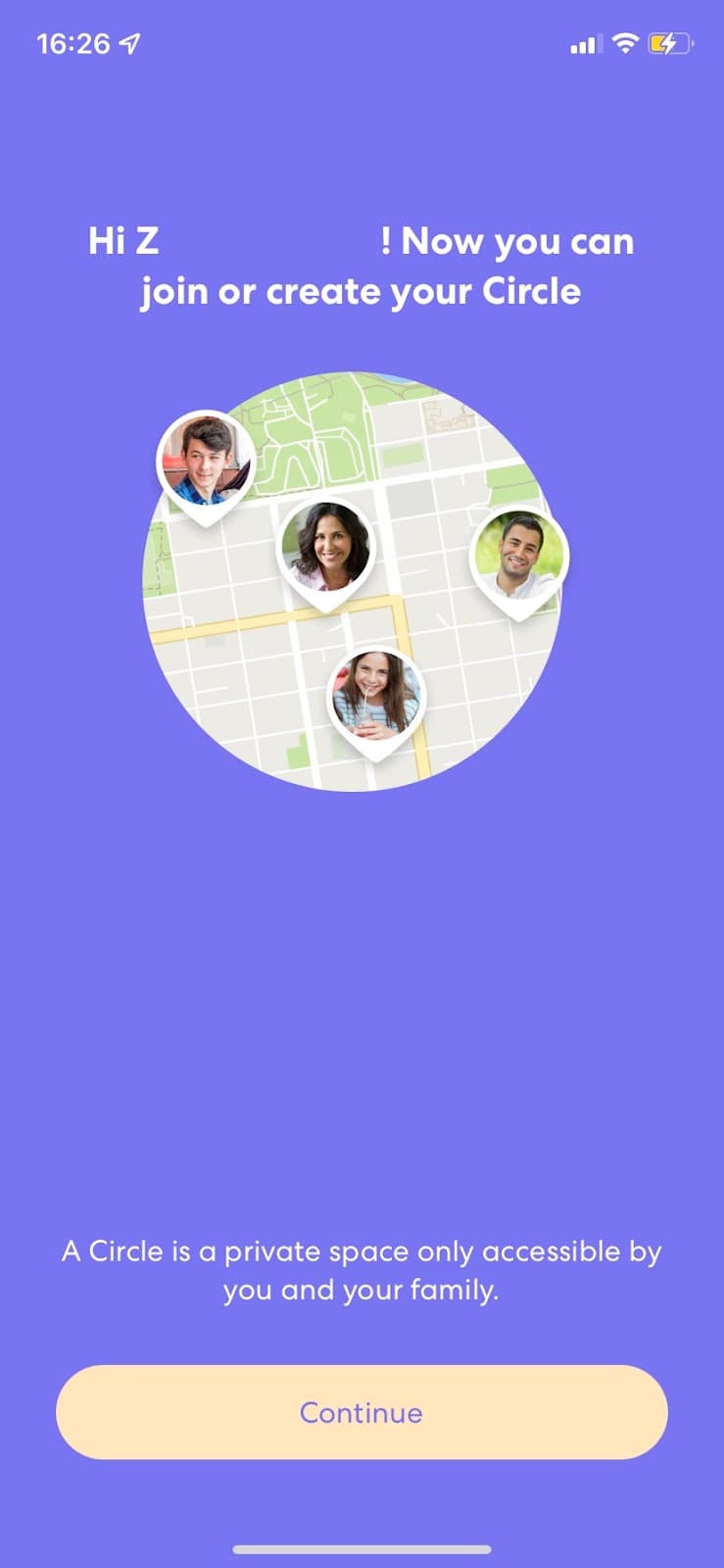
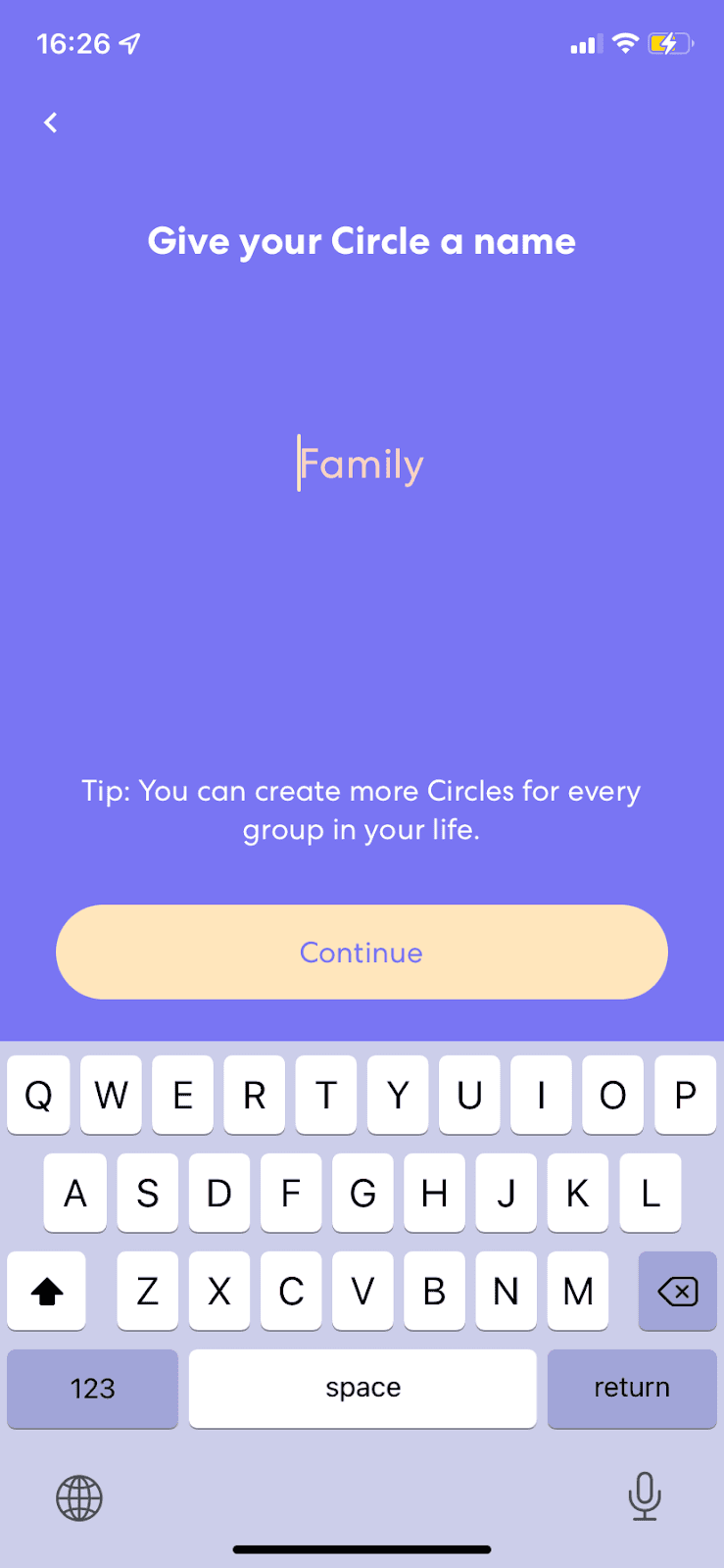
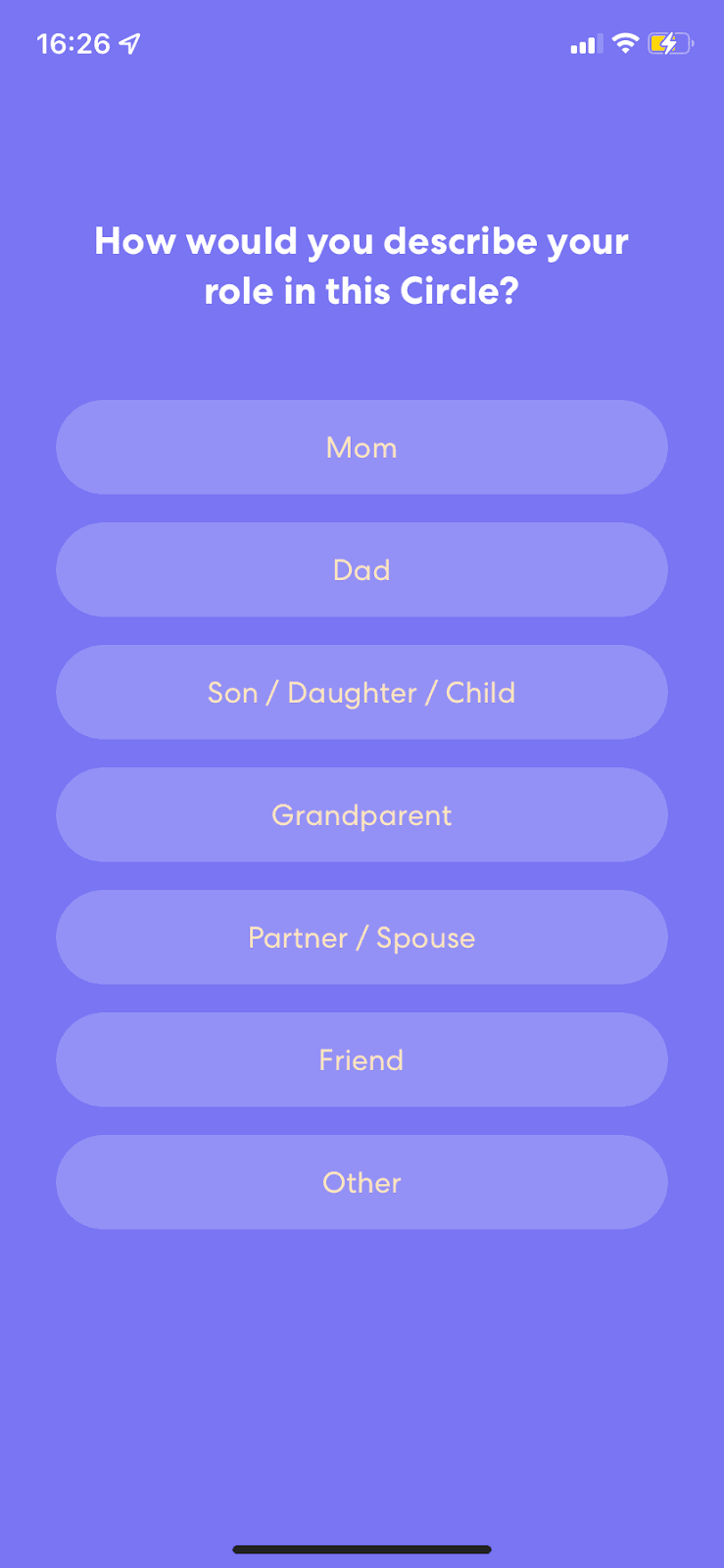
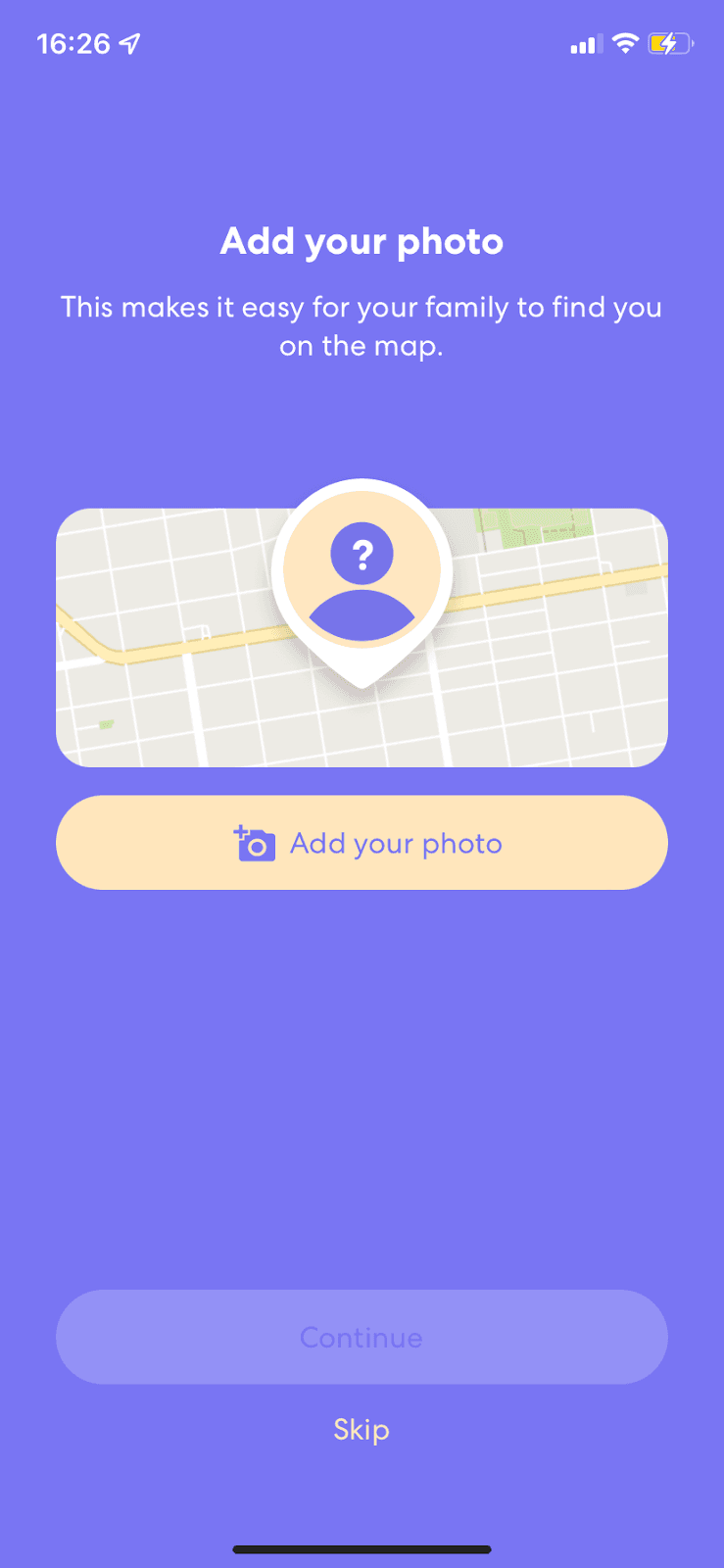
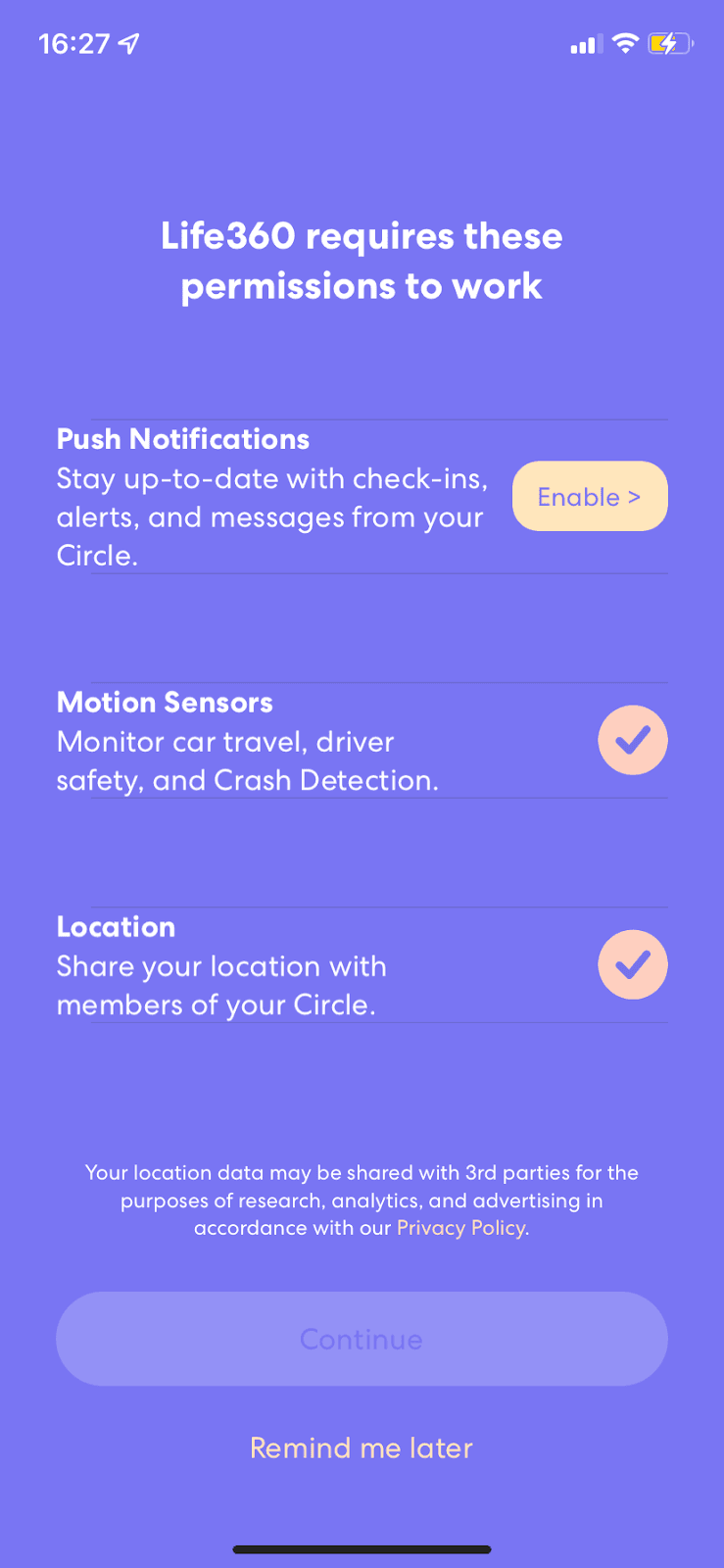
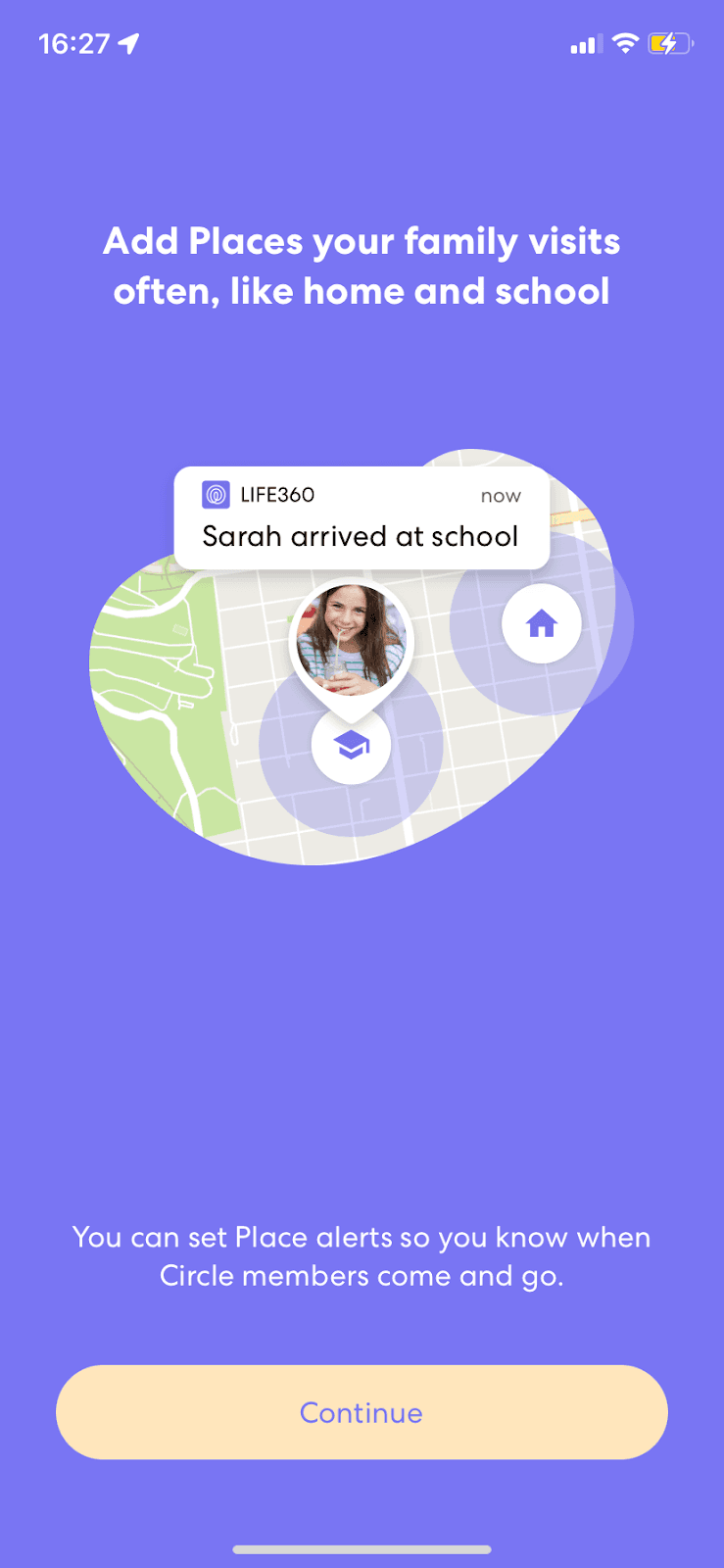
At the time of the screenshots, Life360, a family location-sharing app, walked new users through a signup flow of single-question screens on a purple background. Users create and name a Circle, pick their role in it (Mom, Dad, Child, Grandparent and so on), add a photo, grant permissions and add places such as home and school. There's no progress indicator, but nearly every screen carries one line that explains or reassures: "A Circle is a private space only accessible by you and your family."
Why it works
✅ Reassuring copy: for an app built around family safety and location, trust matters. Each permission says what it's for ("Share your location with members of your Circle"), and the photo step explains why a photo helps.
✅ Calm, consistent design: every screen uses the same purple background, centred question and pale yellow button, so the flow feels unhurried even though it's long.
✅ Visual support: map illustrations show what each step leads to, such as a "Sarah arrived at school" alert on the Places screen, so users understand the request before they act on it.
More on this pattern: onboarding user flows and mobile app onboarding.


