
User Onboarding
Lemlist’s onboarding makes sure the user is comfortable and well-taught
Lemlist asks how comfortable users are, offers skippable integrations, then walks them through a test campaign tracked by a checklist.
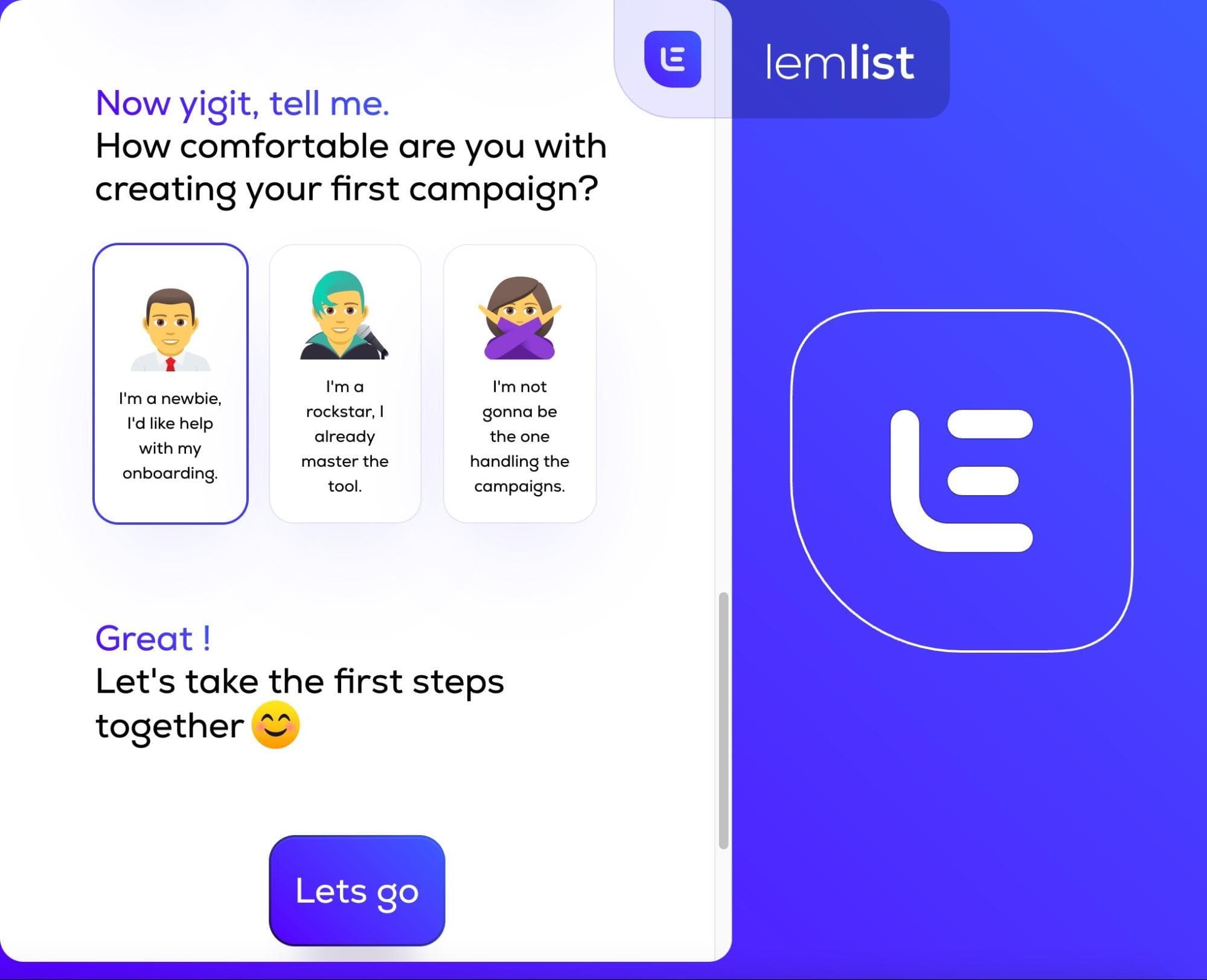
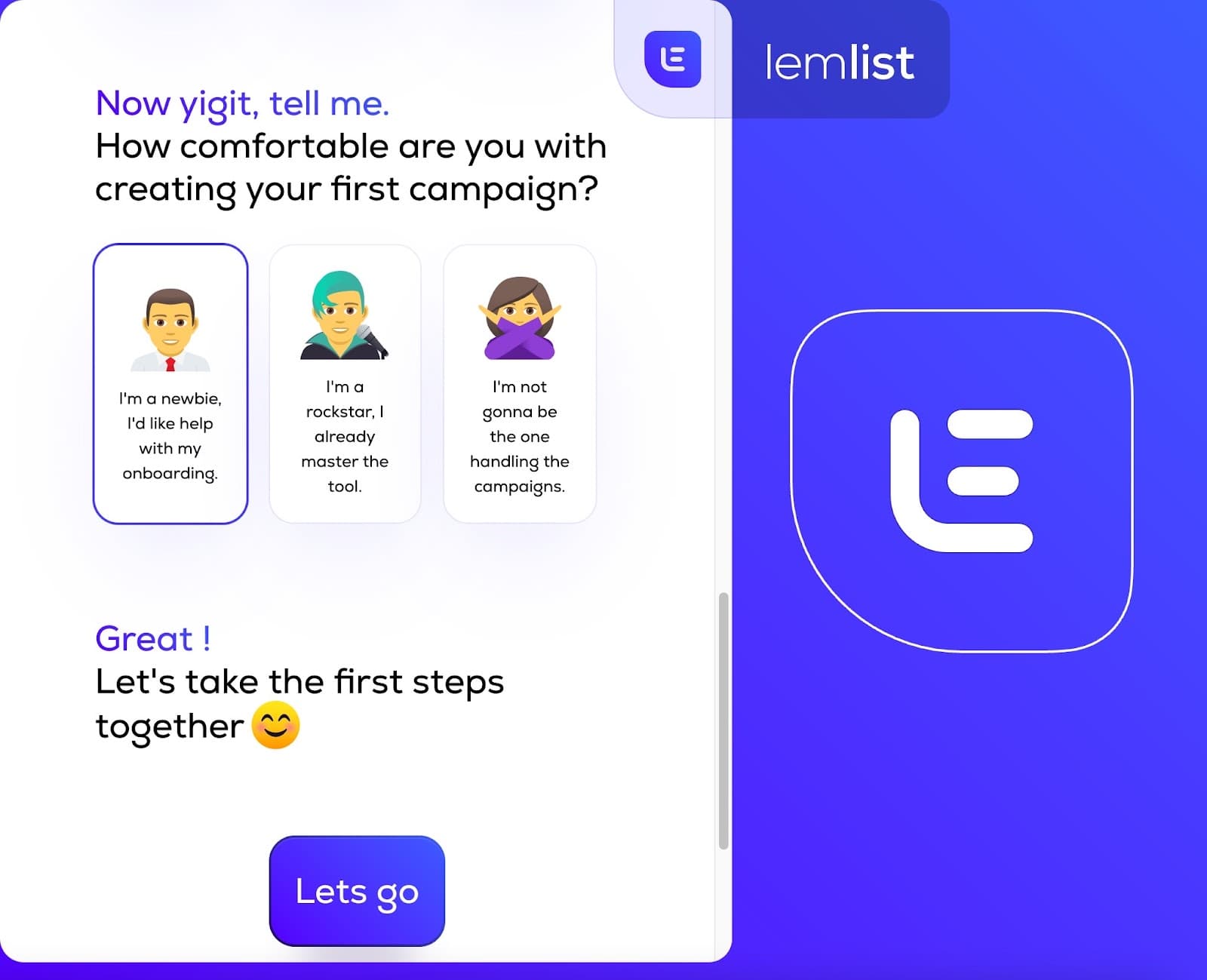
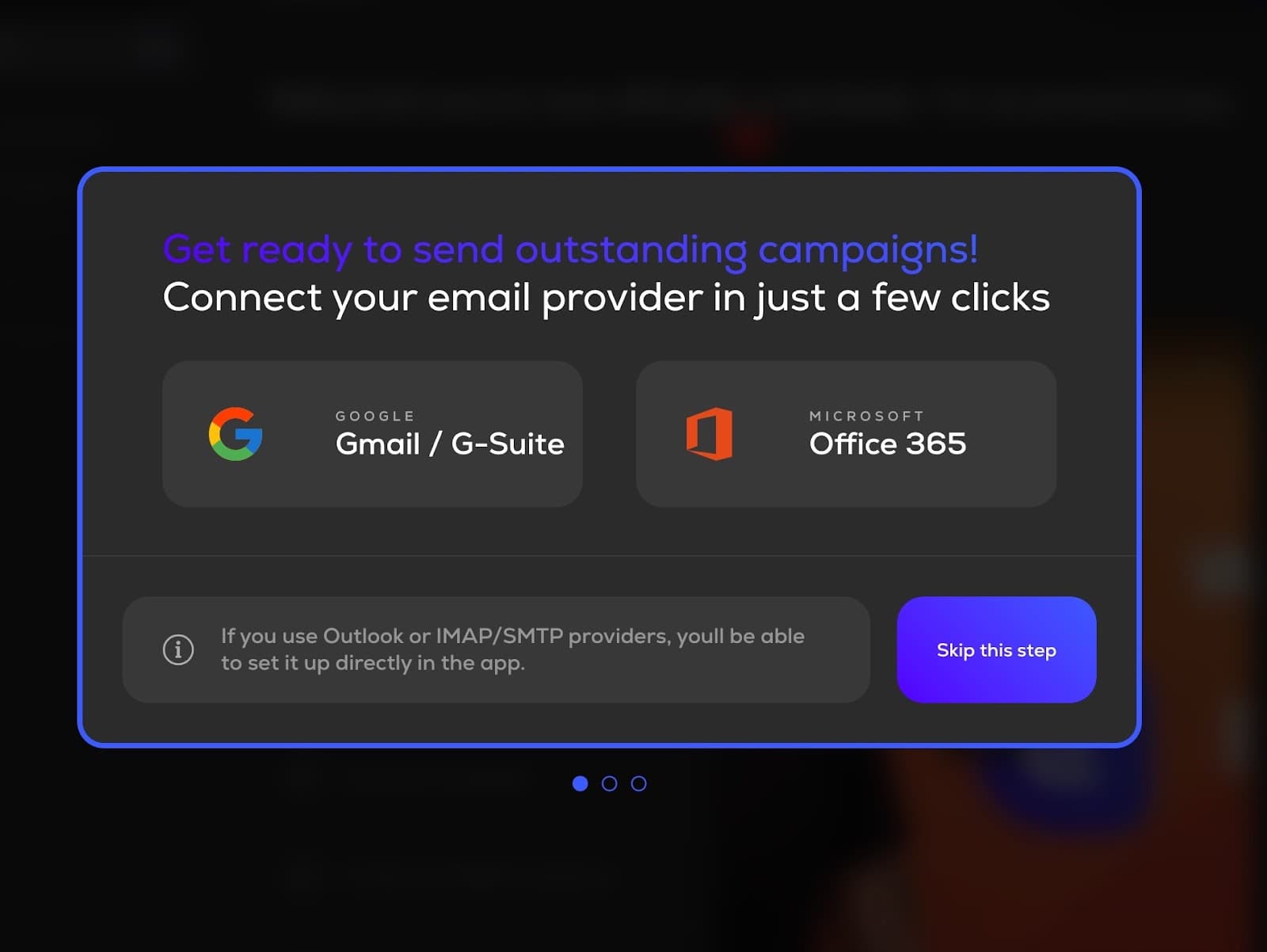
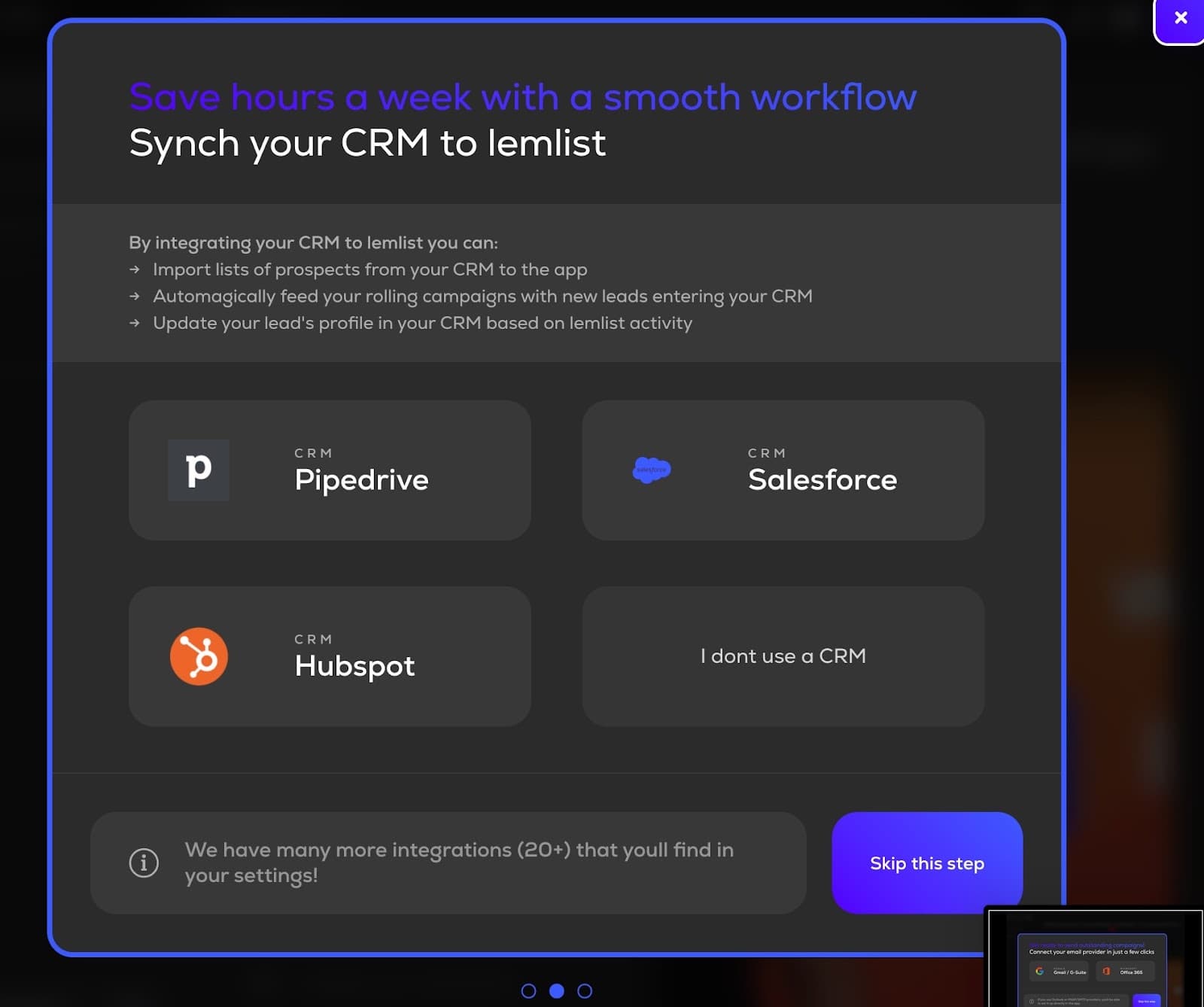
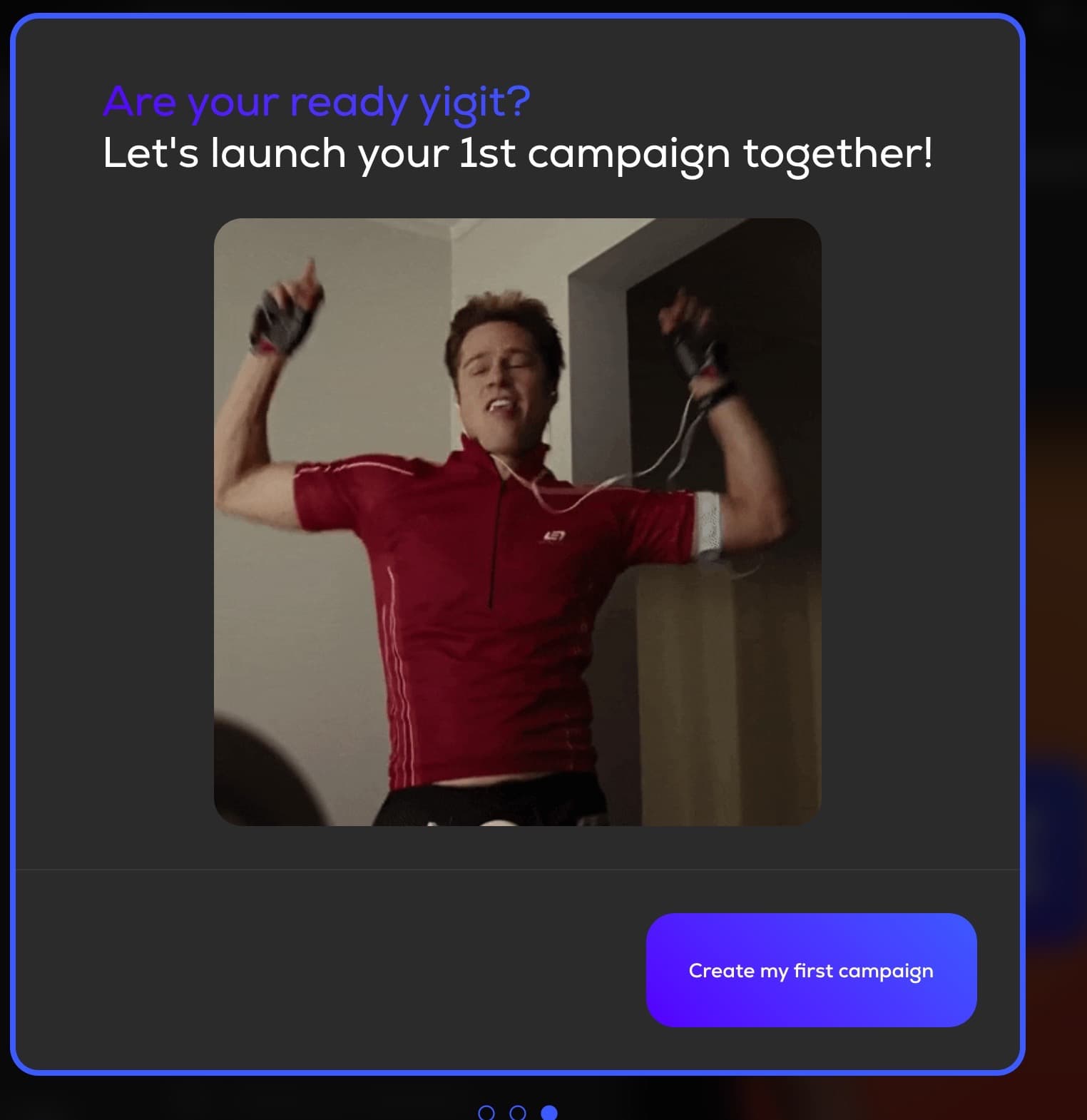
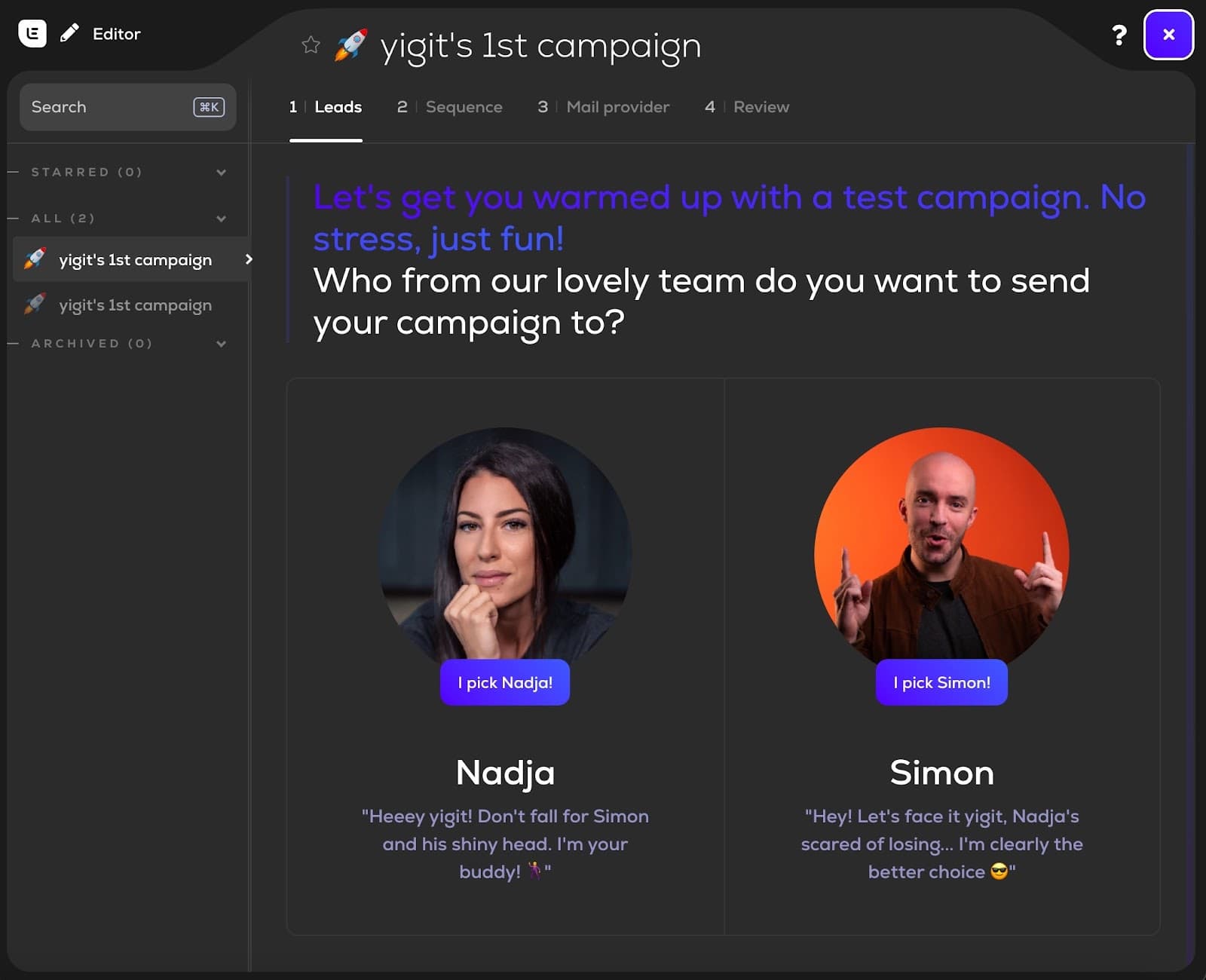
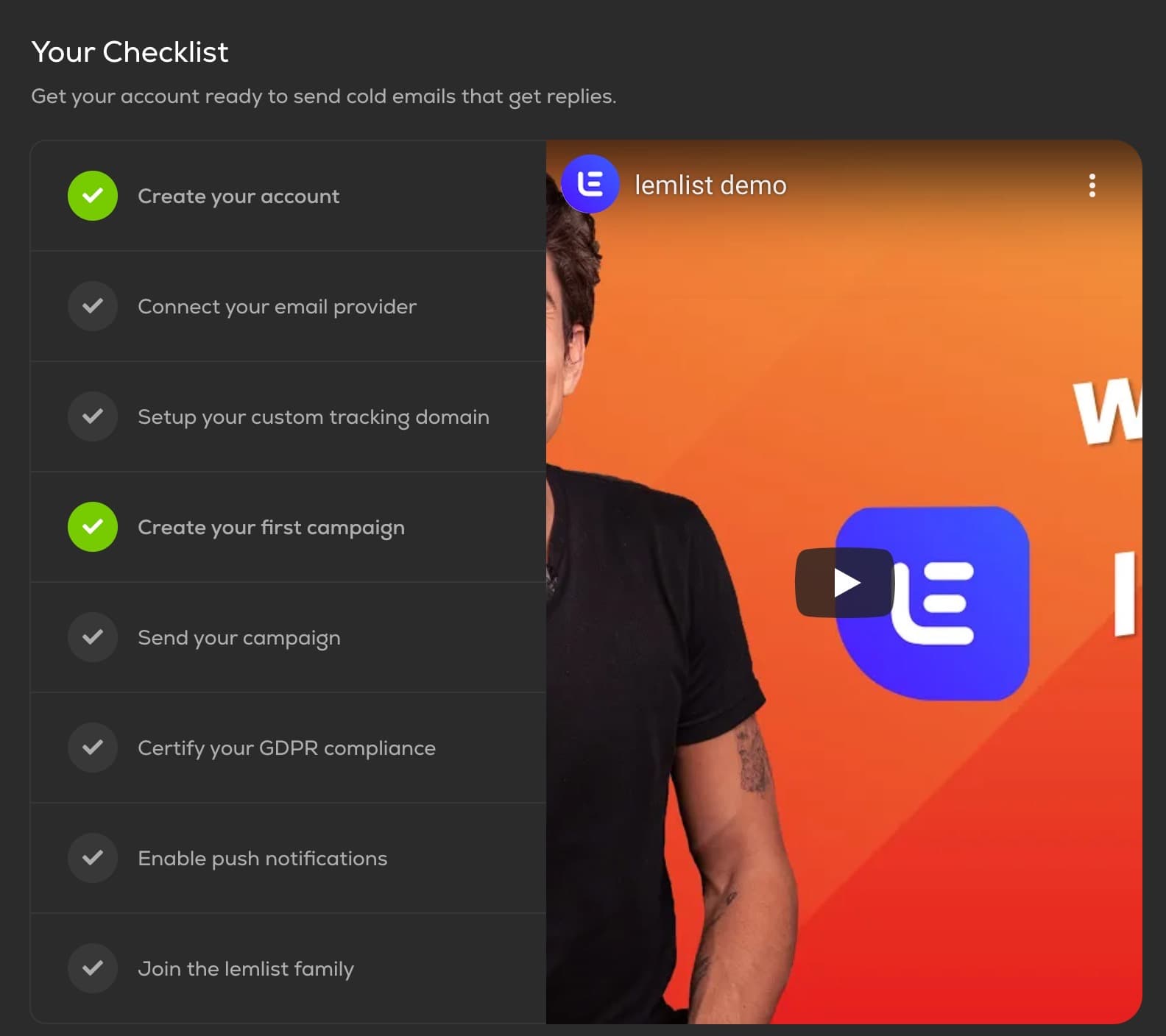
At the time of the screenshot, Lemlist’s onboarding flow opened by asking the user, by first name, how comfortable they were with creating a first campaign: a newbie who wants help, a "rockstar" who already masters the tool, or someone who won’t be handling campaigns. Two steps then offer to connect an email provider (Gmail or Office 365) and a CRM (Pipedrive, Salesforce or HubSpot), each with Skip this step. Next comes a test campaign, sent to a member of the Lemlist team the user picks: Nadja or Simon. A checklist of eight tasks, beside a demo video, tracks the whole process.
Why it works
- Good segmentation: asking about experience up front spares users who already know the tool from beginner hand-holding.
- Hand-holding from start to finish: skippable setup steps, a Create my first campaign button and the checklist give users a clear next step at every point.
- Personal and friendly: Lemlist uses the user’s first name, a celebratory GIF and playful lines from Nadja and Simon. Making its own team the first audience says "you’re one of us now".
More on this pattern: product onboarding checklists and personalised onboarding.


