Onboarding
Impulse’s user segmentation is fun to fill in
Impulse, a brain-training app, follows three illustrated intro screens with three quick questions that segment new users by goal, focus and age.
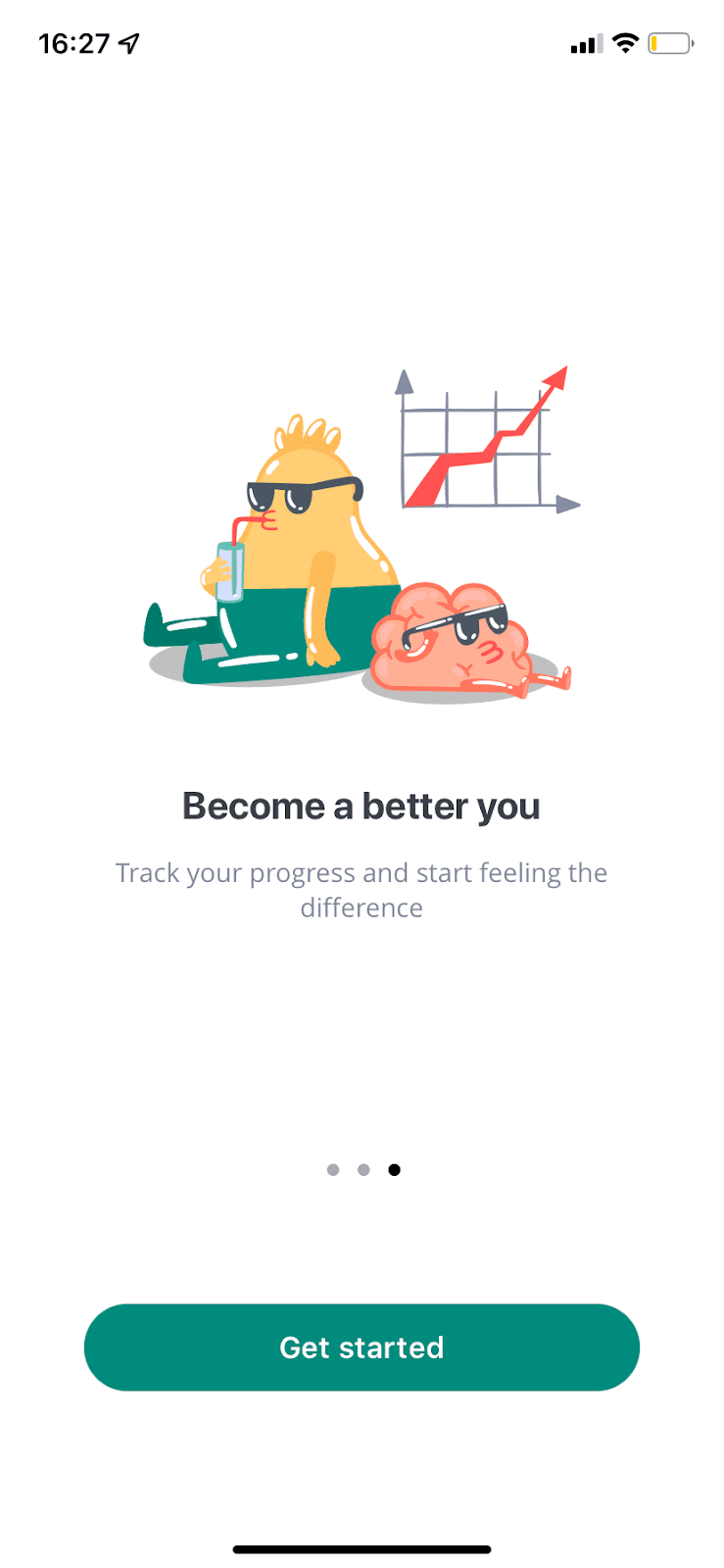
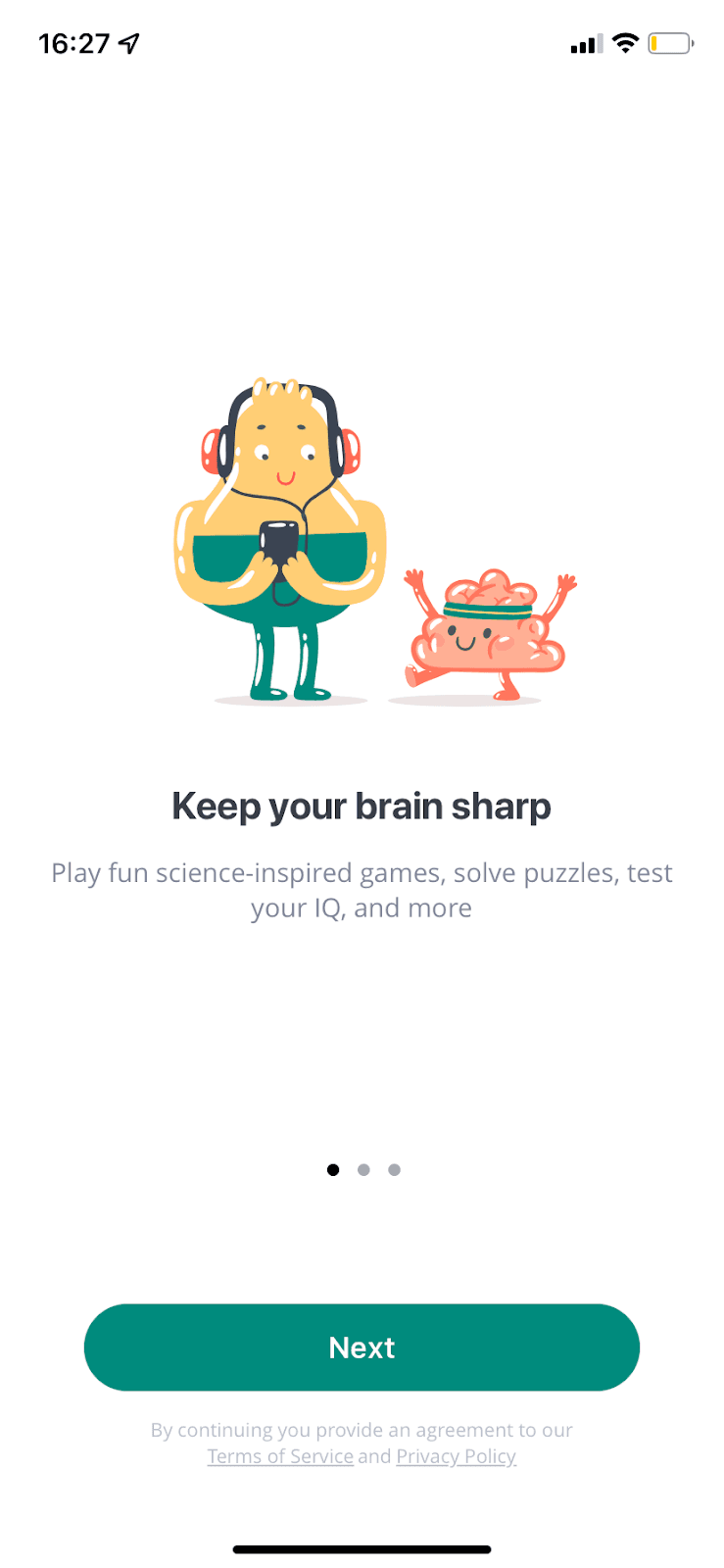
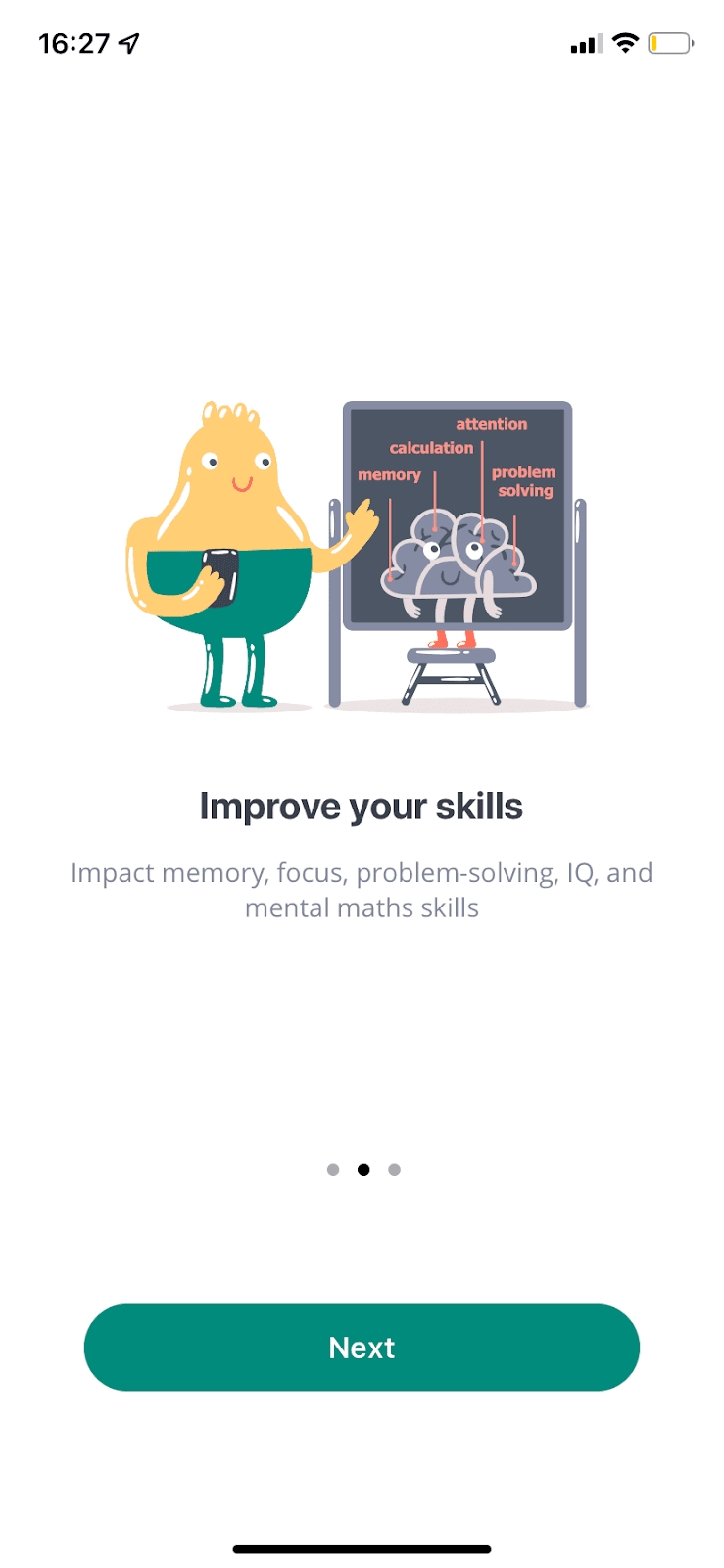
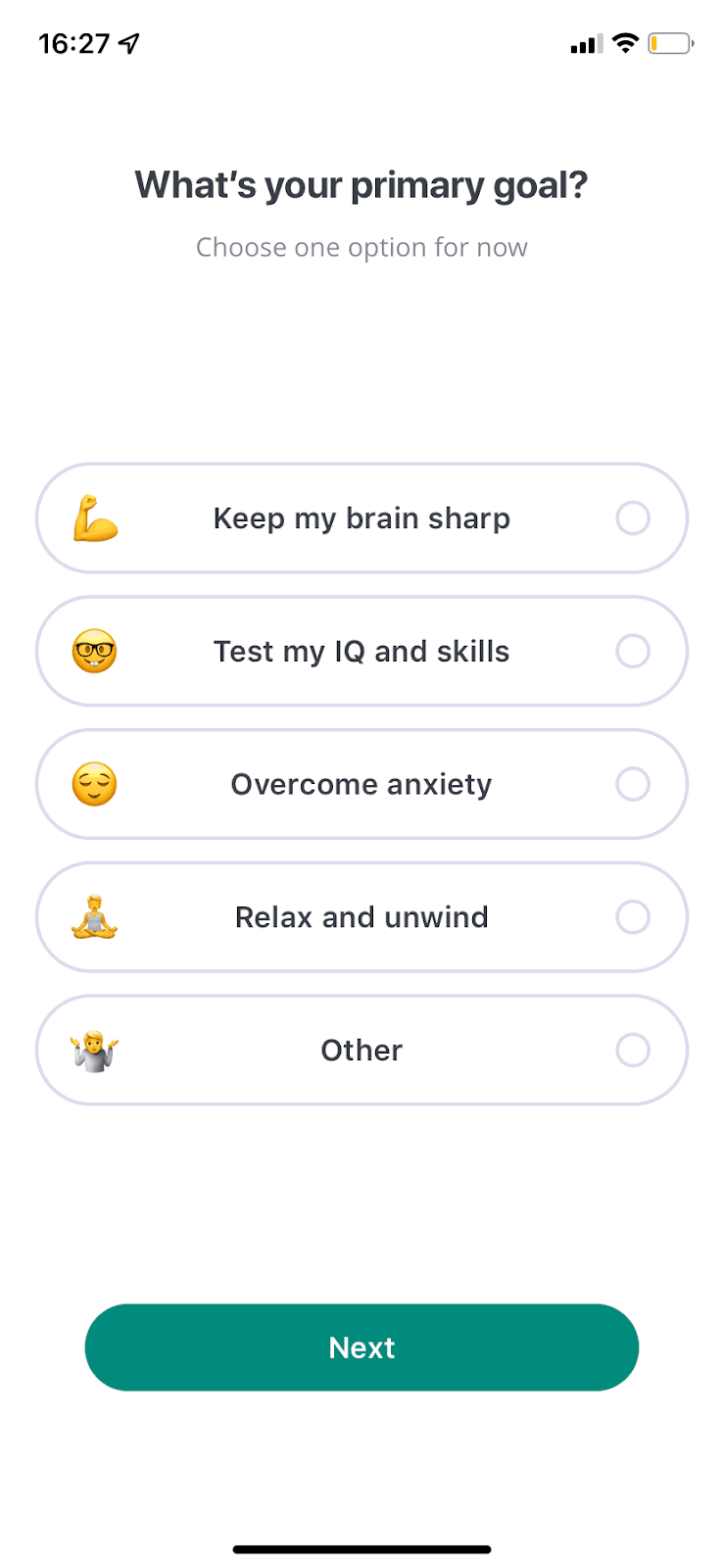
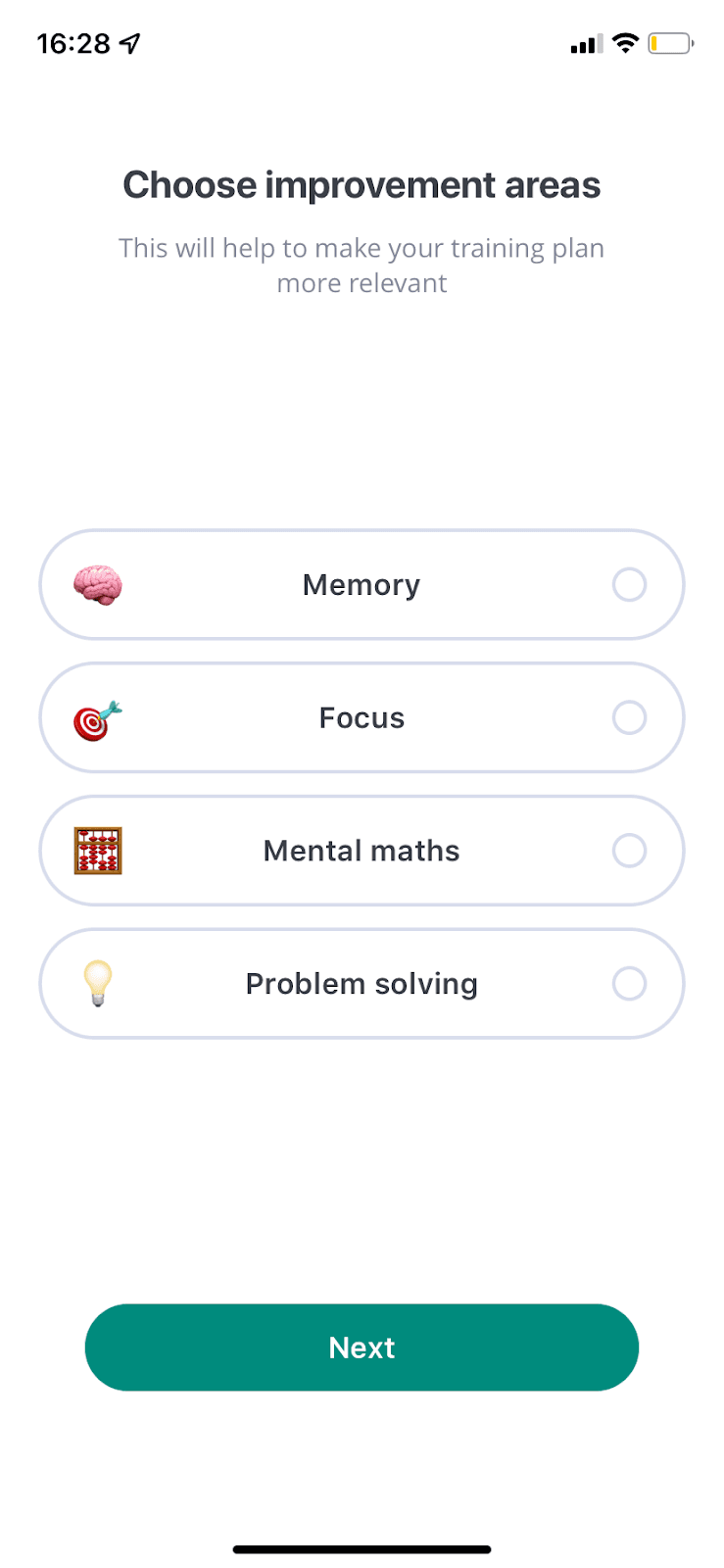
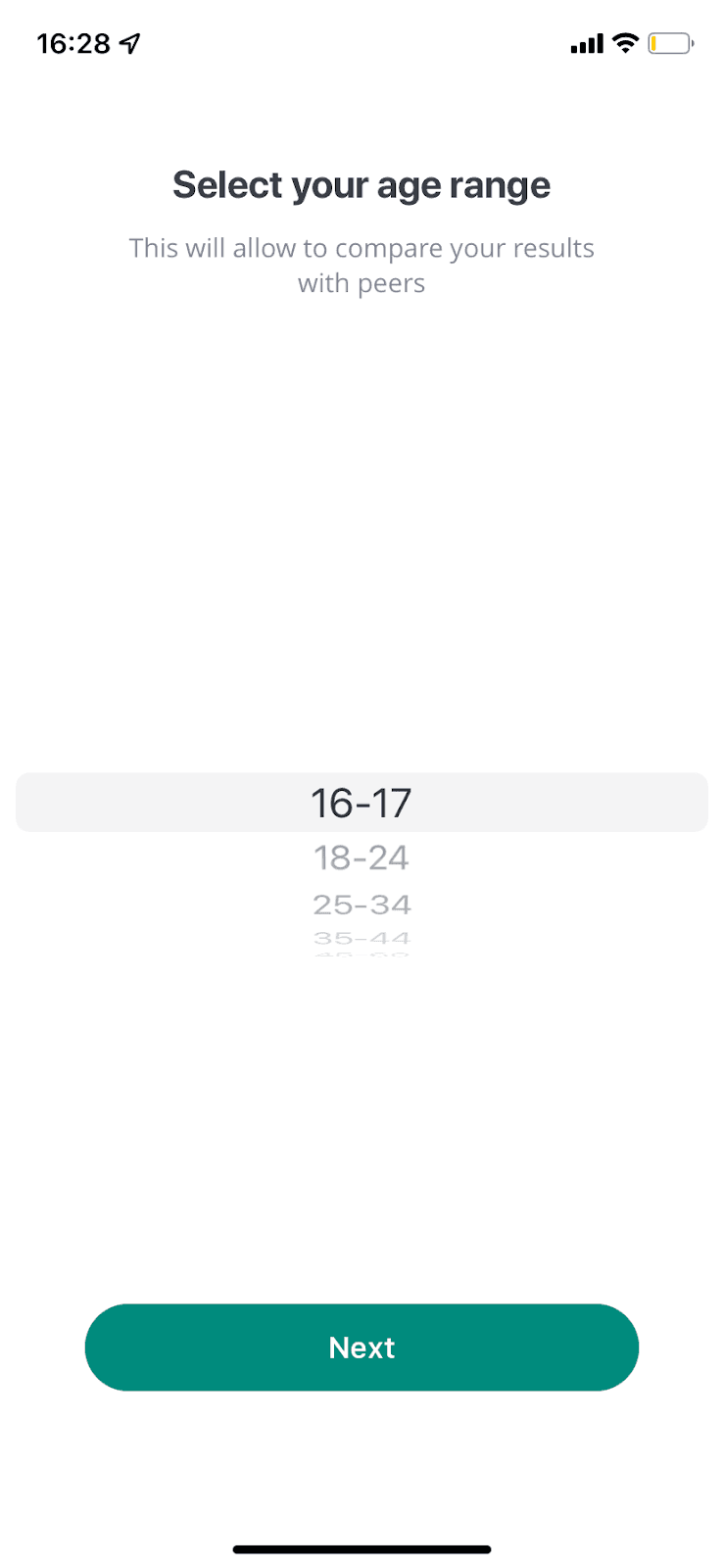
At the time of the screenshot, Impulse, an app of daily puzzles and brain games, opened with a six-screen sign-up flow. Three illustrated intro screens with page dots come first: "Keep your brain sharp", "Improve your skills" and "Become a better you". Then three questions handle user segmentation: "What’s your primary goal?" (five options, each with an emoji), "Choose improvement areas" (memory, focus, mental maths or problem solving) and "Select your age range". Each question says why it’s asked, for example "This will help to make your training plan more relevant".
Why it works
- Colourful and fun: friendly illustrations on the intro screens and an emoji beside every answer make the questions feel light.
- Short, with progress where it counts: the intro screens show page dots, and while the questions have no indicator, there are only three, each with a short line of copy.
- Good calls to action: one clear Next button per screen, and copy that explains each question’s purpose ("compare your results with peers"), keep users moving.
More on this pattern: personalised onboarding and mobile app onboarding.