Tooltip · Hotspot · Feature discovery
Heap’s tooltips highlight elements with hotspots and vignette shadow
Heap announces Playbooks with a tooltip and hotspot on its Dashboards menu, using a vignette shadow to focus attention on them.
Screenshot added to the library in February 2022; its exact capture date wasn’t recorded, and the product may look different today. Write-up reviewed 22 Oct 2026.
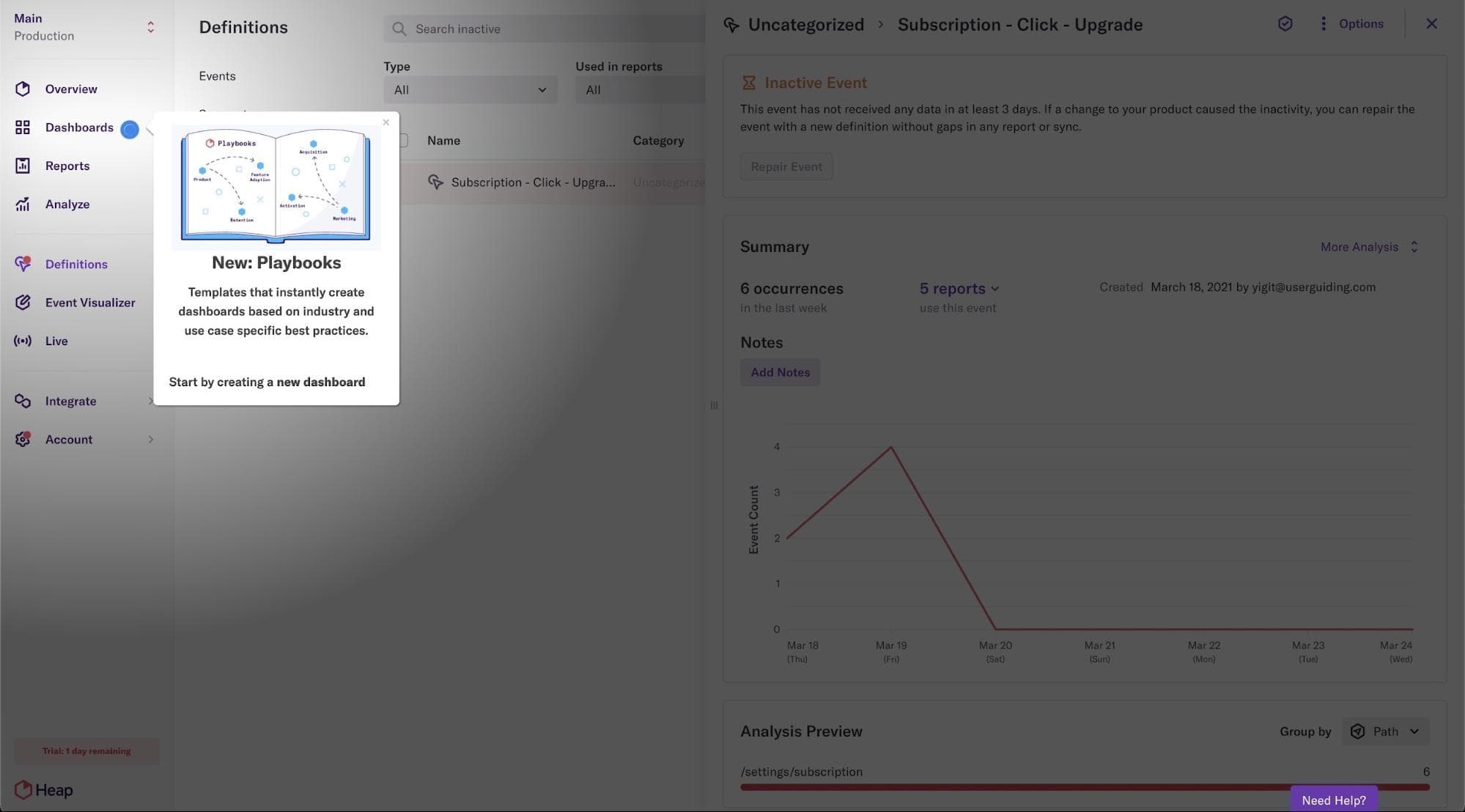
At the time of the screenshot, Heap announced Playbooks by combining three patterns. A blue hotspot marks Dashboards in the left-hand menu. Beside it, a tooltip headed "New: Playbooks" shows an illustrated playbook, one sentence ("Templates that instantly create dashboards based on industry and use case specific best practices.") and a nudge to start by creating a new dashboard. A vignette shadow darkens the rest of the screen, and a small close button lets users dismiss the tooltip.
Why it works
- Low-pressure announcement: a hotspot and tooltip ask for less attention than an announcement modal, and the close button lets users move on.
- Contextual: the hotspot sits on Dashboards, where Playbooks will be used, so users meet the feature in its own context.
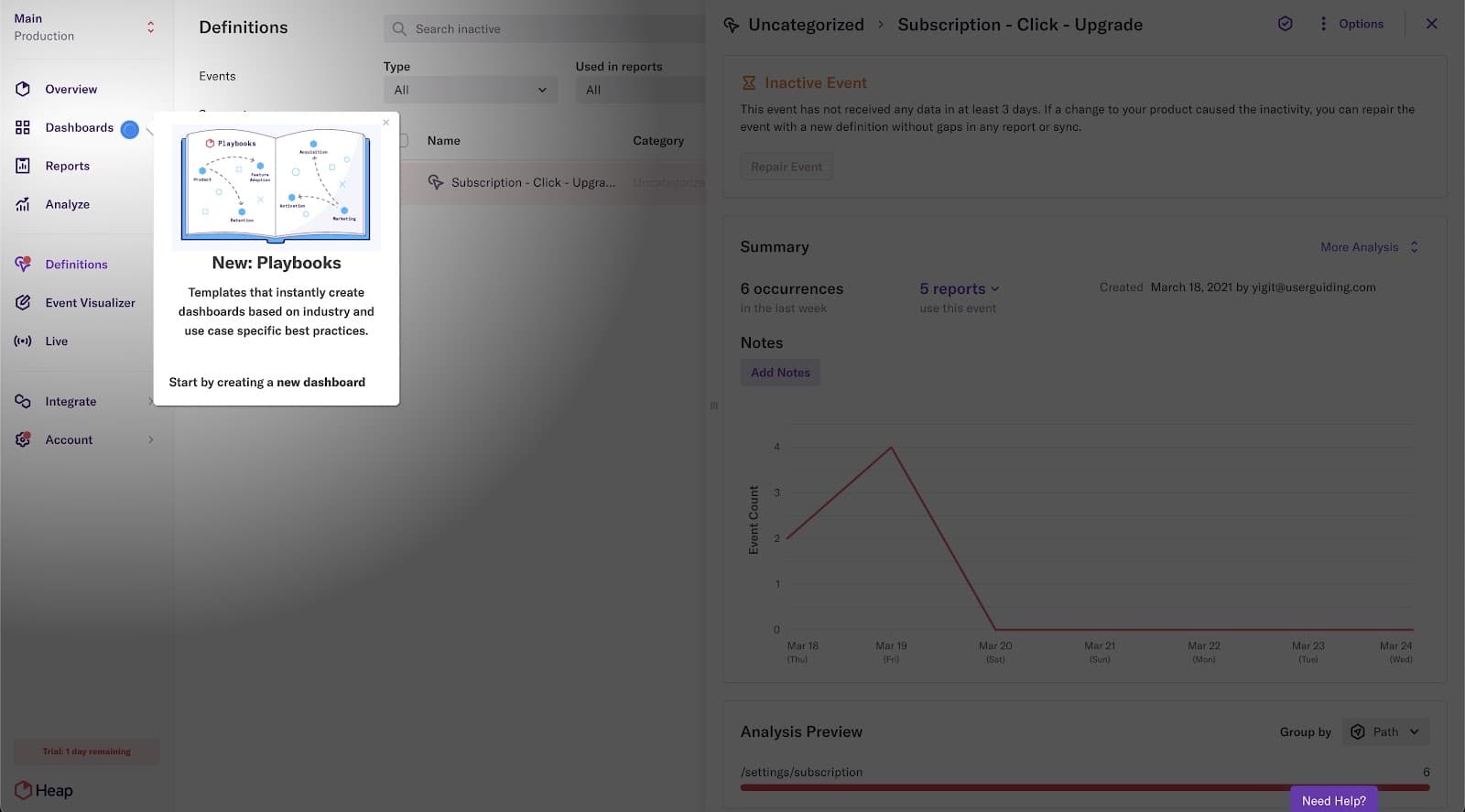
- Focus with a light touch: the vignette shadow dims everything except the menu and tooltip, like a torch beam, which draws the eye and makes the moment a little more fun.
More on these patterns: tooltips and UI hotspots.