Product Tours · Built with UserGuiding
Ghostwriter.ai’s interactive guides appear when needed
Ghostwriter.ai gives each of its tools a separate short guide, with a welcome modal, highlighted tooltips, progress bars and the odd GIF.
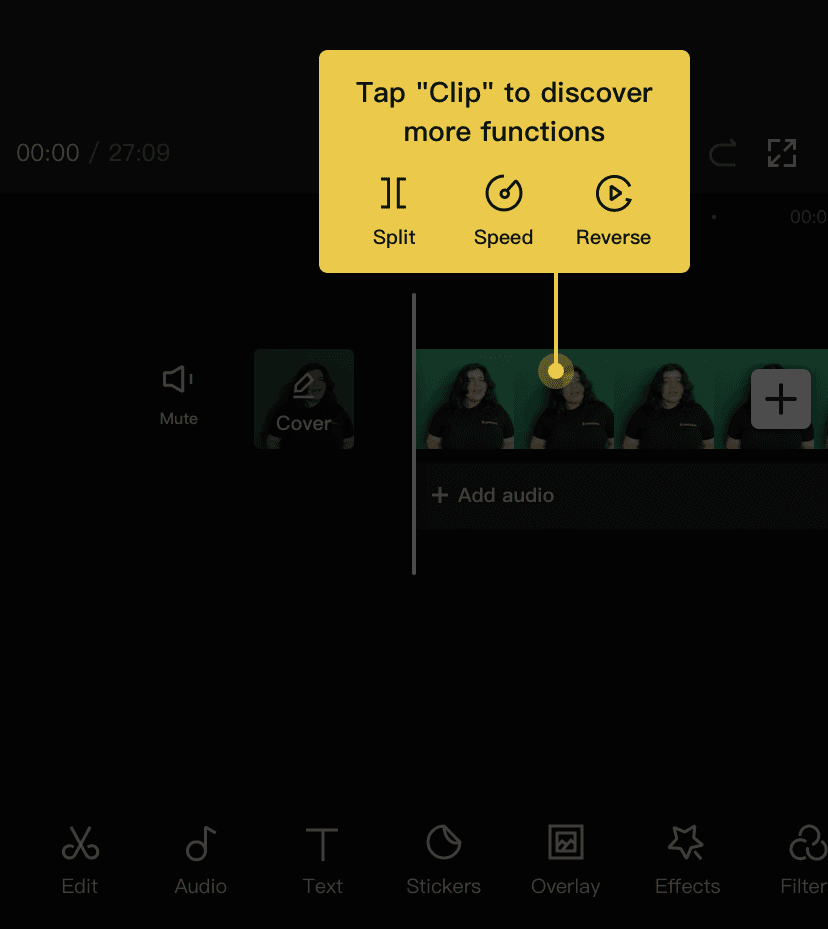
At the time of the recordings, Ghostwriter.ai onboarded users with a separate interactive guide for each of its tools instead of one long tour. Each guide opens with an illustrated welcome modal ("Welcome to Curator tool", "Welcome in the Profiler tool!"), then moves through tooltips that highlight one field or card at a time, with Previous and Next buttons and a progress bar. Some steps include an animated GIF.
Why it works
✅ Small bites: learning a whole tool in one long onboarding session is hard. Splitting the guidance by tool gives users smaller pieces of information that are easier to remember.
✅ Highlights: each tooltip highlights the part of the screen it explains and dims the rest, which draws attention to the right place.
✅ GIFs: they won't suit every product, but the GIFs match Ghostwriter.ai's colourful design and make the guides more engaging.
More on this pattern: contextual onboarding and product tours. This example is listed as built with UserGuiding; see the UserGuiding review.