
User Onboarding
Framer’s video onboarding lets the users practice what they learn
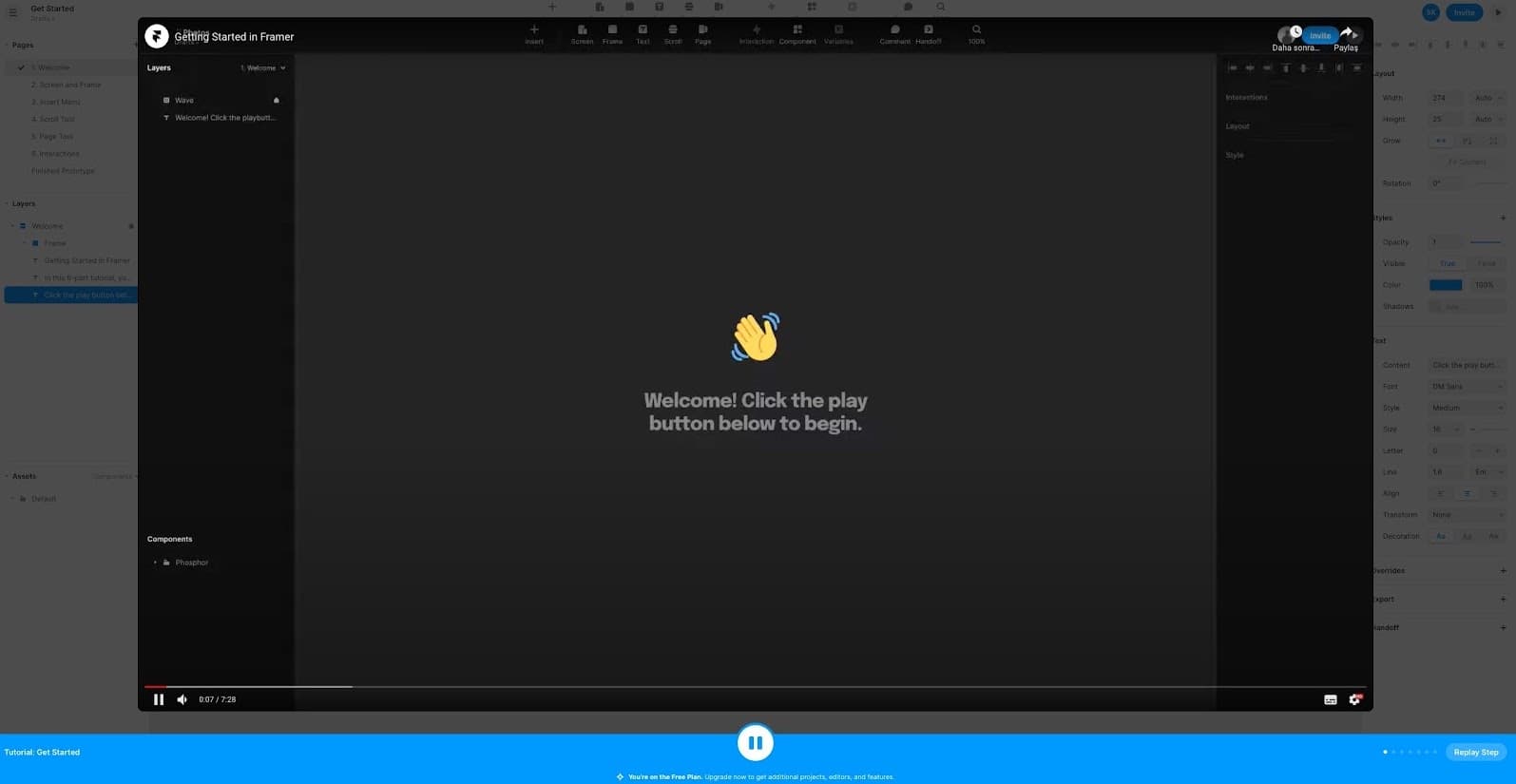
Framer's six-part tutorial plays video lessons over a real project from a play button in a bottom bar; pausing hides the video so users can try the step.
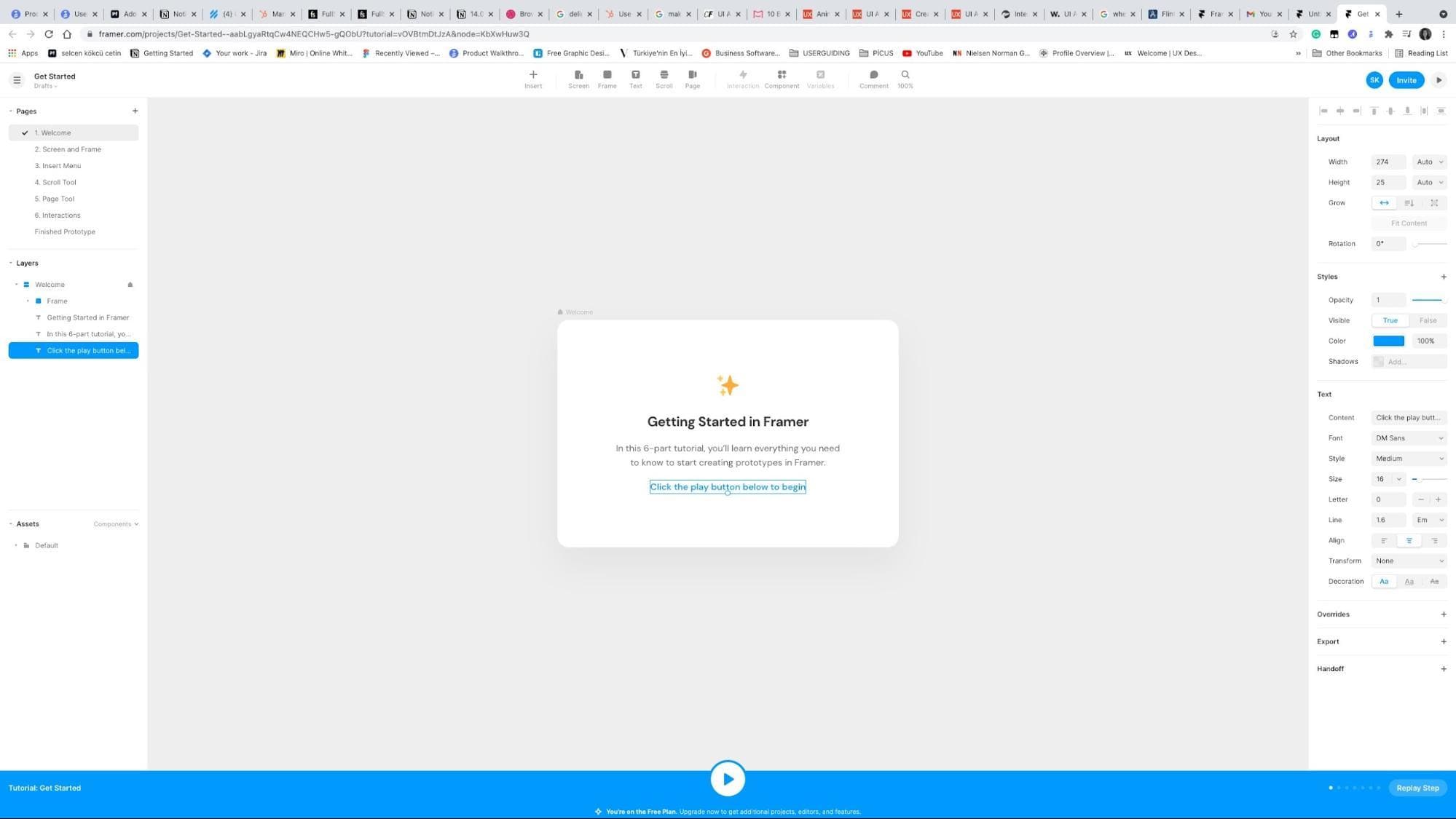
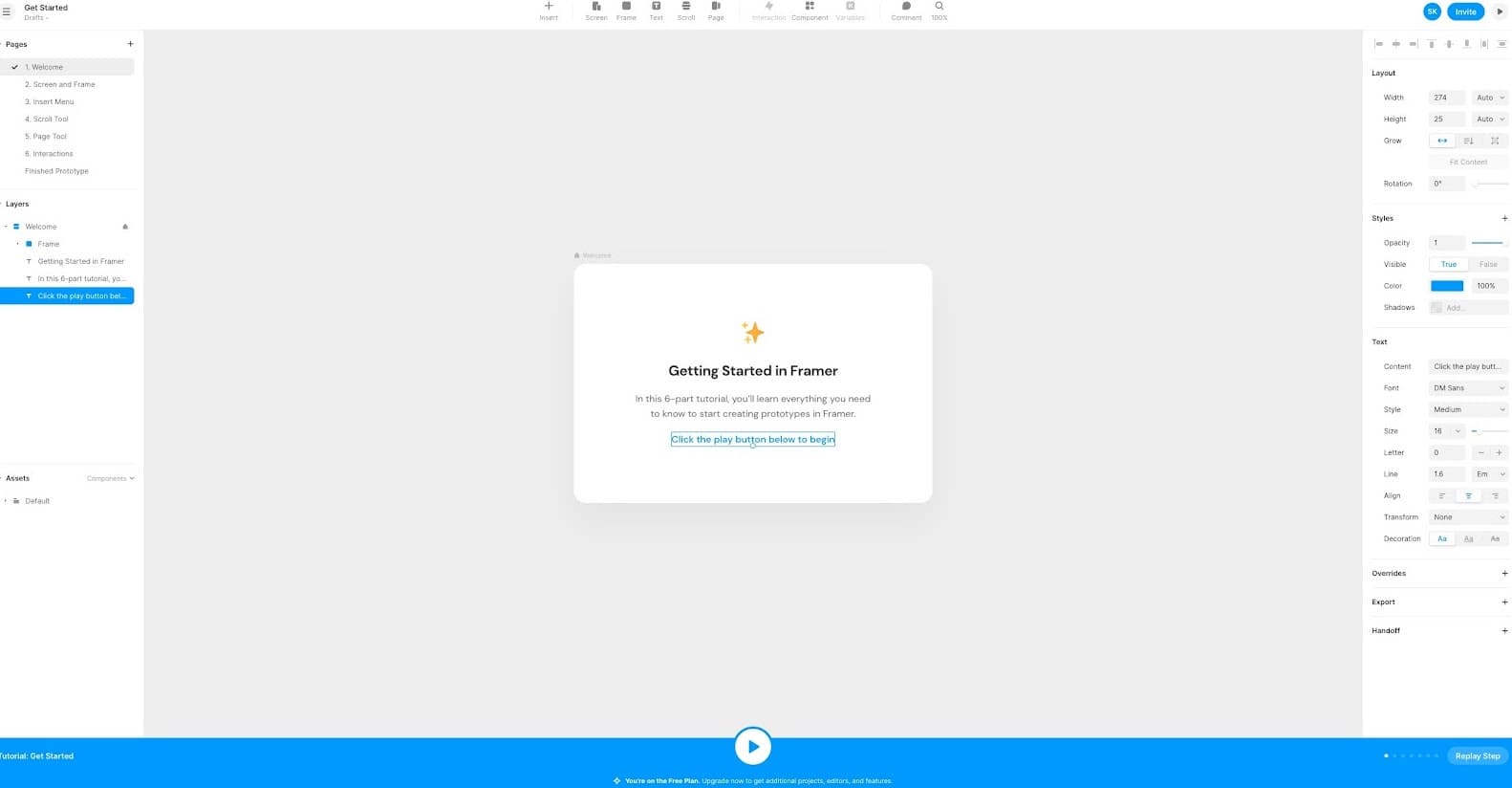
At the time of the screenshot, Framer onboarded new users with video onboarding built into the editor. A starter project, "Getting Started in Framer", promises a six-part tutorial, with one page per lesson (Screen and Frame, Insert Menu, Scroll Tool and so on). A blue bar along the bottom holds a play button: press it and the lesson video opens over the editor; press it again and the video disappears, leaving the project ready to work on. A Replay Step button and a row of step dots sit on the right.
Why it works
✅ Good for video learners: people who'd rather watch first get a narrated lesson, and it plays inside the product rather than on a separate help page.
✅ Easy to revisit: instead of clicking back through tooltips, users can rewind a video or hit Replay Step to see a part again.
✅ Pause and try: pausing removes the video entirely, so users can practise each step in the real editor straight after seeing it.
More on this pattern: onboarding videos and interactive product tours.


