
User onboarding
Evernote’s empty states onboard users without pressure
Evernote's mobile app turns an empty notebook into a prompt: an illustration, a one-line headline and a tip that points to the green New button.
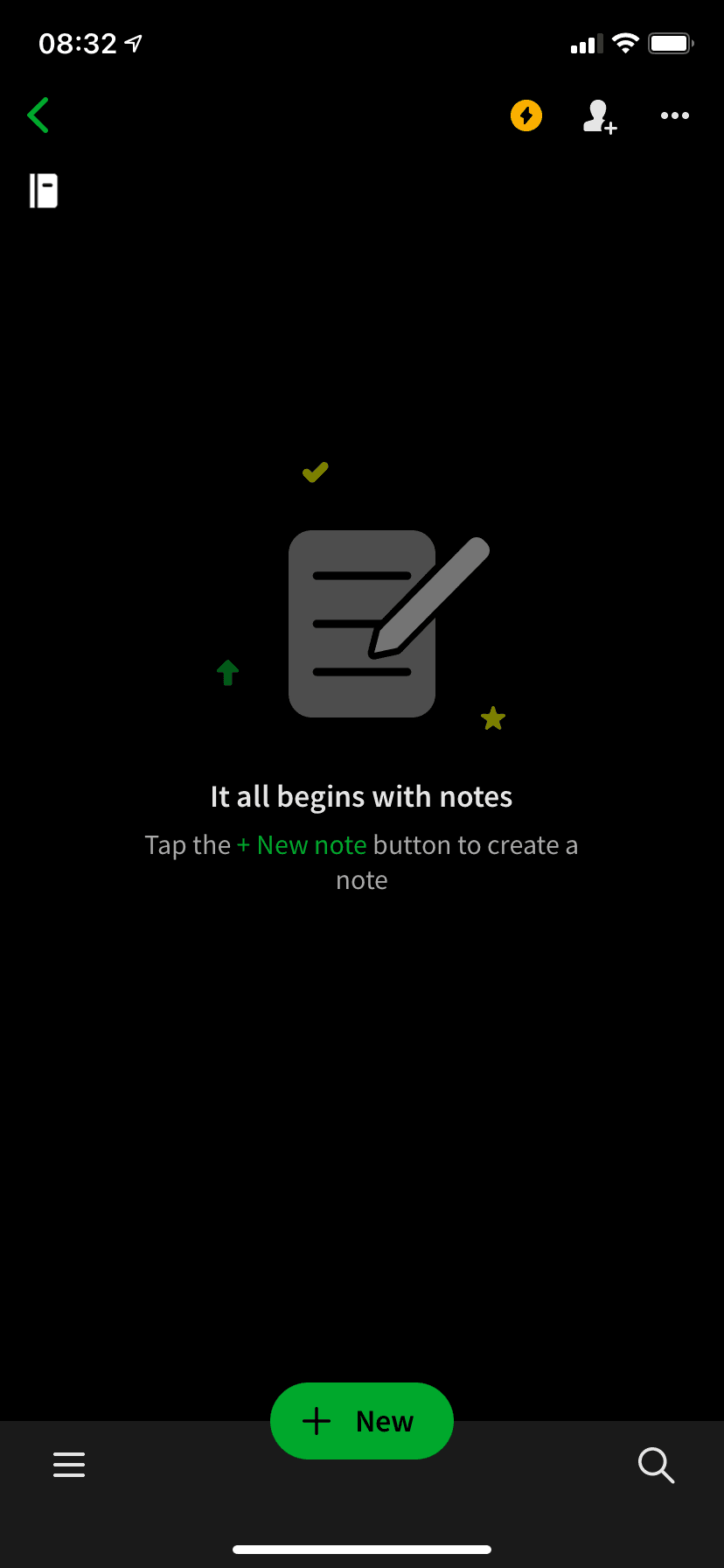
Evernote uses tooltips and modals in its onboarding flow, but for simpler steps it relies on empty states. At the time of the screenshot, an empty notebook in the mobile app showed an illustration of a note and pencil, the headline "It all begins with notes" and one instruction: "Tap the + New note button to create a note". The words "+ New note" are in the same green as the New button at the bottom of the screen.
Why it works
✅ Low pressure: Evernote's onboarding already has plenty of tooltips, so handling a simple step with an empty state gives the user a break from pop-ups.
✅ Interactive: there is no tooltip or modal here, yet the empty state still asks for one clear action, and that's enough to get a new user to create something.
✅ Copy and formatting: a short headline, a smaller instruction below it and the green that ties the instruction to the button create a clear reading order, using the brand's own colour.
More on this pattern: onboarding UX patterns and mobile app onboarding.


