Tooltip · Feature discovery
Discord’s contextual tooltips are fun and easy to digest
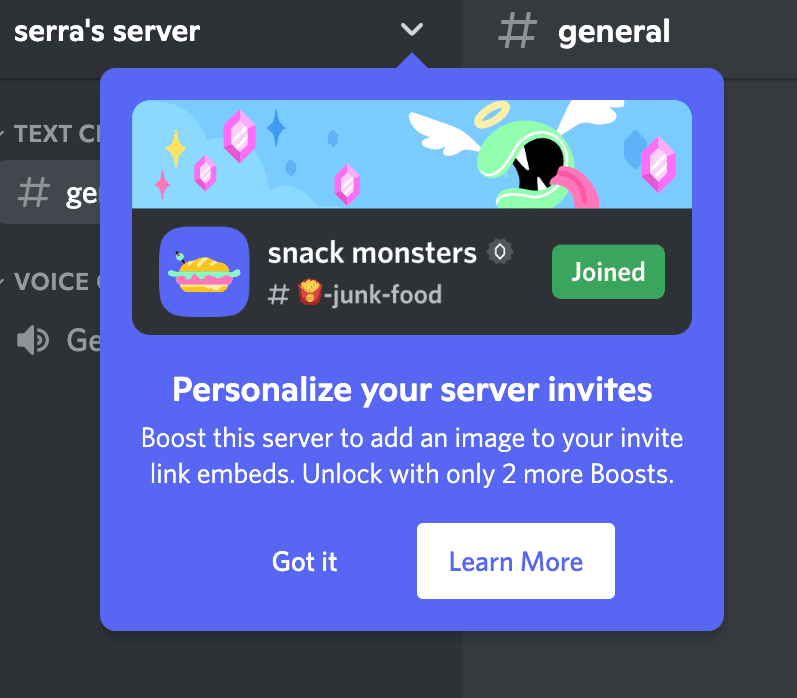
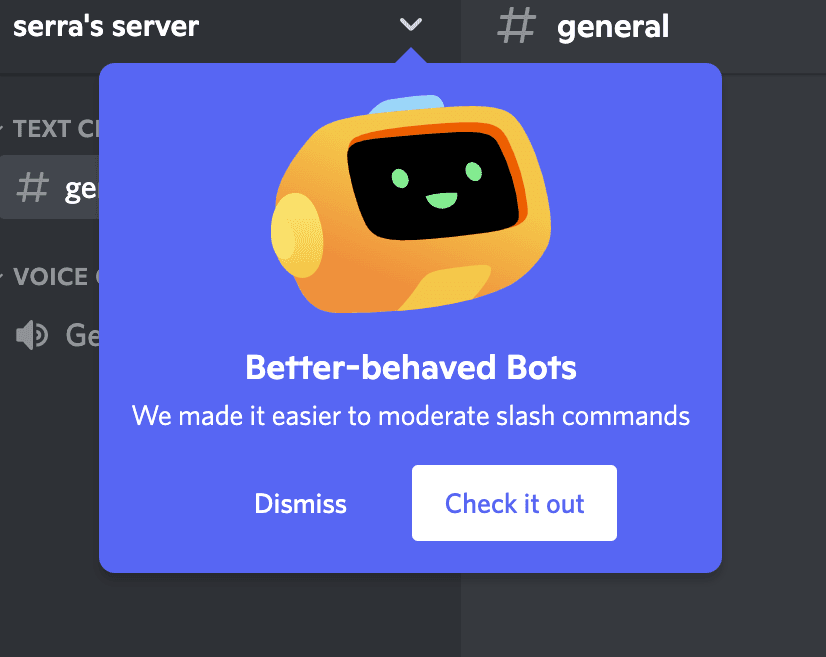
Discord announces server features in tooltips under the server menu, each with a playful illustration, one or two lines of copy and two clear buttons.
Screenshot added to the library in November 2022; its exact capture date wasn’t recorded, and the product may look different today. Write-up reviewed 22 Oct 2026.
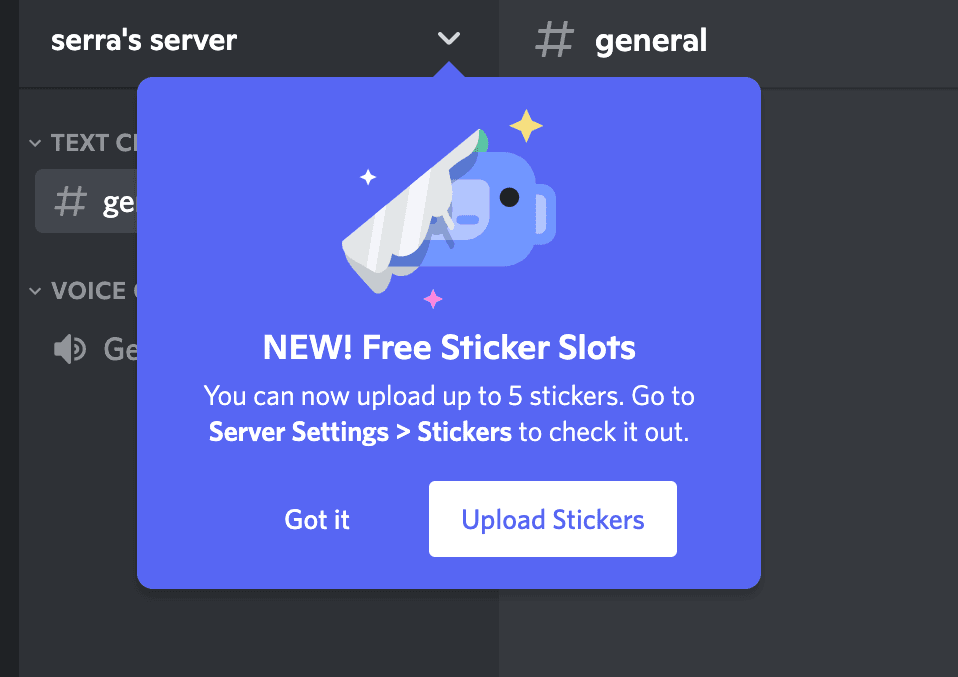
At the time of the screenshots, Discord showed new server owners a series of contextual tooltips pointing at the server name menu, where server settings live. Each one introduces a single feature (personalised invite links, moderation for bot slash commands, free sticker slots) with a cartoon illustration, a bold headline, a line or two of copy and two buttons: one to dismiss, one to try the feature.
Why it works
✅ Contextual: the tooltips point at the menu where the features are managed, and the sticker tooltip even spells out the path (Server Settings > Stickers), so users know where to go next.
✅ Design and visuals: playful illustrations on Discord's blurple background suit its relatively young audience and make each announcement feel like part of the product.
✅ Well-written copy: each tooltip covers one feature in a headline and a sentence, and the main button names the action ("Upload Stickers", "Check it out").
More on this pattern: contextual onboarding and tooltip examples.