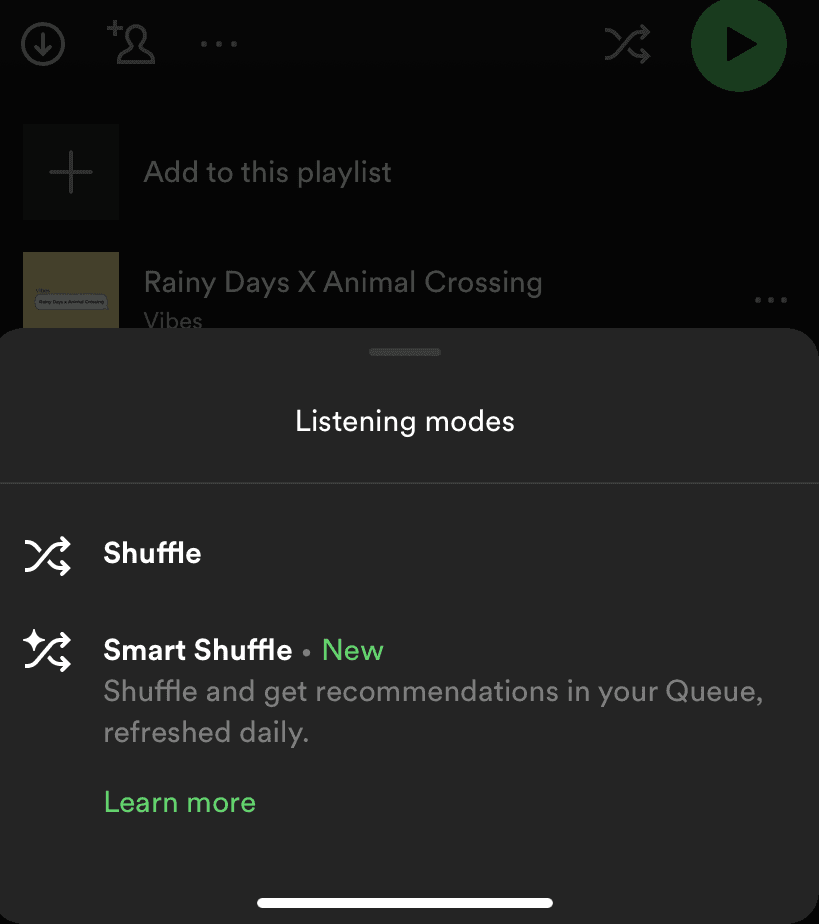
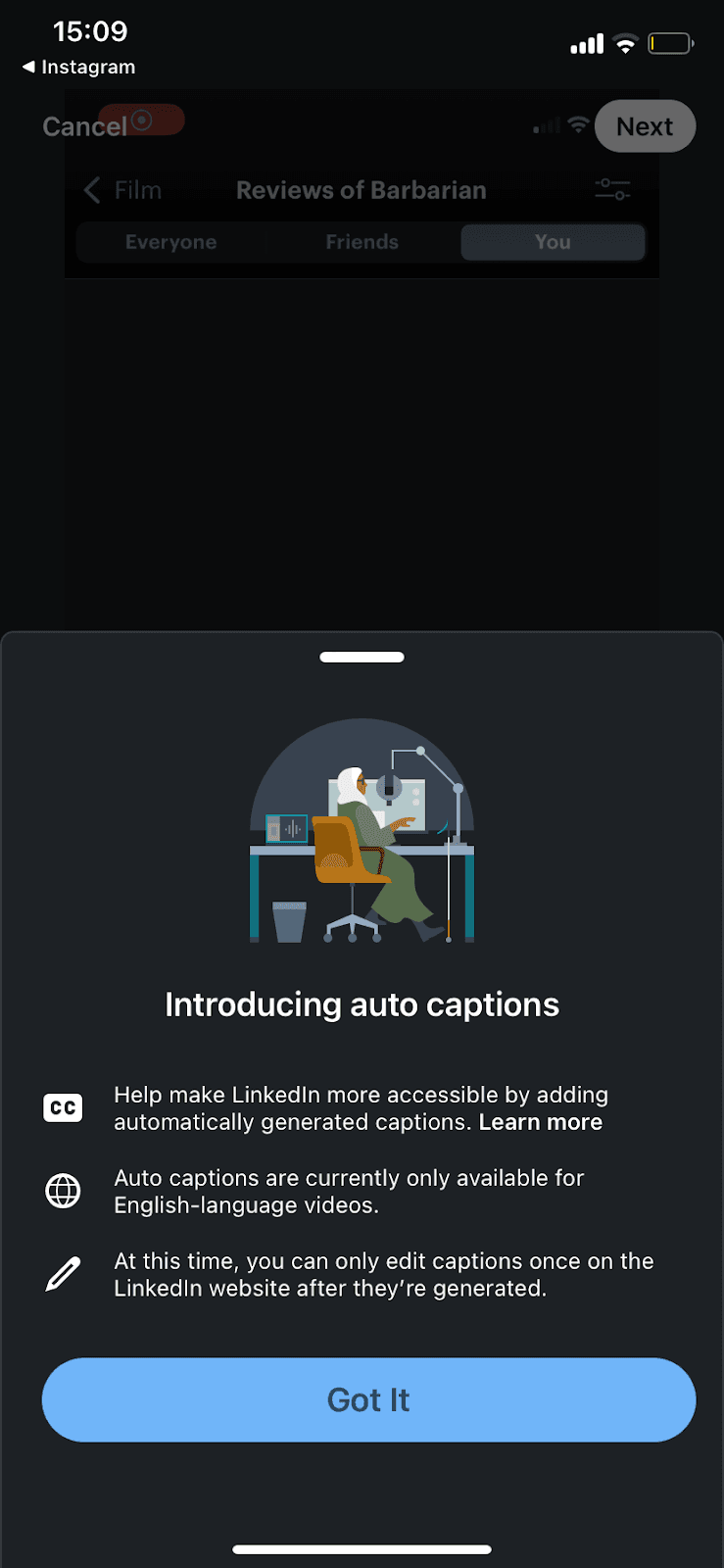
Slideout · Feature discovery
Canva’s feature onboarding is as non-disruptive as can be
Canva tucks a Quick Create feature announcement into the slideout that confirms a download, so the pitch arrives once the user's task is done.
Screenshot added to the library in December 2022; its exact capture date wasn’t recorded, and the product may look different today. Write-up reviewed 22 Oct 2026.
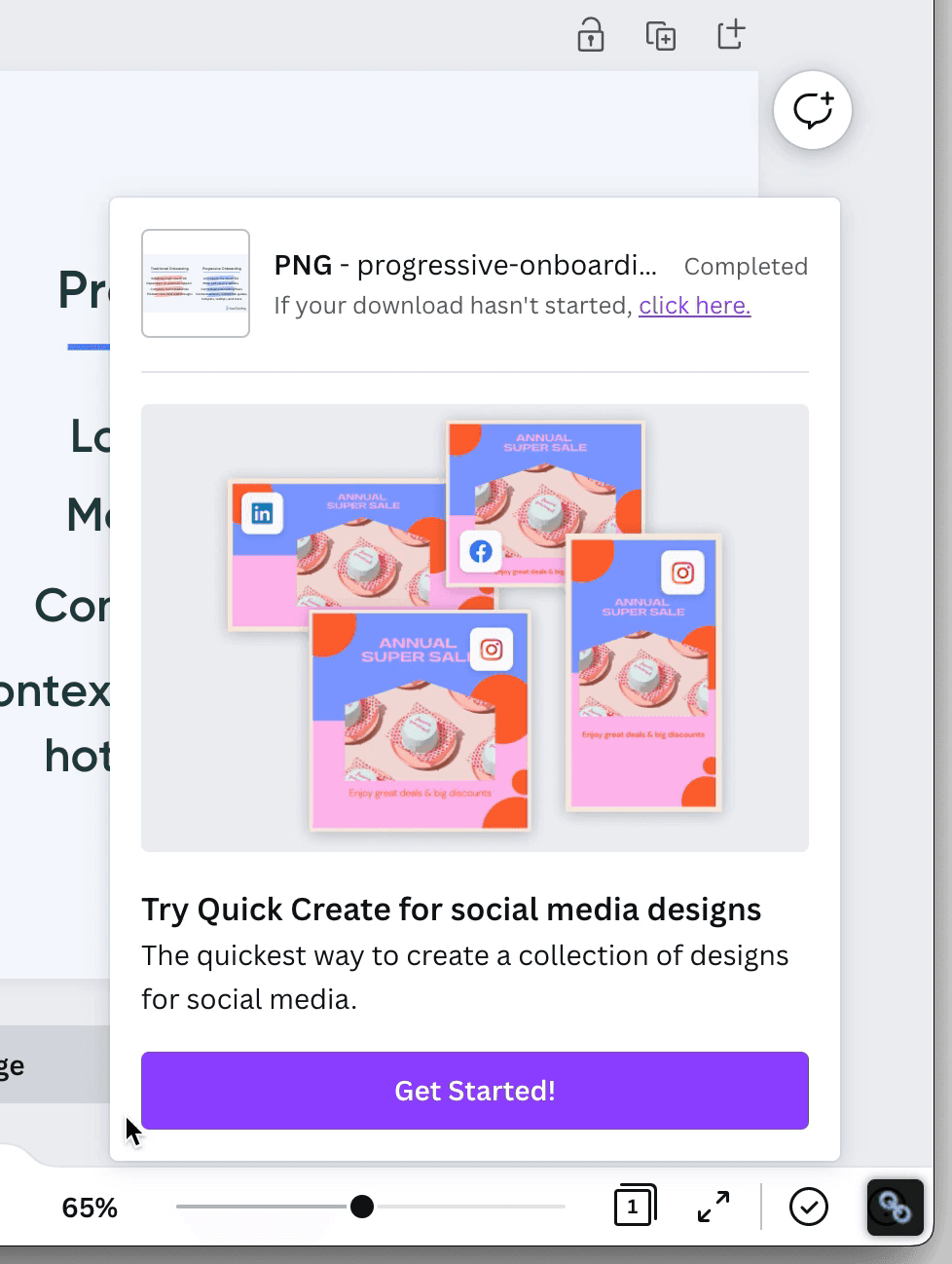
At the time of the screenshot, downloading a design in Canva opened a slideout modal in the editor. The top shows the download status (the PNG marked Completed, with a link to try again if the download hasn't started). The bottom introduces a feature: an illustration of one sale post resized for LinkedIn, Facebook and Instagram, the headline "Try Quick Create for social media designs", one line of copy and a purple Get Started! button.
Why it works
✅ Non-disruptive: the slideout answers an action the user started (the download), so the feature announcement rides along with a message they expected to see instead of interrupting them.
✅ Visually supported: the illustration shows what Quick Create produces (one design in several social formats) before the user reads the copy.
✅ Aware of the user journey: the new feature appears right after the user has finished what they came to do, when they're most open to trying something else.
More on this pattern: new feature onboarding and UI modals.