Signup flow · First use
Asana’s sign-up onboarding puts users right into the workflow
Asana's sign-up flow asks a few questions about you and your team, then has you build a first project and pick a view while a live preview fills in.
Screenshot added to the library in October 2022; its exact capture date wasn’t recorded, and the product may look different today. Write-up reviewed 22 Oct 2026.
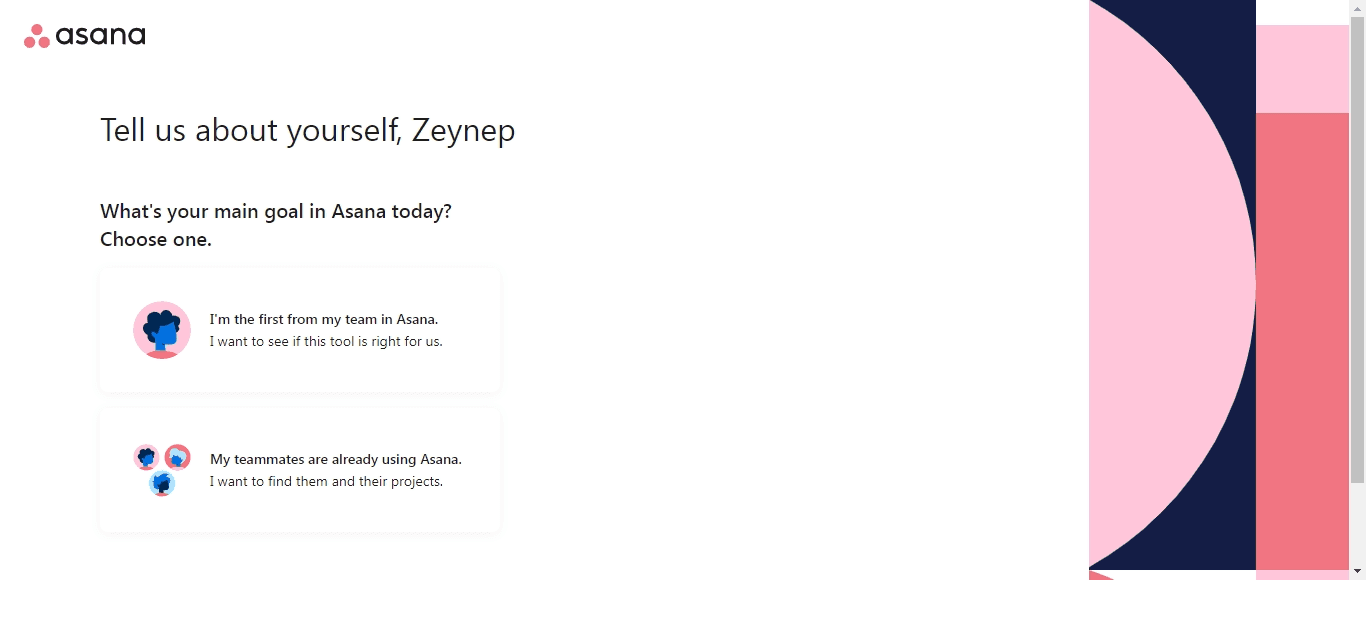
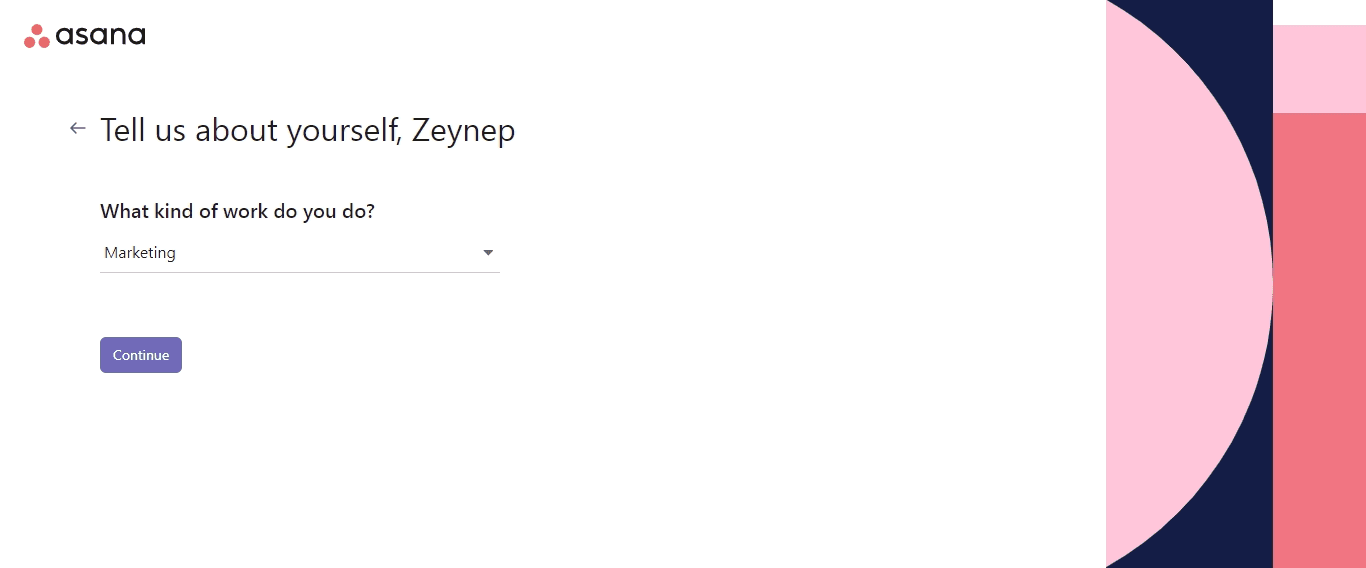
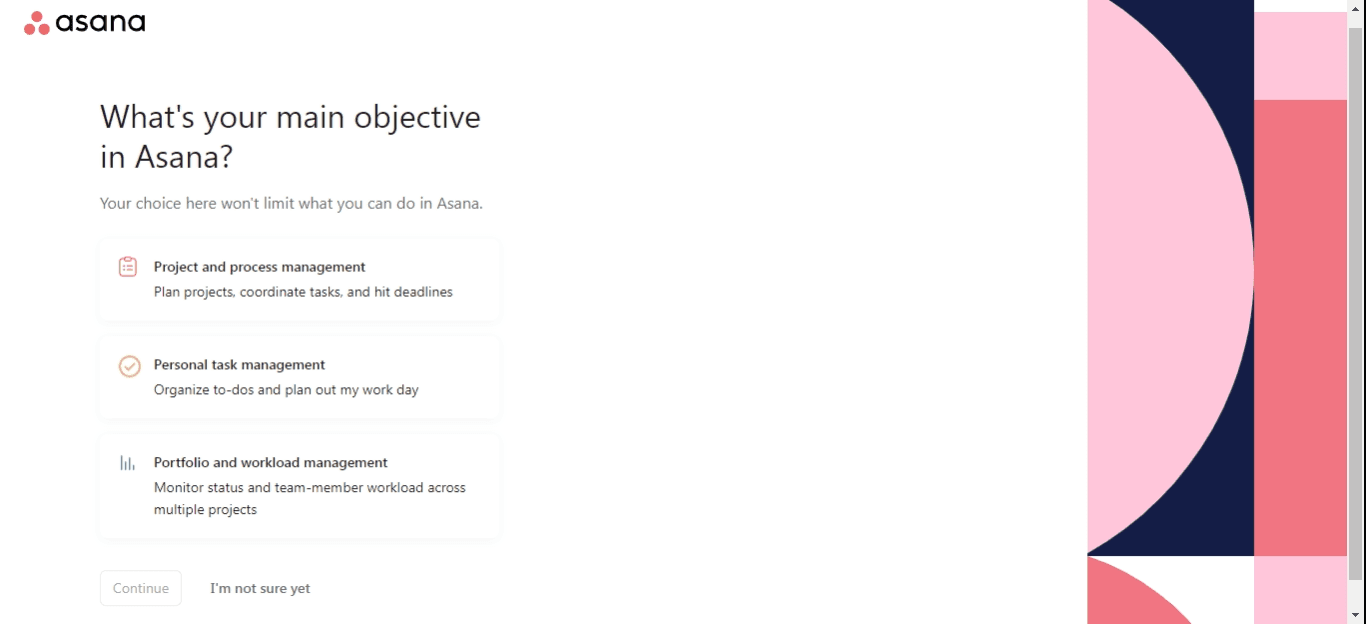
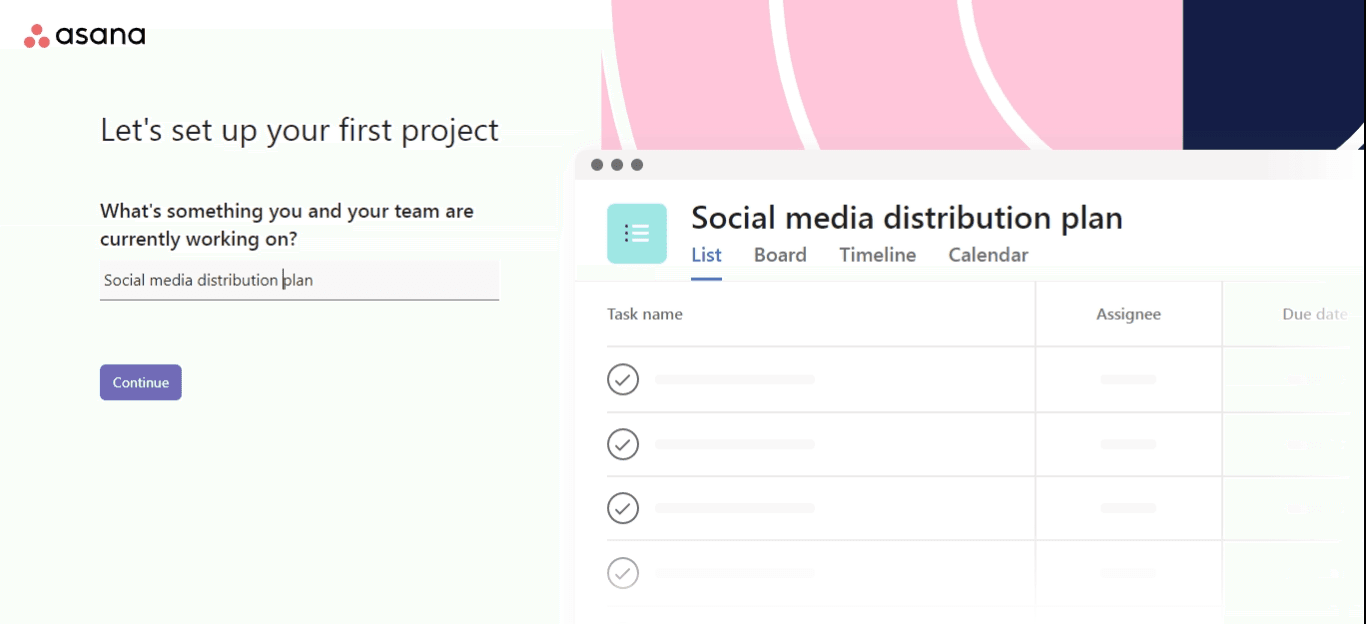
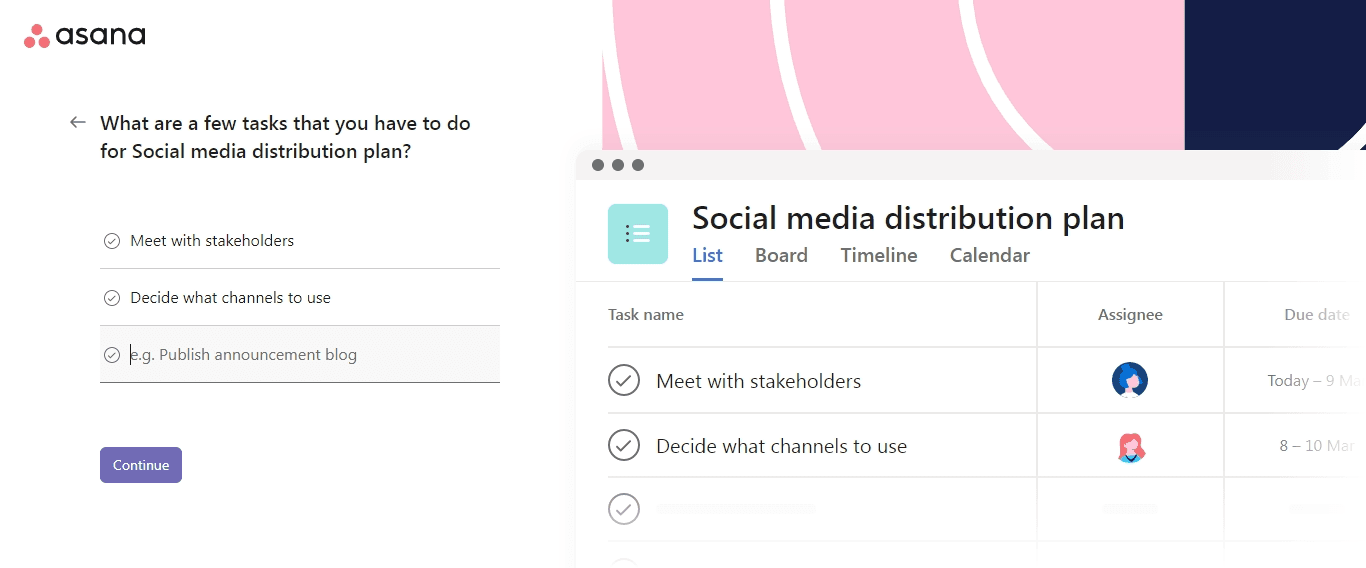
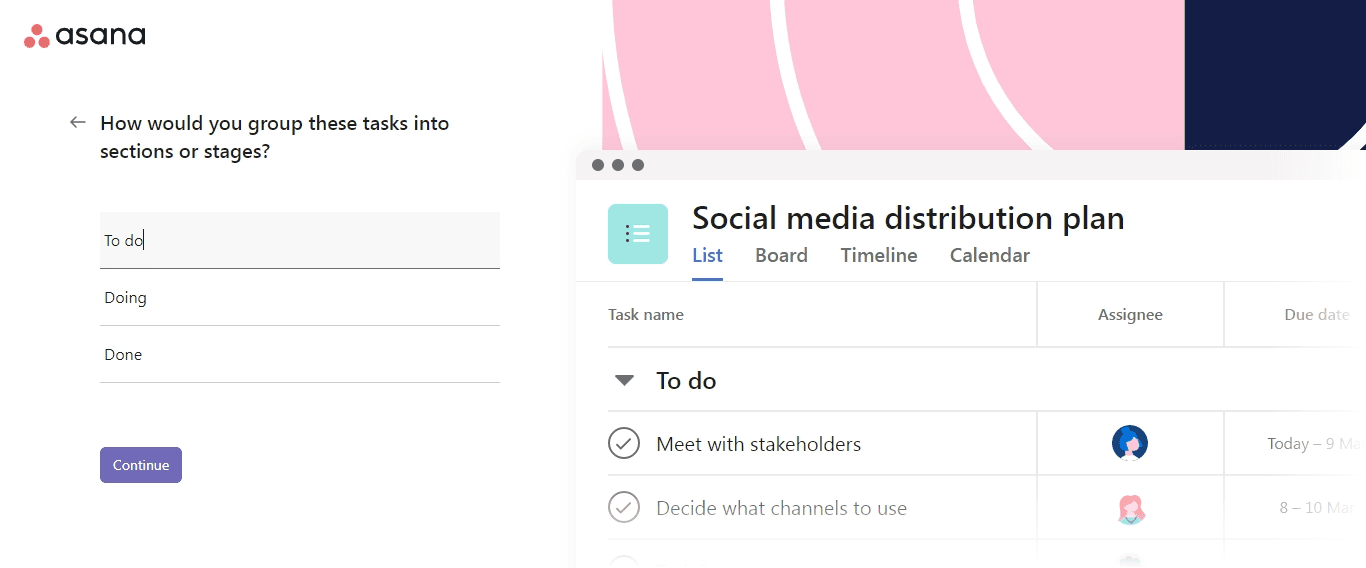
At the time of the screenshots, Asana ran new users through a sign-up onboarding flow straight after registration. It first asks about you and your team: whether you're the first from your team in Asana, what kind of work you do, and your main objective. It then has you name a first project, add a few tasks, group them into sections and choose a layout. A preview of the project on the right fills in with every answer.
Why it works
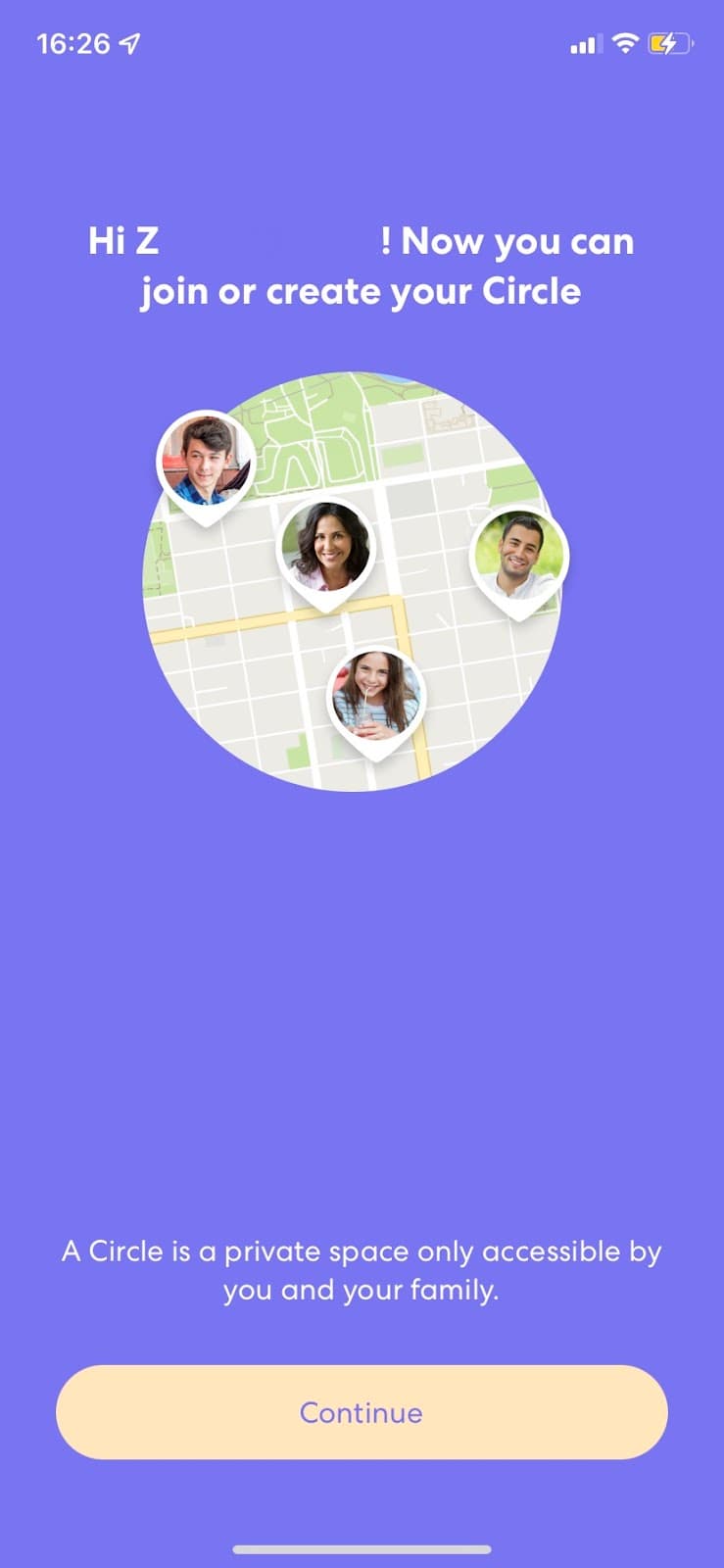
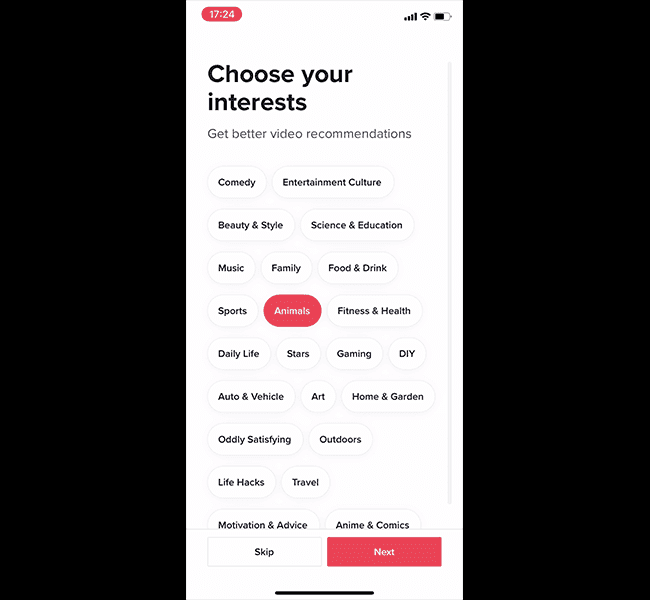
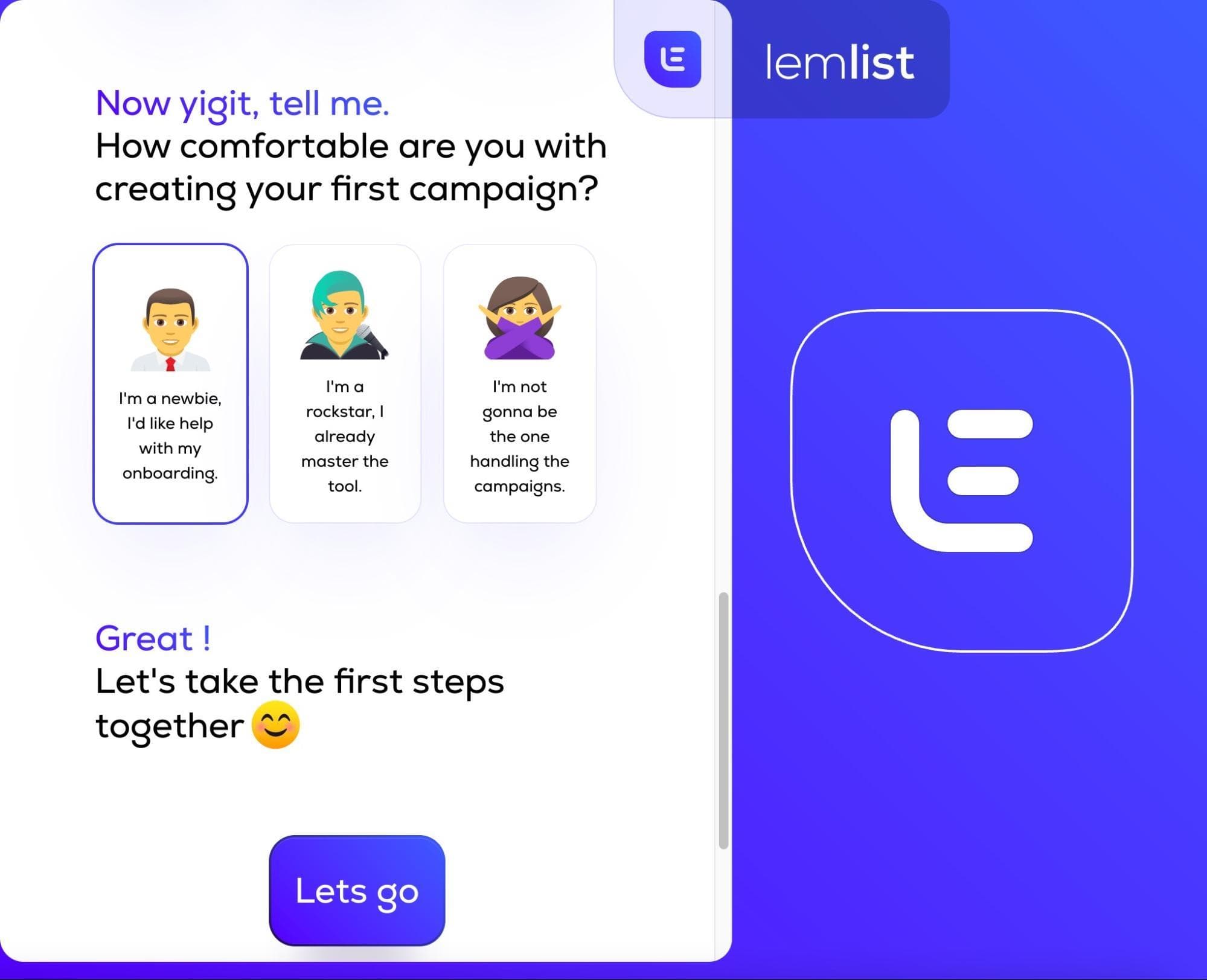
✅ Early user segmentation: sign-up is when users are most willing to answer questions, and Asana uses it to learn about the user's team, role and goal. That makes the rest of the experience easier to tailor.
✅ Personal feel: every step greets the user by first name, and the copy is friendly and light, with reassurance such as "Your choice here won't limit what you can do in Asana".
✅ Learning by doing: the user builds a real project as they answer, then sees it in List, Board, Timeline and Calendar views. One of Asana's main features is on screen before the flow ends.
More on this pattern: onboarding user flows and personalised onboarding.